
Pokecut
Visit websiteGenerate images, retouch portraits, and edit product photos with AI.
Verified Nov 2, 2026
What is Pokecut?
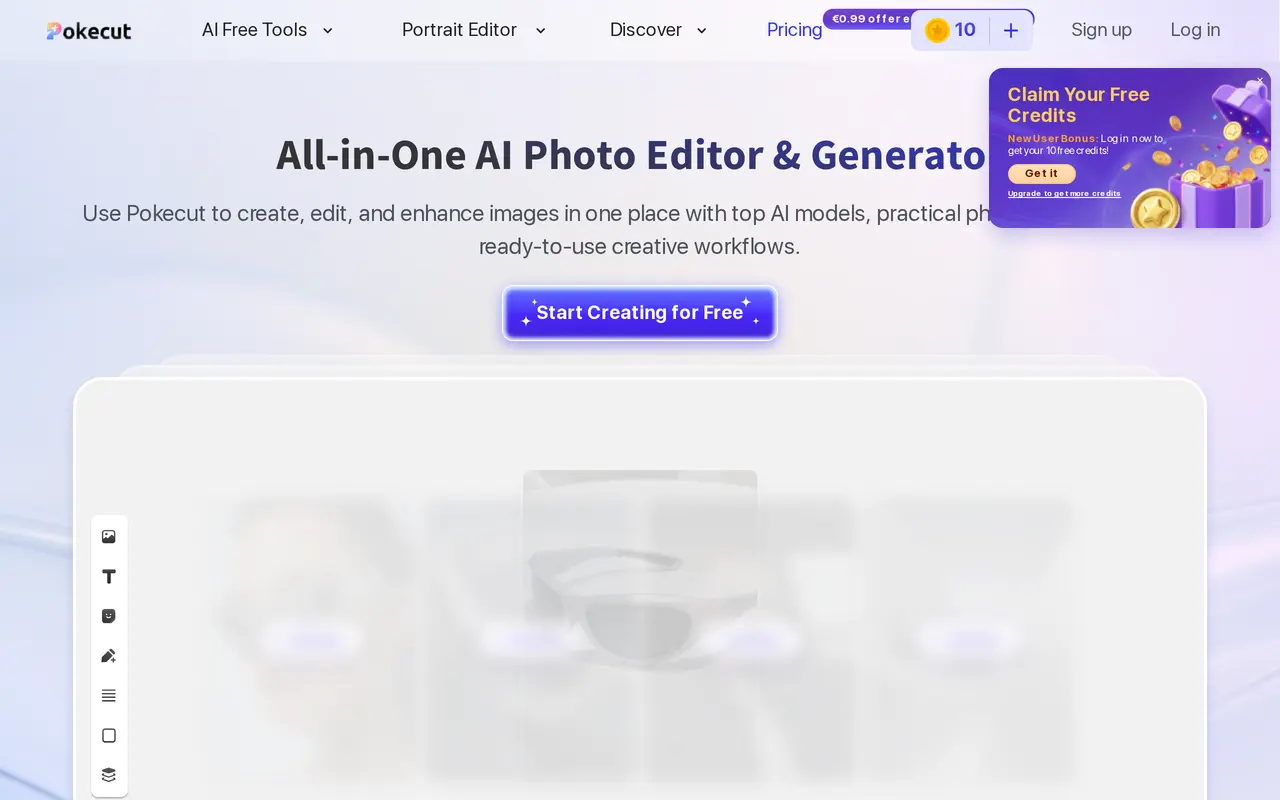
Pokecut combines AI image generation and photo editing for portraits, product images, and social content. Users can upload a photo and select an editing tool, or enter a text prompt to generate an image. The editor lets them preview results, adjust edits, and export the finished image. Templates provide starting points for product shots, portraits, seasonal designs, and marketing visuals.
Editing tools include background removal and replacement, object erasing, image extension, and portrait retouching. Enhancement modes focus on general image clarity, portrait details, or text readability. Portrait tools also support hairstyle, clothing, and body-shape changes. For larger photo collections, batch editing can resize, enhance, remove backgrounds, or change backgrounds for up to 50 images at once.
Pokecut is available on the web and through iOS and Android apps. Limited free use is available, with paid subscriptions providing additional credits and editing capabilities. Website subscriptions and purchased credits cannot currently be used in the mobile app.
What can Pokecut do?
AI image generation
Generate images from text prompts using multiple AI models and templates for portraits, products, and creative content.
Background and object editing
Remove or replace backgrounds, erase unwanted objects, and extend images beyond their original borders.
Portrait editing
Retouch faces and adjust hairstyles, outfits, and body proportions with focused portrait tools.
Photo and text enhancement
Improve image clarity with enhancement modes for general photos, portrait details, and text within images.
Batch photo processing
Resize, enhance, remove backgrounds, or change backgrounds for up to 50 photos in one batch.
Who is Pokecut for?
- E-commerce sellers
- Clean up product photos and process batches of images with consistent backgrounds and sizes.
- Social content creators
- Generate visuals and edit photos using templates for posts, seasonal content, and marketing banners.
- Personal photo editors
- Enhance travel photos, retouch portraits, and experiment with hairstyles or outfits.
How much is Pokecut?
Official pricingUltra
See website
Pro
See website
SE
See website
Free
Free
Free plan: Limited free editing is available, with 10 bonus credits for new users who log in.
Frequently asked questions
Can I use Pokecut for free?
Pokecut offers limited free use, and new users can log in to receive 10 free credits. Pro and SE subscriptions also offer three-day free trials.
Do I need an account to start editing?
Pokecut supports use without signing up or logging in.
How much do the annual subscriptions cost?
Ultra costs €75.99 per year with 1,500 monthly credits, Pro costs €59.99 per year with 800 monthly credits, and SE costs €33.99 per year with 300 monthly credits.
Do unused credits expire?
Subscription credits do not carry over and refresh on the first of each month. Separately purchased credits do not expire.
Can I use generated images commercially?
Pokecut permits commercial use of images produced with its AI editor and generator. Rights to third-party design resources remain subject to their respective copyright terms.
Can I use website purchases in the mobile app?
Website subscriptions and purchased credits cannot currently be used in the Pokecut app.
Pokecut alternatives
Compare alternatives- 1
 FotorEdit and enhance photos, generate images, and create designs with AI tools.
- 2
 PhotoEditor.aiEdit, restore, upscale, and generate images with browser-based AI tools.
- 3
 Remaker AIEdit, enhance, and generate images with AI tools, prompts, and photo effects.
- 4
 AI Image EditorEdit photos with text prompts and generate images from text or reference images.
- 5
 Bing Image CreatorGenerate images from text and edit photos with AI tools and templates.
More AI Photo Editors
See more
Canva
AI Graphic Design
Create presentations, graphics, photos, and videos with AI-assisted design tools.

OpenArt
AI Image Generators
Generate and edit AI images, videos, characters, music, and voiceovers in one workspace.

Photoroom
AI Product Photography
Create and edit product photos, listing images, and video ads with AI.

Pixelcut
AI Product Photography
Generate and edit product photos, brand images, and videos with AI.

Adobe Firefly
AI Image Generators
Generate and edit images, videos, and audio with AI.

Topaz Labs
AI Image Enhancers
AI tools to upscale, sharpen, denoise, and restore photos and videos.