
Remaker AI
Visit websiteEdit, enhance, and generate images with AI tools, prompts, and photo effects.
Verified Nov 2, 2026
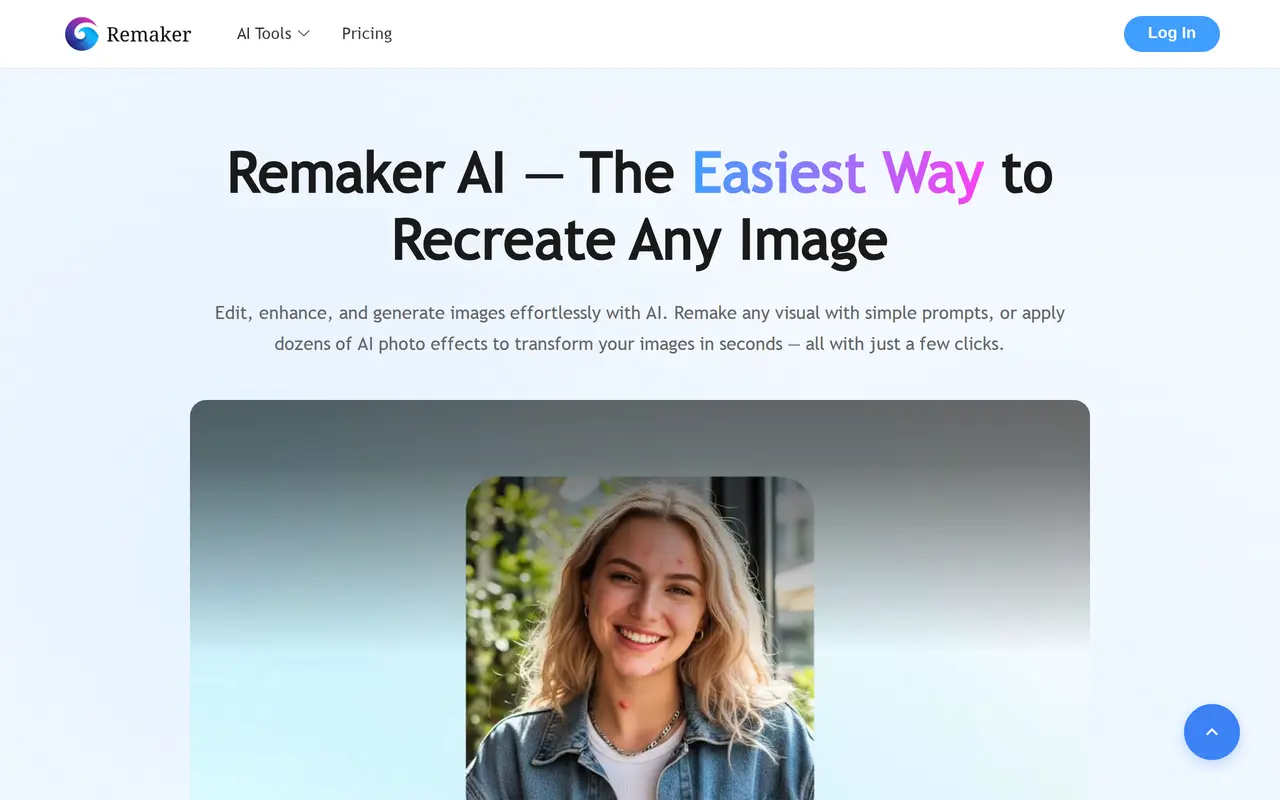
What is Remaker AI?
Remaker AI is a browser-based creative platform for editing, enhancing, and generating images. Users can describe changes with text prompts, generate artwork from text or reference images, or apply ready-made photo effects. Its tools cover background removal, image upscaling, photo restoration, and erasing unwanted objects or people from pictures.
The platform also includes portrait, headshot, avatar, and tattoo generators. For video content, it offers AI video generation and templates aimed at short-form formats such as Reels, TikToks, and YouTube Shorts. Individual creators and teams can use these tools without technical knowledge, with step-by-step tutorials available for each tool.
Many basic features are free, and new accounts receive credits for generating and exporting watermark-free images and videos. Additional generation uses purchased credits, with the amount required varying by tool. Credit packages are one-time purchases rather than subscriptions, and purchased credits do not expire.
What can Remaker AI do?
Prompt-based photo editing
Describe changes in text to edit selected areas of a photo or add new visual elements.
Image generation
Create images from text prompts or reference images, including portraits, avatars, and tattoo designs.
Image enhancement
Upscale images and restore photos using dedicated AI tools.
Background and object removal
Remove image backgrounds or erase unwanted people and objects with the Magic Eraser.
Photo effects
Transform existing images with preset AI effects, filters, and style changes.
Video generation and templates
Generate AI videos and use templates for short-form social content.
Who is Remaker AI for?
- Content creators
- Create and edit images and short videos for social platforms.
- Creative teams
- Generate visual assets and handle photo editing tasks with a shared set of AI tools.
- Everyday photo editors
- Enhance photos, remove backgrounds, and apply effects without technical editing knowledge.
How much is Remaker AI?
Official pricing530 Credits
$9.99 one-time
200 Credits
$5.99 one-time
1100 Credits
$19.99 one-time
3000 Credits
$49.99 one-time
20000 Credits
$299 one-time
Free plan: Many basic features are free, and new users receive credits for watermark-free image and video generation.
Frequently asked questions
Can I use Remaker AI for free?
Many basic features are free, and new users receive sign-up credits that can be used to generate and export watermark-free images and videos.
Does Remaker AI require a subscription?
No. Credits are sold as one-time purchases, starting at $5.99 for 200 credits, without recurring monthly charges.
Do purchased credits expire?
Purchased credits do not expire. Generation costs vary depending on the tool used.
Which payment methods are accepted?
Credit purchases currently support Crypto and Telegram payments only; card payments are not supported.
Are purchases refundable?
Payments made through Crypto and Telegram Stars are non-refundable. Verified generation errors can be compensated with replacement credits.
How do bonus credits work?
Each purchase earns 10% bonus credits that can be redeemed on the next purchase within 30 days. Redemption cannot exceed the number of credits bought in that next purchase, and any unused bonus expires.
Remaker AI alternatives
Compare alternatives- 1
 PhotoEditor.aiEdit, restore, upscale, and generate images with browser-based AI tools.
- 2
 PokecutGenerate images, retouch portraits, and edit product photos with AI.
- 3
 AI Image EditorEdit photos with text prompts and generate images from text or reference images.
- 4
 FotorEdit and enhance photos, generate images, and create designs with AI tools.
- 5
 Bing Image CreatorGenerate images from text and edit photos with AI tools and templates.
More AI Photo Editors
See more
Canva
AI Graphic Design
Create presentations, graphics, photos, and videos with AI-assisted design tools.

OpenArt
AI Image Generators
Generate and edit AI images, videos, characters, music, and voiceovers in one workspace.

Photoroom
AI Product Photography
Create and edit product photos, listing images, and video ads with AI.

Pixelcut
AI Product Photography
Generate and edit product photos, brand images, and videos with AI.

Adobe Firefly
AI Image Generators
Generate and edit images, videos, and audio with AI.

Topaz Labs
AI Image Enhancers
AI tools to upscale, sharpen, denoise, and restore photos and videos.