Best Pokecut alternatives
Short on time? Start with what matters most to you.
Top Pokecut alternatives, reviewed
What each one does well, who it suits and what it costs.

1. Fotor
FreemiumFrom $10.99/mo
Fotor combines a photo editor with AI image generation, retouching, and design tools. Users can upload a photo, adjust its lighting and colors, add text or effects, and download the result as a JPG, PNG, or PDF. It also includes collage layouts, stock images, fonts, stickers, and batch editing for working on multiple…
- AI photo enhancement
- Background and object removal
- Prompt-based image editing
Best for Content creators, Photographers, Entrepreneurs, Professionals
Full review: Fotor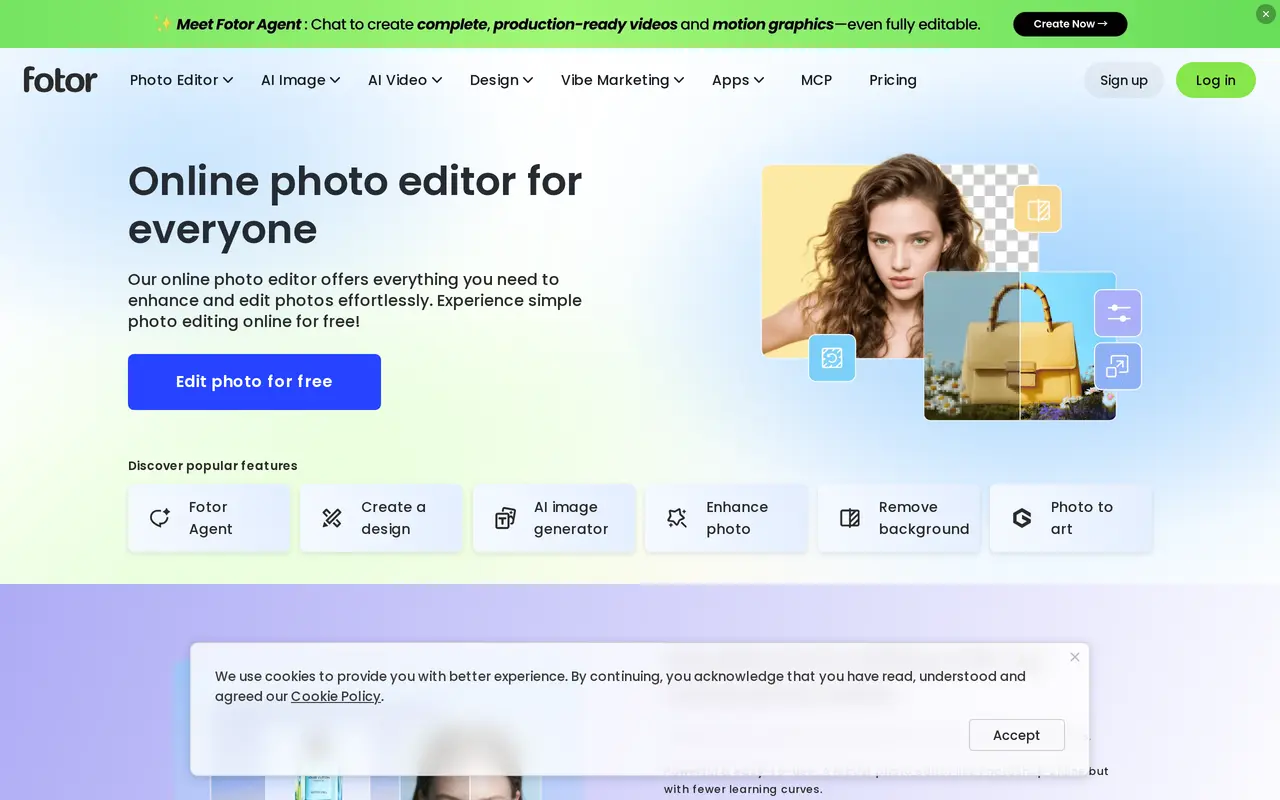

2. PhotoEditor.ai
FreemiumFrom $9/mo
PhotoEditor.ai is a browser-based suite of more than 30 AI tools for editing existing photos and generating new images. It covers object removal, background replacement, photo restoration, upscaling, generative fill, and canvas expansion, alongside generators for portraits, logos, illustrations, and product images…
- Prompt and brush editing
- Object and background removal
- Photo restoration
Best for Photographers, E-commerce sellers, Designers and creative agencies, Personal users
Full review: PhotoEditor.ai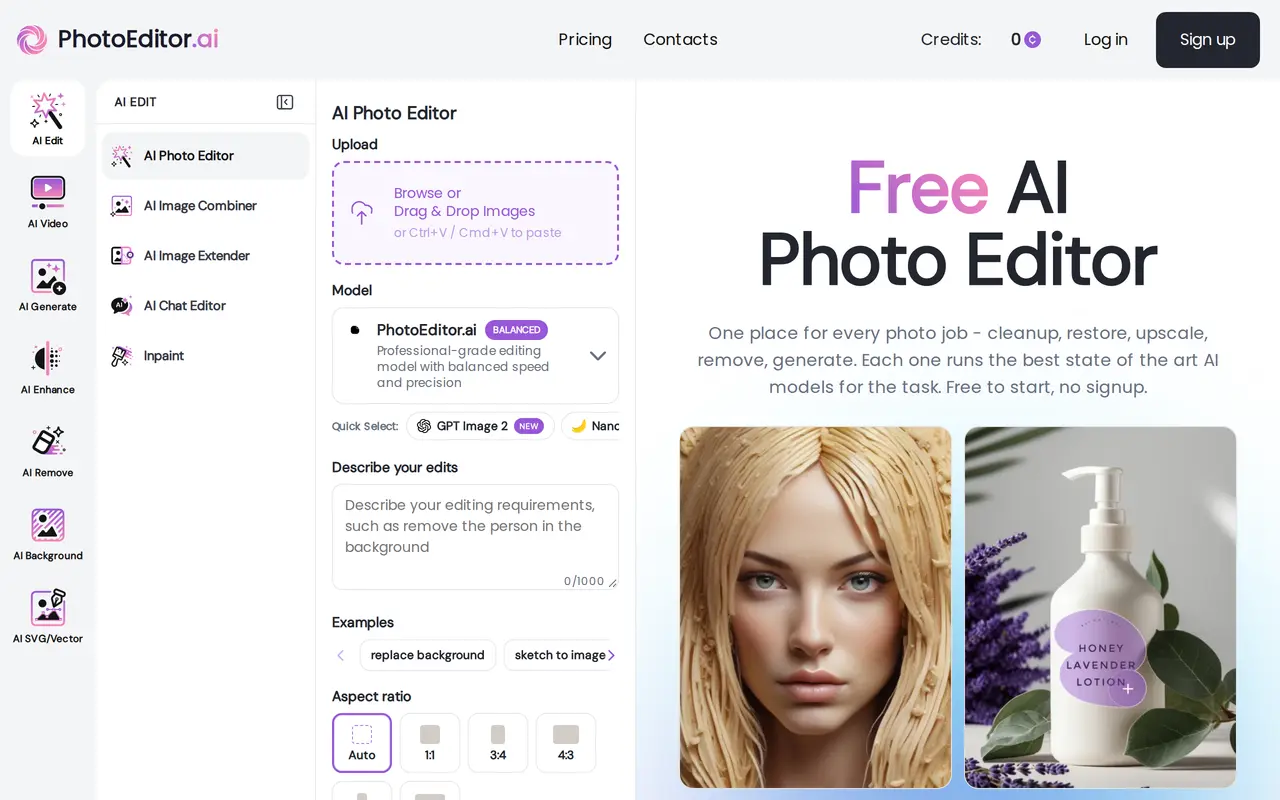

3. Remaker AI
Freemium
Remaker AI is a browser-based creative platform for editing, enhancing, and generating images. Users can describe changes with text prompts, generate artwork from text or reference images, or apply ready-made photo effects. Its tools cover background removal, image upscaling, photo restoration, and erasing unwanted…
- Prompt-based photo editing
- Image generation
- Image enhancement
Best for Content creators, Creative teams, Everyday photo editors
Full review: Remaker AI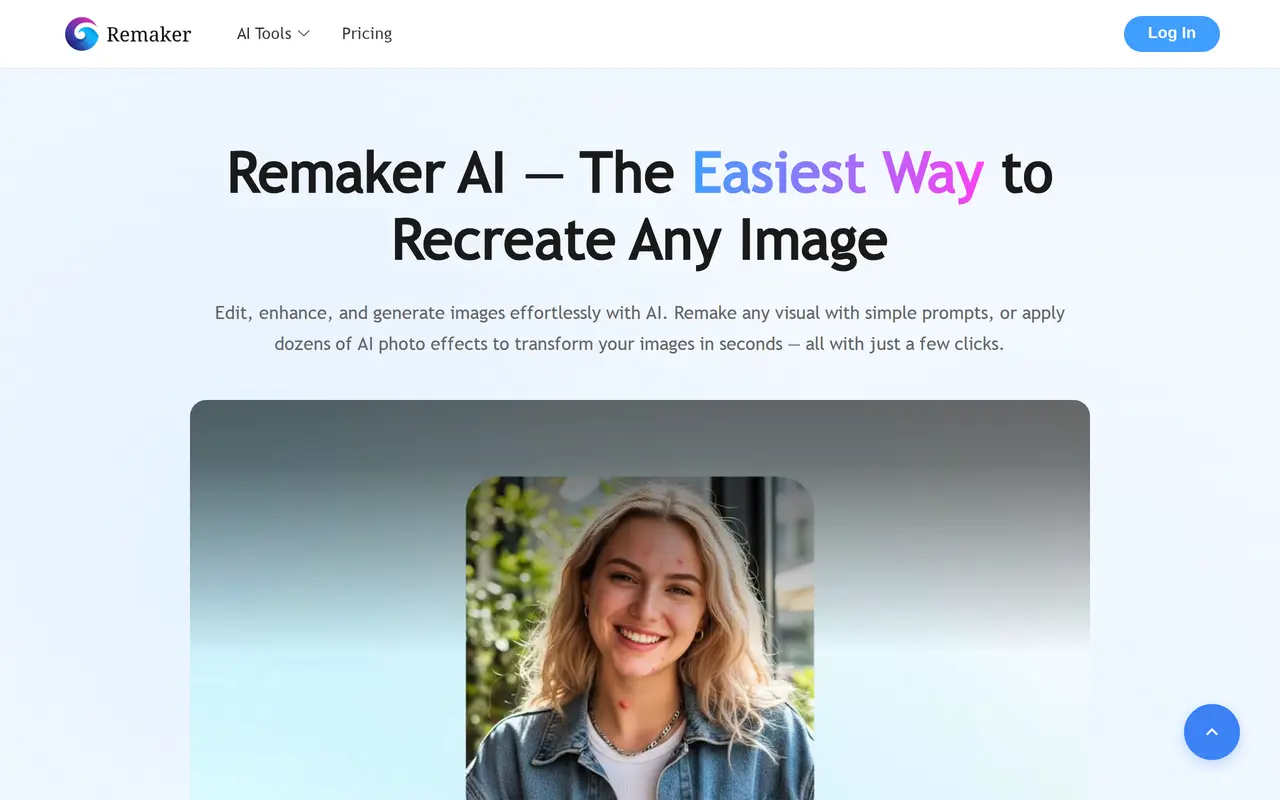

4. AI Image Editor
FreemiumFrom $15/mo
AI Image Editor is a browser-based workspace for prompt-driven photo editing and image generation. Users can upload a photo and describe changes in ordinary language, or start with a text prompt to create a new image. Editing workflows include replacing backgrounds, removing unwanted objects, exploring outfits and…
- Prompt-based photo editing
- Background and object removal
- Text-to-image generation
Best for Ecommerce sellers, Content creators, Marketing and brand teams
Full review: AI Image Editor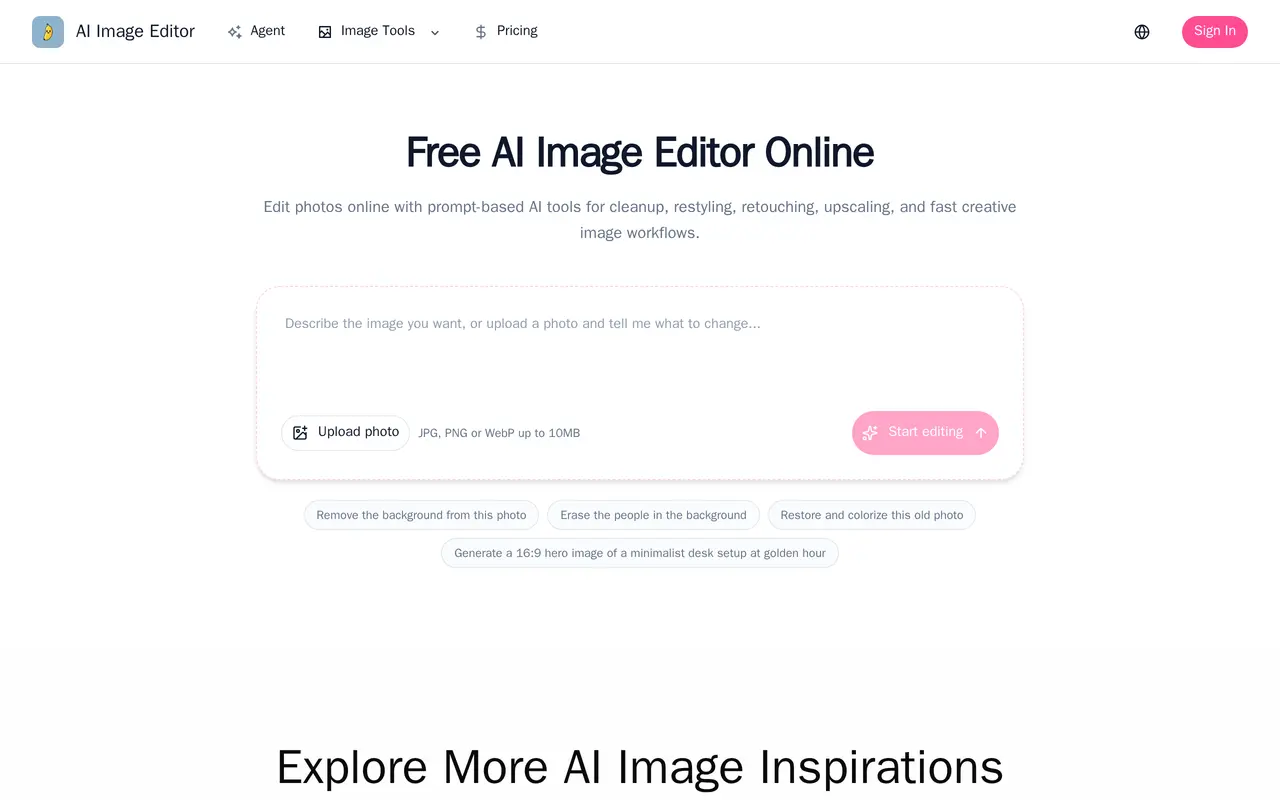

5. Bing Image Creator
Free
Bing Image Creator is a web-based AI image generator that turns text descriptions into artwork, photos, and other visuals. Users can describe an image, choose an aspect ratio, and generate a result. It also offers templates as starting points for themed creations, including seasonal greetings, professional portraits…
- Text-to-image generation
- Aspect ratio selection
- Themed templates
Best for Visual creators, Personal photo users
Full review: Bing Image Creator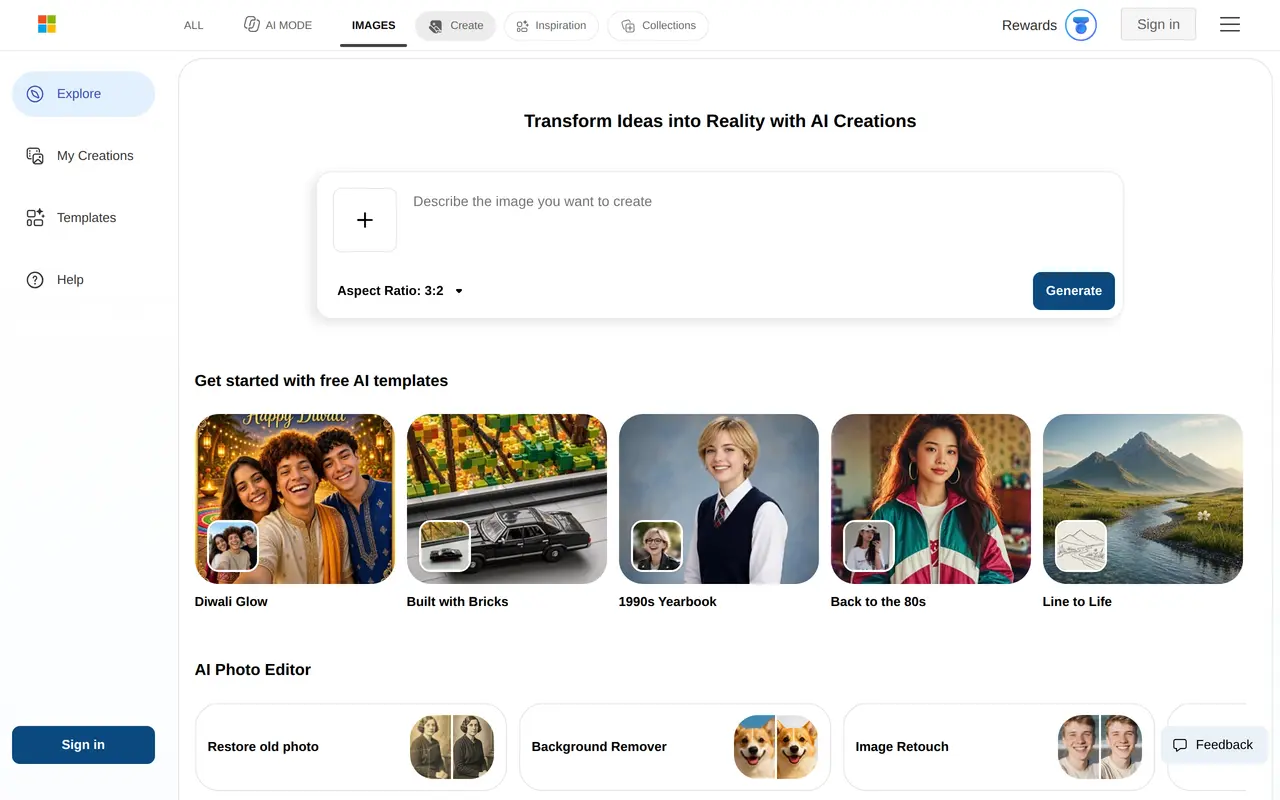
6. Image2GPT
FreemiumFrom $9.90/mo
Image2GPT is a browser-based AI image generator and photo editor for creating illustrations, portraits, product images, and marketing visuals. Users describe an image, optionally upload reference pictures, and choose the aspect ratio, quality, and number of outputs. The upload interface accepts up to five PNG, JPG…
- Text and reference image generation
- Prompt-based photo editing
- Mask-based inpainting
Best for Designers, E-commerce sellers, Marketing and content teams
Full review: Image2GPT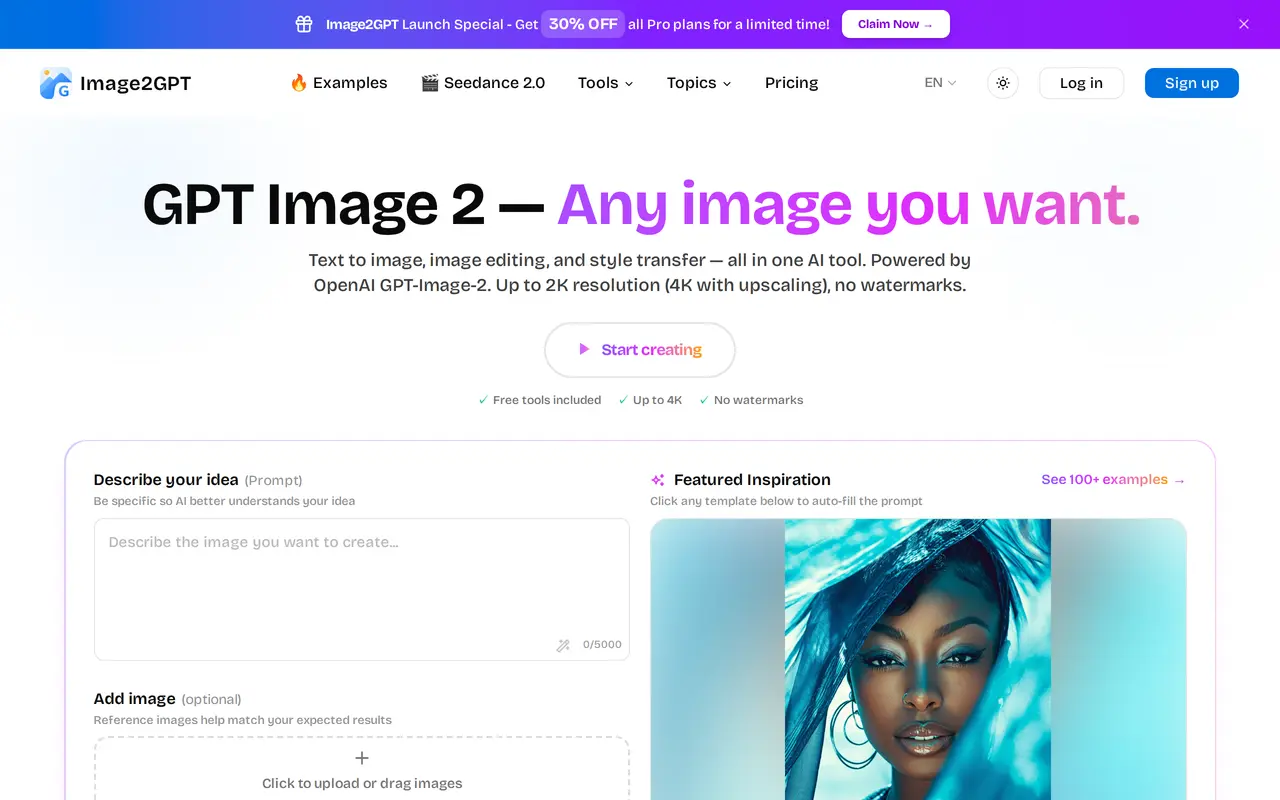

7. EzImage
FreemiumFrom $9.90/mo
EzImage is a browser-based AI image generator and editor for product imagery, social graphics, and visual concepts. Users can enter a text prompt or upload a reference photo, choose a model and aspect ratio, then generate images. Available model options include GPT Image 2.5, Google Gemini, and ByteDance Seedream…
- Text and reference image generation
- Selective AI editing
- 4K output and upscaling
Best for Online sellers, Content creators, Designers and marketers, Artists and concept creators
Full review: EzImage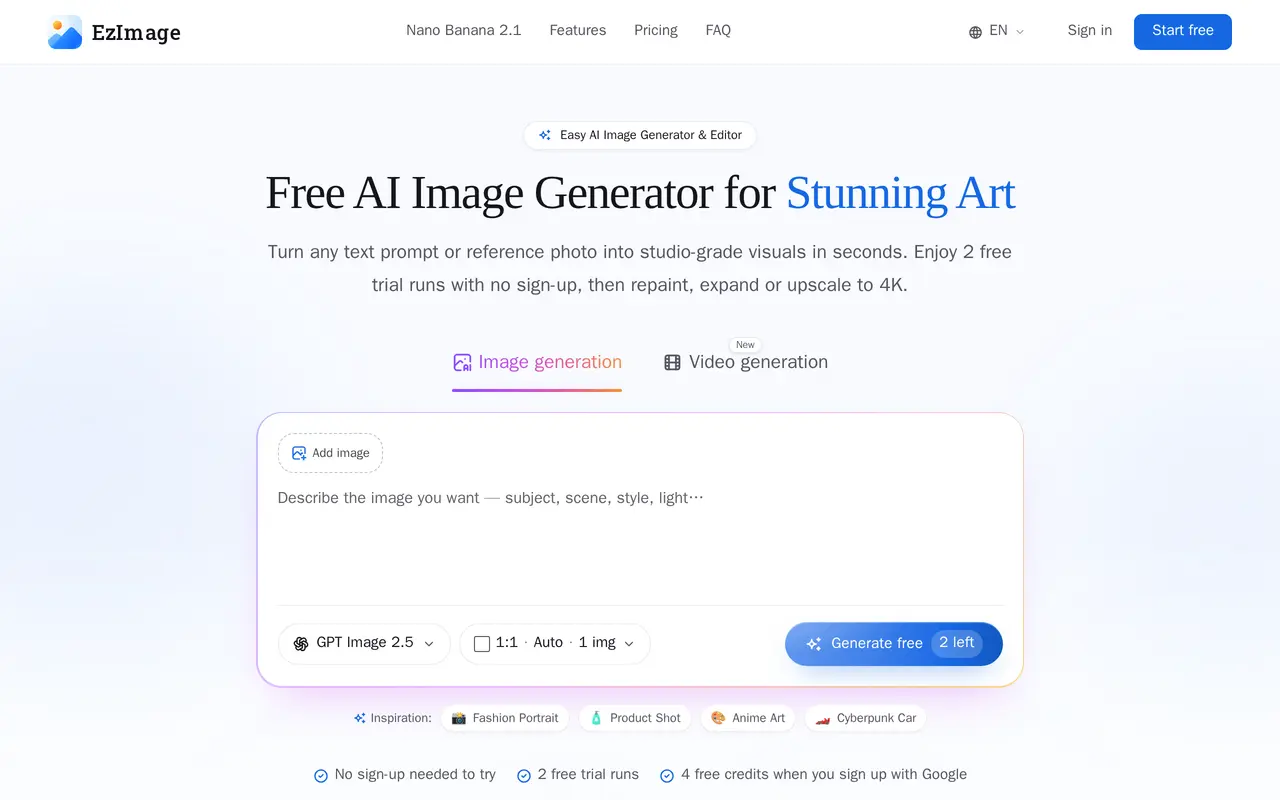

8. GPT Image
Freemium
GPT Image is a browser-based AI image workspace for creating visuals from text and editing existing photos. Users can start with a written prompt, upload reference images, or combine both approaches to guide the subject, composition, and style. It supports image generation, prompt-based retouching, background…
- Text-to-image generation
- Reference-guided editing
- Prompt-based photo retouching
Best for Ecommerce sellers, Marketing teams, Content creators
Full review: GPT Image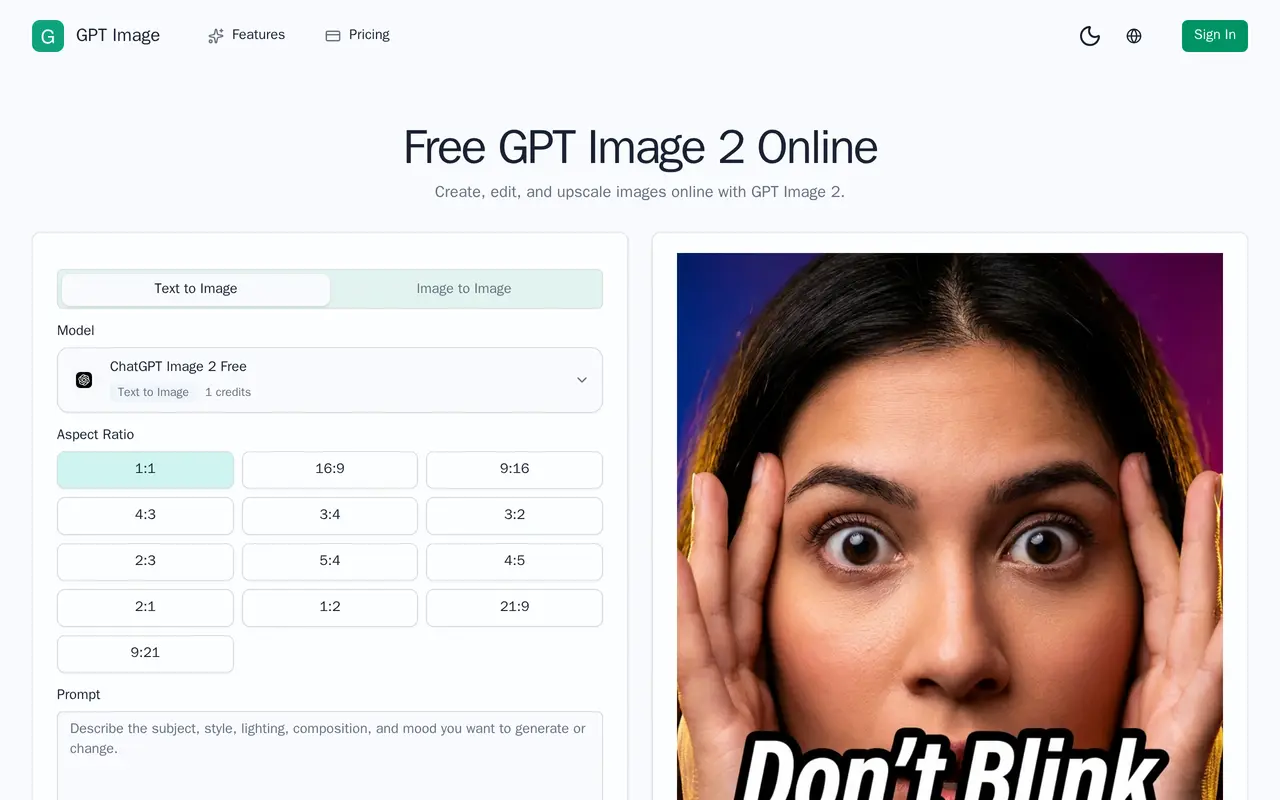

9. Airbrush
FreemiumFrom $15.95/mo
Airbrush is an AI photo and video editor for everyday users, content creators, and photographers. Its tools handle portrait retouching, skin smoothing, facial adjustments, object removal, and background editing. Users can also improve image quality, enlarge photos, restore damaged pictures, and try AI outfit changes.
- AI portrait retouching
- Object and background editing
- Image enhancement and upscaling
Best for Everyday photo editors, Content creators, Photographers and professionals
Full review: Airbrush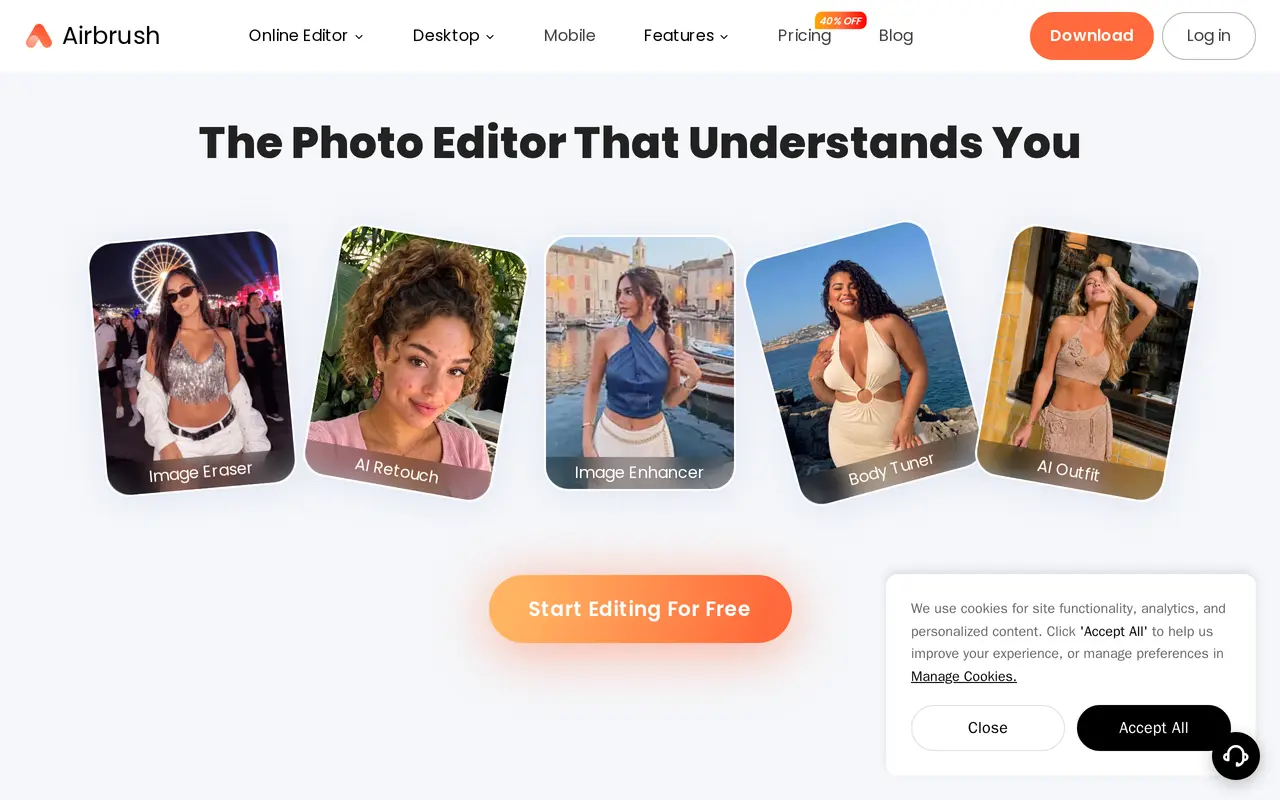
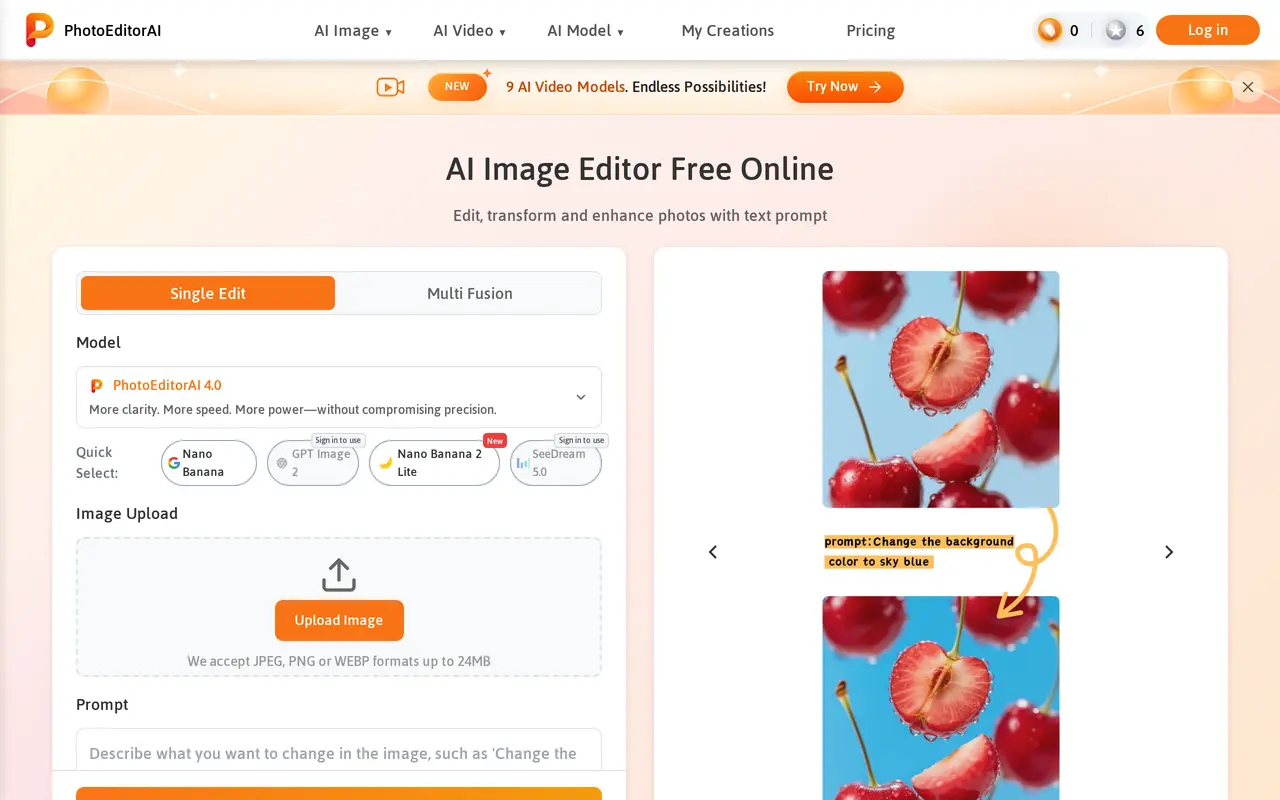
10. PhotoEditorAI
Freemium
PhotoEditorAI is a browser-based image editor that uses text instructions to modify uploaded photos. Users choose an AI model, upload an image, describe the changes they want, and generate results to preview and download. Supported edits include replacing backgrounds, removing objects, changing hair color, retouching…
- Prompt-based photo editing
- Background and object removal
- Reference-based style transfer
Best for Online sellers, Content creators, Marketing teams, Personal photo editors
Full review: PhotoEditorAI