
Topaz Labs
Visit websiteAI tools to upscale, sharpen, denoise, and restore photos and videos.
Verified Nov 2, 2026
What is Topaz Labs?
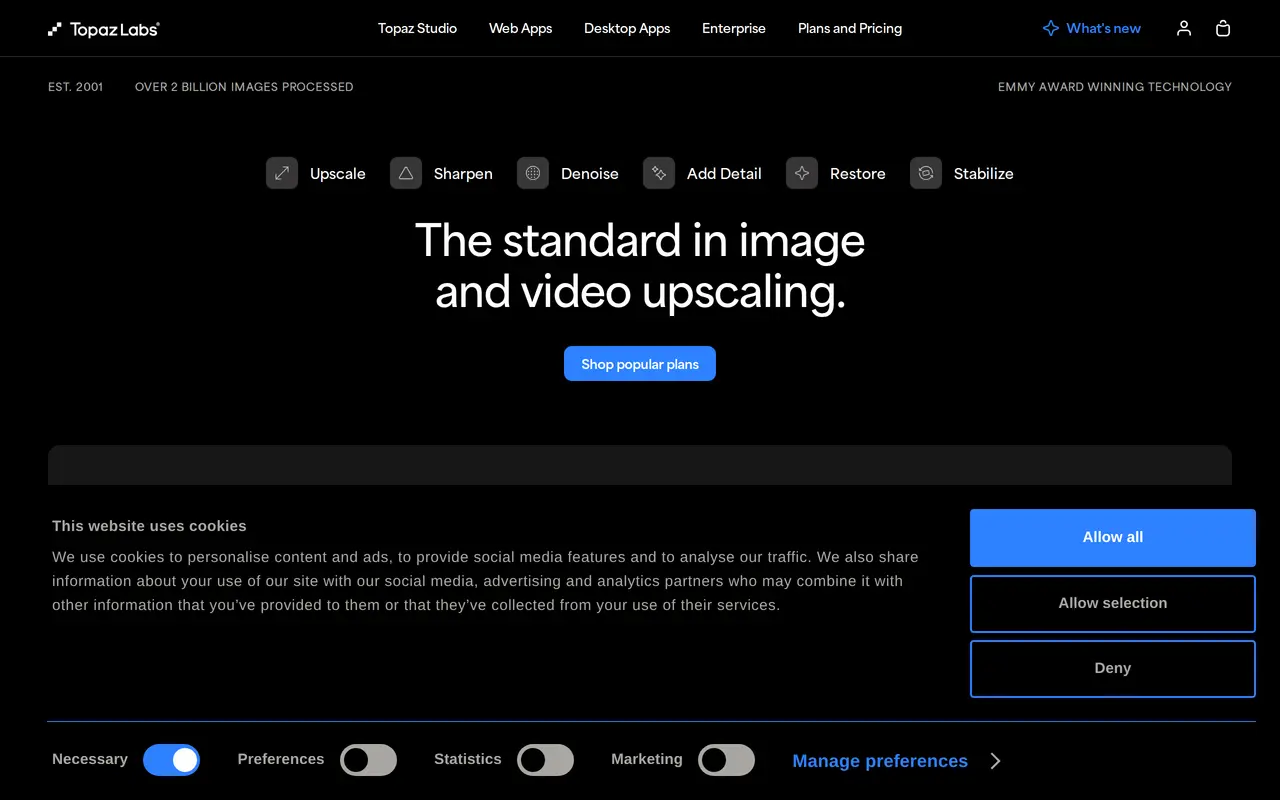
Topaz Labs offers AI-powered image and video enhancement through desktop, browser, and iPhone apps. Its tools upscale footage and photos, reduce noise, sharpen blurry details, and restore older images. The range includes Topaz Photo, Topaz Video, Topaz Gigapixel, and browser-based image and video tools, with both local and cloud processing options.
In the browser image app, users drag and drop files, choose an enhancement workflow, and process them in the cloud without installing software. Workflows cover face enhancement, background removal, color correction, relighting, and creative upscaling. An Autopilot option selects enhancements automatically, while batch rendering supports processing multiple images. Session and file management tools let users organize and rename their work.
Topaz serves photographers, videographers, and other visual creators working on restoration, finishing, and higher-resolution output. Its web Image subscription includes unlimited cloud image rendering and access to Topaz for Mobile. A Pro web plan combines image and video processing with additional credits and higher limits.
What can Topaz Labs do?
Image upscaling and sharpening
Increase image resolution, sharpen blurry subjects, and recover detail with dedicated AI enhancement workflows.
Video enhancement
Upscale, denoise, stabilize, and create slow-motion footage using desktop and cloud video tools.
Photo restoration
Restore old photos, reduce grain, enhance faces, and adjust lighting and color.
Cloud batch processing
Process multiple images in the browser, with automatic analysis and settings selection.
Background removal
Separate image subjects from their backgrounds using an AI masking workflow.
Creative image enhancement
Use creative upscaling and texture enhancement to add detail beyond basic sharpening.
Who is Topaz Labs for?
- Photographers
- Denoise, sharpen, restore, and enlarge photos for delivery or further editing.
- Videographers
- Enhance and upscale footage during video finishing workflows.
- AI creators
- Upscale and refine AI-generated images and videos.
How much is Topaz Labs?
Official pricingTopaz for Web Image
$12/mo
Pro
See website
Frequently asked questions
Can I use Topaz without installing software?
Topaz for Web provides image and video enhancement in a browser, with processing handled in the cloud.
Does Topaz support batch image processing?
The web image app supports batch rendering and can automatically analyze images and select settings and models.
Is the mobile app included with a web subscription?
Topaz for Mobile is included with Topaz for Web Image and Pro subscriptions. The mobile app is available for iPhone.
What does the web Pro plan include?
Pro combines image and video enhancement, with more credits and higher processing limits.
Topaz Labs alternatives
Compare alternatives- 1
 AirbrushEdit and retouch photos with AI tools for portraits, object removal, and enhancement.
- 2
 Cutout.ProEdit and enhance photos, remove backgrounds, and generate images and videos with AI.
- 3
 AiartyDesktop AI tools for enhancing images and videos and removing image backgrounds.
- 4
 PhotoEditor.aiEdit, restore, upscale, and generate images with browser-based AI tools.
- 5
 PhotoEditorAIEdit, retouch, and restyle photos in your browser using text prompts.
More AI Image Enhancers
See more
Fotor
AI Photo Editors
Edit and enhance photos, generate images, and create designs with AI tools.

Krea
AI Image Generators
Generate, edit, and upscale images, videos, and 3D assets with AI.

Bing Image Creator
AI Image Generators
Generate images from text and edit photos with AI tools and templates.

Pokecut
AI Photo Editors
Generate images, retouch portraits, and edit product photos with AI.

RemoveHandwriting
AI Photo Editors
Remove handwritten notes from images and PDFs and restore scanned documents.

Remaker AI
AI Photo Editors
Edit, enhance, and generate images with AI tools, prompts, and photo effects.