
Canva
Visit websiteCreate presentations, graphics, photos, and videos with AI-assisted design tools.
Verified Nov 3, 2026
What is Canva?
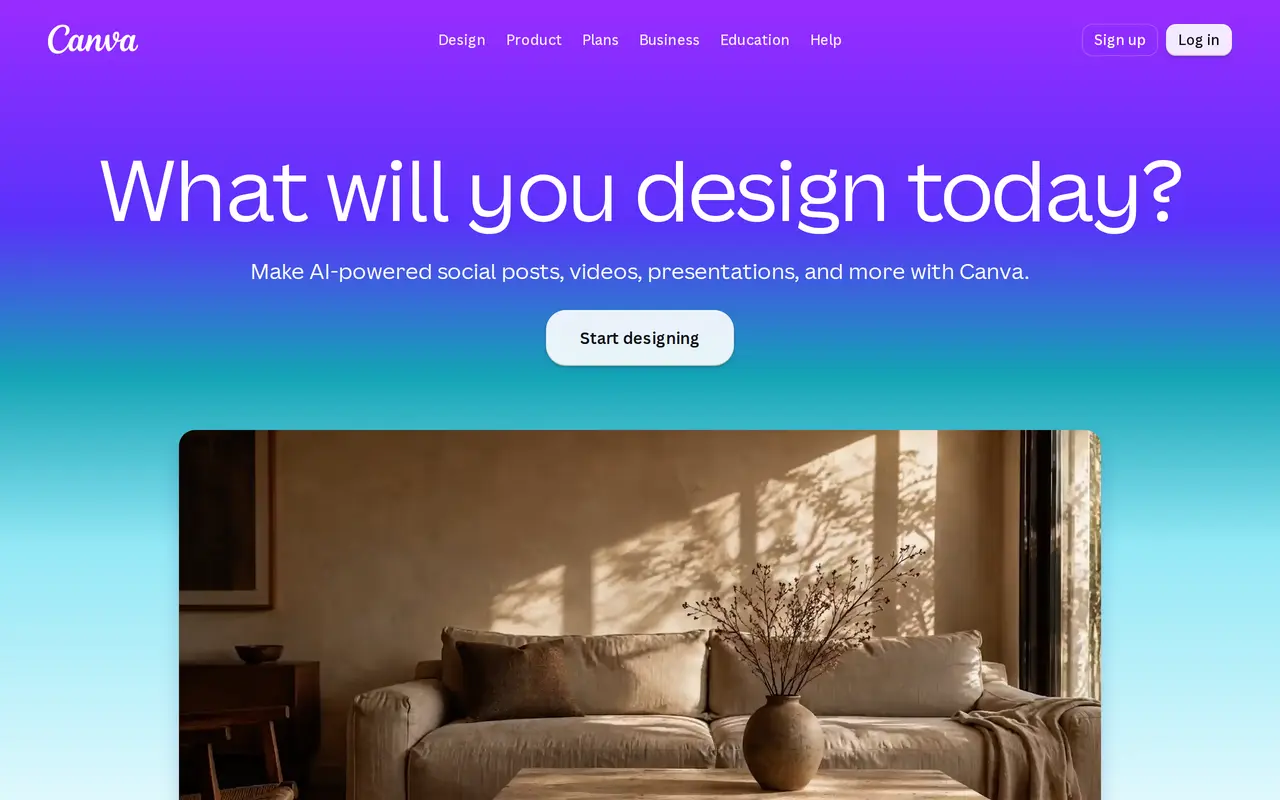
Canva is a visual design platform for creating social media posts, presentations, videos, posters, logos, and printed materials. It combines templates and editing tools with AI features for generating images, refining writing, editing photos, and adding video captions. Users can start with a template or build a design for their chosen format.
Its AI-assisted editing tools include Magic Layers, which turns an image into an editable layout, and Magic Eraser for cleaning up photos. Background removal and image upscaling help prepare pictures for designs, while Magic Write supports writing tasks. Presentation tools include animations and collaboration features, and the video editor brings together clips, templates, stock footage, and AI-powered captions.
For businesses, Canva includes Brand Kit to keep designs consistent and Magic Resize to adapt them for different channels or print formats. Print Shop connects design work with printed products. Canva offers free access alongside Pro, Business, and Enterprise options, and is available through the web and downloadable Windows and Mac applications.
What can Canva do?
AI image generation
Generate images to use in designs and printed materials.
AI photo editing
Clean up photos with Magic Eraser, remove backgrounds, and sharpen images with Image Upscaler.
Editable image layouts
Use Magic Layers to turn an image into an editable layout.
Writing assistance
Use Magic Write to help develop and refine text for your designs.
Video editing and captions
Edit clips using video templates and stock footage, then add AI-powered captions.
Branding and resizing
Keep designs consistent with Brand Kit and adapt their dimensions with Magic Resize.
Who is Canva for?
- Social media creators
- Create posts and videos using templates, image tools, and AI-powered captions.
- Small businesses
- Produce branded graphics, presentations, and printed materials.
- Organizational teams
- Collaborate on presentations and manage consistent branding across designs.
Frequently asked questions
Can I use Canva for free?
Canva offers free access to start designing, alongside Pro, Business, and Enterprise options.
Which platforms does Canva support?
Canva runs in a web browser and offers downloadable applications for Windows and Mac.
Can Canva turn an image into an editable design?
Magic Layers converts an image into an editable layout.
Does Canva support printed products?
Canva includes Print Shop for turning designs into printed materials, including invitations. Magic Resize can adapt designs for print formats.
Canva alternatives
Compare alternatives- 1
 PlaygroundCreate and edit logos, merchandise graphics, posters, and social images with AI.
- 2
 Claude DesignCreate and refine branded visuals, presentations, and interface mockups with Claude.
- 3
 EzLayersSplit flat images into editable layers with AI and export layered PSDs or PNGs.
- 4
 ImageToPSDConvert flat images into layered PSD files with AI-based element separation.
- 5
 Simple AI BoxGenerate and edit AI images from prompts, including graphics with multilingual text.
More AI Graphic Design
See more
Figma
AI Graphic Design
Design interfaces, build apps and websites, and collaborate with AI in a shared workspace.
Stitch
AI Graphic Design
Generate UI designs and frontend code from text prompts, sketches, and screenshots.

Converge.AI
AI App Builders
AI agents for building apps and creating marketing images, designs, and videos.

LOGO.com
AI Logo Generators
Create and customize AI-generated logos, brand assets, and a matching website.
LogoAI
AI Logo Generators
Generate logos, build brand kits, and create branded images and videos with AI.

Uizard
AI Graphic Design
Turns text prompts, screenshots and sketches into editable UI designs and prototypes.