
Photoroom
Visit websiteCreate and edit product photos, listing images, and video ads with AI.
Verified Nov 2, 2026
What is Photoroom?
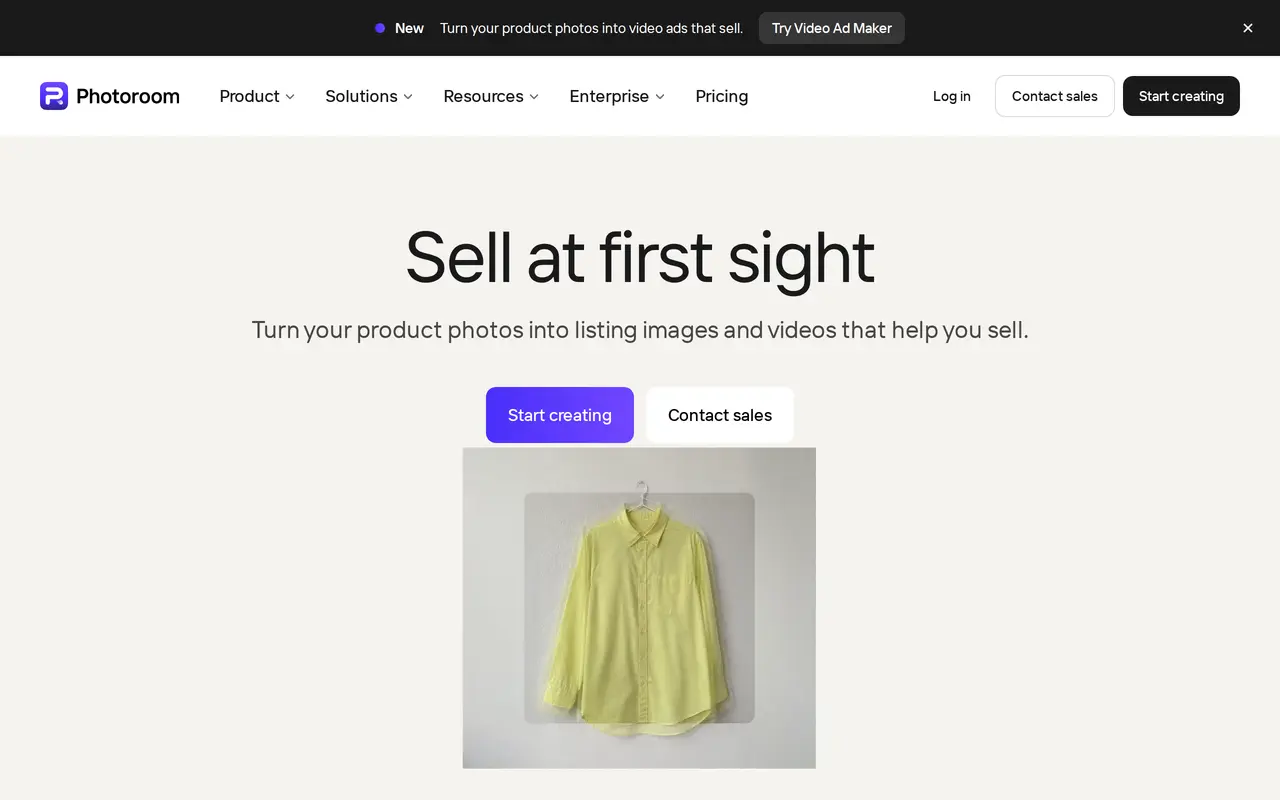
Photoroom is an AI photo and video editor for e-commerce sellers, brands, and marketplaces. Users upload product photos to remove backgrounds, generate studio or lifestyle settings, adjust colors, add shadows, and prepare visuals for product listings and advertising. Its video tools turn product photos into ads with actors, music, and voiceover.
For larger catalogs, Photoroom supports batch editing through its web app and API. Teams can save colors, logos, fonts, and layouts in a Brand Library, then apply consistent styling across product images. Resizing tools adapt visuals for different sales channels, while Shopify integration is included with Max and Ultra plans.
Photoroom runs on the web, iPhone, iPad, and Android. Paid plans combine core editing tools with monthly AI credits and export allowances; generation limits depend on the feature used. Video creation requires Max or Ultra, and Ultra adds 4K image and HD video capabilities. Enterprise customers can arrange custom models, dedicated capacity, and tailored production workflows.
What can Photoroom do?
AI product photography
Upload a product photo to generate studio settings, lifestyle scenes, and seasonal visuals.
Product photo editing
Remove backgrounds, retouch images, recolor products, and add AI-generated shadows.
Product video ads
Turn product photos into video ads with actors, music, and voiceover for social advertising.
Batch editing and API
Apply edits across large product catalogs through the web app or API.
Brand Library
Save brand colors, logos, fonts, and layouts to keep product visuals consistent.
Multichannel resizing
Resize product images for marketplaces, online stores, and social media formats.
Who is Photoroom for?
- Online sellers
- Create product listing images and promotional visuals from existing product photos.
- E-commerce marketing teams
- Produce branded lifestyle images and video ads for sales channels and social campaigns.
- Marketplaces and enterprise teams
- Automate catalog image production with batch processing, APIs, and custom workflows.
How much is Photoroom?
Official pricingPro
$12.99/mo
Max
$34.99/mo
Ultra
$99/mo
Enterprise
See website
Free plan: Free trials are available for Pro and Max.
Frequently asked questions
Does Photoroom offer a free trial?
Pro and Max offer free trials.
Which plans include video generation?
Max and Ultra include video for ads and product pages. Pro does not include video generation.
How do AI credits and export limits work?
Pro includes 8,000 AI credits and 1,000 exports per month, Max includes 25,000 credits and 3,000 exports, and Ultra includes 75,000 credits and 10,000 exports. Different AI features consume different amounts of credits.
Where can I use Photoroom?
Photoroom has web, iPhone, iPad, and Android apps. It also offers API access and an MCP connection.
Does Photoroom integrate with Shopify?
Shopify integration is included with Max and Ultra, but not Pro.
Photoroom alternatives
Compare alternatives- 1
 PixelListingGenerate ecommerce listing images, lifestyle scenes, and ads from product photos.
- 2
 PixelcutGenerate and edit product photos, brand images, and videos with AI.
- 3
 EditaimgEdit photos with text prompts, remove objects, upscale images, and create product scenes.
- 4
 ForgeEchoCreate ecommerce product photos, ad scripts, and voiceovers in one AI workspace.
- 5
 3D Camera ControlGenerate new camera angles from a single reference image using AI.
More AI Product Photography
See more
FancyAI
AI Agents
Role-based AI agents for enterprise creative, analytics, and software workflows.

Pebblely
AI Product Photography
Create AI product photos with custom backgrounds for listings, ads, and social media.

GenCrafters
AI Image Generators
Generate and edit AI images and videos using multiple models in one workspace.

Get Img AI
AI Image Generators
Generate images and edit photos with text prompts across multiple AI models.

Igly
AI Marketing Tools
Create product photos, ad creatives, and UGC-style videos with an AI marketing agent.

Image To Image
AI Photo Editors
Edit source photos into product images, ad variations, and campaign visuals with AI.