
ResLeap AI
Visit websiteEnhance, unblur, and upscale photos and anime images up to 8x and 8K resolution.
Verified Nov 2, 2026
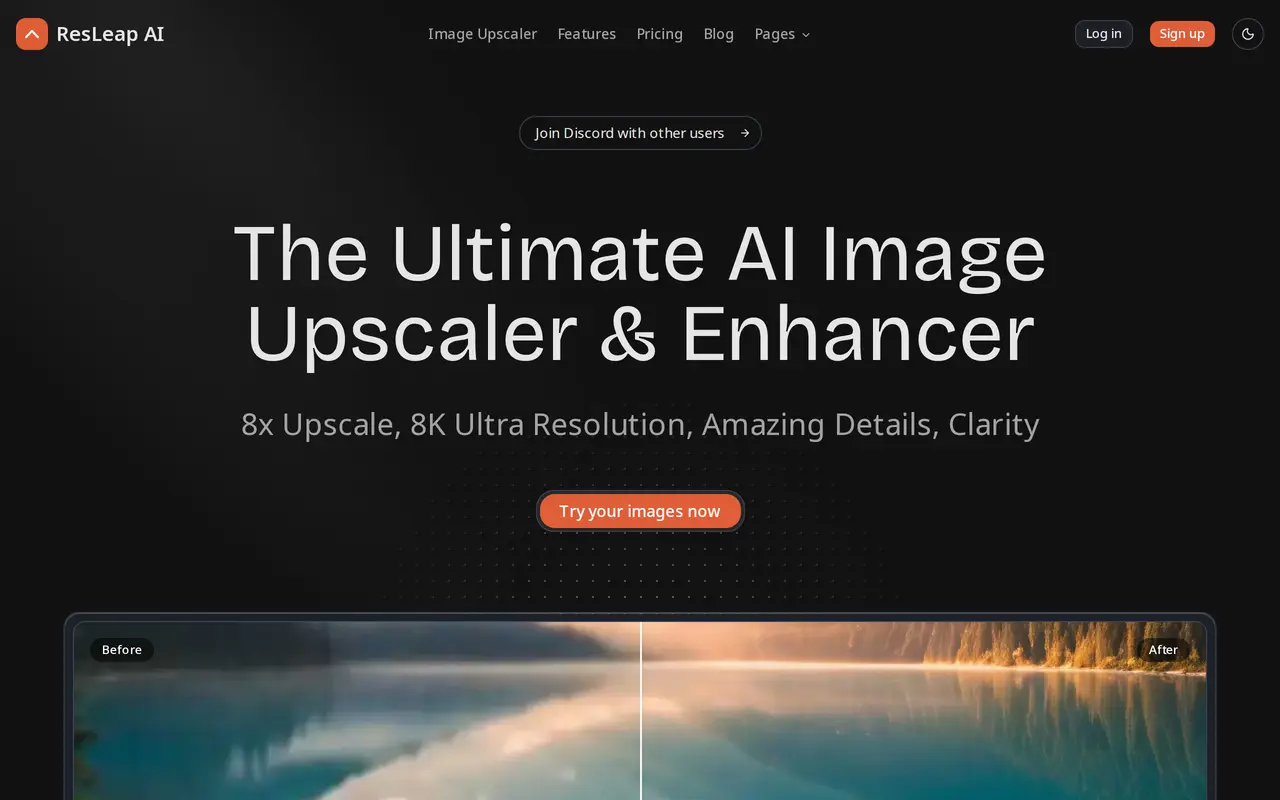
What is ResLeap AI?
ResLeap AI is a web-based image enhancer and upscaler for low-resolution photos, portraits, anime, and product images. It uses AI to sharpen blurry images, recover details, and enlarge images by up to 8x, with output resolutions reaching 8K on paid plans.
Users submit images online for enhancement. Portrait tools focus on facial clarity and skin texture, while anime enhancement targets crisp lines and vivid colors. Photo restoration is designed to improve faded photographs, and detail enhancement helps bring out features in low-resolution images. Paid subscriptions also include batch processing for working with multiple images.
Access is credit-based, with a free plan providing 10 credits each month and output capped at 2K. Paid annual subscriptions offer larger monthly credit allowances and output up to 8K. Both free and subscribed users can buy additional credit packs, which remain valid for 180 days. The combination of subscriptions and separate credit purchases accommodates recurring editing work as well as occasional enhancement tasks.
What can ResLeap AI do?
Up to 8x upscaling
Enlarge low-resolution images by up to eight times, with output up to 8K on paid plans.
Portrait enhancement
Reduce facial blur, recover skin texture, and sharpen details in low-resolution portraits.
Photo restoration
Improve faded photographs and recover image detail.
Anime upscaling
Enlarge anime images while enhancing line clarity and color.
Batch processing
Process multiple images with paid subscription plans.
Who is ResLeap AI for?
- Personal photo users
- Enhance blurry portraits and restore faded personal photographs.
- Anime image users
- Upscale anime artwork for sharper lines and more vivid colors.
- Teams and commercial users
- Use higher credit allowances and batch processing for recurring image enhancement work.
How much is ResLeap AI?
Official pricingFree
Free
Pro
$49/yr
Pro+
$149/yr
Business
$549/yr
200 credits
$7.90 one-time
500 credits
$14.90 one-time
Free plan: 10 free credits per month with output up to 2K resolution.
Frequently asked questions
Can I use ResLeap AI for free?
The free plan includes 10 credits per month and a maximum output resolution of 2K.
What is the maximum output resolution?
Paid subscriptions support output up to 8K. The free plan is capped at 2K.
Can I buy credits without a subscription?
Both free and subscribed users can purchase credit packs. Packs contain 200 or 500 credits and are valid for 180 days.
How many credits do paid subscriptions include?
Pro includes 200 credits per month, Pro+ includes 800, and Business includes 3,200. These subscriptions are billed yearly.
ResLeap AI alternatives
Compare alternatives- 1
 Topaz LabsAI tools to upscale, sharpen, denoise, and restore photos and videos.
- 2
 Cutout.ProEdit and enhance photos, remove backgrounds, and generate images and videos with AI.
- 3
 ImgUpscalerEnlarge photos and artwork by 2x or 4x with AI-generated detail.
- 4
 Bing Image CreatorGenerate images from text and edit photos with AI tools and templates.
- 5
 AirbrushEdit and retouch photos with AI tools for portraits, object removal, and enhancement.
More AI Image Enhancers
See more
Fotor
AI Photo Editors
Edit and enhance photos, generate images, and create designs with AI tools.
Krea
AI Image Generators
Generate, edit, and upscale images, videos, and 3D assets with AI.
Pokecut
AI Photo Editors
Generate images, retouch portraits, and edit product photos with AI.

PhotoEditor.ai
AI Photo Editors
Edit, restore, upscale, and generate images with browser-based AI tools.

RemoveHandwriting
AI Photo Editors
Remove handwritten notes from images and PDFs and restore scanned documents.

Remaker AI
AI Photo Editors
Edit, enhance, and generate images with AI tools, prompts, and photo effects.