
Airbrush
Visit websiteEdit and retouch photos with AI tools for portraits, object removal, and enhancement.
Verified Nov 2, 2026
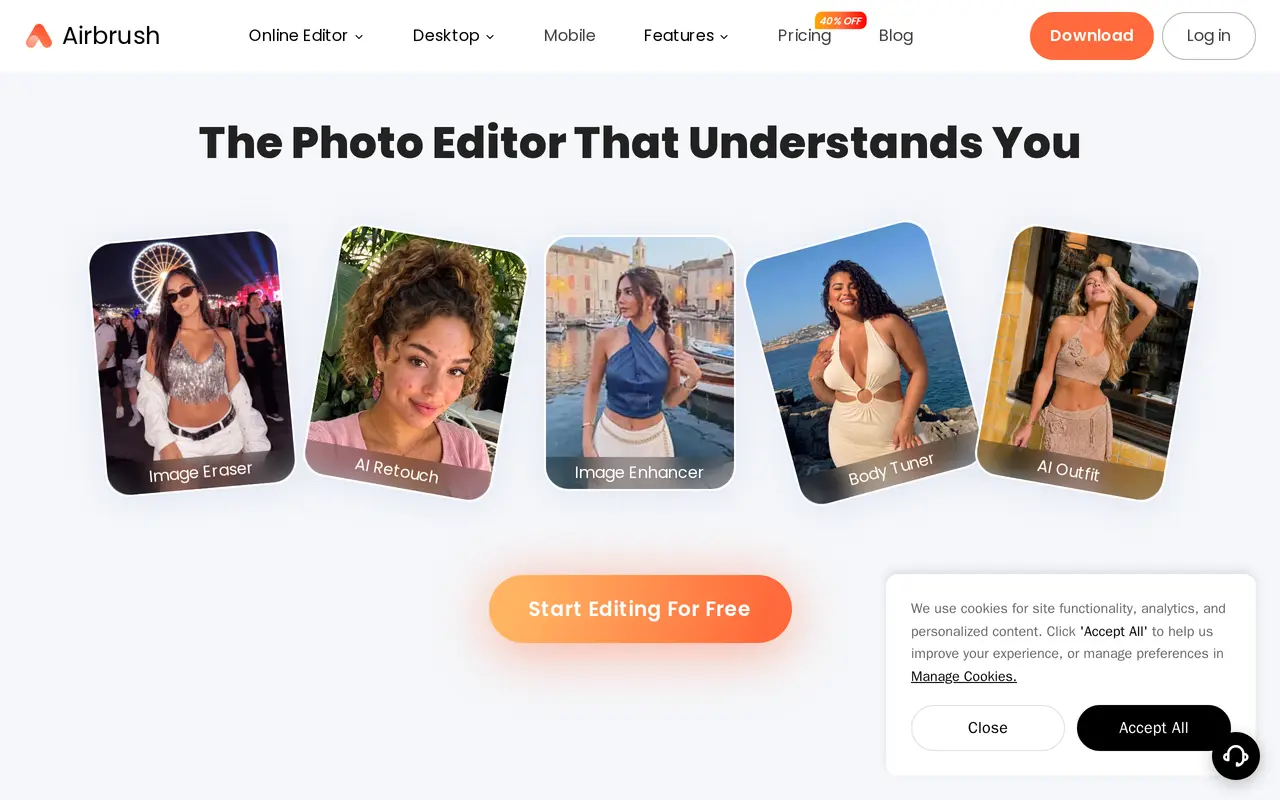
What is Airbrush?
Airbrush is an AI photo and video editor for everyday users, content creators, and photographers. Its tools handle portrait retouching, skin smoothing, facial adjustments, object removal, and background editing. Users can also improve image quality, enlarge photos, restore damaged pictures, and try AI outfit changes.
What can Airbrush do?
AI portrait retouching
Smooth skin, adjust facial features, and refine portraits with AI-assisted editing tools.
Object and background editing
Erase unwanted objects and remove or adjust backgrounds.
Image enhancement and upscaling
Improve photo quality and enlarge images while preserving detail.
Photo restoration
Restore the appearance of old or damaged photographs.
AI outfit and body editing
Try outfit changes and adjust body shape using dedicated editing tools.
Video enhancement
Upscale video and improve playback with AI enhancement tools.
Who is Airbrush for?
- Everyday photo editors
- Touch up personal photos, remove distractions, and improve image quality.
- Content creators
- Edit portraits and develop a consistent visual style for social posts.
- Photographers and professionals
- Retouch portraits, clean backgrounds, and prepare professional headshots.
How much is Airbrush?
Official pricingFree
Free
Web Plus Monthly
$15.95/mo
Web Plus Annually
$95.95/yr
10 Credits
$10 one-time
75 Credits
$75 one-time
200 Credits
$200 one-time
500 Credits
$500 one-time
Free plan: The Free web plan includes three initial credits, 512MB of upload storage, and limited editing features.
Frequently asked questions
Is Airbrush free to use?
Airbrush offers free features alongside optional premium tools. The web Free plan includes three credits on first login, 512MB of upload storage, and limited feature access.
Which platforms does Airbrush support?
Airbrush has a browser-based editor, mobile apps for iOS and Android, and Airbrush Studio for Windows and macOS.
Can Airbrush Studio edit videos?
Airbrush Studio is primarily for photo editing. The mobile app supports video editing, and the web Plus plans include video enhancement.
How do web editing credits work?
A photo costs one credit, and a video up to one minute costs two credits; longer videos cost one additional credit for each extra minute or part of a minute. Subscription credits are issued monthly and expire when the subscription term ends, while purchased credits remain valid for one year.
What do the web subscriptions include?
Both Plus subscriptions include 80 monthly AI credits, unlimited access to Enhance and Creator tools, 10GB of upload space, and watermark-free exports. Monthly billing costs $15.95; the annual plan costs $95.95 billed yearly.
Are credit packs discounted for Plus subscribers?
Yes. Plus prices are $9 for 10 credits, $45 for 75 credits, $95 for 200 credits, and $210 for 500 credits; these are one-time purchases without automatic renewal.
Airbrush alternatives
Compare alternatives- 1
 Topaz LabsAI tools to upscale, sharpen, denoise, and restore photos and videos.
- 2
 PhotoEditor.aiEdit, restore, upscale, and generate images with browser-based AI tools.
- 3
 PhotoEditorAIEdit, retouch, and restyle photos in your browser using text prompts.
- 4
 Cutout.ProEdit and enhance photos, remove backgrounds, and generate images and videos with AI.
- 5
 PokecutGenerate images, retouch portraits, and edit product photos with AI.
More AI Photo Editors
See more
Canva
AI Graphic Design
Create presentations, graphics, photos, and videos with AI-assisted design tools.

OpenArt
AI Image Generators
Generate and edit AI images, videos, characters, music, and voiceovers in one workspace.

Photoroom
AI Product Photography
Create and edit product photos, listing images, and video ads with AI.

Pixelcut
AI Product Photography
Generate and edit product photos, brand images, and videos with AI.

Adobe Firefly
AI Image Generators
Generate and edit images, videos, and audio with AI.

Fotor
AI Photo Editors
Edit and enhance photos, generate images, and create designs with AI tools.