
What is AI Face Swap?
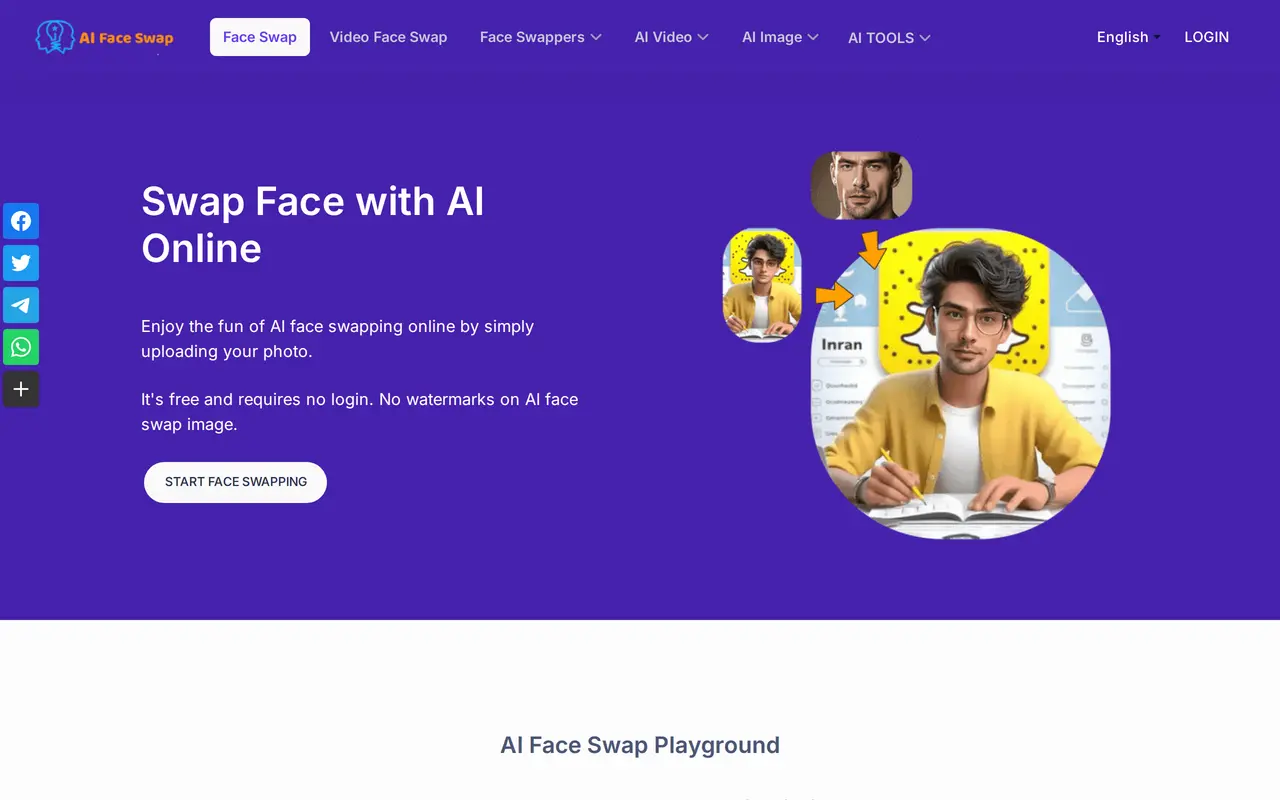
AI Face Swap is a browser-based tool for replacing faces in photos, videos, and GIFs. Users upload an original image and a separate face image, then start the swap. It supports single-face and multiple-face photo editing, with watermark-free image output and no login required for basic use.
Free photo swapping allows visitors up to 100 uses per day, while registered users get unlimited single-face and multiple-face swaps. Free video or GIF swapping is available three times every 12 hours for clips up to 10 seconds. Paid credits cover longer clips, advanced video swapping, and batch photo processing.
Buying credits unlocks VIP features, including faster queues, up to three concurrent tasks, video output up to 1080p, permanent video, GIF, and batch history, and API access. Credits are sold as one-time purchases rather than recurring subscriptions. Users must confirm they have the necessary image rights and permissions and agree not to create unlawful or abusive content.
What can AI Face Swap do?
Single and multiple face swaps
Replace one face or multiple faces in photos using uploaded source and face images.
Video and GIF swapping
Swap faces in video clips and GIFs, with credit-based options for longer clips and advanced processing.
Batch photo processing
Paid users can process batches of photos at one credit per image.
Watermark-free photos
Generate face-swapped images without added watermarks.
VIP processing options
Credit purchases unlock faster queues, three concurrent tasks, and video output up to 1080p.
API access
VIP users can access a face-swapping API for integration into other applications.
Who is AI Face Swap for?
- Social media creators
- Create face-swapped photos, memes, and short videos for sharing.
- Casual photo editors
- Experiment with single-face and group-photo swaps without installing software.
- Developers
- Use paid API access to integrate face swapping into applications.
How much is AI Face Swap?
Official pricing500 Credits
$6.99 one-time
800 Credits
$7.99 one-time
1800 Credits
$15.99 one-time
5000 Credits
$34.99 one-time
32000 Credits
$168.35 one-time
Free plan: Free single and multiple photo face swaps include 100 daily uses for visitors and unlimited uses for registered users, plus three video or GIF swaps of up to 10 seconds every 12 hours.
Frequently asked questions
Can I use AI Face Swap for free?
Visitors get up to 100 free photo swaps per day, while registered users get unlimited single-face and multiple-face photo swaps. Free video or GIF swaps are available three times every 12 hours for clips up to 10 seconds.
Do I need to sign in?
Basic photo face swapping works without a login. Registration provides unlimited free photo swapping.
Are credit purchases subscriptions?
No. Credits are pay-as-you-go purchases with no recurring bill.
How are paid swaps charged?
Batch photo swaps cost one credit per image. Basic video or GIF swaps longer than 10 seconds cost one credit per second; advanced video swaps cost the number of faces plus one credit per second.
Does it add watermarks?
Face-swapped image output has no watermark.
What permissions are required for uploaded images?
Users must confirm they have the necessary rights and permissions for their uploads. Non-consensual intimate content, prohibited content involving minors, and other unlawful or abusive content are forbidden.
AI Face Swap alternatives
Compare alternatives- 1
 Cutout.ProEdit and enhance photos, remove backgrounds, and generate images and videos with AI.
- 2
 WatermarkRemover.ioAutomatically remove watermarks, text, and logos from images with AI.
- 3
 Removal.AIRemove photo backgrounds automatically and edit the results online or through an API.
- 4
 FaceSwaplySwap faces, restore portraits, and create headshots with browser-based AI photo tools.
- 5
 PixRemoveRemove image backgrounds and unwanted objects with AI, then edit and export cutouts.
More AI Photo Editors
See more
Canva
AI Graphic Design
Create presentations, graphics, photos, and videos with AI-assisted design tools.

OpenArt
AI Image Generators
Generate and edit AI images, videos, characters, music, and voiceovers in one workspace.

Photoroom
AI Product Photography
Create and edit product photos, listing images, and video ads with AI.

Pixelcut
AI Product Photography
Generate and edit product photos, brand images, and videos with AI.

Adobe Firefly
AI Image Generators
Generate and edit images, videos, and audio with AI.

Fotor
AI Photo Editors
Edit and enhance photos, generate images, and create designs with AI tools.