
Removal.AI
Visit websiteRemove photo backgrounds automatically and edit the results online or through an API.
Verified Nov 2, 2026
What is Removal.AI?
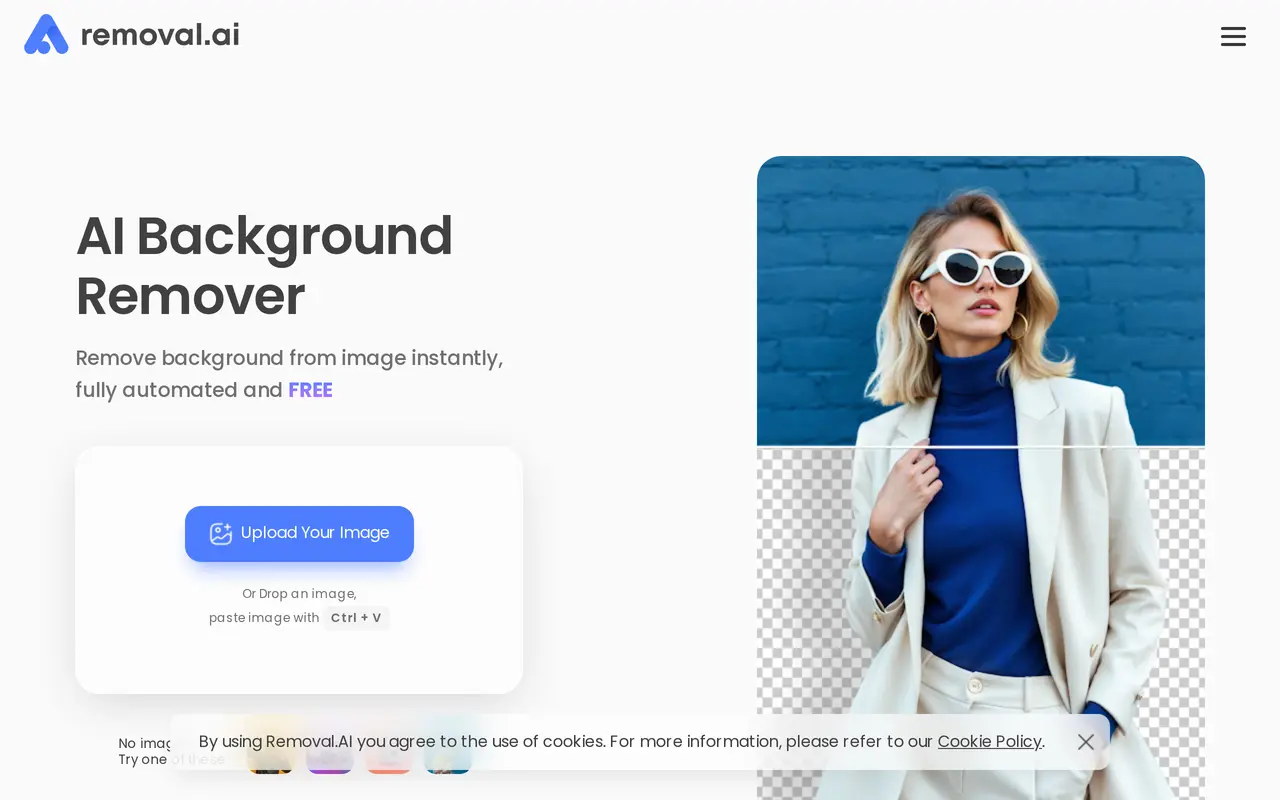
Removal.AI uses AI to separate subjects from photo backgrounds, producing cutouts with transparent, white, or custom backgrounds. It handles images of people, products, cars, animals, and graphics, including details such as hair and fur. Users can upload an image, drag and drop it, paste it from the clipboard, or supply an image URL.
After removing a background, users can adjust the result in an online photo editor. The editor includes manual foreground erasing, text, effects, and marketplace presets and templates. Batch processing supports more than 1,000 images in a single upload, making it useful for product catalogs and other large image collections.
Removal.AI also offers an API for integration into existing systems, desktop apps for Windows, Mac, and Linux, and an Adobe Photoshop integration. Unlimited previews are free, while full-resolution downloads use paid credits. Credits are available through monthly subscriptions or one-time packs, with custom options for high-volume processing.
What can Removal.AI do?
Automatic background removal
Detect subjects and remove backgrounds from photos, including detailed edges around hair and fur.
Online photo editor
Change backgrounds, add text and effects, and manually erase parts of the foreground.
Bulk image processing
Process more than 1,000 images in a single upload.
Marketplace templates
Use presets and templates to prepare product images for marketplaces.
API integration
Add background removal to existing systems and arrange custom processing limits for larger workloads.
Desktop and Photoshop tools
Use desktop apps for Windows, Mac, and Linux or work through the Adobe Photoshop integration.
Who is Removal.AI for?
- E-commerce sellers
- Prepare product cutouts and consistent backgrounds for catalogs and marketplace listings.
- Photographers and designers
- Isolate subjects and create edited images without manually tracing every edge.
- Marketers
- Create graphics, banners, presentations, and social posts from background-free images.
- Developers
- Integrate automated background removal into applications and image-processing workflows.
How much is Removal.AI?
Official pricingLifetime — 3 credits
$1.89 one-time
Lifetime — 25 credits
$8.99 one-time
Lifetime — 150 credits
$45.99 one-time
Lifetime — 350 credits
$95.99 one-time
Lifetime — 800 credits
$189.99 one-time
Monthly — 100 credits
$5.99/mo
Monthly — 450 credits
$25.99/mo
Monthly — 1150 credits
$63.99/mo
Monthly — 2800 credits
$120.90/mo
Monthly — 9500 credits
$359.90/mo
High-Volume Solutions
See website
Unlimited API Access
See website
Free plan: Unlimited free background-removal previews.
Frequently asked questions
Can I use Removal.AI for free?
Unlimited previews are free. Full-resolution downloads are available through paid credits.
How long do purchased credits last?
One-time credit packs can be used within three years. Unused monthly credits roll over while the subscription remains active.
Can I change or cancel my subscription?
Monthly subscriptions can be upgraded, downgraded, or canceled at any time. A 14-day money-back guarantee is offered.
Which platforms does Removal.AI support?
Removal.AI has a web tool, desktop apps for Windows, Mac, and Linux, an API, and an Adobe Photoshop integration.
Are there options for high-volume processing?
Custom solutions are available for processing more than 10,000 images per month, with adjustable API, credit, and rate limits. Unlimited API access is also available by requesting a quote.
Removal.AI alternatives
Compare alternatives- 1
 remove.bgRemove image backgrounds automatically and create replacement backdrops with AI.
- 2
 Cutout.ProEdit and enhance photos, remove backgrounds, and generate images and videos with AI.
- 3
 PixRemoveRemove image backgrounds and unwanted objects with AI, then edit and export cutouts.
- 4
 PhotoEditorAIEdit, retouch, and restyle photos in your browser using text prompts.
- 5
 PixMagicEdit and restyle photos, remove backgrounds, and create short videos in your browser.
More AI Background Removers
See more
Aiarty
AI Image Enhancers
Desktop AI tools for enhancing images and videos and removing image backgrounds.

RemoveLayer
AI Background Removers
Remove backgrounds, erase unwanted objects and text, and sharpen photos with AI.

Video Background Remover
AI Background Removers
Remove video backgrounds and export transparent clips or add a new backdrop.