
Wan 2.7
Visit websiteGenerate and edit short videos using text, images, and video references.
Verified Nov 2, 2026
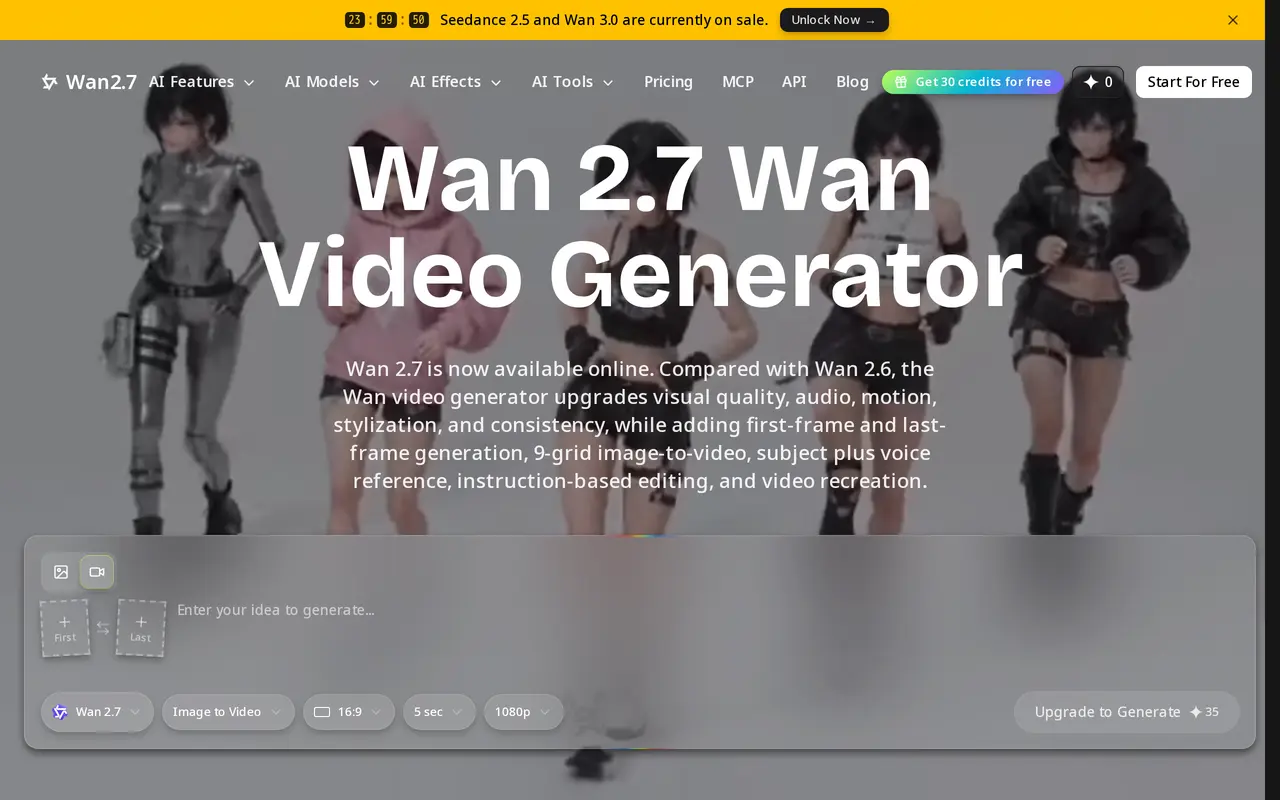
What is Wan 2.7?
Wan 2.7 is a browser-based AI video generator for creating short clips from text, images, and reference videos. It supports videos lasting 2–15 seconds at resolutions up to 1080p, with audio generation and subject-and-voice references for character-led content. Its uses include short narrative scenes, product promotions, and social media ads.
Users can guide a clip with starting and ending frames, a nine-grid image input, or up to five reference videos. These controls help specify a subject’s appearance, motion, and scene style. Beyond generating clips, Wan 2.7 supports natural-language edits to existing footage, including changes to backgrounds, lighting, and styling. Its video recreation feature can preserve motion structure while changing the subject or visual context.
Access uses a credit system. The free plan provides signup and check-in credits but limits video output to previews without downloads. Paid subscriptions include downloadable, watermark-free output and commercial use, with resolution and credit allowances varying by plan.
What can Wan 2.7 do?
Text and image-to-video
Create 2–15 second clips from prompts or images, with output up to 1080p depending on the plan.
Frame-based control
Guide a clip using first and last frames or a nine-grid image input.
Multiple reference inputs
Use subject-and-voice references and up to five video references to guide appearance, sound, and motion.
Instruction-based editing
Change backgrounds, lighting, styling, and scene details in existing videos using natural-language instructions.
Video recreation
Create variations that retain a reference video's motion structure while changing its subject, style, or context.
Who is Wan 2.7 for?
- Short-form video creators
- Create narrative clips and character-led content with frame controls and visual references.
- Marketing teams
- Produce short ads, product promotions, and campaign variations for social media.
- Video editors
- Modify existing footage through text instructions or recreate scenes with different visual treatments.
How much is Wan 2.7?
Official pricingFree
Free
Pro
$300/yr
Lite
$118.80/yr
Free plan: Free users receive 10 signup credits plus up to 30 more credits through 7-day check-ins, with watermarked images and preview-only videos without downloads.
Frequently asked questions
Can I use Wan 2.7 for free?
The free plan includes 10 signup credits and up to 30 additional credits through seven-day check-ins. Images have watermarks, and videos are preview-only without downloads.
How long can generated videos be?
Wan 2.7 supports clips lasting 2–15 seconds.
What resolutions do paid plans support?
Lite includes 720p output, while Pro includes 1080p output.
Can I use the output commercially?
Both Lite and Pro include commercial use and watermark-free output.
How much do the subscriptions cost?
Pro costs $300 billed yearly, equivalent to $25 per month. Lite costs $118.80 billed yearly, equivalent to $9.90 per month.
Wan 2.7 alternatives
Compare alternatives- 1
 Kling 4.0Generate and edit videos from text, images, and references with multiple AI models.
- 2
 Seedance 3.0Generate and edit videos with synchronized audio using text and media references.
- 3
 DeeVidCreate and edit AI videos, images, avatars, speech, and music in one workspace.
- 4
 ClipDanceGenerate and edit AI videos from text, images, and references with synchronized audio.
- 5
 EveryGen AICreate and edit multi-scene videos with AI-generated visuals, voices and music.
More AI Video Generators
See more
CapCut
AI Video Editors
Edit videos, generate visuals, and add AI captions, voiceovers, and audio cleanup.

OpenArt
AI Image Generators
Generate and edit AI images, videos, characters, music, and voiceovers in one workspace.

DeepAI
AI Image Generators
Generate images, videos and music, edit photos, and chat with AI in one platform.

Pixelcut
AI Product Photography
Generate and edit product photos, brand images, and videos with AI.

VEED
AI Video Editors
Generate, edit, subtitle, and dub videos with AI in one platform.

Adobe Firefly
AI Image Generators
Generate and edit images, videos, and audio with AI.