
Seedance 3.0
Visit websiteGenerate and edit videos with synchronized audio using text and media references.
Verified Nov 2, 2026
What is Seedance 3.0?
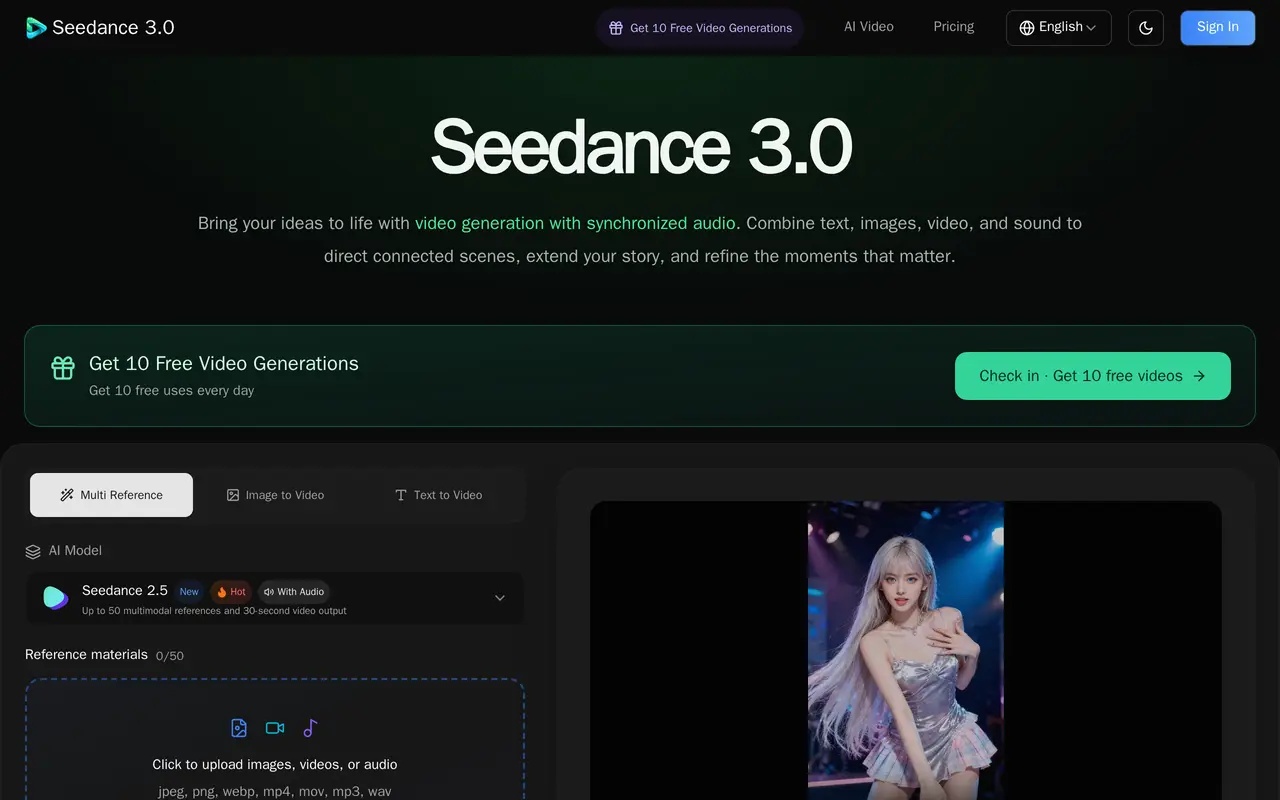
Seedance 3.0 is a web-based AI video tool for creating short scenes from text prompts, images, video clips, and audio references. It supports text-to-video and image-to-video workflows, along with modes for editing existing footage or extending a scene. Uses include advertising concepts, social videos, educational demonstrations, and film previsualization.
Users upload reference materials, describe the action and camera direction, and identify which assets should guide the result. The generator accepts up to 50 references and supports outputs up to 30 seconds, with resolution options of 480p, 720p, and 1080p. Aspect-ratio controls accommodate widescreen, vertical, and square formats, while batch generation produces up to 10 videos with the same settings.
Audio generation includes voices, ambient sound, and effects alongside the visuals. Shared references help guide character appearance, clothing, props, lighting, and style across connected shots. Daily check-ins offer 10 free video generations. Paid subscriptions provide monthly credit allowances, private generation, watermark-free output, and commercial-use licenses; one-time credit packs are also available.
What can Seedance 3.0 do?
Multimodal references
Combine up to 50 image, video, and audio references with text instructions to guide subjects, movement, style, and sound.
Video and audio generation
Create clips up to 30 seconds with voices, environmental ambience, and sound effects generated alongside the visuals.
Video editing and extension
Rework an uploaded video or continue it with new action and scenes using dedicated editing and extension modes.
Camera and motion direction
Use prompts and reference footage to guide framing, choreography, camera movement, and pacing.
Output controls
Choose 480p, 720p, or 1080p resolution and several aspect ratios, including vertical, square, and widescreen.
Batch generation
Generate up to 10 videos in one batch using the same settings.
Who is Seedance 3.0 for?
- Marketing teams
- Create product demonstrations, campaign concepts, and variations on advertising scenes.
- Social media creators
- Develop short videos for Reels, TikTok, and YouTube Shorts.
- Filmmakers
- Explore connected scenes, camera choices, and action sequences before production.
- Educators and trainers
- Build visual explanations, lesson illustrations, and step-by-step demonstrations.
How much is Seedance 3.0?
Official pricingBasic
$14.90/mo
Standard
$24.90/mo
Pro
$49.90/mo
Max
$99.90/mo
Starter Pack
$39.90 one-time
Creator Pack
$89.90 one-time
Professional Pack
$199.90 one-time
Advanced Pack
$599.90 one-time
Free plan: Daily check-ins provide 10 free video generations.
Frequently asked questions
Can I use Seedance 3.0 for free?
Daily check-ins offer 10 free video generations.
How much do subscriptions cost?
Monthly plans cost $14.90 for Basic with 800 credits, $24.90 for Standard with 1,600 credits, $49.90 for Pro with 4,000 credits, and $99.90 for Max with 10,000 credits.
Can I buy credits without a subscription?
One-time packs range from $39.90 for 1,000 credits to $599.90 for 30,000 credits. Purchased pack credits do not expire.
Do paid plans allow commercial use?
All four subscription plans include a commercial-use license, watermark-free output, and private generation.
What media formats can I upload?
Supported uploads include JPEG, PNG, and WebP images; MP4 and MOV videos; and MP3 and WAV audio.
Seedance 3.0 alternatives
Compare alternatives- 1
 Kling 4.0Generate and edit videos from text, images, and references with multiple AI models.
- 2
 Wan 2.7Generate and edit short videos using text, images, and video references.
- 3
 MiniMax H3Generate short AI videos from text, images, video references, and audio.
- 4
 Wan 3.0 AIGenerate short AI videos with synchronized audio from prompts and reference media.
- 5
 HappyHorseGenerate short AI videos from text, images, and video references.
More AI Video Generators
See more
CapCut
AI Video Editors
Edit videos, generate visuals, and add AI captions, voiceovers, and audio cleanup.

OpenArt
AI Image Generators
Generate and edit AI images, videos, characters, music, and voiceovers in one workspace.

DeepAI
AI Image Generators
Generate images, videos and music, edit photos, and chat with AI in one platform.

Pixelcut
AI Product Photography
Generate and edit product photos, brand images, and videos with AI.

VEED
AI Video Editors
Generate, edit, subtitle, and dub videos with AI in one platform.

Adobe Firefly
AI Image Generators
Generate and edit images, videos, and audio with AI.