
EveryGen AI
Visit websiteCreate and edit multi-scene videos with AI-generated visuals, voices and music.
Verified Nov 2, 2026
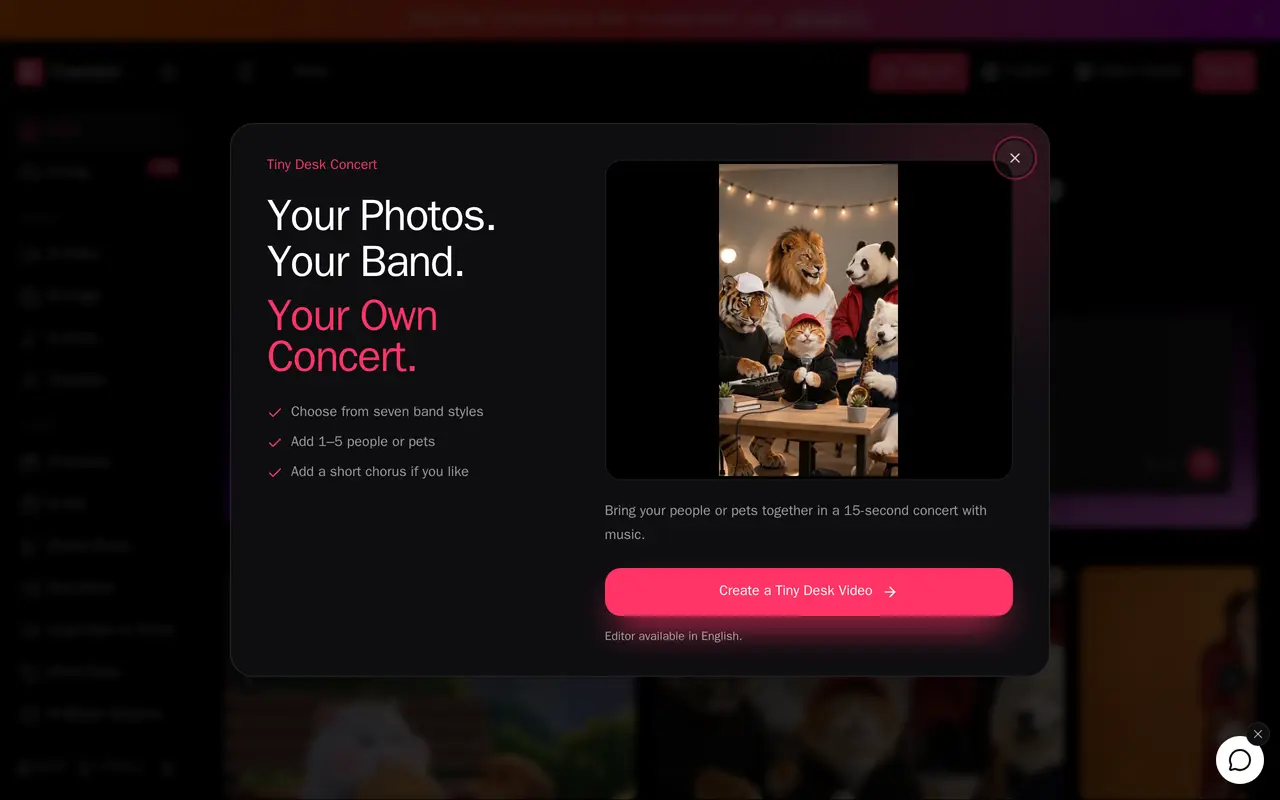
What is EveryGen AI?
EveryGen AI is a browser-based creative studio for generating video clips and assembling multi-scene videos with images, dialogue, narration, music and sound effects. It combines multiple image and video models in one workspace, with workflows for text-to-video, image animation, reference-guided generation and editing existing footage.
Users can start with a scene description or work conversationally with the Video Agent. The agent helps develop scenes, timing and characters before users approve media generation and its credit costs. Images, videos, audio and documents can serve as project references, while saved assets can be reused across scenes. Users can revise the plan, adjust generated media, review the assembled video and download it.
Dedicated tools cover ads, short-form videos, motion graphics and turning longer videos into shorts. An MCP server also lets users create media and manage projects from compatible assistants such as Claude and ChatGPT. Paid subscriptions provide monthly credits, with different limits on simultaneous generations, output options and model controls. Monthly credits expire after 30 days and do not roll over.
What can EveryGen AI do?
Conversational video planning
Develop scenes, timing and characters with the Video Agent, then review the plan and media costs before generation.
Multiple video workflows
Generate clips from text, images or references, transfer motion from footage, and edit existing video with instructions.
Reusable visual assets
Generate character, product and scene images, then reuse selected assets as references for video scenes.
Voice, music and sound
Create dialogue, narration, songs and sound effects, and arrange audio alongside video clips.
Short-form production tools
Use dedicated workflows for ads, motion graphics, reference-based shorts and converting long videos into shorts.
MCP assistant access
Connect compatible AI assistants to generate media and manage EveryGen projects through its MCP server.
Who is EveryGen AI for?
- Video creators
- Generate clips and assemble multi-scene projects with coordinated visuals, narration and sound.
- Marketing teams
- Create product visuals, video ads and UGC-style promotional videos.
- Social media creators
- Produce short-form videos and repurpose longer footage into shorter clips.
How much is EveryGen AI?
Official pricingLite
$19/mo
Basic
$29/mo
Pro
$59/mo
Ultra
$99/mo
Black Friday 3,200 credits
$49 one-time
Black Friday Pro yearly
$299/yr
Frequently asked questions
How much do monthly plans cost?
Lite costs $19 for 1,000 credits, Basic costs $29 for 2,000 credits, Pro costs $59 for 5,000 credits, and Ultra starts at $99 for 9,000 credits per month.
Do monthly credits roll over?
No. Monthly plan credits are valid for 30 days and do not roll over.
Can I use generated content commercially?
All four paid plans include commercial use and watermark-free output.
Can I use EveryGen from an AI assistant?
Yes. Its MCP server supports media creation and project management from compatible assistants, including Claude, ChatGPT and Cursor.
How many generations can run at once?
Lite supports one generation at a time, Basic supports two, Pro supports three, and Ultra supports six.
EveryGen AI alternatives
Compare alternatives- 1
 PikaGenerate and edit videos, images, music, and voiceovers with AI creative tools.
- 2
 Nim VideoGenerate and edit AI videos and images using multiple models in one studio.
- 3
 Magic HourGenerate and edit AI videos, images, and audio in a shared web studio.
- 4
 CapCutEdit videos, generate visuals, and add AI captions, voiceovers, and audio cleanup.
- 5
 RunwayGenerate and edit video, images, and audio with AI creative tools and APIs.
More AI Video Generators
See more
OpenArt
AI Image Generators
Generate and edit AI images, videos, characters, music, and voiceovers in one workspace.

DeepAI
AI Image Generators
Generate images, videos and music, edit photos, and chat with AI in one platform.

Pixelcut
AI Product Photography
Generate and edit product photos, brand images, and videos with AI.

VEED
AI Video Editors
Generate, edit, subtitle, and dub videos with AI in one platform.

Adobe Firefly
AI Image Generators
Generate and edit images, videos, and audio with AI.
Artlist
AI Video Generators
Generate and edit videos, images, voiceovers, music, and 3D assets in one workspace.