
CapCut
Visit websiteEdit videos, generate visuals, and add AI captions, voiceovers, and audio cleanup.
Verified Nov 3, 2026
What is CapCut?
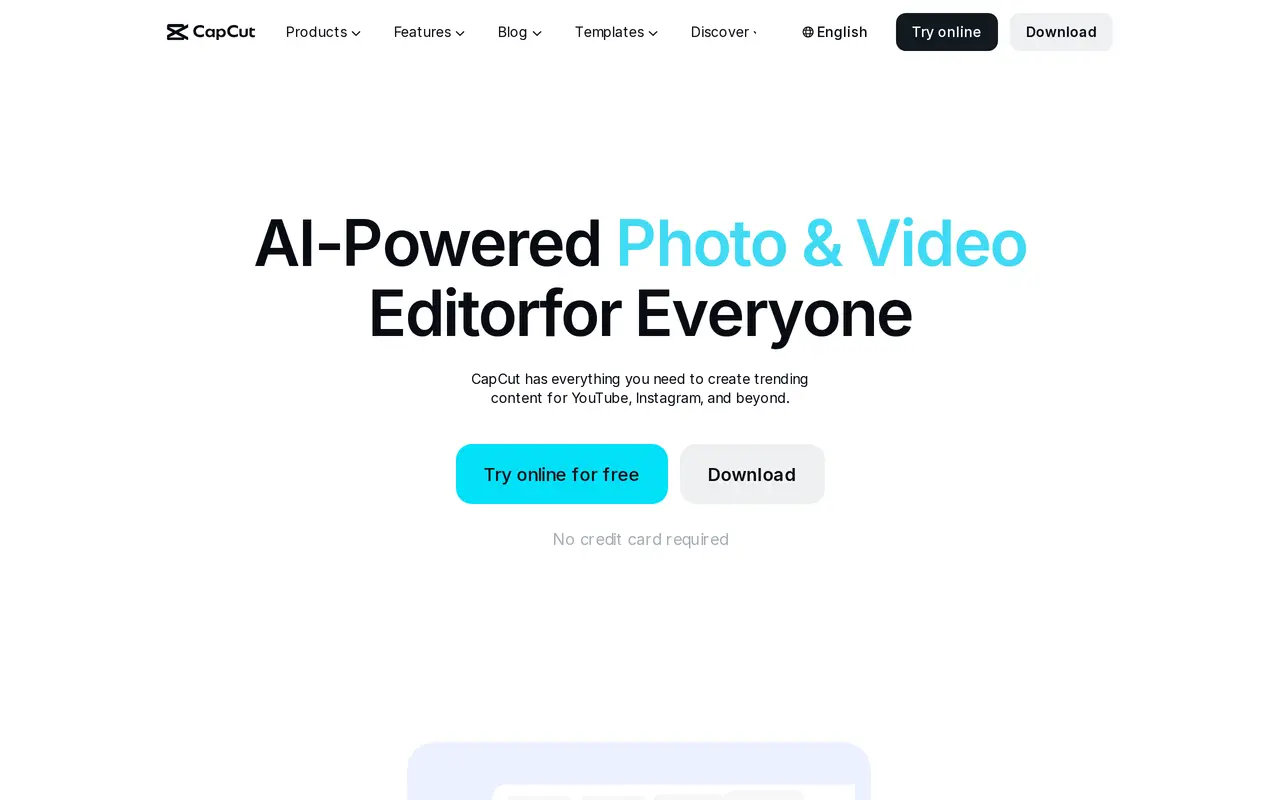
CapCut combines video editing with AI tools for generating videos, images, and voiceovers. It is designed for social media creators, marketers, and people making personal videos. Users can edit online or use its desktop, mobile, and tablet apps, starting with their own footage, a template, or generated content.
The editor supports trimming, transitions, subtitles, and effects. AI features include automatic captions in multiple languages, image and video background removal, image enhancement, noise reduction, and voice enhancement. For new material, users can generate visuals from text or reference images, turn text or keyframes into videos, and create spoken narration from text. Templates provide starting points for short-form social posts, promotional videos, and other formats.
The Free plan includes basic editing tools and free templates. Paid plans add premium templates, AI features, storage, and monthly AI credits, with a Teams option for shared workflows and brand assets. Features and plan availability can vary by region and platform, and final prices depend on the account and applicable offers.
What can CapCut do?
AI video and image generation
Create images from text or reference images, and generate videos from text, images, or keyframes.
Video editing and templates
Trim clips, add transitions and effects, and customize templates for social posts, ads, and personal videos.
Automatic captions
Generate subtitles from speech in multiple languages and apply caption templates.
AI voice and audio tools
Convert text into narration, reduce background noise, and enhance recorded voices.
Background removal
Remove backgrounds from images and videos with AI.
Team collaboration
Use the Teams plan for shared creative workflows, a brand kit, and Pro features for each seat.
Who is CapCut for?
- Social media creators
- Create and edit videos for YouTube, Instagram, TikTok, and other social channels.
- Marketing teams
- Produce promotional videos, ads, and branded social content using templates and AI tools.
- Vloggers and personal creators
- Turn personal footage into edited videos with captions, music, effects, and narration.
How much is CapCut?
Official pricingFree
Free
Pro
$19.99/mo
Ultra
$79/mo
Teams
$12.49/mo
Free plan: Basic editing tools and free templates are available on the Free plan.
Frequently asked questions
Can I use CapCut for free?
Yes. The Free plan includes basic editing tools and free templates.
What do Pro and Ultra include?
Pro includes premium templates, Pro features, 1 TB of storage, and 1,200 monthly AI credits. Ultra includes everything in Pro, exclusive AI features, and 8,645 monthly AI credits.
How much does CapCut Teams cost?
The displayed price is $12.49 per seat per month, with a two-seat selection shown. It includes 1,200 monthly AI credits per seat, Pro features, a brand kit, and 1 TB of storage.
Are prices and features the same for every user?
Plan availability and features can vary by region and platform. Displayed prices are reference prices; signing in shows final pricing, taxes, and account-specific offers.
CapCut alternatives
Compare alternatives- 1
 RunwayGenerate and edit video, images, and audio with AI creative tools and APIs.
- 2
 PikaGenerate and edit videos, images, music, and voiceovers with AI creative tools.
- 3
 Nim VideoGenerate and edit AI videos and images using multiple models in one studio.
- 4
 Magic HourGenerate and edit AI videos, images, and audio in a shared web studio.
- 5
 EveryGen AICreate and edit multi-scene videos with AI-generated visuals, voices and music.
More AI Video Editors
See more
Clideo
AI Video Editors
Edit videos online with automatic subtitles, translation, and text-to-speech tools.

VEED
AI Video Editors
Generate, edit, subtitle, and dub videos with AI in one platform.
DomoAI
AI Video Generators
Generate, animate, and restyle videos from text, images, and existing footage.

Pictory
AI Video Generators
Create and edit videos from prompts, scripts, URLs, slides, images and audio.

ChatCut
AI Video Editors
Edit and generate videos by describing the changes you want.

Wistia
AI Video Editors
Host, edit, and repurpose business videos with AI and track viewer engagement.