
Aftershoot
Visit websiteAI photo culling, editing, retouching, and client gallery delivery for photographers.
Verified Nov 2, 2026
What is Aftershoot?
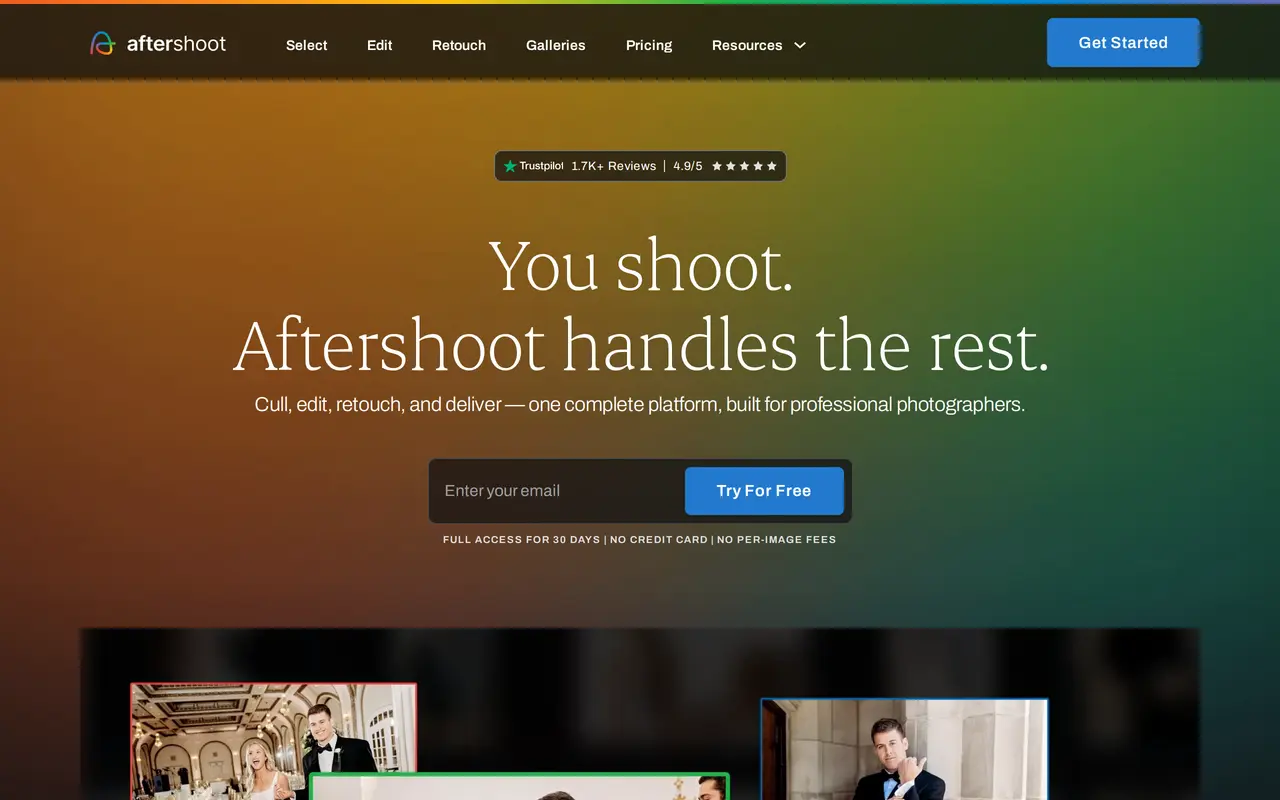
Aftershoot is a post-production platform for professional photographers that combines AI photo selection, editing, retouching, and client delivery. Photographers can let AI make an initial selection or use assisted culling to review images themselves. Duplicate grouping, face detection, comparison views, and bulk rating tools help refine the final set.
For editing, users can train a personal AI profile on previously edited photos, adapt a Lightroom preset, or choose from more than 30 creator styles. A built-in RAW editor provides manual adjustments before export. Retouching covers skin, stray hair, glasses glare, distracting objects, backgrounds, and clothing creases, with batch synchronization that adapts adjustments to individual images.
Aftershoot also offers branded client galleries with proofing, favorites, downloads, face search, and print sales. Local photo processing works offline, keeping files on the user's machine during that work. Subscriptions cover individual workflows or bundles, with unlimited usage rather than per-image charges. A 30-day trial provides full access without requiring a credit card.
What can Aftershoot do?
Automated and assisted culling
Choose an AI first pass or guided review, with duplicate grouping, face detection, comparison views, and bulk ratings.
Personal AI editing profiles
Train editing profiles on your finished photos, adapt a Lightroom preset, or select from more than 30 creator styles.
Built-in RAW editing
Preview, manually adjust, and export RAW photos without switching to a separate editor.
Batch portrait retouching
Adjust skin, hair, glare, objects, backgrounds, and clothing, then sync retouching across a gallery.
Client galleries and print sales
Share branded galleries where clients can find faces, proof images, mark favorites, download photos, and buy prints.
Offline photo processing
Process photos locally without an internet connection, keeping files on your machine during culling and editing.
Who is Aftershoot for?
- Wedding and event photographers
- Cull large shoots, apply consistent edits, and deliver client galleries.
- Portrait and family photographers
- Apply a personal editing style and batch retouch portraits, family sessions, and newborn photos.
- School and sports photographers
- Process high-volume shoots and help clients locate their photos through gallery face detection.
How much is Aftershoot?
Official pricingSelect
$15/mo
Edit
$35/mo
Retouch
$25/mo
Complete
$55/mo
Select + Edit
$50/mo
Free plan: Full access for 30 days without a credit card.
Frequently asked questions
Can I try Aftershoot for free?
A 30-day trial includes full access and does not require a credit card.
What does a monthly subscription cost?
Monthly billing starts at $15 for Select, $35 for Edit, and $25 for Retouch. Select + Edit costs $50 per month, while Complete costs $55 per month.
Does Aftershoot charge per image?
Subscriptions include unlimited usage without per-image fees.
Can Aftershoot learn my editing style?
You can train a personal AI profile using previously edited photos or adapt an existing Lightroom preset. Pre-built creator styles are also available.
Does Aftershoot work offline?
Local photo processing works without an internet connection, and files remain on your machine during that processing.
Can I export to other photo editors?
Aftershoot supports direct export to Lightroom, Capture One, Lightroom CC, Bridge, and Adobe Camera Raw.
Aftershoot alternatives
Compare alternatives- 1
 PokecutGenerate images, retouch portraits, and edit product photos with AI.
- 2
 PixelcutGenerate and edit product photos, brand images, and videos with AI.
- 3
 FotorEdit and enhance photos, generate images, and create designs with AI tools.
- 4
 AirbrushEdit and retouch photos with AI tools for portraits, object removal, and enhancement.
- 5
 Nano Banana FreeEdit photos with text prompts and generate videos from text or images.
More AI Photo Editors
See more
Canva
AI Graphic Design
Create presentations, graphics, photos, and videos with AI-assisted design tools.

OpenArt
AI Image Generators
Generate and edit AI images, videos, characters, music, and voiceovers in one workspace.

Photoroom
AI Product Photography
Create and edit product photos, listing images, and video ads with AI.

Adobe Firefly
AI Image Generators
Generate and edit images, videos, and audio with AI.

Topaz Labs
AI Image Enhancers
AI tools to upscale, sharpen, denoise, and restore photos and videos.

Bing Image Creator
AI Image Generators
Generate images from text and edit photos with AI tools and templates.