Best Video Background Remover alternatives
Short on time? Start with what matters most to you.
Top Video Background Remover alternatives, reviewed
What each one does well, who it suits and what it costs.

1. remove.bg
Freemium
remove.bg uses AI to separate subjects from image backgrounds. Users can upload a photo, drag in a file, paste an image, or submit an image URL. It handles people, products, animals, cars, and graphics, producing transparent backgrounds for designs or white backgrounds for product listings and portraits. Beyond…
- Automatic background removal
- Transparent and white backgrounds
- AI background generation
Best for E-commerce sellers, Photographers, Marketing and design teams, Developers
Full review: remove.bg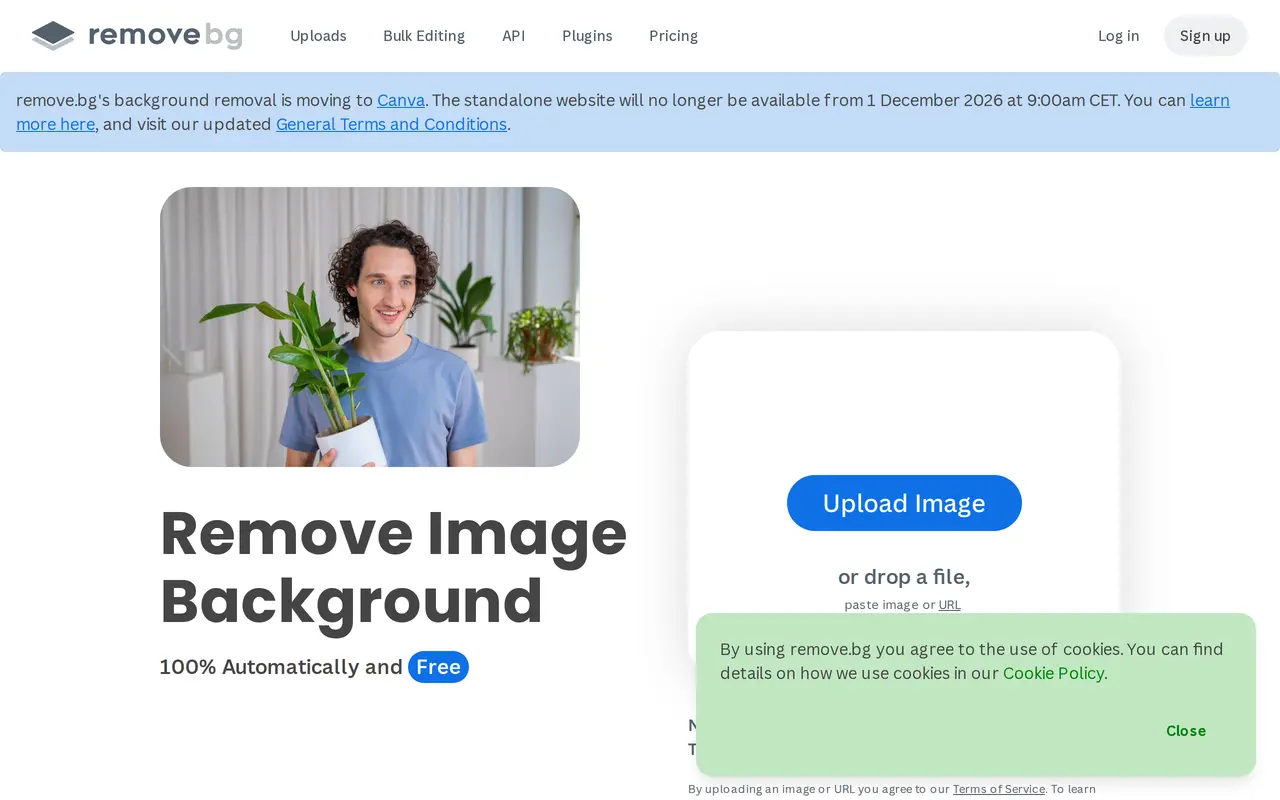

2. Cutout.Pro
FreemiumFrom $5/mo
Cutout.Pro is an AI platform for editing photos, creating visual content, and generating videos. Its tools cover image and video background removal, object removal, face cutouts, photo enhancement, upscaling, and colorization. It also includes portrait effects, passport photo creation, image vectorization, and…
- Background and object removal
- Photo enhancement and restoration
- Image and video generation
Best for E-commerce sellers, Photographers and editors, Content creators, Developers
Full review: Cutout.Pro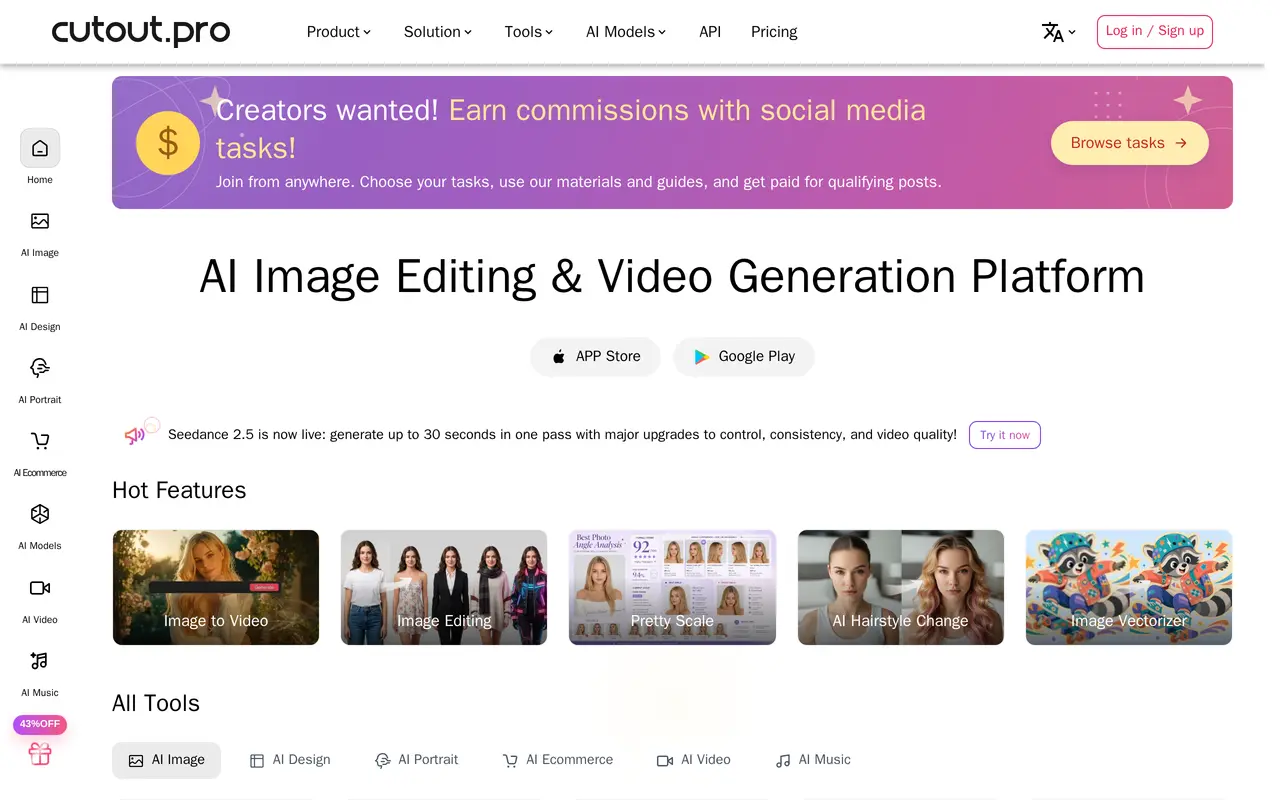

3. PhotoEditorAI
Freemium
PhotoEditorAI is a browser-based image editor that uses text instructions to modify uploaded photos. Users choose an AI model, upload an image, describe the changes they want, and generate results to preview and download. Supported edits include replacing backgrounds, removing objects, changing hair color, retouching…
- Prompt-based photo editing
- Background and object removal
- Reference-based style transfer
Best for Online sellers, Content creators, Marketing teams, Personal photo editors
Full review: PhotoEditorAI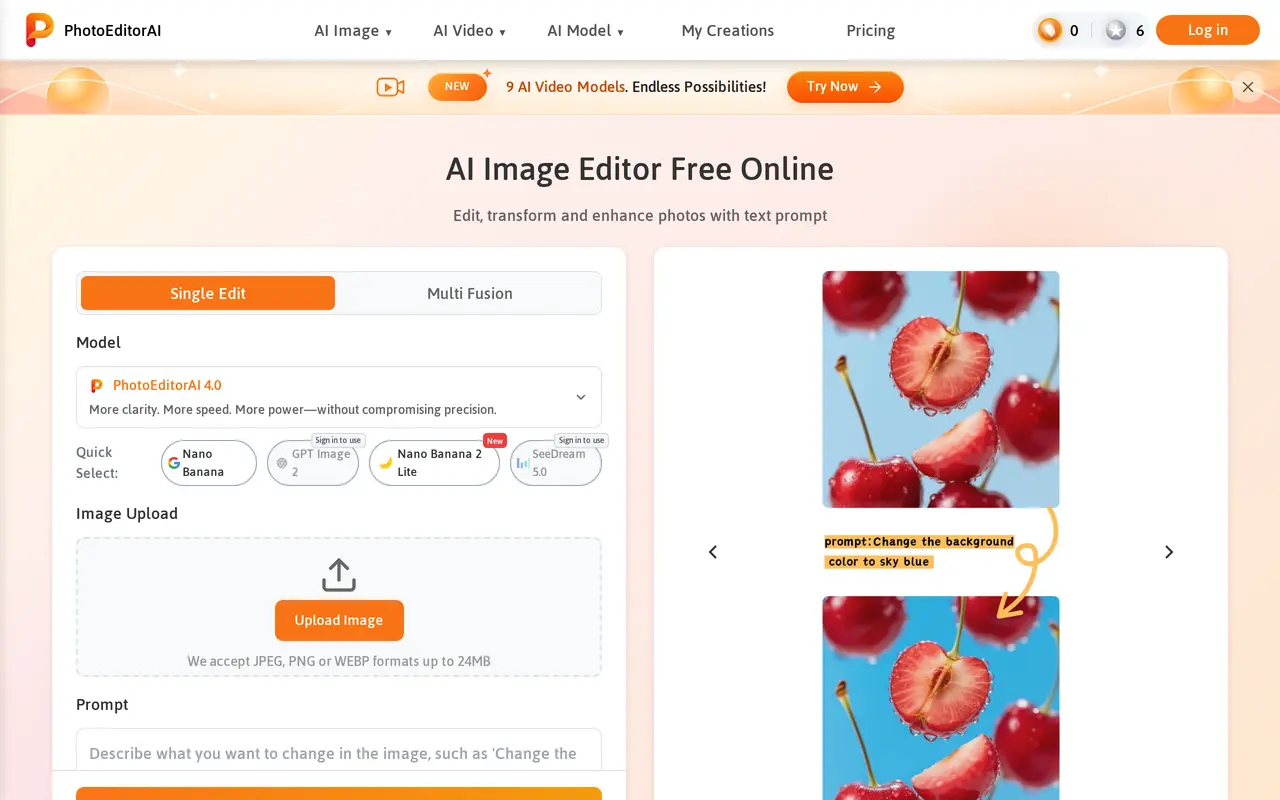

4. Removal.AI
FreemiumFrom $5.99/mo
Removal.AI uses AI to separate subjects from photo backgrounds, producing cutouts with transparent, white, or custom backgrounds. It handles images of people, products, cars, animals, and graphics, including details such as hair and fur. Users can upload an image, drag and drop it, paste it from the clipboard, or…
- Automatic background removal
- Online photo editor
- Bulk image processing
Best for E-commerce sellers, Photographers and designers, Marketers, Developers
Full review: Removal.AI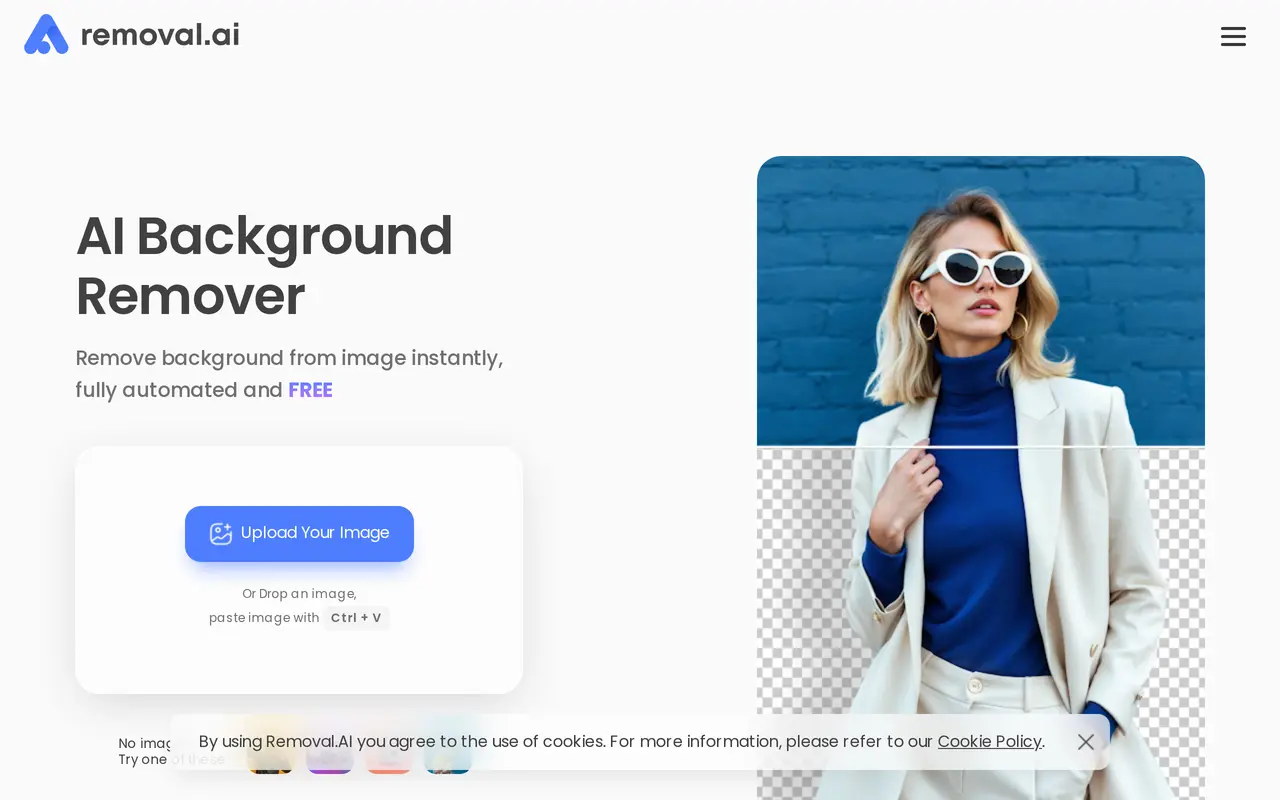

5. Aiarty
Free trial
Aiarty is a collection of desktop AI applications for improving photos and videos and removing image backgrounds. Its three products—Aiarty Image Enhancer, Aiarty Video Enhancer, and Aiarty Image Matting—serve photography, e-commerce, design, and content creation workflows. Processing runs locally, keeping media on…
- Image restoration and upscaling
- Video enhancement
- Frame interpolation
Best for Photographers, E-commerce sellers, Designers, Content creators
Full review: Aiarty

6. PixMagic
Freemium
PixMagic is a browser-based AI studio for editing personal photos, preparing design assets, and creating product imagery. It combines background removal, prompt-based photo editing, reference-driven image generation, image-to-video conversion, and text-to-speech in one workspace. Users can recolor or relight photos…
- Background removal
- Prompt-based photo editing
- Reference-driven restyling
Best for Designers, Online shops, Content creators, Personal users
Full review: PixMagic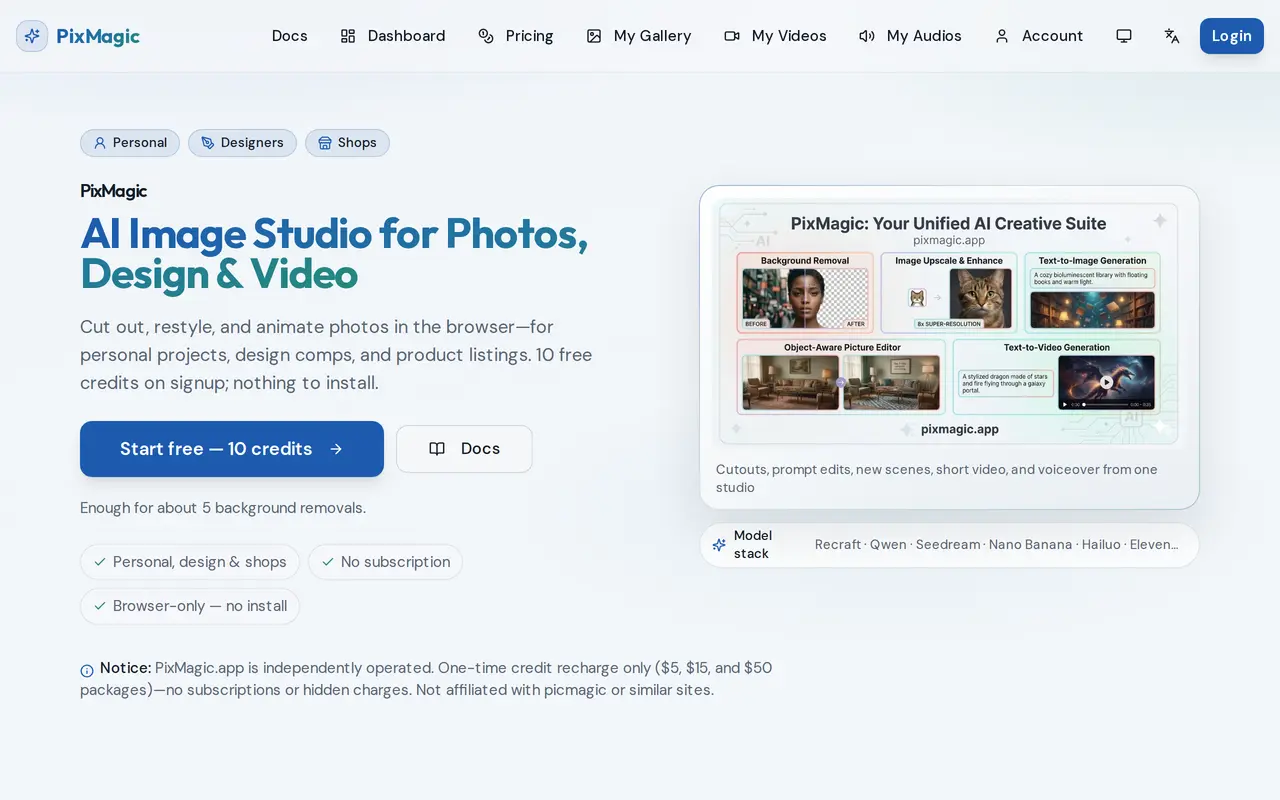

7. PixRemove
FreemiumFrom $4.99/mo
PixRemove uses AI to remove photo backgrounds and erase unwanted objects. Users can upload images, paste an image URL, or process batches of up to 50 images. Background removal produces full-resolution transparent PNGs without watermarks, with tools for refining edges around hair, hollow objects, glass, and…
- Full-resolution background removal
- Batch processing
- Object removal
Best for Online sellers, Photographers and designers, Creators and marketers, High-volume image teams
Full review: PixRemove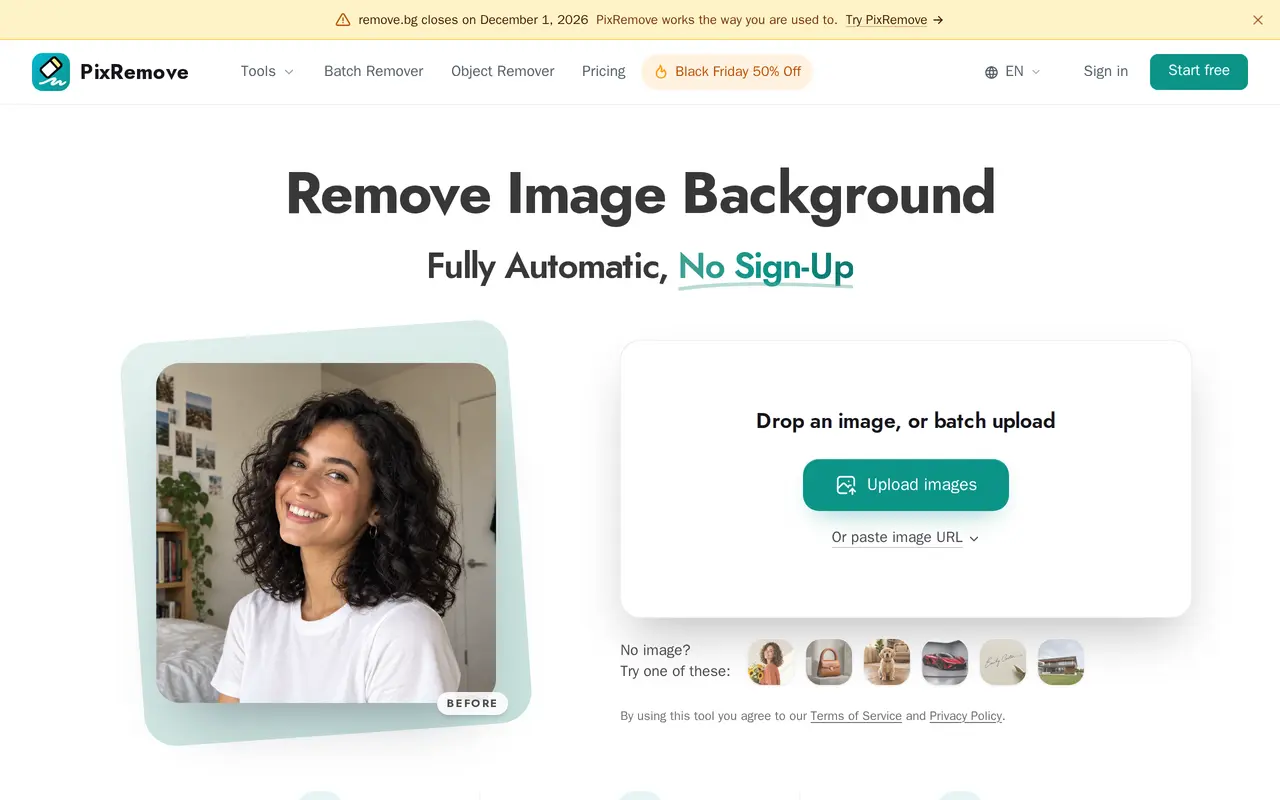

8. RemoveLayer
FreemiumFrom $9.90/mo
RemoveLayer is a browser-based AI image editor for background removal and photo cleanup. It offers separate tools for cutting out subjects, erasing objects or text, restoring blurry details, and softening backgrounds. It is designed for product photos, portraits, social content, and brand assets rather than full…
- Background removal
- Object and text cleanup
- Brush-based image erasing
Best for E-commerce sellers, Creators and marketers, Teams and professionals, Everyday users
Full review: RemoveLayer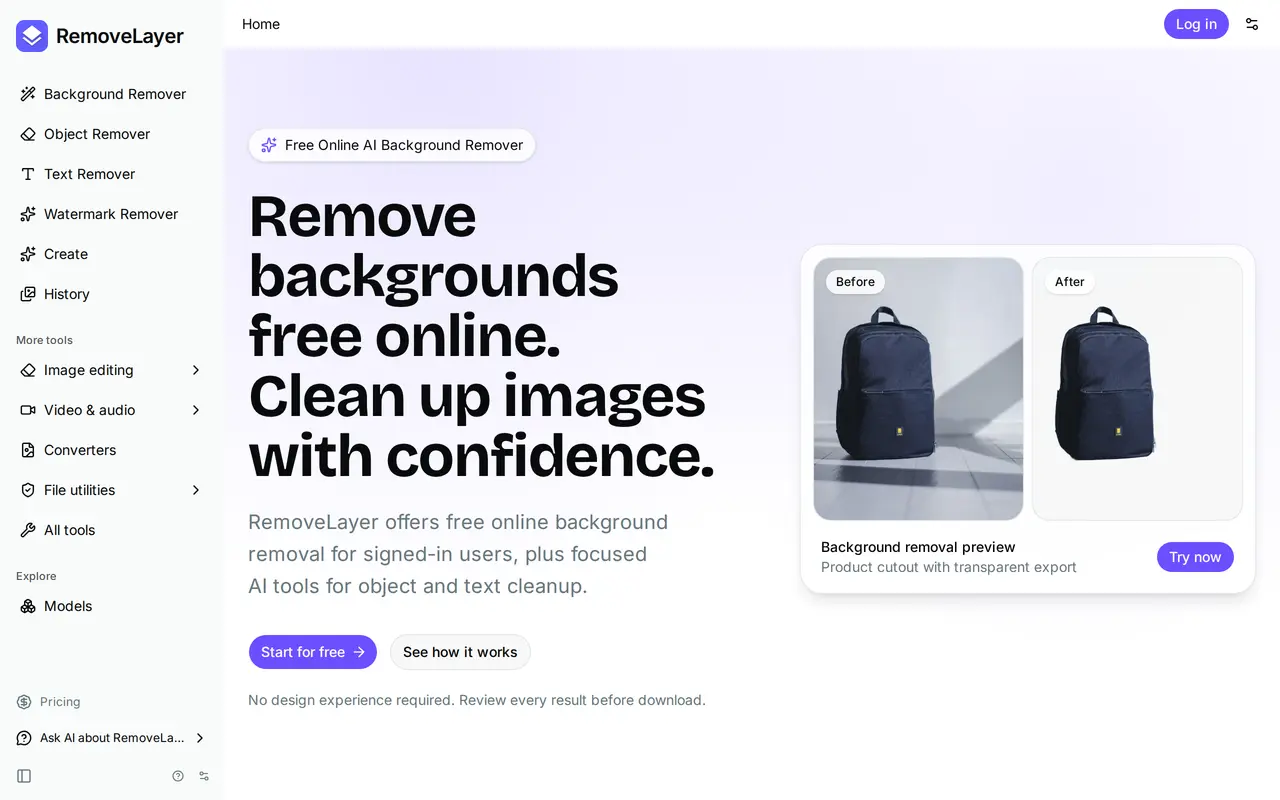

9. CapCut
FreemiumFrom $12.49/mo
CapCut combines video editing with AI tools for generating videos, images, and voiceovers. It is designed for social media creators, marketers, and people making personal videos. Users can edit online or use its desktop, mobile, and tablet apps, starting with their own footage, a template, or generated content. The…
- AI video and image generation
- Video editing and templates
- Automatic captions
Best for Social media creators, Marketing teams, Vloggers and personal creators
Full review: CapCut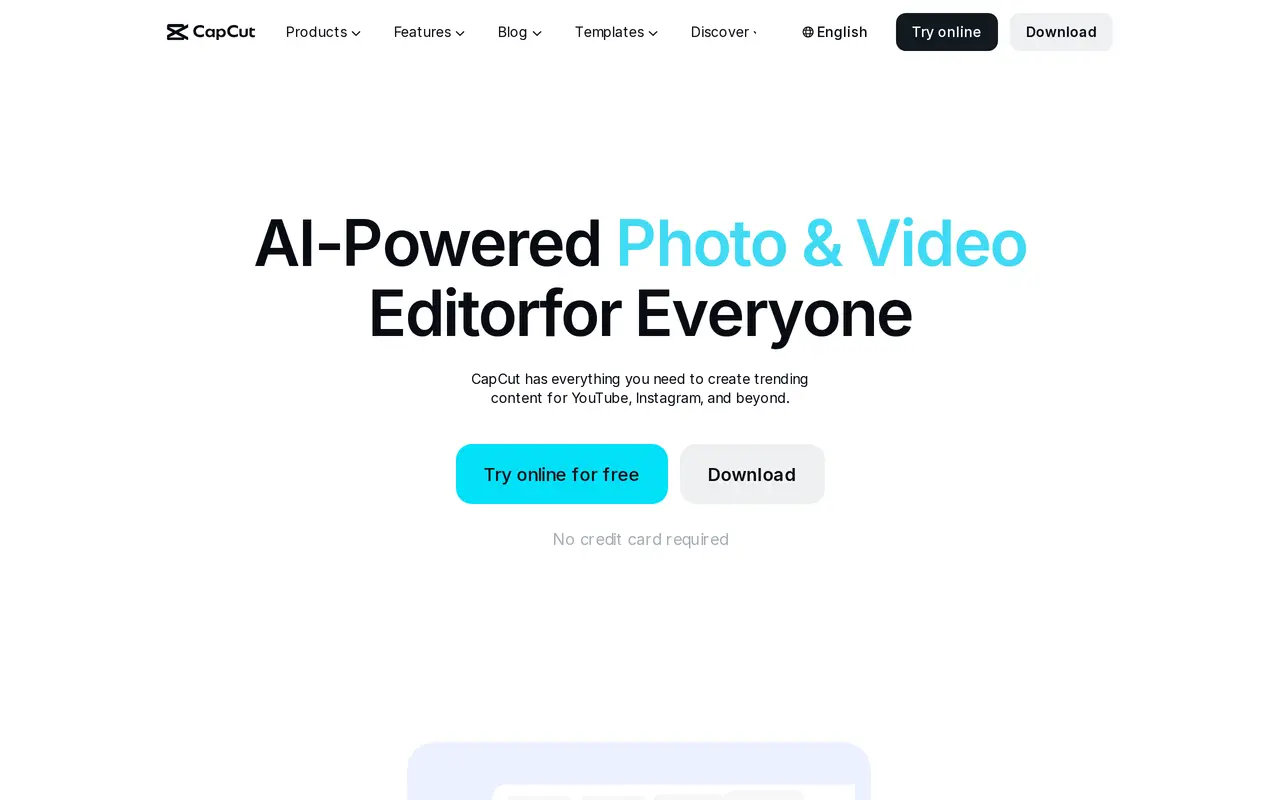

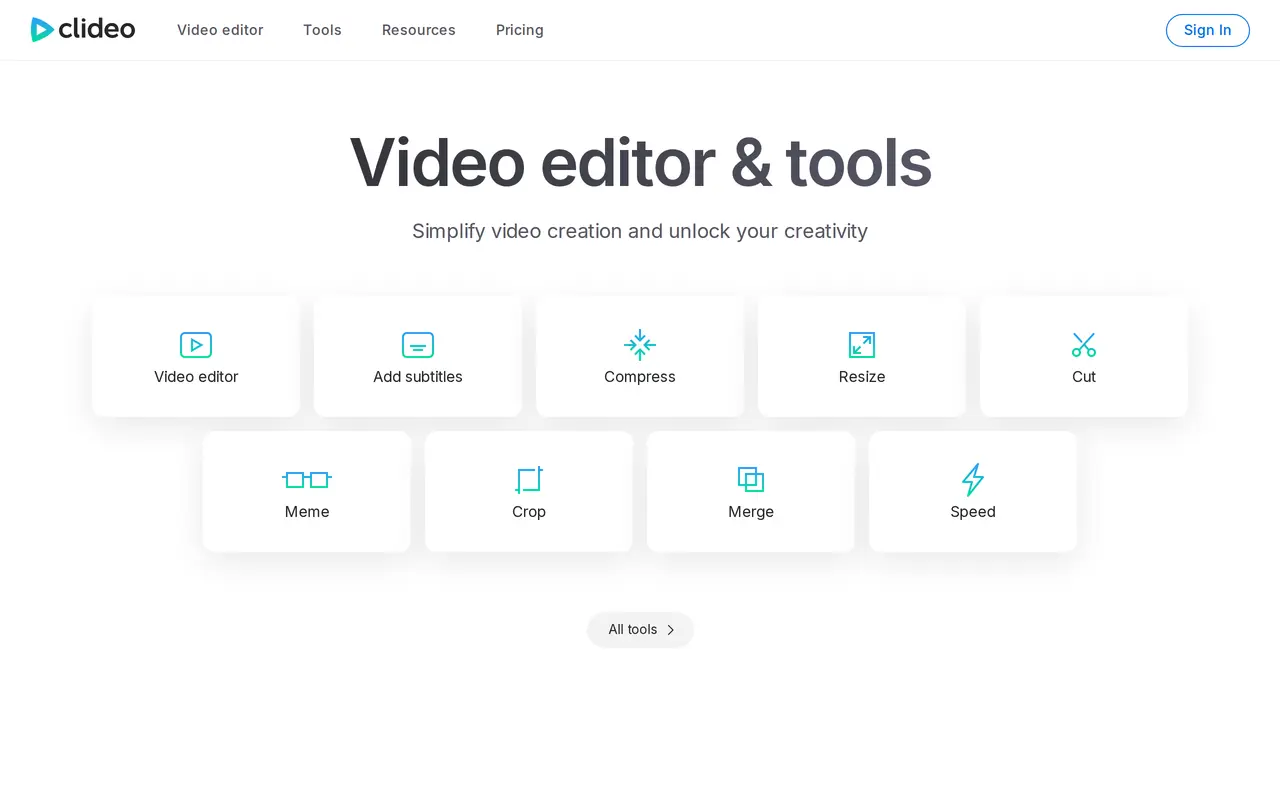
10. Clideo
Freemium
Clideo is a web-based video editor and collection of media tools for creating and editing videos, images, GIFs, and audio. Its AI-related tools include automatic subtitle generation, video and audio translation, and text-to-speech. Users can also trim and merge clips, resize or crop footage, adjust playback speed…
- Automatic subtitles
- Video and audio translation
- Text to speech
Best for Video creators, Multilingual content creators
Full review: Clideo