
Clideo
Visit websiteEdit videos online with automatic subtitles, translation, and text-to-speech tools.
Verified Nov 3, 2026
What is Clideo?
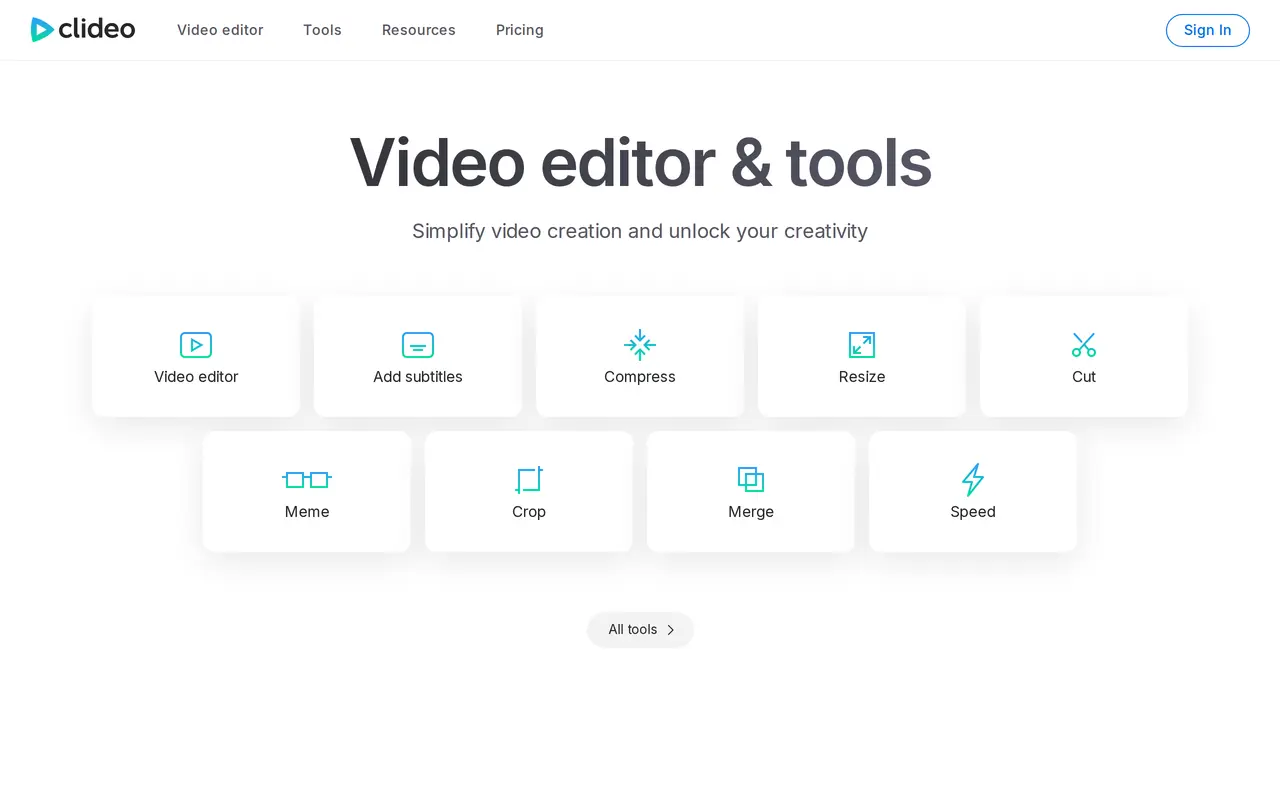
Clideo is a web-based video editor and collection of media tools for creating and editing videos, images, GIFs, and audio. Its AI-related tools include automatic subtitle generation, video and audio translation, and text-to-speech. Users can also trim and merge clips, resize or crop footage, adjust playback speed, add music, and place text, images, stickers, or shapes over a video.
The platform combines a video editor with individual tools for tasks such as compression, format conversion, slideshow creation, and GIF editing. It also includes screen, camera, audio, and presentation recorders. Free access includes 10 monthly credits for auto-subtitles, translation, and AI tools, with watermarked video exports up to 720p, a 500 MB upload limit, and 14-day storage. Pro increases the credit allowance to 500 per month and adds watermark-free exports, 4K video quality, higher-quality compression, unlimited upload file size, and unlimited storage duration.
What can Clideo do?
Automatic subtitles
Generate video subtitles automatically using a credit-based tool.
Video and audio translation
Translate video and audio using tools included in the monthly credit allowance.
Text to speech
Convert written text into spoken audio.
Video editing tools
Trim, merge, crop, resize, and change the speed of video clips.
Media overlays
Add text, images, stickers, emojis, and shapes to videos.
Recording and conversion
Record screens, cameras, audio, or presentations, and convert video, audio, and image files.
Who is Clideo for?
- Video creators
- Edit clips, add subtitles and overlays, and prepare videos in different sizes and formats.
- Multilingual content creators
- Use video and audio translation tools to adapt media for different languages.
How much is Clideo?
Official pricingFree
Free
Pro
$108/yr
Free plan: 10 credits per month, watermarked video exports up to 720p, 500 MB uploads, and 14-day storage.
Frequently asked questions
Can I use Clideo for free?
The free plan includes 10 credits per month for auto-subtitles, translation, and AI tools. Video exports have a watermark and are limited to 720p, with uploads up to 500 MB and a 14-day storage period.
What does Pro cost?
Pro costs $108 per year, equivalent to $9 per month billed yearly. It includes 500 credits per month.
Does Pro remove watermarks?
Yes. Pro also includes 4K video quality, high-quality compression, unlimited upload file size, and unlimited storage duration.
Clideo alternatives
Compare alternatives- 1
 PictoryCreate and edit videos from prompts, scripts, URLs, slides, images and audio.
- 2
 CapCutEdit videos, generate visuals, and add AI captions, voiceovers, and audio cleanup.
- 3
 VEEDGenerate, edit, subtitle, and dub videos with AI in one platform.
- 4
 ChatCutEdit and generate videos by describing the changes you want.
- 5
 VeloCreate, update, and translate work videos from company knowledge.
More AI Video Editors
See more
DomoAI
AI Video Generators
Generate, animate, and restyle videos from text, images, and existing footage.

Runway
AI Video Generators
Generate and edit video, images, and audio with AI creative tools and APIs.

Magic Hour
AI Video Generators
Generate and edit AI videos, images, and audio in a shared web studio.

Wistia
AI Video Editors
Host, edit, and repurpose business videos with AI and track viewer engagement.

Videotto
AI Video Editors
Edit videos with text prompts, generate short clips, and add captions and motion graphics.

Made
AI Video Editors
Turn long videos into clips, branded artwork, social posts and comment replies.