
remove.bg
Visit websiteRemove image backgrounds automatically and create replacement backdrops with AI.
Verified Nov 2, 2026
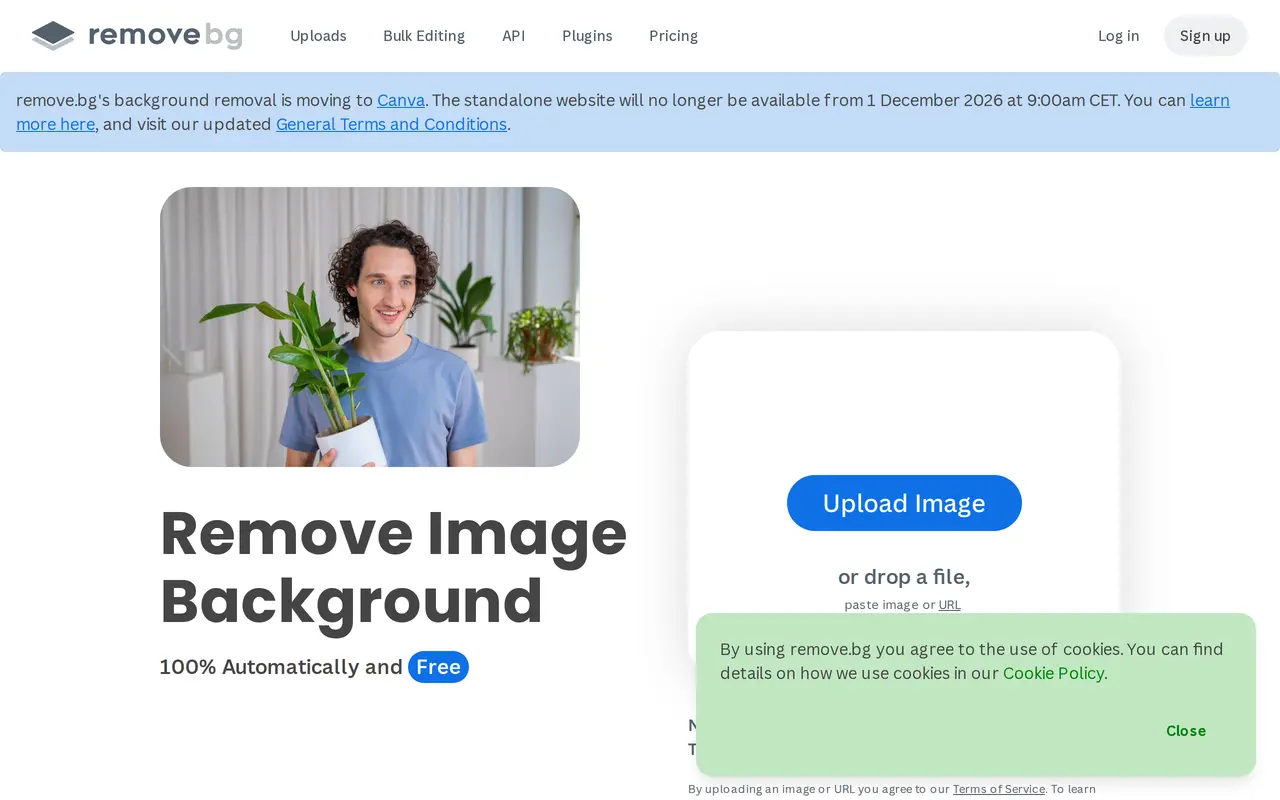
What is remove.bg?
remove.bg uses AI to separate subjects from image backgrounds. Users can upload a photo, drag in a file, paste an image, or submit an image URL. It handles people, products, animals, cars, and graphics, producing transparent backgrounds for designs or white backgrounds for product listings and portraits.
Beyond removing backgrounds, the tool includes an AI background generator that creates replacement backdrops without requiring a written prompt. Bulk editing supports processing up to 500 images per minute. An API and integrations with Figma, Photoshop, and Zapier let users add background removal to existing design and automation workflows. Desktop tools are available for Windows, Mac, and Linux, alongside an Android app.
Free background removal is available, and account creation includes one trial credit for AI edits. Enterprise solutions start at 100,000 images per year. The standalone remove.bg website is scheduled to close on December 1, 2026, at 9:00 a.m. CET as its background removal service moves to Canva.
What can remove.bg do?
Automatic background removal
Isolate people, products, animals, cars, and graphics from their backgrounds using AI.
Transparent and white backgrounds
Create transparent PNGs for designs or white-background images for listings and portraits.
AI background generation
Generate replacement backdrops without writing a prompt.
Bulk image processing
Process up to 500 images per minute for high-volume background removal.
API and workflow integrations
Add background removal to workflows through the API or integrations with Figma, Photoshop, and Zapier.
Who is remove.bg for?
- E-commerce sellers
- Prepare product photos with transparent, white, or replacement backgrounds.
- Photographers
- Separate portrait subjects from backgrounds and prepare images for further editing.
- Marketing and design teams
- Create image cutouts and custom backdrops for graphics and campaign materials.
- Developers
- Integrate automated background removal into applications and image-processing workflows.
How much is remove.bg?
Official pricingBasics
Free
Enterprise Solutions
See website
Free plan: Free background removal, with one trial credit for AI edits when creating an account.
Frequently asked questions
Can I use remove.bg for free?
Free background removal is available. Creating an account also includes one trial credit for AI edits.
Does remove.bg support bulk processing?
Bulk editing supports up to 500 images per minute. Enterprise solutions start at 100,000 images per year.
Which platforms and integrations are available?
remove.bg offers a web interface, Windows, Mac, and Linux tools, and an Android app. It also provides an API and integrations with Figma, Photoshop, and Zapier.
Is the standalone remove.bg website closing?
Yes. The standalone website is scheduled to become unavailable on December 1, 2026, at 9:00 a.m. CET as background removal moves to Canva.
remove.bg alternatives
Compare alternatives- 1
 Removal.AIRemove photo backgrounds automatically and edit the results online or through an API.
- 2
 PhotoEditorAIEdit, retouch, and restyle photos in your browser using text prompts.
- 3
 PixMagicEdit and restyle photos, remove backgrounds, and create short videos in your browser.
- 4
 PixRemoveRemove image backgrounds and unwanted objects with AI, then edit and export cutouts.
- 5
 RemoveLayerRemove backgrounds, erase unwanted objects and text, and sharpen photos with AI.
More AI Background Removers
See more
Cutout.Pro
AI Background Removers
Edit and enhance photos, remove backgrounds, and generate images and videos with AI.

Aiarty
AI Image Enhancers
Desktop AI tools for enhancing images and videos and removing image backgrounds.

Video Background Remover
AI Background Removers
Remove video backgrounds and export transparent clips or add a new backdrop.