
RemoveLayer
Visit websiteRemove backgrounds, erase unwanted objects and text, and sharpen photos with AI.
Verified Nov 2, 2026
What is RemoveLayer?
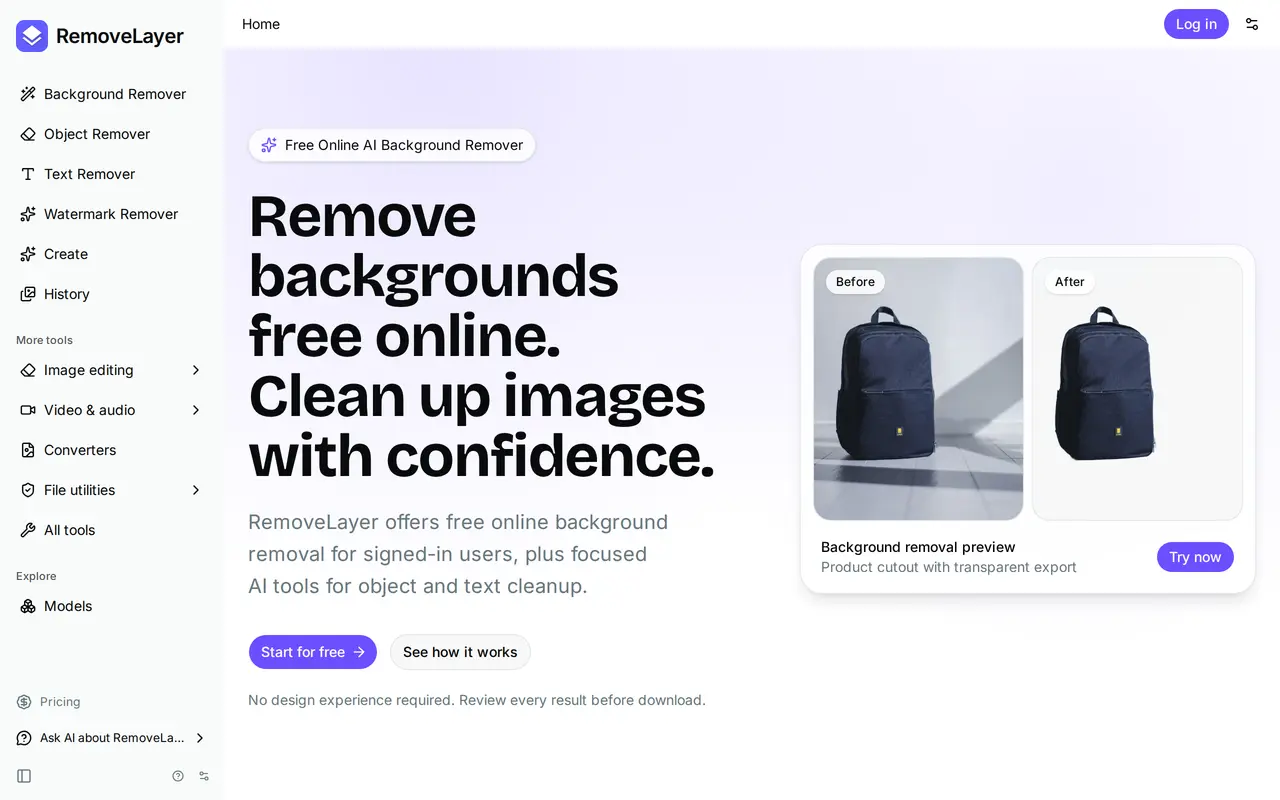
RemoveLayer is a browser-based AI image editor for background removal and photo cleanup. It offers separate tools for cutting out subjects, erasing objects or text, restoring blurry details, and softening backgrounds. It is designed for product photos, portraits, social content, and brand assets rather than full manual image editing.
Users upload an image, choose a tool, and review the processed result before downloading. Background removal supports transparent exports or solid-color backdrops, while brush-based cleanup lets users select unwanted areas for AI reconstruction. The background-removal uploader accepts files up to 100 MB, and processing requires an account.
Signed-in users receive a daily free background-removal allowance. Other AI cleanup tasks use credits, which are deducted only when processing succeeds. Monthly subscriptions include credits, commercial use rights, and account-based creation history, with processing priority and file retention varying by plan. One-time credit top-ups are also available for additional edits.
What can RemoveLayer do?
Background removal
Isolate subjects and export images with transparent or solid-color backgrounds.
Object and text cleanup
Remove distracting objects, captions, labels, and overlays with AI reconstruction.
Brush-based image erasing
Paint over unwanted areas and reconstruct the surrounding scene.
Photo finishing
Restore detail in blurry photos or blur busy backgrounds behind subjects.
Before-and-after preview
Compare the original and edited image and inspect cutout edges before exporting.
Success-based credit billing
Paid processing consumes credits only after a job completes successfully.
Who is RemoveLayer for?
- E-commerce sellers
- Create product cutouts and consistent listing images for stores, catalogs, and marketplaces.
- Creators and marketers
- Clean up photos for ads and social content by removing text and distracting objects.
- Teams and professionals
- Prepare portraits, logos, and headshots for team pages, presentations, and client work.
- Everyday users
- Make focused photo corrections without learning a full image editor.
How much is RemoveLayer?
Official pricingPlus
$9.90/mo
Pro
$19.90/mo
Max
$39.90/mo
Free plan: Daily free background removal for signed-in users.
Frequently asked questions
Can I use RemoveLayer for free?
Signed-in users get a daily free background-removal allowance. Paid AI cleanup tools use credits, and subscriptions include a higher daily background-removal allowance.
When are credits charged?
Credits are deducted only after processing succeeds. Failed jobs and background removals covered by the daily allowance do not consume credits.
Can I download transparent images?
Yes. Background removal supports transparent PNG cutouts, as well as solid-color backgrounds.
Can I use edited images commercially?
All paid plans include commercial use rights for generated outputs, including ads, e-commerce, and client deliverables.
Can I buy credits without changing my subscription?
Yes. One-time credit packs provide additional credits without changing your plan.
What is the refund policy?
RemoveLayer offers a 30-day money-back guarantee. Refunds are full before paid credits are used and proportional to unused paid credits afterward.
RemoveLayer alternatives
Compare alternatives- 1
 PhotoEditorAIEdit, retouch, and restyle photos in your browser using text prompts.
- 2
 Cutout.ProEdit and enhance photos, remove backgrounds, and generate images and videos with AI.
- 3
 PixRemoveRemove image backgrounds and unwanted objects with AI, then edit and export cutouts.
- 4
 remove.bgRemove image backgrounds automatically and create replacement backdrops with AI.
- 5
 PixMagicEdit and restyle photos, remove backgrounds, and create short videos in your browser.
More AI Background Removers
See more
Removal.AI
AI Background Removers
Remove photo backgrounds automatically and edit the results online or through an API.

Aiarty
AI Image Enhancers
Desktop AI tools for enhancing images and videos and removing image backgrounds.

Video Background Remover
AI Background Removers
Remove video backgrounds and export transparent clips or add a new backdrop.