
Video Background Remover
Visit websiteRemove video backgrounds and export transparent clips or add a new backdrop.
Verified Nov 2, 2026
What is Video Background Remover?
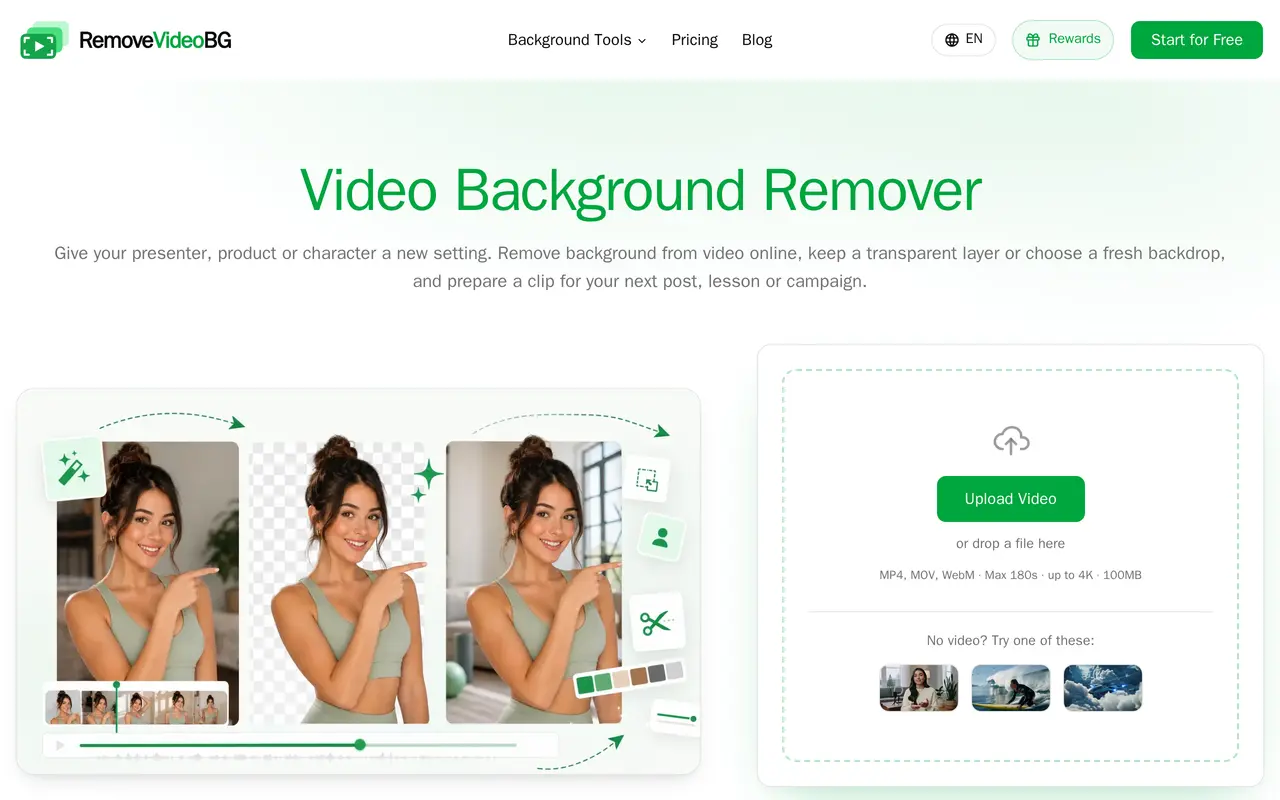
Video Background Remover is a browser-based tool that automatically separates presenters, products and animated characters from their backgrounds. It lets users prepare footage for social posts, lessons, campaigns and layered compositions without manually masking each frame or recording against a green screen.
Users upload an MP4, MOV or WebM file, then use the preview to choose the section and presentation for their project. The uploader accepts clips up to 180 seconds, 100 MB and 4K resolution. Transparent WebM exports can be placed over other scenes in compatible editors or websites, while background replacement tools combine footage with an image.
The wider toolkit includes background blur, green-screen tools, batch processing and PNG sequences. Paid plans use credits, with processing starting at six credits per second. They include watermark-free exports and a commercial-use license; annual subscriptions distribute credits monthly rather than all at once.
What can Video Background Remover do?
Automatic background removal
Separate a presenter, product or character from its background without manually masking every frame.
Transparent video export
Export transparent WebM footage for layering in a compatible editor or website.
Background replacement
Combine your subject with an image to give existing footage a different setting.
Multiple export formats
Paid plans support WebM, MOV, MP4 and PNG sequence exports.
Related processing tools
Access tools for background blur, green-screen work, batch removal and longer videos.
Who is Video Background Remover for?
- Creators and vloggers
- Reuse presenter footage and product clips in social videos and new compositions.
- Educators
- Prepare transparent presenter footage to place alongside slides or lesson materials.
- Marketing and production teams
- Combine subjects with campaign artwork and process footage for branded projects.
How much is Video Background Remover?
Official pricingLite
$204/yr
Plus
$288/yr
Pro
$360/yr
Max
$480/yr
Free plan: A free try is available.
Frequently asked questions
What files can I upload?
The uploader accepts MP4, MOV and WebM files up to 180 seconds, 100 MB and 4K resolution.
Can I try it for free?
A free try is available, and the tool advertises watermark-free output.
How are processing credits charged?
Video processing starts at six credits per second. Annual subscriptions issue credits monthly in 12 installments.
Do paid credits expire?
Paid credits roll over and do not expire, including after cancellation.
Is commercial use included?
All listed paid subscription plans include a commercial-use license.
Video Background Remover alternatives
Compare alternatives- 1
 remove.bgRemove image backgrounds automatically and create replacement backdrops with AI.
- 2
 Cutout.ProEdit and enhance photos, remove backgrounds, and generate images and videos with AI.
- 3
 PhotoEditorAIEdit, retouch, and restyle photos in your browser using text prompts.
- 4
 Removal.AIRemove photo backgrounds automatically and edit the results online or through an API.
- 5
 AiartyDesktop AI tools for enhancing images and videos and removing image backgrounds.
More AI Background Removers
See more
PixMagic
AI Photo Editors
Edit and restyle photos, remove backgrounds, and create short videos in your browser.

PixRemove
AI Background Removers
Remove image backgrounds and unwanted objects with AI, then edit and export cutouts.

RemoveLayer
AI Background Removers
Remove backgrounds, erase unwanted objects and text, and sharpen photos with AI.