Best Change Image Color alternatives
Short on time? Start with what matters most to you.
Top Change Image Color alternatives, reviewed
What each one does well, who it suits and what it costs.

1. Canva
Freemium
Canva is a visual design platform for creating social media posts, presentations, videos, posters, logos, and printed materials. It combines templates and editing tools with AI features for generating images, refining writing, editing photos, and adding video captions. Users can start with a template or build a…
- AI image generation
- AI photo editing
- Editable image layouts
Best for Social media creators, Small businesses, Organizational teams
Full review: Canva

2. Pixelcut
FreemiumFrom $10/mo
Pixelcut is an AI image and video platform for sellers, brands, and creators making product visuals and marketing content. Users can upload files for editing or describe what they want to create. Its creative agent interprets prompts and plans and carries out tasks using image and video models, including Nano Banana…
- Prompt-based creative agent
- Product and brand visuals
- Image and video background removal
Best for Online sellers, Brand and marketing teams, Content creators
Full review: Pixelcut

3. Fotor
FreemiumFrom $10.99/mo
Fotor combines a photo editor with AI image generation, retouching, and design tools. Users can upload a photo, adjust its lighting and colors, add text or effects, and download the result as a JPG, PNG, or PDF. It also includes collage layouts, stock images, fonts, stickers, and batch editing for working on multiple…
- AI photo enhancement
- Background and object removal
- Prompt-based image editing
Best for Content creators, Photographers, Entrepreneurs, Professionals
Full review: Fotor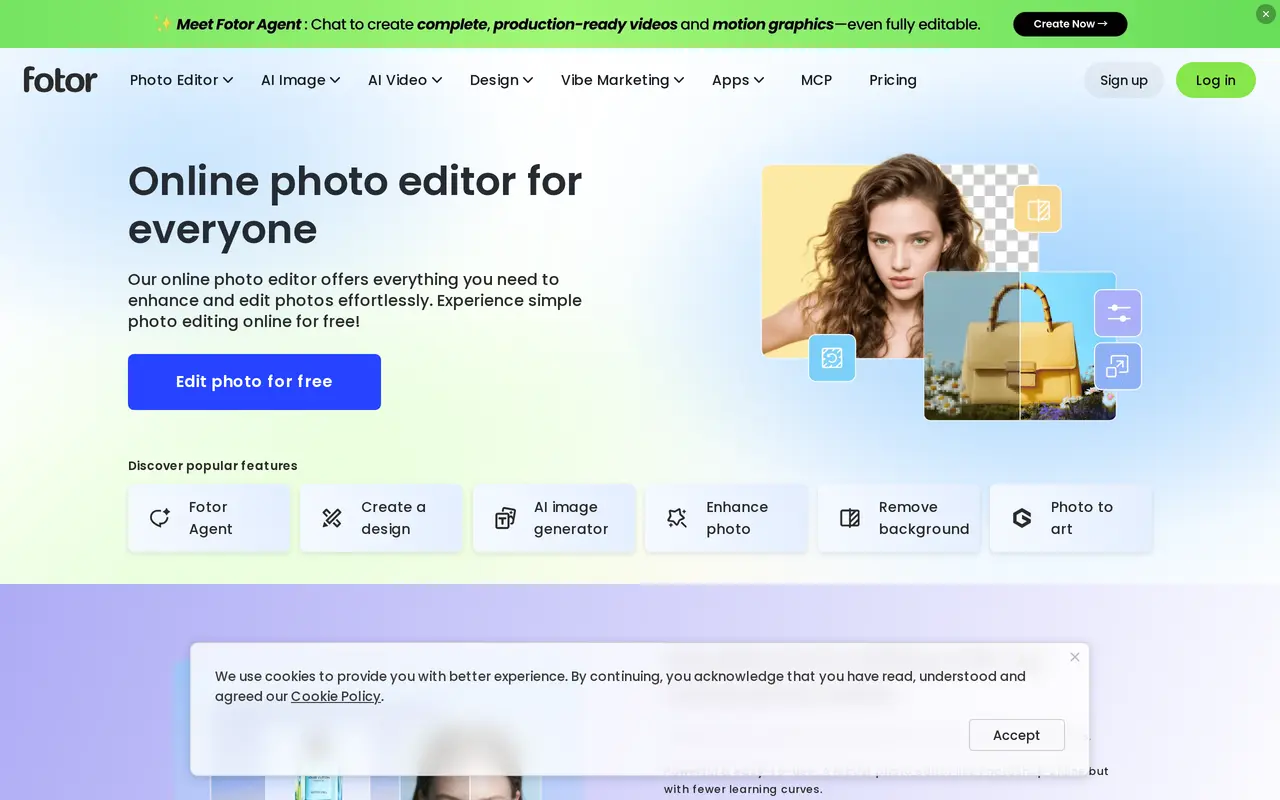

4. Bing Image Creator
Free
Bing Image Creator is a web-based AI image generator that turns text descriptions into artwork, photos, and other visuals. Users can describe an image, choose an aspect ratio, and generate a result. It also offers templates as starting points for themed creations, including seasonal greetings, professional portraits…
- Text-to-image generation
- Aspect ratio selection
- Themed templates
Best for Visual creators, Personal photo users
Full review: Bing Image Creator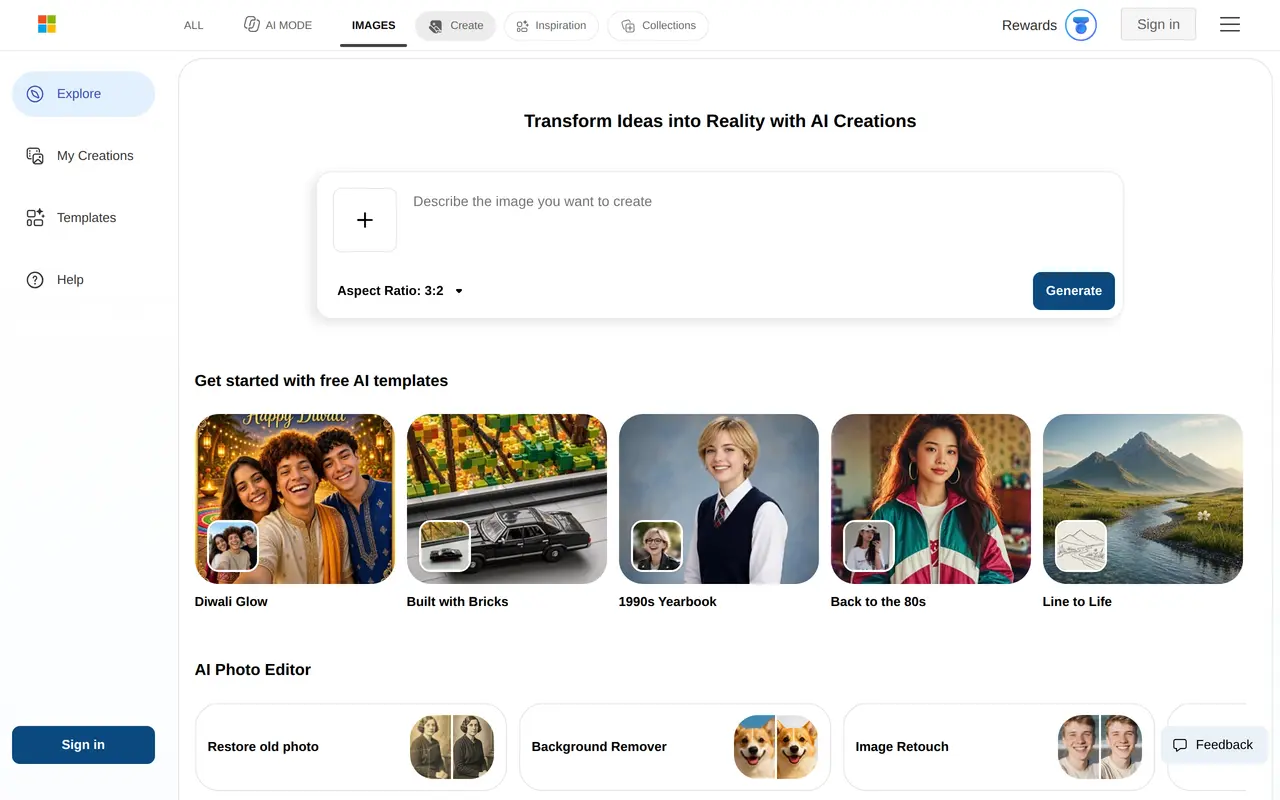

5. Magnific
Freemium
Magnific, formerly Freepik, is an AI creative suite for generating images, making videos, and editing visual content on iPhone, iPad, and Mac. It combines several image and video models with editing tools and a library of photos, vectors, templates, mockups, and other design assets. Users can create images from…
- Multi-model image generation
- Text and image to video
- AI photo editing
Best for Small businesses, Content creators, Creative professionals, Design beginners
Full review: Magnific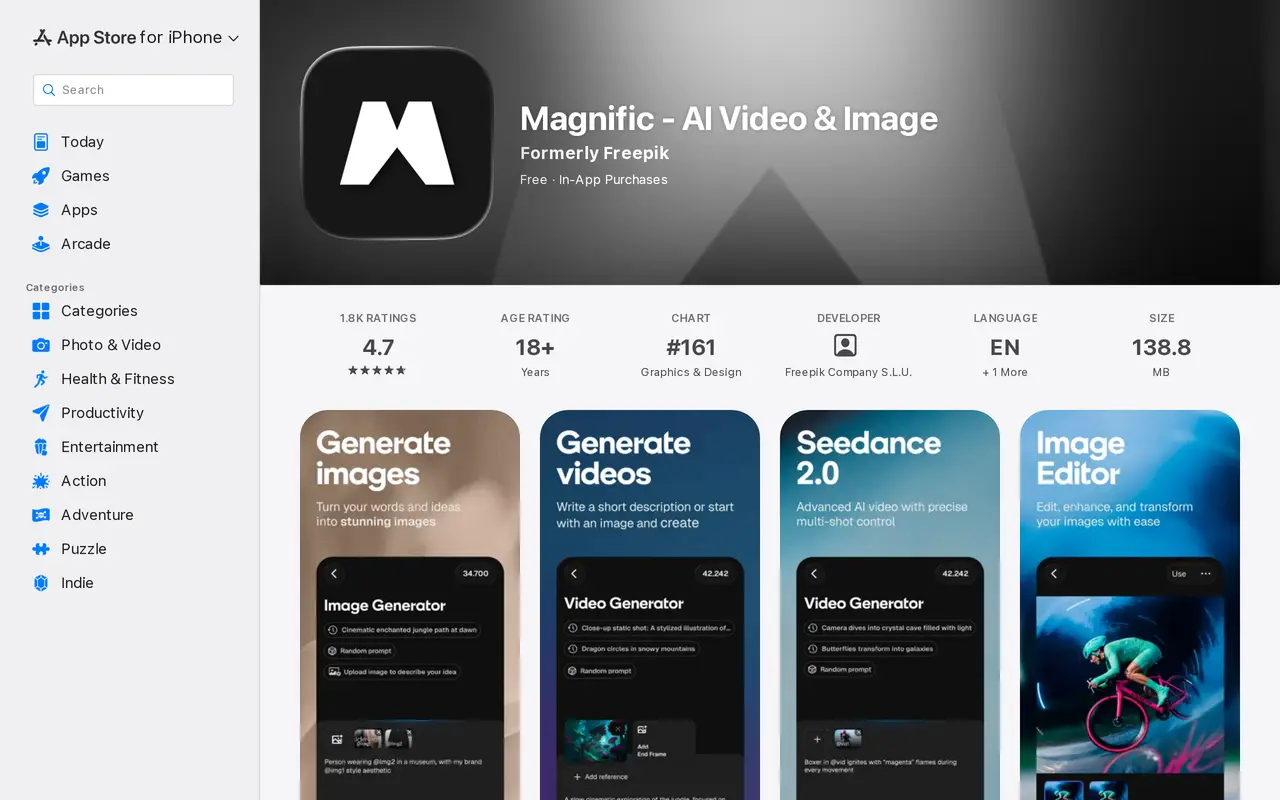

6. Cutout.Pro
FreemiumFrom $5/mo
Cutout.Pro is an AI platform for editing photos, creating visual content, and generating videos. Its tools cover image and video background removal, object removal, face cutouts, photo enhancement, upscaling, and colorization. It also includes portrait effects, passport photo creation, image vectorization, and…
- Background and object removal
- Photo enhancement and restoration
- Image and video generation
Best for E-commerce sellers, Photographers and editors, Content creators, Developers
Full review: Cutout.Pro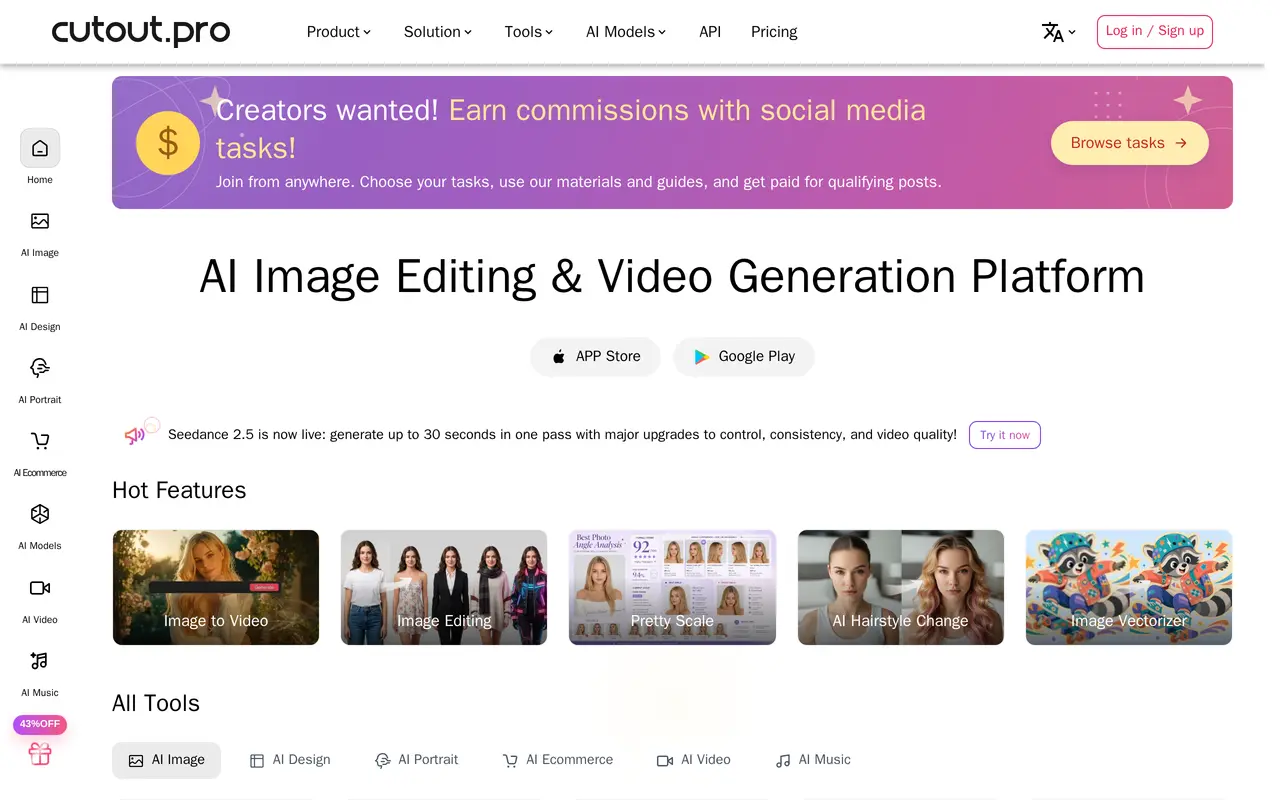
7. Pixlr
FreemiumFrom $2.49/mo
Pixlr combines browser-based photo editing with AI tools for generating and modifying images, video, and audio. Users can upload a photo for editing, create an image from a text prompt, or use an existing image as a reference. It is suited to creating social graphics, marketing visuals, product images, and other…
- AI image generation
- Generative photo editing
- Background and object removal
Best for Graphic designers, Marketing teams, Small businesses
Full review: Pixlr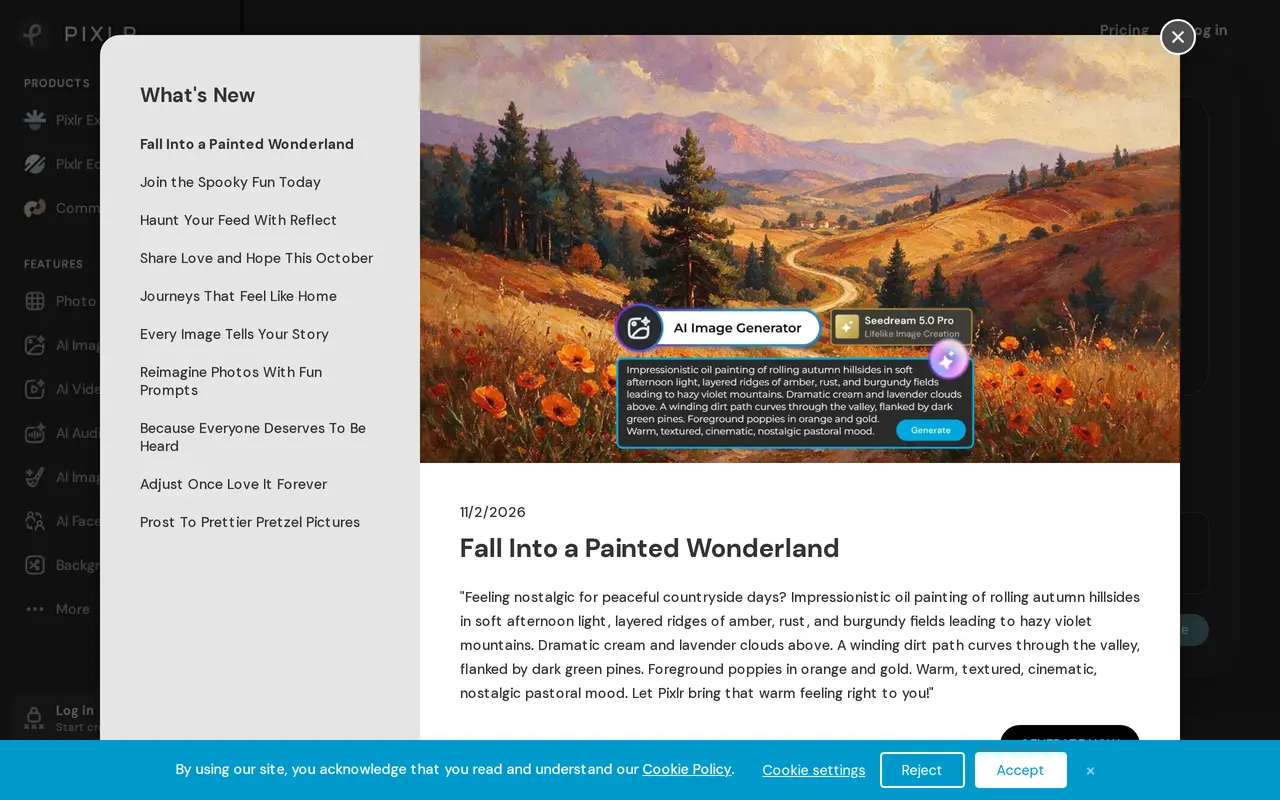

8. WatermarkRemover.io
Freemium
WatermarkRemover.io is an AI tool for removing watermark overlays, text, and logos from images. Users upload a local file, drag and drop an image, or paste a URL, and the tool automatically detects and removes the watermark without requiring them to mark its location manually. It supports JPG, JPEG, PNG, WebP, and…
- Automatic watermark detection
- Upload or paste a URL
- Before-and-after preview
Best for Content creators, Businesses with image collections, Developers
Full review: WatermarkRemover.io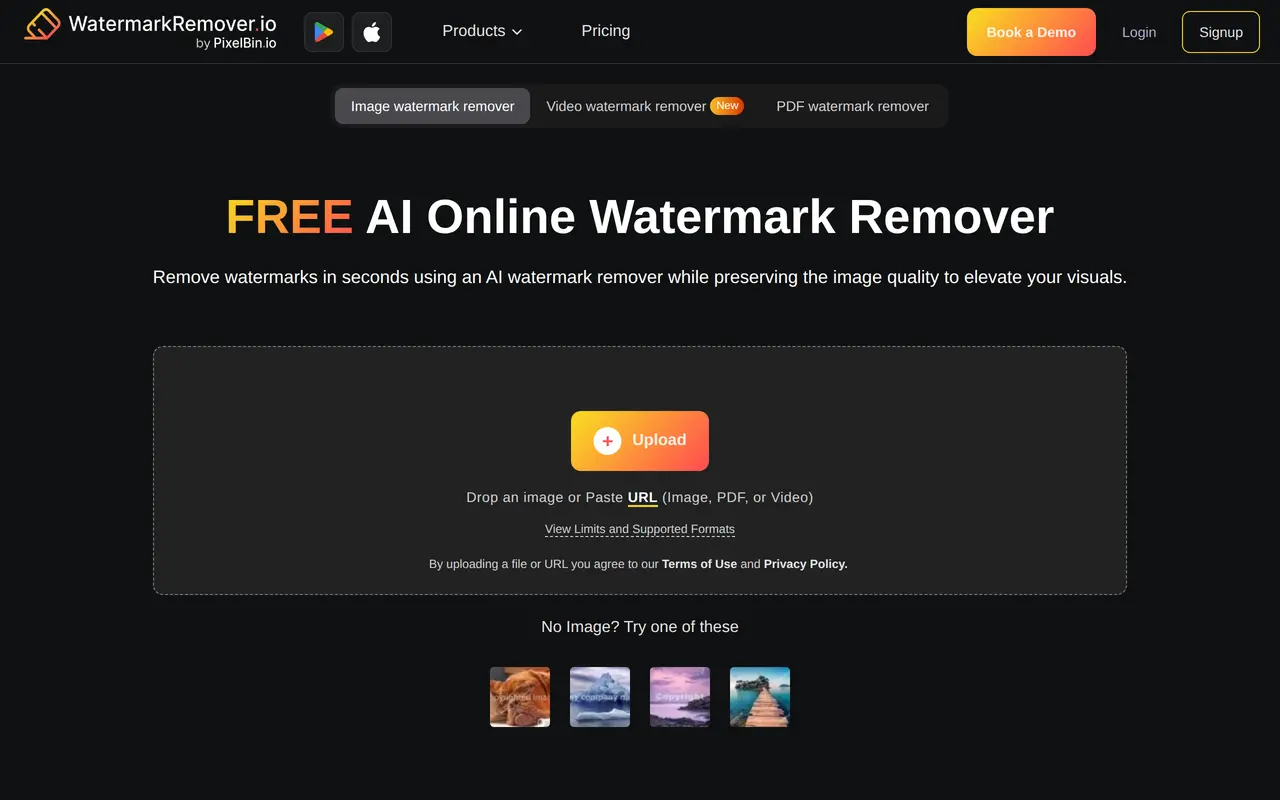

9. Airbrush
FreemiumFrom $15.95/mo
Airbrush is an AI photo and video editor for everyday users, content creators, and photographers. Its tools handle portrait retouching, skin smoothing, facial adjustments, object removal, and background editing. Users can also improve image quality, enlarge photos, restore damaged pictures, and try AI outfit changes.
- AI portrait retouching
- Object and background editing
- Image enhancement and upscaling
Best for Everyday photo editors, Content creators, Photographers and professionals
Full review: Airbrush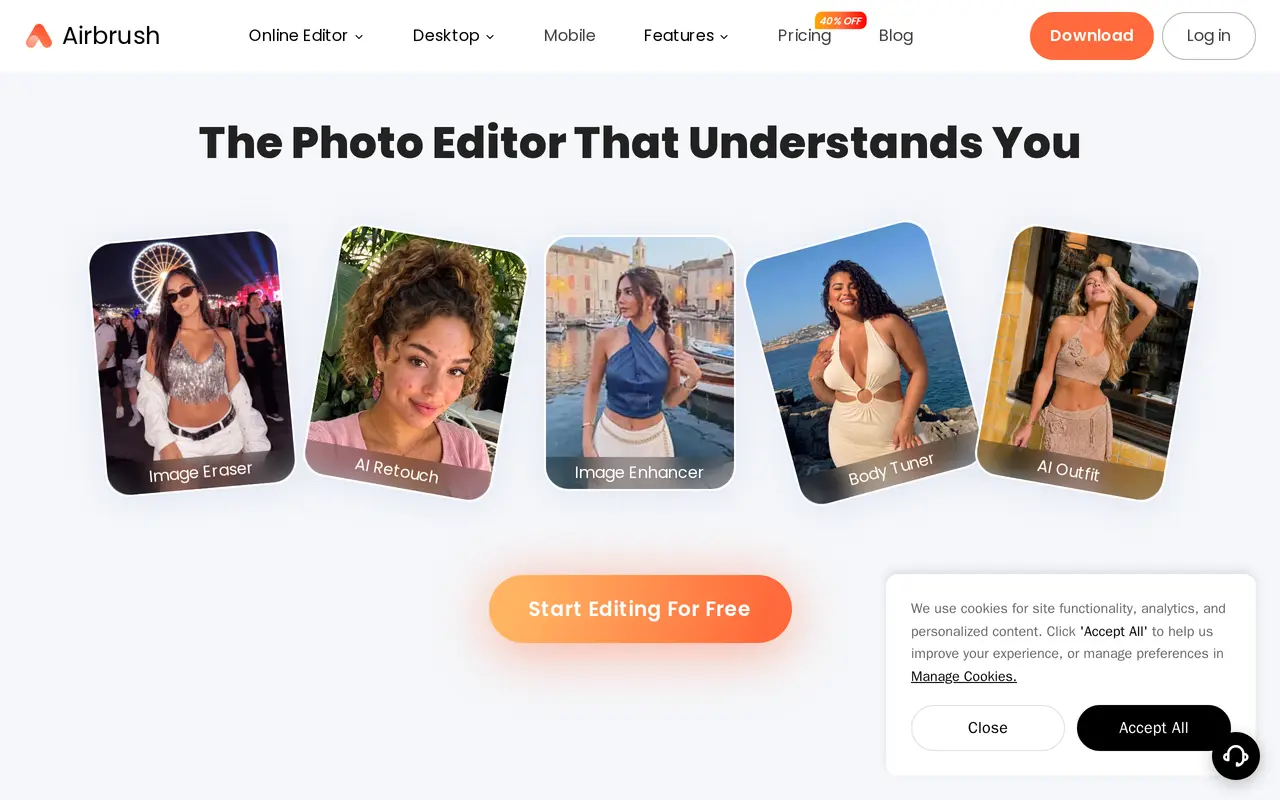

10. Supawork AI
Freemium
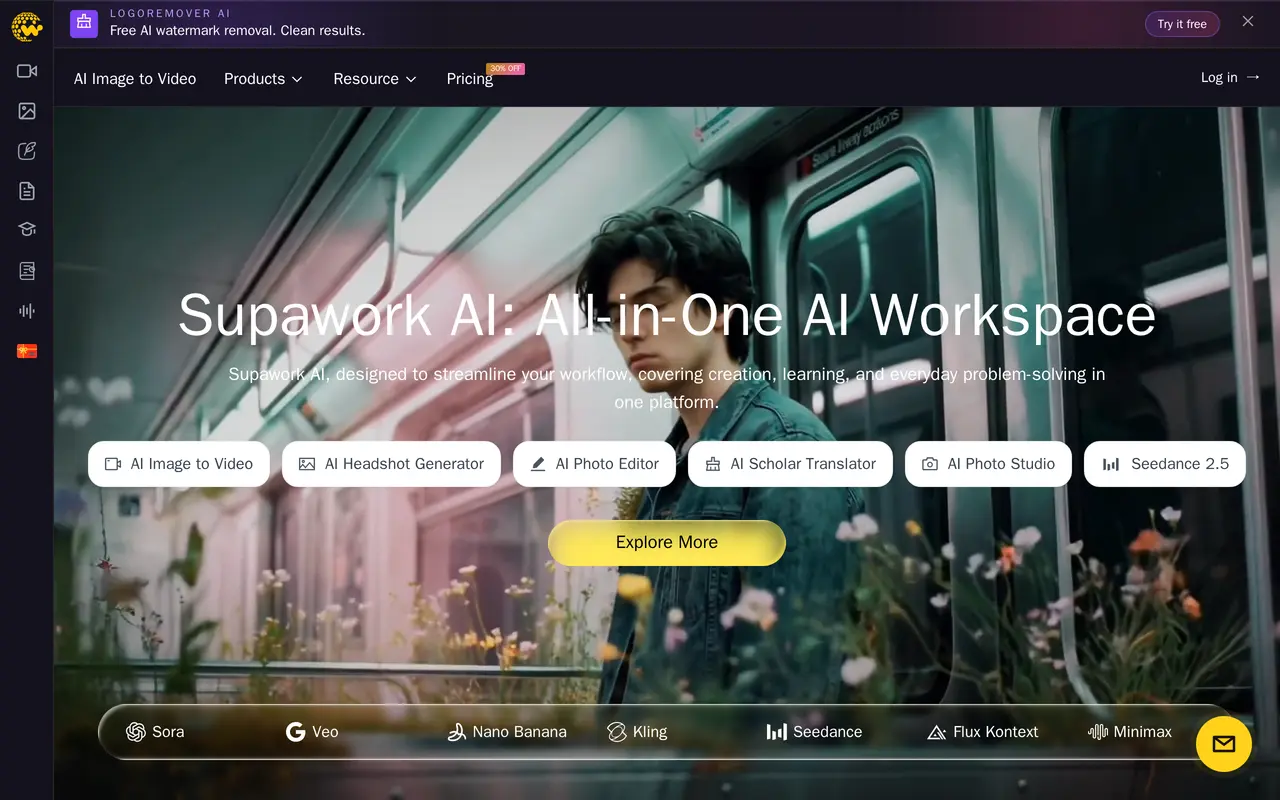
Supawork AI is a browser-based workspace for generating and editing visual content, with additional tools for academic translation and job applications. It brings together video and image tools associated with models such as Sora, Veo, Kling, Seedance, and Flux Kontext. Its creative tools are aimed at social media…
- AI video and image creation
- Professional headshots
- Object and watermark removal
Best for Social media creators, Filmmakers, Students and learners, Job seekers
Full review: Supawork AI