Pixlr
Visit websiteEdit photos and generate images, videos, and audio with AI in your browser.
Verified Nov 2, 2026
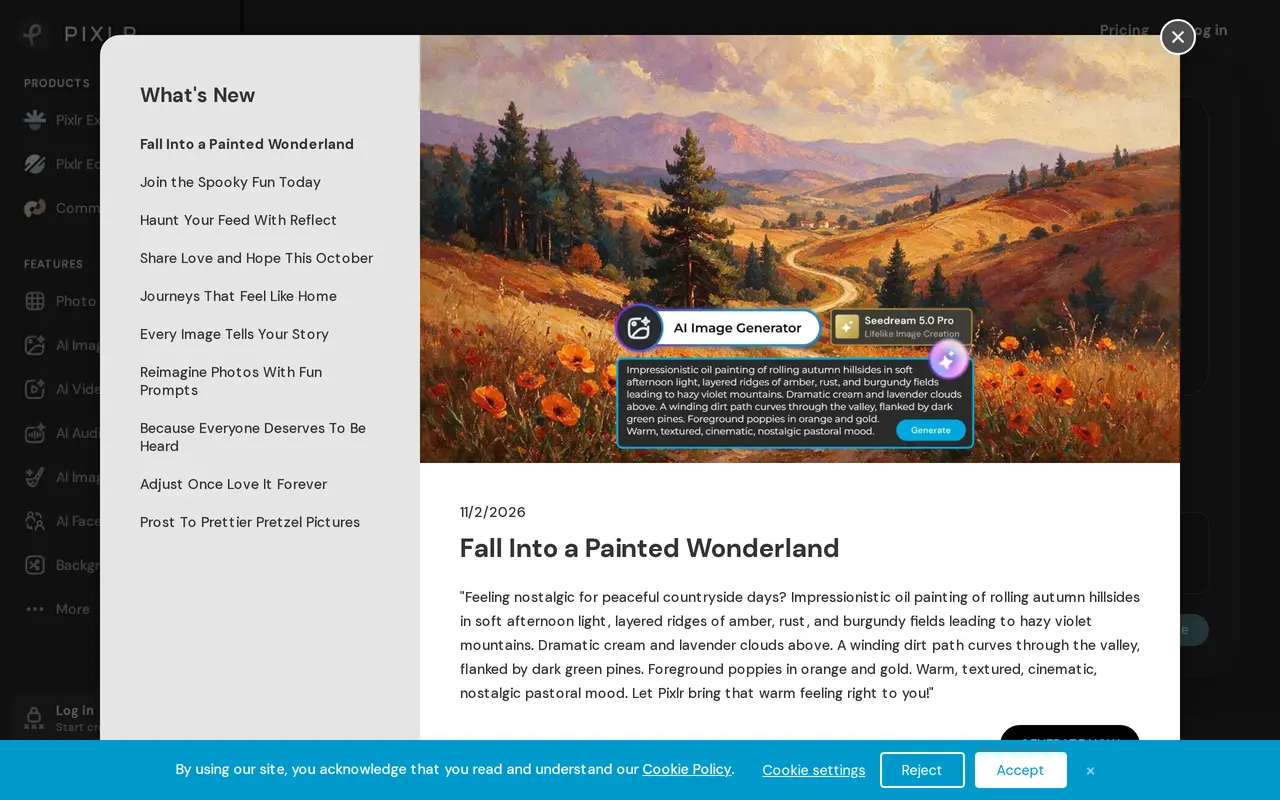
What is Pixlr?
Pixlr combines browser-based photo editing with AI tools for generating and modifying images, video, and audio. Users can upload a photo for editing, create an image from a text prompt, or use an existing image as a reference. It is suited to creating social graphics, marketing visuals, product images, and other visual content without installing software.
Its editing tools include background and object removal, generative fill, image expansion, and natural-language editing. Users can select an area and describe a replacement, extend an image beyond its original borders, or upscale images to as much as 25 megapixels. Pixlr also offers collage layouts, layer extraction, text-to-video, image animation, speech generation, transcription, and music generation through multiple AI models.
Free access is available alongside paid subscriptions. Paid plans add ad-free editing, unlimited saves, and AI credits, with higher tiers offering broader model access, private generations, and more concurrent tasks. Ultra includes unlimited fast image generation subject to fair-use restrictions and service availability. Credit allowances and expiration periods depend on the plan and billing cycle.
What can Pixlr do?
AI image generation
Create images from text prompts or transform reference images using models including Flux and Recraft.
Generative photo editing
Replace selected areas, extend image borders, or describe edits in natural language.
Background and object removal
Isolate subjects or erase unwanted objects from photos with AI-assisted tools.
Image enhancement
Reduce image noise and upscale photos to as much as 25 megapixels.
Video generation
Generate video clips from text descriptions or animate still images using models including Kling and Veo.
Audio and speech tools
Generate speech and music, transcribe recordings, and clone or transform voices.
Who is Pixlr for?
- Graphic designers
- Generate visual concepts and refine them with photo editing, text, layouts, and design assets.
- Marketing teams
- Create campaign images, social media graphics, and video content.
- Small businesses
- Edit product photos and prepare promotional visuals in a browser.
How much is Pixlr?
Official pricingPlus
$2.49/mo
Premium
$9.99/mo
Ultra
$24.99/mo
Ultra MAX
$49.99/mo
AI Credit Pack
See website
Free plan: Free browser-based photo editing and AI tools are available.
Frequently asked questions
Is Pixlr free to use?
Pixlr offers free browser-based editing and AI tools. Paid subscriptions add ad-free editing, unlimited saves, and AI credit allowances.
How much do paid plans cost?
Monthly billing starts at $2.49 for Plus, $9.99 for Premium, $24.99 for Ultra, and $49.99 for Ultra MAX. Discounted yearly billing is also available.
Do AI credits expire?
Monthly subscription credits are valid for one month. Credits allocated under yearly billing are valid for one year.
Can I keep AI generations private?
Premium and Ultra include private mode for AI generations.
Is Ultra's image generation unlimited?
Ultra includes unlimited fast image generation subject to fair use. AI service availability can vary with demand and system capacity.
Pixlr alternatives
Compare alternatives- 1
 MagnificGenerate and edit AI images and videos on iPhone, iPad, and Mac.
- 2
 BerriooGenerate and edit images, create short videos, and turn scripts into speech.
- 3
 Adobe FireflyGenerate and edit images, videos, and audio with AI.
- 4
 Nano Banana FreeEdit photos with text prompts and generate videos from text or images.
- 5
 MagicShotGenerate and edit images, videos, voiceovers, and music in one AI studio.
More AI Photo Editors
See more
Canva
AI Graphic Design
Create presentations, graphics, photos, and videos with AI-assisted design tools.

OpenArt
AI Image Generators
Generate and edit AI images, videos, characters, music, and voiceovers in one workspace.

Photoroom
AI Product Photography
Create and edit product photos, listing images, and video ads with AI.

Pixelcut
AI Product Photography
Generate and edit product photos, brand images, and videos with AI.

Fotor
AI Photo Editors
Edit and enhance photos, generate images, and create designs with AI tools.

Topaz Labs
AI Image Enhancers
AI tools to upscale, sharpen, denoise, and restore photos and videos.