
Seeddance
Visit websiteGenerate videos from text and images, with supporting image and audio tools.
Verified Nov 2, 2026
What is Seeddance?
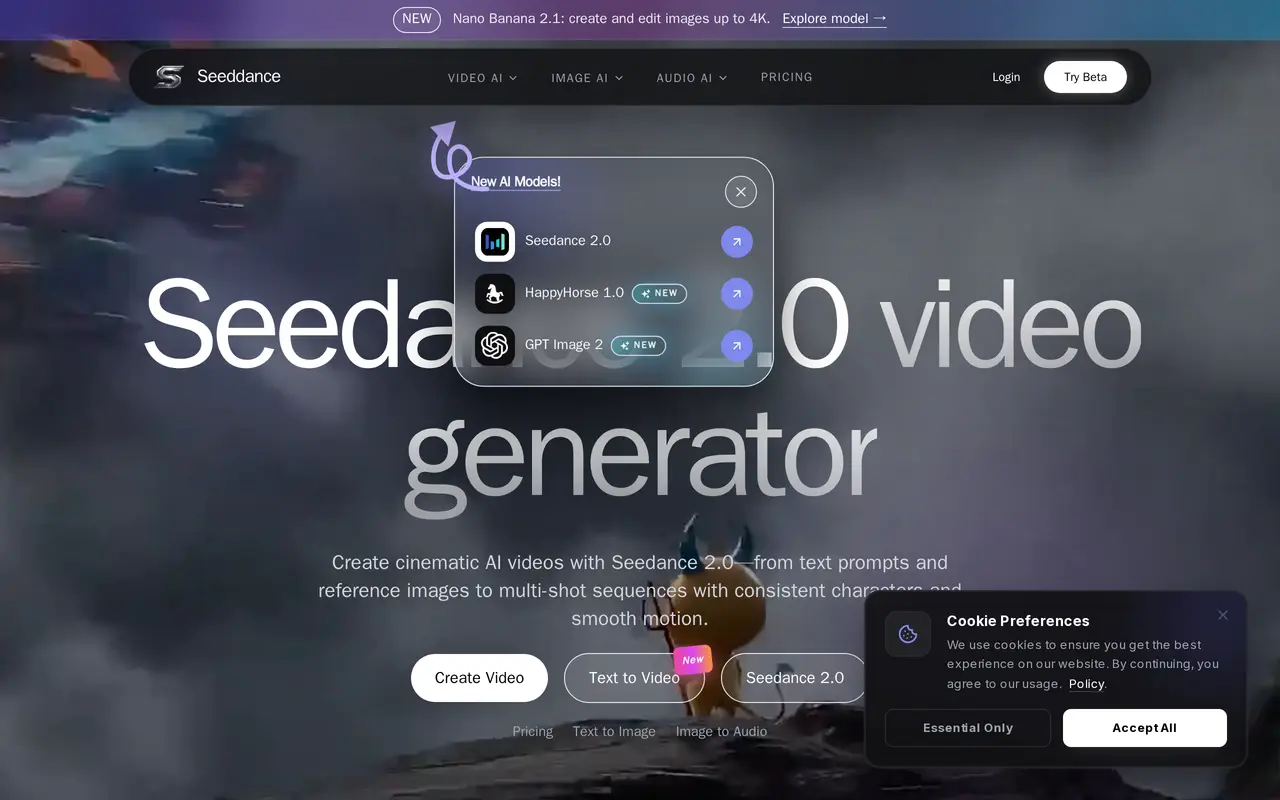
Seeddance is a web-based creative platform centered on video generation with Seedance 2.0. Users can start with a text prompt or reference image to create clips for social media, advertising, and storytelling. The site also describes multi-shot generation intended to maintain characters and visual style across scenes.
Alongside video creation, Seeddance offers image generation with reference images, keyframes, and style controls. Its audio tools include text-to-music, voice cloning, and sound effects for accompanying videos. The site lists several additional image and video models, giving users options beyond its featured Seedance workflow.
A free tier provides access to core features, while paid access adds higher resolutions, longer generations, batch runs, and priority queues. Free output is limited to personal, non-commercial use; commercial rights depend on the paid plan and terms. Users must have rights to uploaded or referenced material. The linked pricing page displays VideoAny branding, so its credit packs cannot be confidently attributed to Seeddance.
What can Seeddance do?
Text-to-video generation
Create video clips from written prompts using the featured Seedance 2.0 model.
Image-to-video generation
Use reference images as the starting point for generated video scenes.
Multi-shot storytelling
Build sequences designed to maintain consistent characters and style across shots.
Image generation controls
Create images with reference inputs, keyframes, and style controls to guide video scenes.
Audio creation
Generate music, cloned voices, and sound effects to accompany videos.
Who is Seeddance for?
- Social media creators
- Generate short visual content from prompts and reference images.
- Advertising creatives
- Create video concepts and supporting visual and audio assets for ads.
- Visual storytellers
- Develop multi-shot sequences with recurring characters and a consistent style.
Frequently asked questions
Can I try Seeddance for free?
The site offers a free tier for core features. Paid access adds higher resolutions, longer generations, batch runs, and priority queues.
Can I use generated content commercially?
Free users are limited to personal, non-commercial use. Paid subscribers receive broader usage rights, subject to their plan and the terms.
How long does generation take?
The site gives typical times of minutes for videos, seconds for images, and under a minute for audio. Actual timing depends on workload and plan.
How are uploads protected?
The site says uploads are encrypted in transit and handled according to its privacy policy. Users control what they publish or share.
Seeddance alternatives
Compare alternatives- 1
 ClipDanceGenerate and edit AI videos from text, images, and references with synchronized audio.
- 2
 DeeVidCreate and edit AI videos, images, avatars, speech, and music in one workspace.
- 3
 Bach AIGenerate videos from text and images, including multi-shot sequences with synced audio.
- 4
 FLUX 3Generate short AI videos from text or photos and create still images in a browser.
- 5
 HappyHorseGenerate short AI videos from text, images, and video references.
More AI Video Generators
See more
CapCut
AI Video Editors
Edit videos, generate visuals, and add AI captions, voiceovers, and audio cleanup.

OpenArt
AI Image Generators
Generate and edit AI images, videos, characters, music, and voiceovers in one workspace.

DeepAI
AI Image Generators
Generate images, videos and music, edit photos, and chat with AI in one platform.

Pixelcut
AI Product Photography
Generate and edit product photos, brand images, and videos with AI.

VEED
AI Video Editors
Generate, edit, subtitle, and dub videos with AI in one platform.

Adobe Firefly
AI Image Generators
Generate and edit images, videos, and audio with AI.