
FLUX 3
Visit websiteGenerate short AI videos from text or photos and create still images in a browser.
Verified Nov 2, 2026
What is FLUX 3?
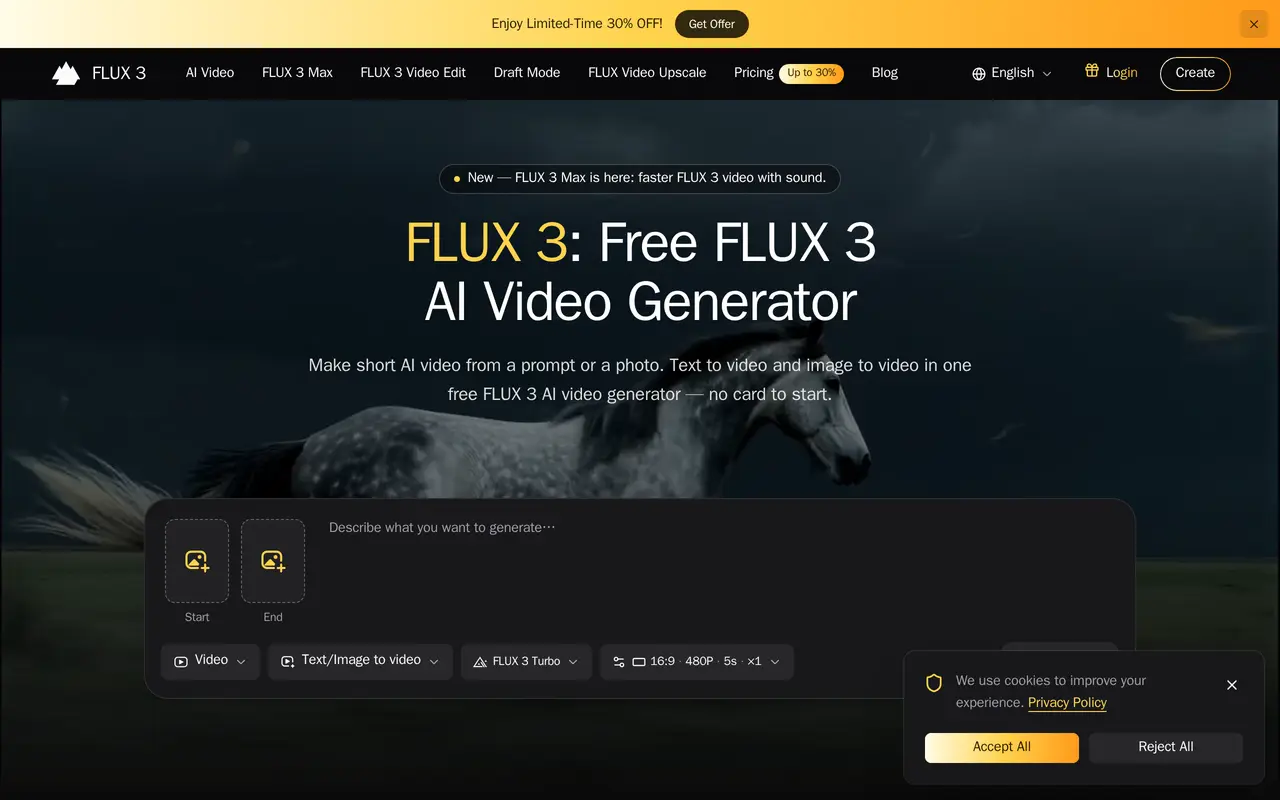
FLUX 3 is a browser-based workspace for generating short AI videos from written prompts or uploaded photos. It also offers image generation and editing tools. It is an independent service providing access to third-party models, not a product affiliated with or endorsed by Black Forest Labs.
Users describe a scene or upload a starting image, choose a model, and generate a clip. A model picker lets them try different looks or draft options within the same workspace. Finished results can be downloaded or saved to a library, where users can revisit prompts and regenerate variations. The service targets social clips, product demonstrations, advertising drafts, and short storyboards.
A free quota is available without a credit card. Paid subscriptions provide credits shared across models and tools, along with commercial licensing. Generation costs depend on the selected model, resolution, duration, and other settings, so output counts vary. Failed generation runs automatically return their credits.
What can FLUX 3 do?
Text-to-video generation
Turn a written scene description into a short video for posts, explainers, or storyboard drafts.
Photo animation
Upload a product photo, character still, or design frame and generate motion from it.
Multiple model choices
Choose between video and image models within one workspace to compare styles and generation options.
Image generation and editing
Create still images from prompts or reference images, with additional tools for backgrounds, upscaling, and restoration.
Saved generation library
Save completed clips, find earlier work by date, and revisit prompts to generate variations.
Failed-run credit refunds
Credits are automatically returned when a generation run fails.
Who is FLUX 3 for?
- Social creators
- Create short video hooks and animated visuals for social posts.
- E-commerce teams
- Animate product photographs into demonstration loops for product pages and advertisements.
- Marketing teams
- Generate creative variations for advertising tests and campaign drafts.
- Agencies and freelancers
- Produce moving first drafts and explore visual directions with clients.
How much is FLUX 3?
Official pricingBasic Yearly
$178.80/yr
Standard Yearly
$358.80/yr
Pro Yearly
$838.80/yr
Basic Monthly
$19.90/mo
Standard Monthly
$39.90/mo
Pro Monthly
$99.90/mo
Free plan: A free generation quota is available without a credit card.
Frequently asked questions
Can I use FLUX 3 for free?
A free generation quota is available without a credit card. Paid plans add more credits and commercial licensing.
Can I use generated content commercially?
Paid plans include a commercial use license.
How are generation credits used?
Credits are shared across models and tools. The cost of a generation varies with the model, resolution, duration, and other options.
What happens if a generation fails?
Failed runs automatically refund the credits used.
Do I need to install software?
No installation is required; the workspace runs in a browser.
Is FLUX 3 affiliated with Black Forest Labs?
No. It is an independent workspace that provides access to third-party AI models through its own interface.
FLUX 3 alternatives
Compare alternatives- 1
 DeeVidCreate and edit AI videos, images, avatars, speech, and music in one workspace.
- 2
 PixVerseGenerate and refine AI videos from text, images, and conversational instructions.
- 3
 AI Image to VideoTurn still images and text prompts into short AI-generated videos.
- 4
 Bach AIGenerate videos from text and images, including multi-shot sequences with synced audio.
- 5
 ClipDanceGenerate and edit AI videos from text, images, and references with synchronized audio.
More AI Video Generators
See more
CapCut
AI Video Editors
Edit videos, generate visuals, and add AI captions, voiceovers, and audio cleanup.

OpenArt
AI Image Generators
Generate and edit AI images, videos, characters, music, and voiceovers in one workspace.

DeepAI
AI Image Generators
Generate images, videos and music, edit photos, and chat with AI in one platform.

Pixelcut
AI Product Photography
Generate and edit product photos, brand images, and videos with AI.

VEED
AI Video Editors
Generate, edit, subtitle, and dub videos with AI in one platform.

Adobe Firefly
AI Image Generators
Generate and edit images, videos, and audio with AI.