
Bach AI
Visit websiteGenerate videos from text and images, including multi-shot sequences with synced audio.
Verified Nov 2, 2026
What is Bach AI?
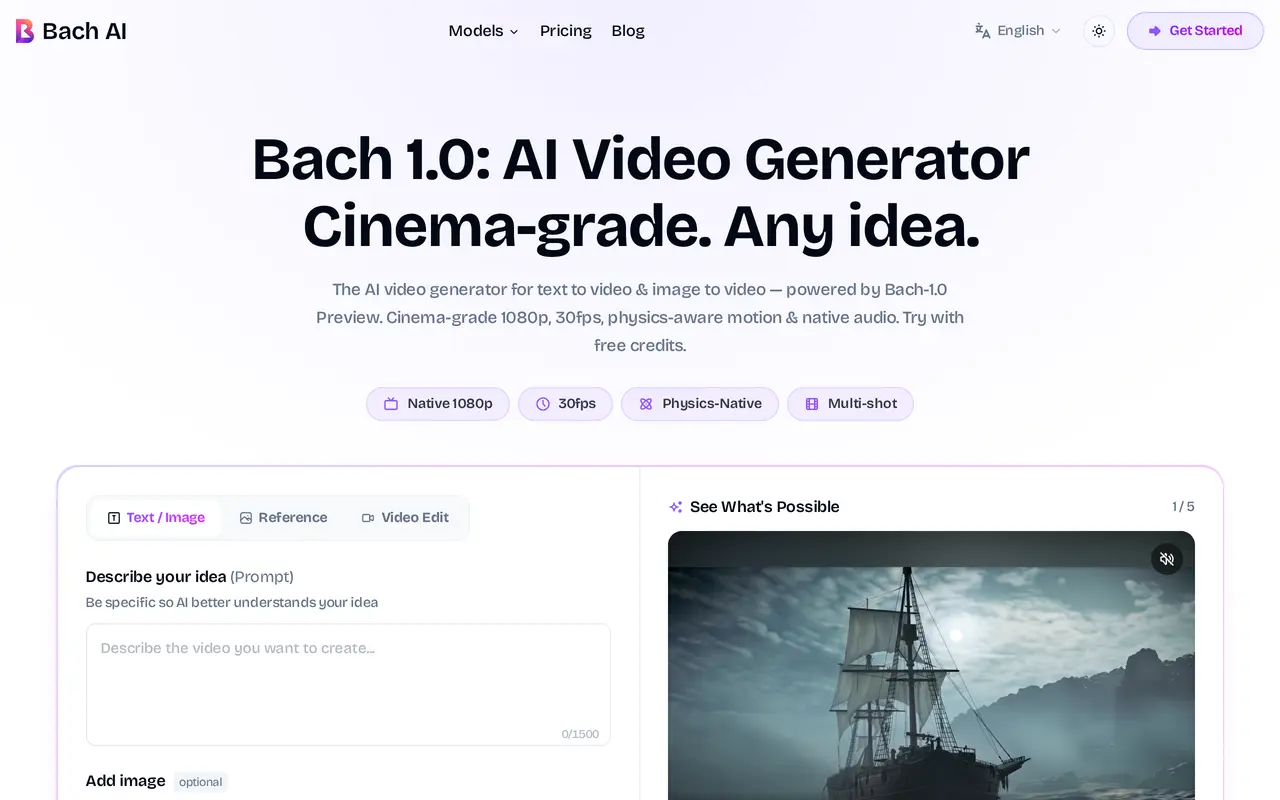
Bach AI is a browser-based video generator for creators, marketers, and filmmakers. Its Bach 1.0 workflow turns text prompts and reference images into native 1080p video at 30 frames per second. It supports individual clips and multi-shot montages up to 30 seconds, with options for generating synchronized sound effects and background music.
Users sign in, describe a scene, optionally upload reference images, and choose a generation mode and settings before generating and downloading a video. Available workflows include text to video, image to video, element to video, and image creation followed by animation. Prompts can specify camera movements, lighting, and shot sequences, while reference videos can guide camera trajectories and action pacing. The montage workflow is designed to maintain character identity across cuts.
The service supports several aspect ratios, including landscape, portrait, and square formats, for uses such as product showcases, social clips, ads, and film concepts. Free sign-up credits let users try generation before purchasing a subscription or additional credits. Paid plans share a credit balance across Bach 1.0 and other available video models, with higher tiers adding priority generation and support.
What can Bach AI do?
Text and image inputs
Generate videos from written prompts or animate uploaded reference images.
Multi-shot montages
Create sequences up to 30 seconds with controls for shot progression and character consistency across cuts.
Camera and motion guidance
Specify camera movements and lighting, or use reference videos to guide camera trajectories and action pacing.
1080p output with audio
Generate native 1080p video at 30fps with synchronized sound effects and background music.
Multiple output formats
Choose landscape, portrait, square, and other aspect ratios for different publishing formats.
Shared model credits
Use one credit balance across Bach 1.0 and other available video models, including Seedance, Kling, and Veo.
Who is Bach AI for?
- Content creators
- Generate short-form clips, B-roll, and videos for TikTok and Reels.
- Marketing teams
- Create ad variations and brand campaign videos from prompts and reference assets.
- E-commerce sellers
- Turn product images into animated showcase videos.
- Filmmakers
- Develop multi-shot film concepts and music video sequences with camera and lighting directions.
How much is Bach AI?
Official pricingHobby
$9.90/mo
Pro
$39.90/mo
Max
$79.90/mo
Free plan: Free sign-up credits are available to try video generation.
Frequently asked questions
Can I try Bach AI for free?
Bach AI provides free sign-up credits to try video generation before paying.
What resolution and video length does it support?
Bach 1.0 outputs native 1080p video at 30fps. Its montage mode supports multi-shot sequences up to 30 seconds.
How much do the subscriptions cost?
Monthly billing costs $9.90 for Hobby with 800 credits, $39.90 for Pro with 3,200 credits, and $79.90 for Max with 7,000 credits. Annual subscriptions are also available.
Can I purchase credits without a subscription?
Bach AI offers credit packs that do not require a subscription.
What reference images can I upload?
The generation interface accepts up to five PNG, JPG, or WebP images, with a maximum size of 10MB each.
Bach AI alternatives
Compare alternatives- 1
 PixVerseGenerate and refine AI videos from text, images, and conversational instructions.
- 2
 AI Image to VideoTurn still images and text prompts into short AI-generated videos.
- 3
 HappyHorseGenerate short AI videos from text, images, and video references.
- 4
 Kling 4.0Generate videos from prompts, images, and references with keyframe and camera controls.
- 5
 MiniMax H3Generate short AI videos from text, images, video references, and audio.
More AI Video Generators
See more
CapCut
AI Video Editors
Edit videos, generate visuals, and add AI captions, voiceovers, and audio cleanup.

OpenArt
AI Image Generators
Generate and edit AI images, videos, characters, music, and voiceovers in one workspace.

DeepAI
AI Image Generators
Generate images, videos and music, edit photos, and chat with AI in one platform.

Pixelcut
AI Product Photography
Generate and edit product photos, brand images, and videos with AI.

VEED
AI Video Editors
Generate, edit, subtitle, and dub videos with AI in one platform.

Adobe Firefly
AI Image Generators
Generate and edit images, videos, and audio with AI.