
Runway
Visit websiteGenerate and edit video, images, and audio with AI creative tools and APIs.
Verified Nov 2, 2026
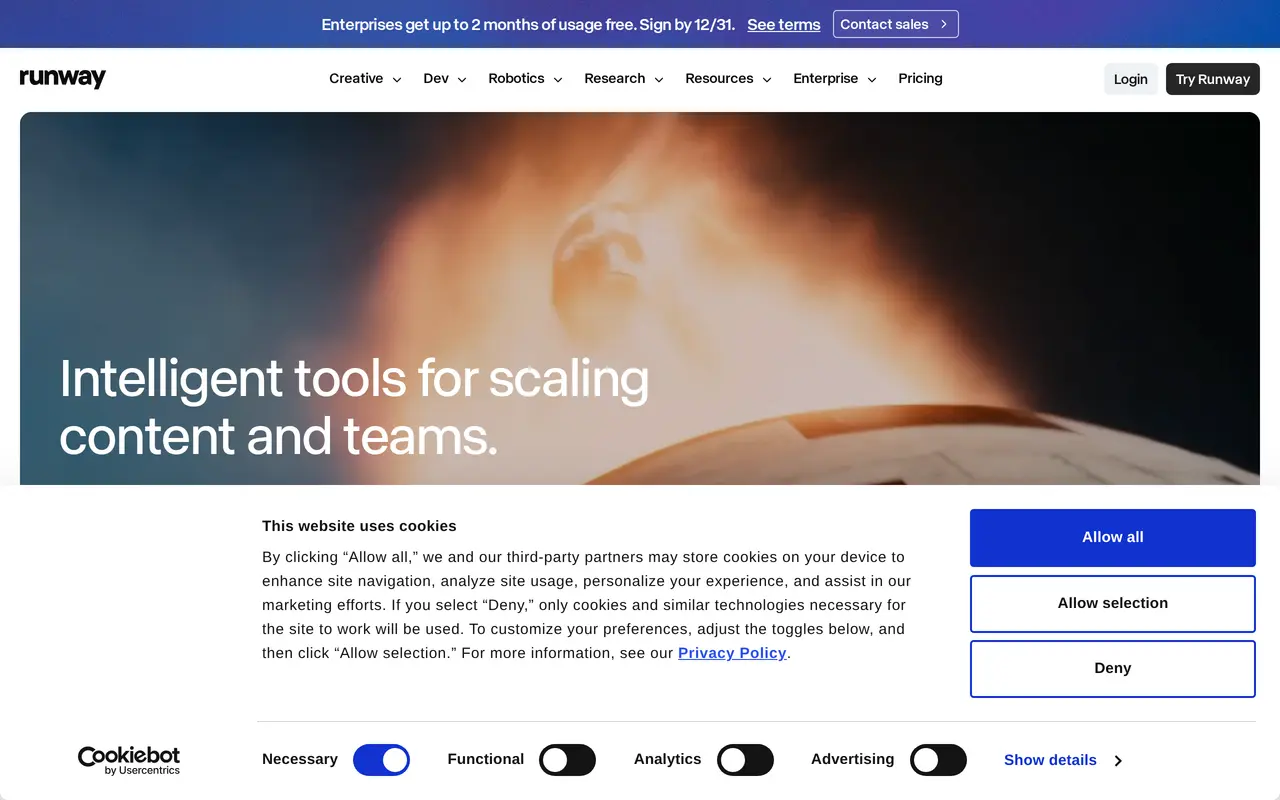
What is Runway?
Runway is a cloud-based AI platform for generating and editing video, images, and audio. Its Creative workspace brings multiple media models together for individual creators and teams, with tools for video generation, image creation, music, voices, and sound effects. Users spend credits on generations, with costs varying by model, duration, and resolution.
Paid plans include an agentic creative collaborator, creative app building through App Studio, and Runway Ads for generating, testing, and publishing advertising assets. They also provide watermark-free output and 4K upscaling. Higher tiers add more parallel generations, brand kits, custom voice clones, storage, and production formats such as ProRes and image sequences.
Developers can access models from Runway and other providers through Runway Dev, which offers an API and workflow tooling. Runway also offers a robotics toolkit for policy evaluation and synthetic data generation. Creative access starts with a free plan containing 125 non-expiring, one-time credits; paid subscriptions provide monthly allowances, with rollover limited to the Max plan.
What can Runway do?
AI media generation
Generate video, images, music, voices, and sound effects using multiple AI models in one workspace.
Creative agent and app building
Work with an agentic creative collaborator and build creative apps through App Studio on paid plans.
Video output tools
Paid plans offer watermark-free output and 4K upscaling, with ProRes and image sequences available on Max.
Advertising workflows
Generate on-brand image and video ads, publish to Meta, Google, and TikTok, and guide later rounds using spending results.
Brand and voice customization
Pro and Max include brand kits and custom voice clones for recurring creative work.
Developer API
Access media models from Runway and other providers through an API with workflow tooling.
Who is Runway for?
- Individual creators
- Generate and edit video, images, and audio for creative projects.
- Brands and agencies
- Produce branded content and generate, test, and publish advertising assets.
- Studios and creative teams
- Produce media using parallel generation, brand kits, and higher-quality export formats.
- Developers
- Build media-generation applications and workflows using Runway Dev.
How much is Runway?
Official pricingFree
Free
Standard
$15/mo
Pro
$35/mo
Max
$95/mo
Free plan: The Free plan includes 125 non-expiring, one-time credits and 5GB of asset storage.
Frequently asked questions
Can I use Runway for free?
The Free plan includes 125 one-time credits that do not expire, access to a selection of generative models, and 5GB of asset storage.
How much do paid plans cost?
Monthly billing costs $15 for Standard, $35 for Pro, and $95 for Max. Annual billing reduces the equivalent monthly prices to $12, $28, and $76 respectively, billed yearly.
How do generation credits work?
Credit costs depend on the model, duration, and resolution. For example, Gen-4.5 uses 12 credits per second of generated video.
Do unused credits roll over?
Standard and Pro monthly credits reset each billing cycle without rollover. Max allows up to one month of unused credits to roll over, while purchased additional credits never expire.
Can I purchase more credits?
Additional credits can be purchased through Plans & Billing in the dashboard, with a minimum purchase of 1,000 credits.
Can other software access Runway?
Runway offers a developer API, an MCP integration, and a ChatGPT plugin. Runway MCP is included in the Pro and Max plans.
Runway alternatives
Compare alternatives- 1
 CapCutEdit videos, generate visuals, and add AI captions, voiceovers, and audio cleanup.
- 2
 PikaGenerate and edit videos, images, music, and voiceovers with AI creative tools.
- 3
 Magic HourGenerate and edit AI videos, images, and audio in a shared web studio.
- 4
 Nim VideoGenerate and edit AI videos and images using multiple models in one studio.
- 5
 EveryGen AICreate and edit multi-scene videos with AI-generated visuals, voices and music.
More AI Video Generators
See more
OpenArt
AI Image Generators
Generate and edit AI images, videos, characters, music, and voiceovers in one workspace.

DeepAI
AI Image Generators
Generate images, videos and music, edit photos, and chat with AI in one platform.

Pixelcut
AI Product Photography
Generate and edit product photos, brand images, and videos with AI.

VEED
AI Video Editors
Generate, edit, subtitle, and dub videos with AI in one platform.

Adobe Firefly
AI Image Generators
Generate and edit images, videos, and audio with AI.
Artlist
AI Video Generators
Generate and edit videos, images, voiceovers, music, and 3D assets in one workspace.