
Magic Hour
Visit websiteGenerate and edit AI videos, images, and audio in a shared web studio.
Verified Nov 2, 2026
What is Magic Hour?
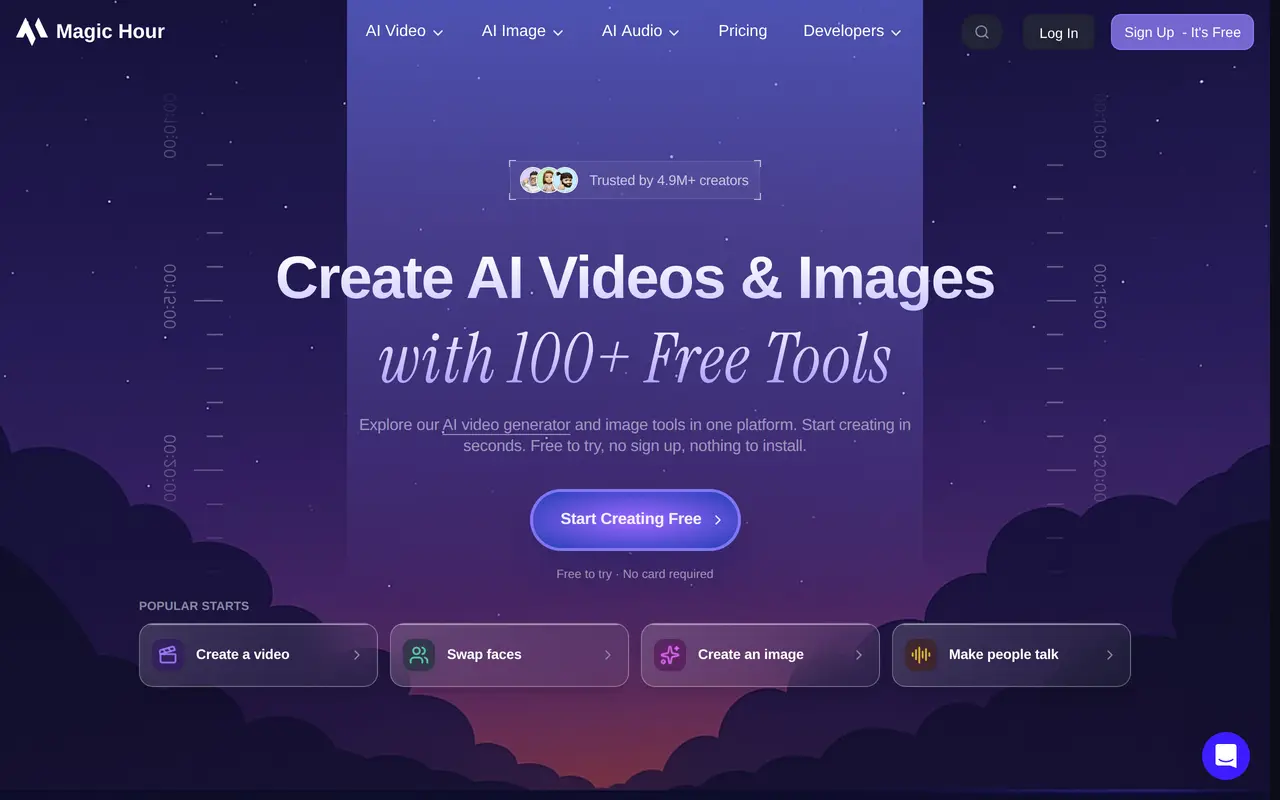
Magic Hour is a browser-based studio for generating and editing videos, images, and audio. Users can describe a scene to create a video, animate an uploaded image, generate pictures from text, or upload an image and request edits. Supported core tools can be tried without signing up or entering payment details.
Its video workflows include restyling existing footage, making portraits speak from audio, lip syncing, and face swapping. Image tools cover generation, upscaling, background removal, headshots, and generative fill. Audio options include voice generation, voice cloning, music, and sound effects. Users can start with their own media or choose from a template library.
For teams and developers, Magic Hour offers a REST API and SDKs for Python, Node.js, Go, and Rust, with one credit balance shared between web tools and API use. Paid subscriptions add commercial-use rights, watermark-free exports, and higher resolution and processing limits. One-time credit packs also include watermark-free exports and commercial-use rights, and unused credits do not expire.
What can Magic Hour do?
Video generation and animation
Create video clips from text, animate photos, or transform the visual style of existing footage.
Image generation and editing
Generate images from prompts, request edits, upscale pictures, remove backgrounds, and use generative fill.
Talking photos and lip sync
Pair a portrait with audio to make a talking video, or synchronize lips in existing footage.
Audio creation tools
Generate voices, music, and sound effects, with additional tools for voice cloning and translation.
Template library
Start from more than 25,000 templates sized for different publishing channels.
REST API and SDKs
Build repeatable image and video workflows using a REST API and Python, Node.js, Go, or Rust SDKs.
Who is Magic Hour for?
- Content creators
- Create social videos, animated photos, images, and other media from prompts or existing assets.
- Marketing teams and agencies
- Produce campaign assets and run repeatable personalized image and video workflows.
- Developers
- Integrate AI media generation and editing into applications through the API and SDKs.
How much is Magic Hour?
Official pricingCreator
$19/mo
Pro
$39/mo
Business
$99/mo
Starter
$10 one-time
Standard
$27 one-time
Large
$68 one-time
Max
$128 one-time
Free plan: Supported core tools are free to try without signup or a payment card.
Frequently asked questions
Can I try Magic Hour for free?
Supported core tools are free to try without signing up or providing a payment card.
How much do subscriptions cost?
Monthly billing costs $19 for Creator, $39 for Pro, and $99 for Business. Annual billing costs $144, $300, and $792 respectively.
Can I buy credits without a subscription?
Yes. One-time packs range from $10 for 4,000 credits to $128 for 64,000 credits. Unused credits never expire.
Can I use outputs commercially?
Paid subscriptions and credit packs include commercial-use rights and watermark-free exports.
What do subscriptions add beyond credit packs?
Subscriptions unlock higher resolutions, faster queues, larger uploads, and more concurrent generations. Resolution limits range from 1024px on Creator to 4K on Business.
Does Magic Hour offer an API?
Yes. It provides a REST API and SDKs for Python, Node.js, Go, and Rust, with a credit balance shared across web and API use.
Magic Hour alternatives
Compare alternatives- 1
 Nim VideoGenerate and edit AI videos and images using multiple models in one studio.
- 2
 RunwayGenerate and edit video, images, and audio with AI creative tools and APIs.
- 3
 EveryGen AICreate and edit multi-scene videos with AI-generated visuals, voices and music.
- 4
 CapCutEdit videos, generate visuals, and add AI captions, voiceovers, and audio cleanup.
- 5
 PikaGenerate and edit videos, images, music, and voiceovers with AI creative tools.
More AI Video Generators
See more
OpenArt
AI Image Generators
Generate and edit AI images, videos, characters, music, and voiceovers in one workspace.

DeepAI
AI Image Generators
Generate images, videos and music, edit photos, and chat with AI in one platform.

Pixelcut
AI Product Photography
Generate and edit product photos, brand images, and videos with AI.

VEED
AI Video Editors
Generate, edit, subtitle, and dub videos with AI in one platform.

Adobe Firefly
AI Image Generators
Generate and edit images, videos, and audio with AI.
Artlist
AI Video Generators
Generate and edit videos, images, voiceovers, music, and 3D assets in one workspace.