
Pika
Visit websiteGenerate and edit videos, images, music, and voiceovers with AI creative tools.
Verified Nov 2, 2026
What is Pika?
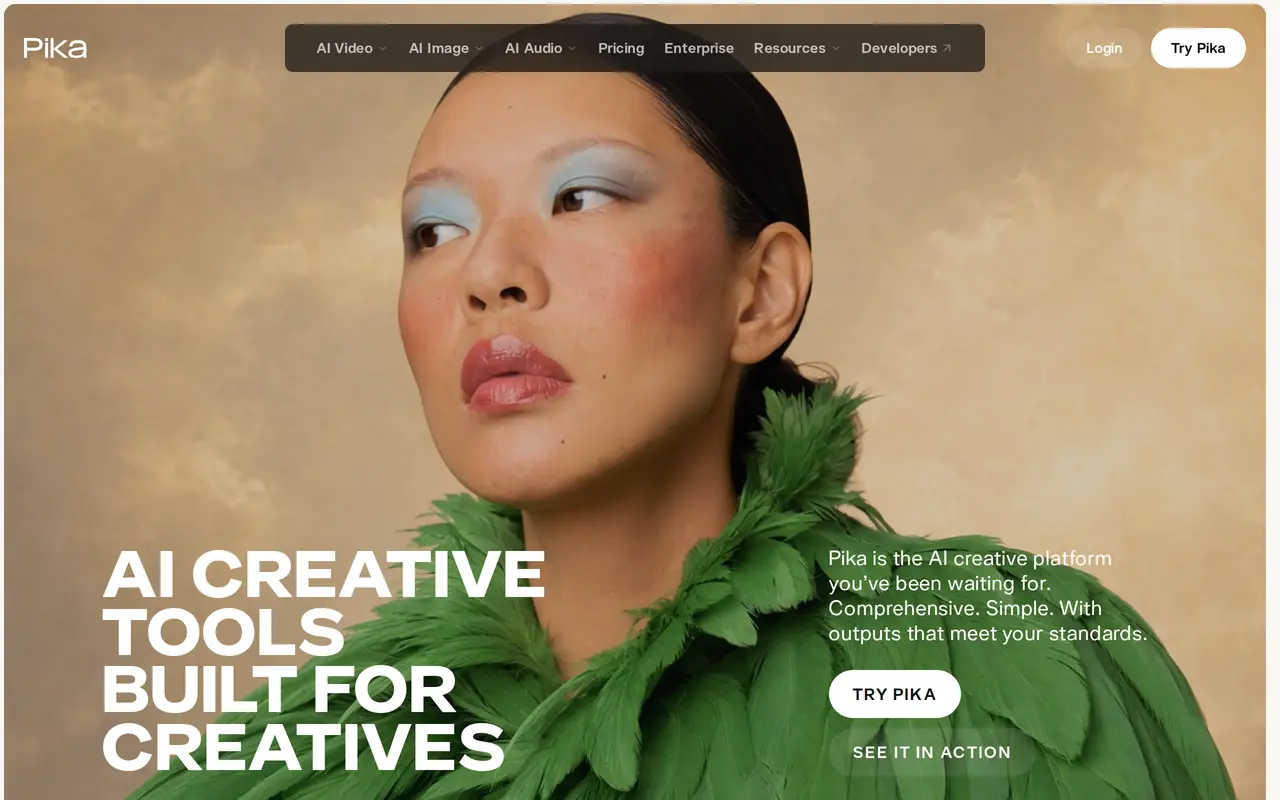
Pika is an AI creative platform for making and editing video, images, and audio. It brings multiple generation models into task-specific tools for ad creatives, editors, marketers, and filmmakers. Users can create clips from references, generate images, add voiceovers, and produce styled product shots within the same platform.
Video Studio supports short clips and multi-shot videos up to 30 seconds. Other tools extend existing footage with generated frames, adjust the color and mood of photos or clips, and match music, ambience, and sound effects to video. Image editing tools can replace, remove, or restyle elements, while Character Studio lets users customize characters for repeated use across creations.
Pika uses credits, with generation costs varying by model and settings. The Free account includes no monthly credits and requires purchased credit packs. Paid subscriptions include monthly credits and commercial licensing, with higher tiers offering more simultaneous generations. Top-up credits work in Pika Create and its MCP integration, but not in the API or iOS app.
What can Pika do?
Video generation and extension
Create short clips or multi-shot videos up to 30 seconds, and extend existing clips with generated frames.
Image generation and editing
Generate images or replace, remove, and restyle elements in existing images.
Reusable characters
Customize characters for repeated use across your creative projects.
Soundtracks and voiceovers
Create voiceovers and score clips with music, ambience, and sound effects matched to the action.
Color grading
Adjust the color, contrast, and mood of photos and video clips.
Styled product shots
Generate styled product images without arranging a photoshoot.
Who is Pika for?
- Ad creatives and marketers
- Create product imagery, ads, voiceovers, and social content.
- Editors
- Extend footage, adjust color, edit images, and add sound to creative projects.
- Filmmakers
- Generate short scenes, multi-shot videos, storyboards, and accompanying audio.
How much is Pika?
Official pricingFree
Free
Starter
$10/mo
Creator
$35/mo
Fancy
$95/mo
Enterprise
See website
1,500 credits
$25 one-time
3,000 credits
$50 one-time
6,000 credits
$100 one-time
12,000 credits
$200 one-time
30,000 credits
$500 one-time
66,000 credits
$1,000 one-time
Frequently asked questions
Can I generate content for free?
The Free account includes zero monthly credits and uses purchased credit packs. It includes access to all models but does not include a commercial license.
How much do subscriptions cost?
Monthly billing starts at $10 for Starter with 900 credits, $35 for Creator with 3,150 credits, and $95 for Fancy with 8,550 credits. Larger Fancy tiers reach $880 per month, and Enterprise uses custom pricing.
Can I use outputs commercially?
Starter, Creator, Fancy, and Enterprise include a commercial license. The Free account does not.
Do outputs have watermarks?
All listed plans, including Free, include outputs without watermarks.
Where can I use purchased top-up credits?
Top-up credits work in Pika Create on pika.art and the MCP integration at pika.art/mcp. They cannot be used with the API, iOS app, or old.pika.art.
Can other assistants access Pika?
Pika offers an MCP integration and a ChatGPT plugin extension. It also offers an API.
Pika alternatives
Compare alternatives- 1
 CapCutEdit videos, generate visuals, and add AI captions, voiceovers, and audio cleanup.
- 2
 RunwayGenerate and edit video, images, and audio with AI creative tools and APIs.
- 3
 EveryGen AICreate and edit multi-scene videos with AI-generated visuals, voices and music.
- 4
 Nim VideoGenerate and edit AI videos and images using multiple models in one studio.
- 5
 Magic HourGenerate and edit AI videos, images, and audio in a shared web studio.
More AI Video Generators
See more
OpenArt
AI Image Generators
Generate and edit AI images, videos, characters, music, and voiceovers in one workspace.

DeepAI
AI Image Generators
Generate images, videos and music, edit photos, and chat with AI in one platform.

Pixelcut
AI Product Photography
Generate and edit product photos, brand images, and videos with AI.

VEED
AI Video Editors
Generate, edit, subtitle, and dub videos with AI in one platform.

Adobe Firefly
AI Image Generators
Generate and edit images, videos, and audio with AI.
Artlist
AI Video Generators
Generate and edit videos, images, voiceovers, music, and 3D assets in one workspace.