
PixVerse
Visit websiteGenerate and refine AI videos from text, images, and conversational instructions.
Verified Nov 2, 2026
What is PixVerse?
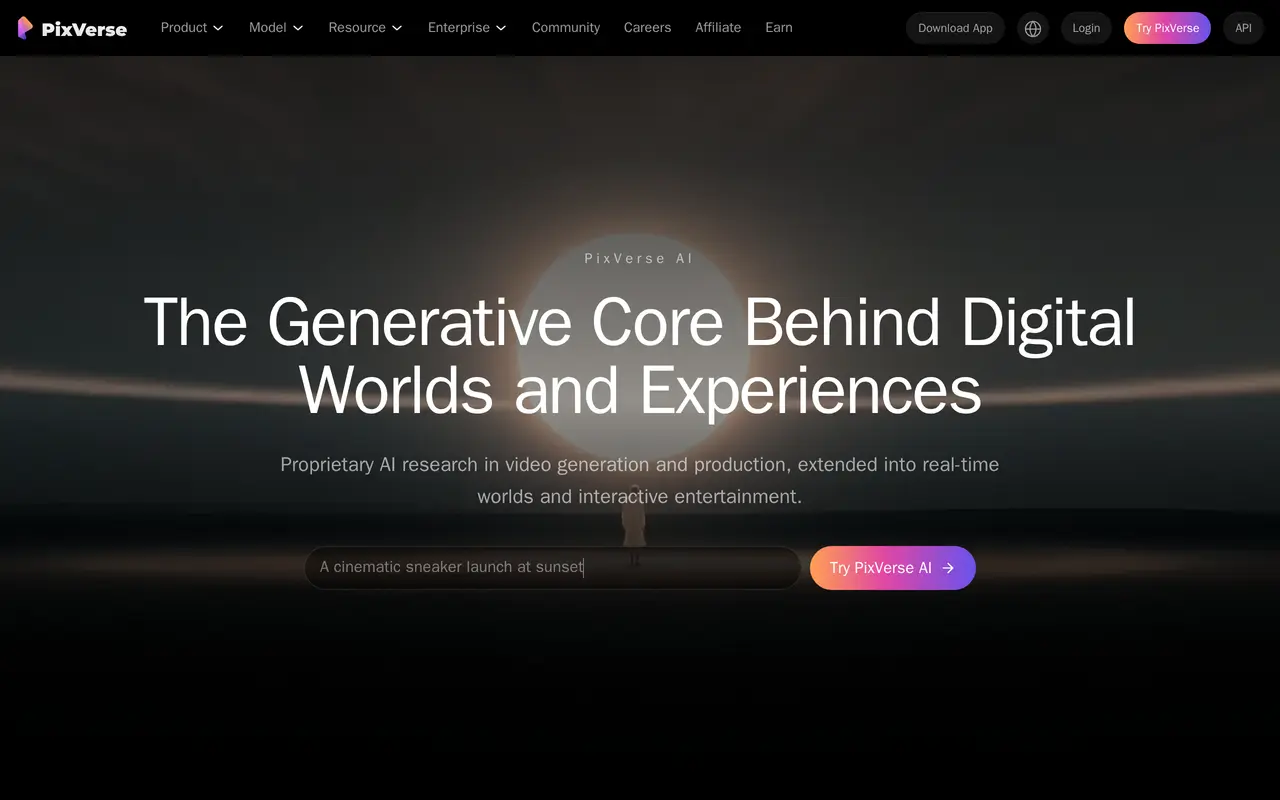
PixVerse is an AI video creation platform that turns text prompts and reference images into video clips. It combines video generation with templates, character consistency tools, and lip sync for creators and teams producing cinematic sequences, product videos, and advertising content. Users can work through its web interface or mobile apps, while developers can access generation through an API and command-line tool.
Its conversational Agent lets users describe shots, request changes, and refine motion while retaining the context of their creative direction. Canvas provides a node-based workspace for connecting references, prompts, motion, and outputs into editable workflows that can be adjusted and rerun.
For marketing work, PixVerse offers guided video creation workflows that reduce the need to write detailed prompts. Its command-line tool supports prompts, reference inputs, output aspect ratios, and batch generation, giving technical teams another way to incorporate video production into existing processes.
What can PixVerse do?
Text and image to video
Generate video clips from written prompts or reference images.
Conversational video direction
Describe shots, request changes, and refine motion through an Agent that retains creative context.
Node-based video workflows
Connect references, prompts, motion, and outputs in an editable Canvas workflow.
Guided marketing videos
Create advertising and product videos through guided workflows without detailed prompt tuning.
Character consistency
Use character tools to maintain consistent characters across generated content.
Lip sync
Combine voice, lip synchronization, and sound in video creation.
Who is PixVerse for?
- Video creators
- Generate clips and develop cinematic sequences using prompts, references, and conversational editing.
- Marketing and e-commerce teams
- Produce product videos, short ads, and other marketing content with guided workflows.
- Developers and production teams
- Integrate video generation into existing tools through the API, CLI, and batch workflows.
Frequently asked questions
Can I generate videos from images?
Yes. PixVerse supports both text-to-video and image-to-video generation.
Where can I use PixVerse?
PixVerse is available on the web and through iOS and Android apps. It also offers an API and a command-line tool.
Does PixVerse support batch generation?
Yes. Its CLI supports batch generation along with prompts, references, and output aspect ratio settings.
PixVerse alternatives
Compare alternatives- 1
 Bach AIGenerate videos from text and images, including multi-shot sequences with synced audio.
- 2
 Kling 4.0Generate videos from prompts, images, and references with keyframe and camera controls.
- 3
 MiniMax H3Generate short AI videos from text, images, video references, and audio.
- 4
 Seedance ArtGenerate short videos from text and images with synchronized audio and reference controls.
- 5
 DeeVidCreate and edit AI videos, images, avatars, speech, and music in one workspace.
More AI Video Generators
See more
CapCut
AI Video Editors
Edit videos, generate visuals, and add AI captions, voiceovers, and audio cleanup.

OpenArt
AI Image Generators
Generate and edit AI images, videos, characters, music, and voiceovers in one workspace.

DeepAI
AI Image Generators
Generate images, videos and music, edit photos, and chat with AI in one platform.

Pixelcut
AI Product Photography
Generate and edit product photos, brand images, and videos with AI.

VEED
AI Video Editors
Generate, edit, subtitle, and dub videos with AI in one platform.

Adobe Firefly
AI Image Generators
Generate and edit images, videos, and audio with AI.