
MagicShot
Visit websiteGenerate and edit images, videos, voiceovers, and music in one AI studio.
Verified Nov 2, 2026
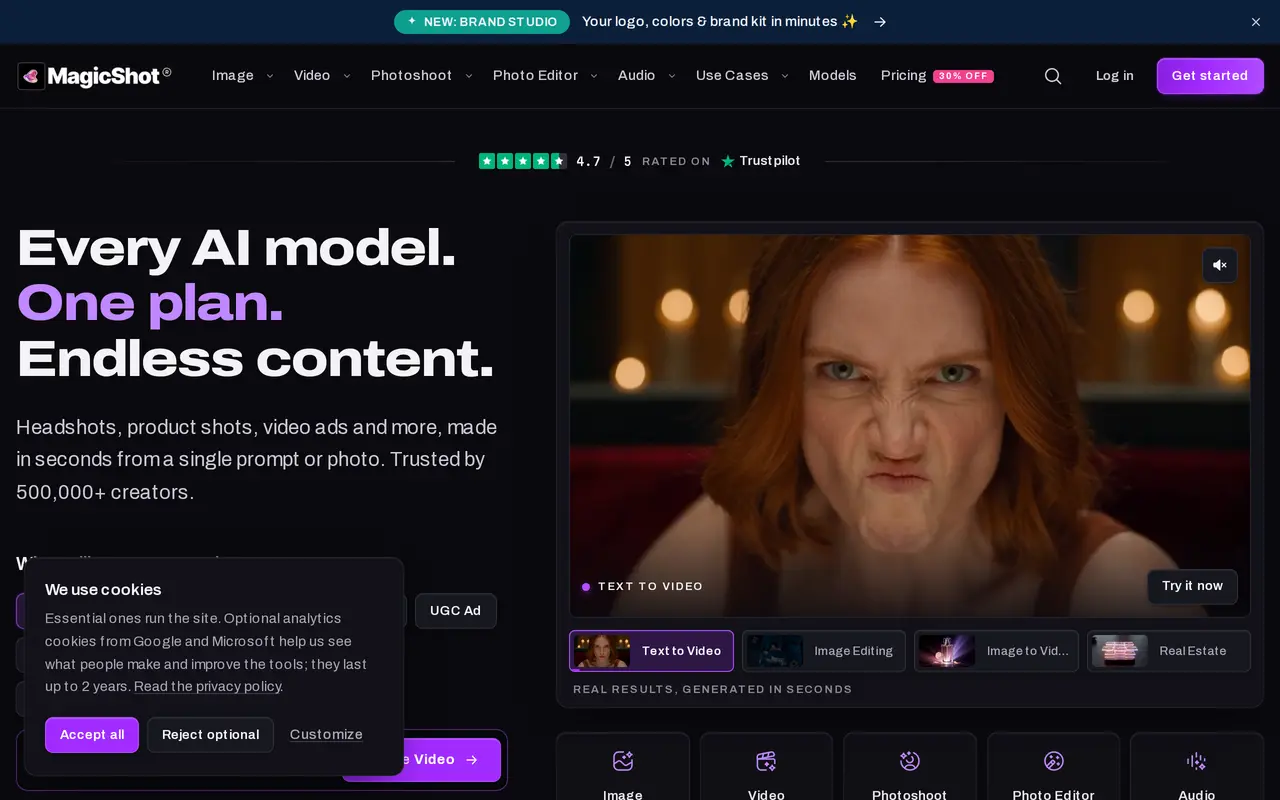
What is MagicShot?
MagicShot is an AI content studio for creating images, videos, and audio from text prompts or uploaded photos. It combines generation models and editing tools under one account, with paid plans using a shared credit balance across the studio. Users select a tool, enter a description or upload an image, choose presets, and download the result or send it to another tool.
Image tools cover artwork, logos, product photography, professional headshots, and fashion imagery. Video options include text-to-video, image-to-video, UGC-style ads, and talking presenters. Photo editing tools remove backgrounds and objects, restore old pictures, colorize images, and upscale photos to 4K. Audio tools provide text-to-speech, voice cloning, music generation, and transcription. Brand Studio creates coordinated logos, colors, fonts, and other brand materials from a business description.
MagicShot runs on the web and offers an iPhone and iPad app. Selected generation tools are free without a payment card. Paid subscriptions add access to the wider tool catalog and include commercial rights, with monthly credit allowances determining usage.
What can MagicShot do?
Image generation and photoshoots
Create artwork, product shots, headshots, and fashion imagery from prompts or uploaded photos.
Video generation
Turn text, photos, or scripts into video clips, UGC-style ads, and talking-presenter videos.
Photo editing and restoration
Remove backgrounds and objects, colorize and restore photos, and upscale images to 4K.
Audio creation
Generate voiceovers, cloned narration, and original music, or transcribe audio.
Brand Studio
Build a coordinated brand kit with logos, colors, fonts, social assets, business cards, and a brand guide.
Shared credit balance
Use one paid credit allowance across image, video, photoshoot, editing, and audio tools.
Who is MagicShot for?
- Content creators
- Create social posts, headshots, videos, and audio for publishing.
- E-commerce sellers
- Generate product photography, fashion imagery, and video ads from product photos.
- Small businesses
- Create brand kits, promotional graphics, and marketing videos.
- Agencies
- Produce visual and audio content for client campaigns using one subscription.
How much is MagicShot?
Official pricingFree
Free
Essential
$9/mo
Premium
$19/mo
Premium+
$35/mo
Free plan: Selected tools, including Text to Video, Text to Speech, and AI Photo Generator, are free without a plan or payment card.
Frequently asked questions
Can I use MagicShot for free?
Selected tools, including Text to Video, Text to Speech, and AI Photo Generator, are free to use without a plan or payment card.
How much do paid plans cost?
Monthly plans cost $9 for Essential, $19 for Premium, and $35 for Premium+. Premium has a first-month promotional price of $13.30.
How do credits work?
Paid plans provide one shared credit pool for all tools: 8,000 monthly credits on Essential, 19,000 on Premium, and 40,000 on Premium+. All paid plans include access to all available AI models.
Can I use generated content commercially?
Paid plans include a commercial license for generated content.
Where can I use MagicShot?
MagicShot is available through its web studio and an app for iPhone and iPad.
Can I cancel my subscription?
You can switch or cancel plans at any time.
MagicShot alternatives
Compare alternatives- 1
 BerriooGenerate and edit images, create short videos, and turn scripts into speech.
- 2
 Nano Banana FreeEdit photos with text prompts and generate videos from text or images.
- 3
 Zeva AIGenerate and edit images or create short videos from text prompts and photos.
- 4
 OpenArtGenerate and edit AI images, videos, characters, music, and voiceovers in one workspace.
- 5
 MagnificGenerate and edit AI images and videos on iPhone, iPad, and Mac.
More AI Image Generators
See more
CapCut
AI Video Editors
Edit videos, generate visuals, and add AI captions, voiceovers, and audio cleanup.

DeepAI
AI Image Generators
Generate images, videos and music, edit photos, and chat with AI in one platform.

Adobe Firefly
AI Image Generators
Generate and edit images, videos, and audio with AI.
Artlist
AI Video Generators
Generate and edit videos, images, voiceovers, music, and 3D assets in one workspace.

Fotor
AI Photo Editors
Edit and enhance photos, generate images, and create designs with AI tools.

ImagineArt
AI Image Generators
Generate and edit images, video and audio with brand controls and automated workflows.