
Generate videos from text prompts with native dialogue, sound effects, and ambient audio.
Verified Nov 3, 2026
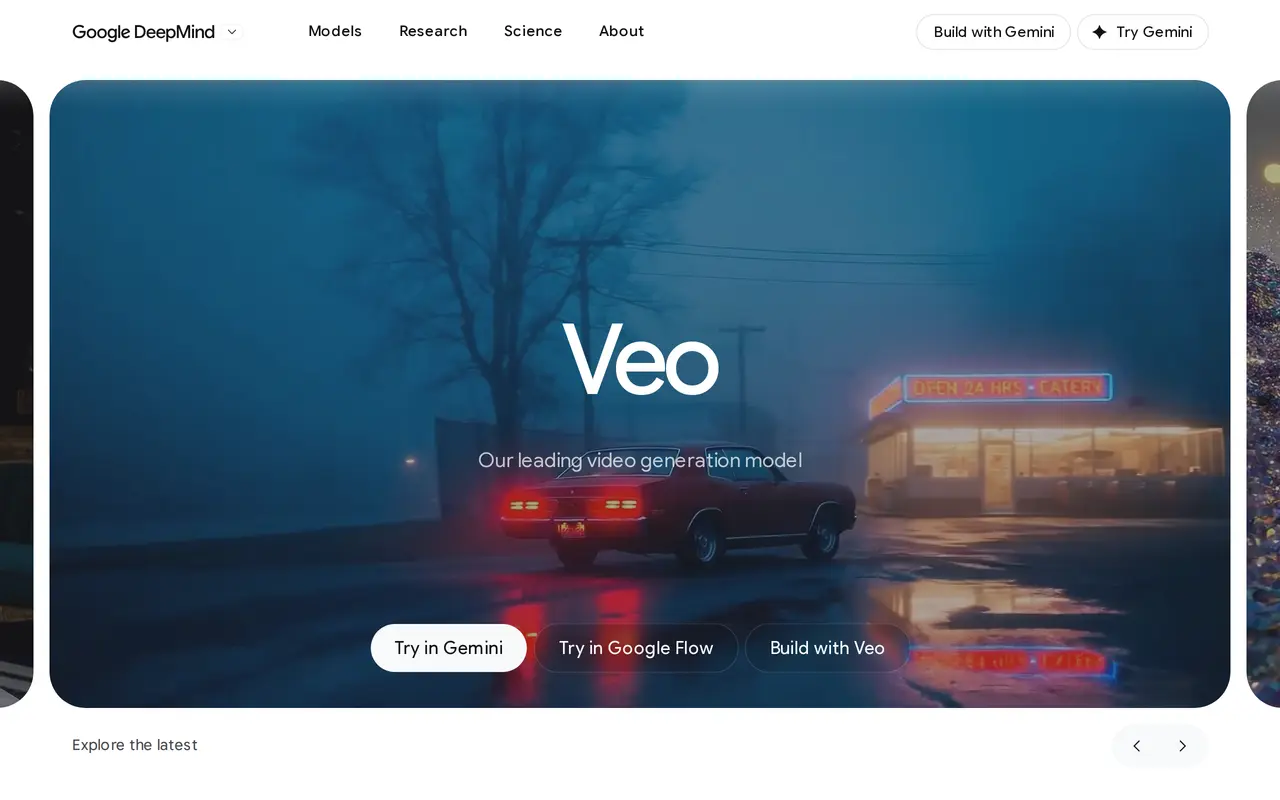
What is Veo?
Veo is Google DeepMind’s AI video generation model for filmmakers and storytellers. It turns written scene descriptions into video, with native audio generation that can include dialogue, sound effects, and ambient noise. Veo 3.1 is available through Gemini and Google Flow.
Users can describe subjects, settings, lighting, action, and camera movement in their prompts. They can also specify spoken lines and background sounds, giving visual and audio direction together. This supports scenes ranging from character conversations to action sequences and stylized animation, with instructions for shot composition and the timing of events.
Veo’s creative controls cover both video and audio, and its capabilities include extended videos. The workflow centers on directing generated scenes through prompts, making it relevant to creators who want to turn written scene ideas into audiovisual sequences.
What can Veo do?
Text-to-video generation
Turn written descriptions of characters, settings, and actions into generated video scenes.
Native audio generation
Generate dialogue, ambient noise, and sound effects alongside the video.
Camera and scene direction
Use prompts to specify framing, lighting, camera movement, and the timing of actions.
Extended videos
Create extended video sequences using Veo’s video generation capabilities.
Who is Veo for?
- Filmmakers and storytellers
- Generate audiovisual scenes from written descriptions with control over camera direction, action, and sound.
Frequently asked questions
Where can I use Veo?
Veo is available through Gemini and Google Flow.
Can Veo generate sound as well as video?
Yes. Veo generates audio natively, including dialogue, sound effects, and ambient noise.
Can I specify camera movements?
Yes. Prompts can include camera directions such as tracking shots, close-ups, and slow push-ins, alongside scene and audio instructions.
Veo alternatives
Compare alternatives- 1
 HappyHorseGenerate short AI videos from text, images, and video references.
- 2
 PixVerseGenerate and refine AI videos from text, images, and conversational instructions.
- 3
 Bach AIGenerate videos from text and images, including multi-shot sequences with synced audio.
- 4
 Kling 4.0Generate videos from prompts, images, and references with keyframe and camera controls.
- 5
 MiniMax H3Generate short AI videos from text, images, video references, and audio.
More AI Video Generators
See more
CapCut
AI Video Editors
Edit videos, generate visuals, and add AI captions, voiceovers, and audio cleanup.

OpenArt
AI Image Generators
Generate and edit AI images, videos, characters, music, and voiceovers in one workspace.

DeepAI
AI Image Generators
Generate images, videos and music, edit photos, and chat with AI in one platform.

Pixelcut
AI Product Photography
Generate and edit product photos, brand images, and videos with AI.

VEED
AI Video Editors
Generate, edit, subtitle, and dub videos with AI in one platform.

Adobe Firefly
AI Image Generators
Generate and edit images, videos, and audio with AI.