
Videotto
Visit websiteEdit videos with text prompts, generate short clips, and add captions and motion graphics.
Verified Nov 2, 2026
What is Videotto?
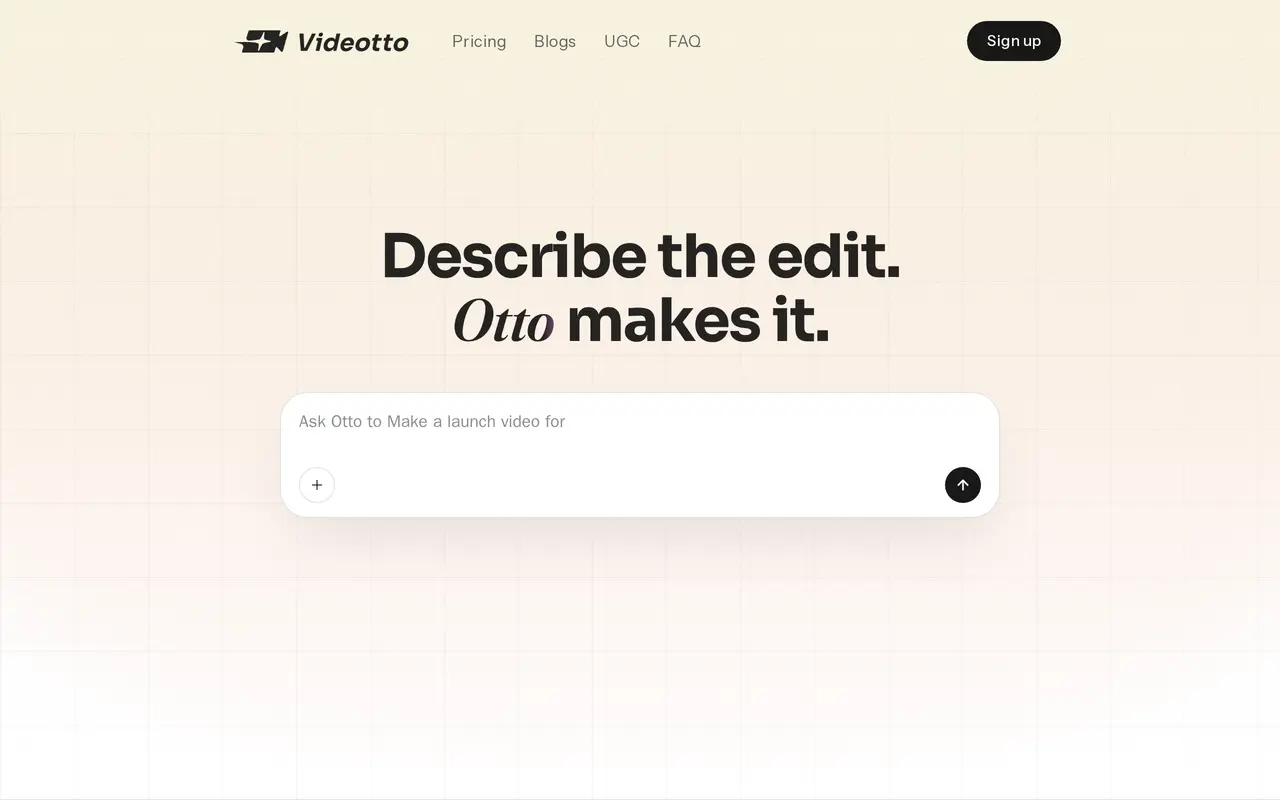
Videotto is an AI video editor built around Otto, an assistant that turns written instructions into edits. Users upload a video and describe the result they want, such as a vertical short with captions or a tighter version of a longer recording. Otto can review the footage, suggest self-contained moments, and produce clips, with support for working on up to ten video variations at once.
Beyond cutting footage, Videotto creates motion graphics tied to what is being said, including number reveals, animated callouts, and charts. Its Draw and Label feature lets users sketch on a frame or blank canvas to guide an edit or graphic. The editor also supports multiple languages, Dropbox and Google Drive connections, and social post scheduling with automated replies to comments and direct messages.
Videotto works through a web interface on mobile and desktop. Paid subscriptions use a shared credit balance for AI clipping and motion generation, with consumption varying by tool and model. Users who exhaust their balance can buy more credits or upgrade.
What can Videotto do?
Prompt-based editing
Describe cuts, captions, formats, and other changes in text, and Otto applies them to uploaded footage.
AI clip selection
Find self-contained moments in longer videos and turn them into vertical clips or tighten the original recording.
Contextual motion graphics
Generate animated callouts, number reveals, and charts matched to the content of a video.
Draw and Label
Sketch on a video frame or blank canvas to give Otto visual instructions for graphics and edits.
Batch video variations
Work on up to ten variations of a video at the same time.
Social publishing
Schedule social posts and enable automated replies to audience comments and direct messages.
Who is Videotto for?
- Content creators
- Turn longer recordings into captioned social clips and add motion graphics without manually building every edit.
- Social media teams
- Create multiple video variations, schedule posts, and manage audience replies.
How much is Videotto?
Official pricingPro
$20/mo
Plus
$95/mo
Enterprise
See website
Plus 400
See website
Plus 1,000
See website
Plus 5,000
See website
Frequently asked questions
How much does Videotto cost?
Pro costs $20 per month, or $144 billed annually. Plus costs $95 per month, or $684 billed annually. Enterprise uses custom pricing.
How do credits work?
AI tools share one credit balance, with usage varying by tool and model. Annual Pro includes 2,400 credits and annual Plus includes 12,000 credits, available immediately and resetting each subscription year.
What happens if I run out of credits?
You can purchase extra credits or upgrade your subscription. Videotto does not automatically charge overage fees.
Can I use Videotto on my phone?
Videotto supports working on videos through its web interface on mobile and desktop.
Does Videotto connect to cloud storage?
Pro includes Dropbox and Google Drive connections, which are also included in higher plans.
Videotto alternatives
Compare alternatives- 1
 ReclipTurn long videos into captioned clips, generate media, and prepare content for publishing.
- 2
 MadeTurn long videos into clips, branded artwork, social posts and comment replies.
- 3
 RallyVideoCreate AI short dramas, animated stories, and promotional videos in one workspace.
- 4
 DomoAIGenerate, animate, and restyle videos from text, images, and existing footage.
- 5
 ChatCutEdit and generate videos by describing the changes you want.
More AI Video Editors
See more
CapCut
AI Video Editors
Edit videos, generate visuals, and add AI captions, voiceovers, and audio cleanup.

Clideo
AI Video Editors
Edit videos online with automatic subtitles, translation, and text-to-speech tools.

VEED
AI Video Editors
Generate, edit, subtitle, and dub videos with AI in one platform.

Runway
AI Video Generators
Generate and edit video, images, and audio with AI creative tools and APIs.

Magic Hour
AI Video Generators
Generate and edit AI videos, images, and audio in a shared web studio.

Pictory
AI Video Generators
Create and edit videos from prompts, scripts, URLs, slides, images and audio.