
Velo
Visit websiteCreate, update, and translate work videos from company knowledge.
Verified Nov 2, 2026
What is Velo?
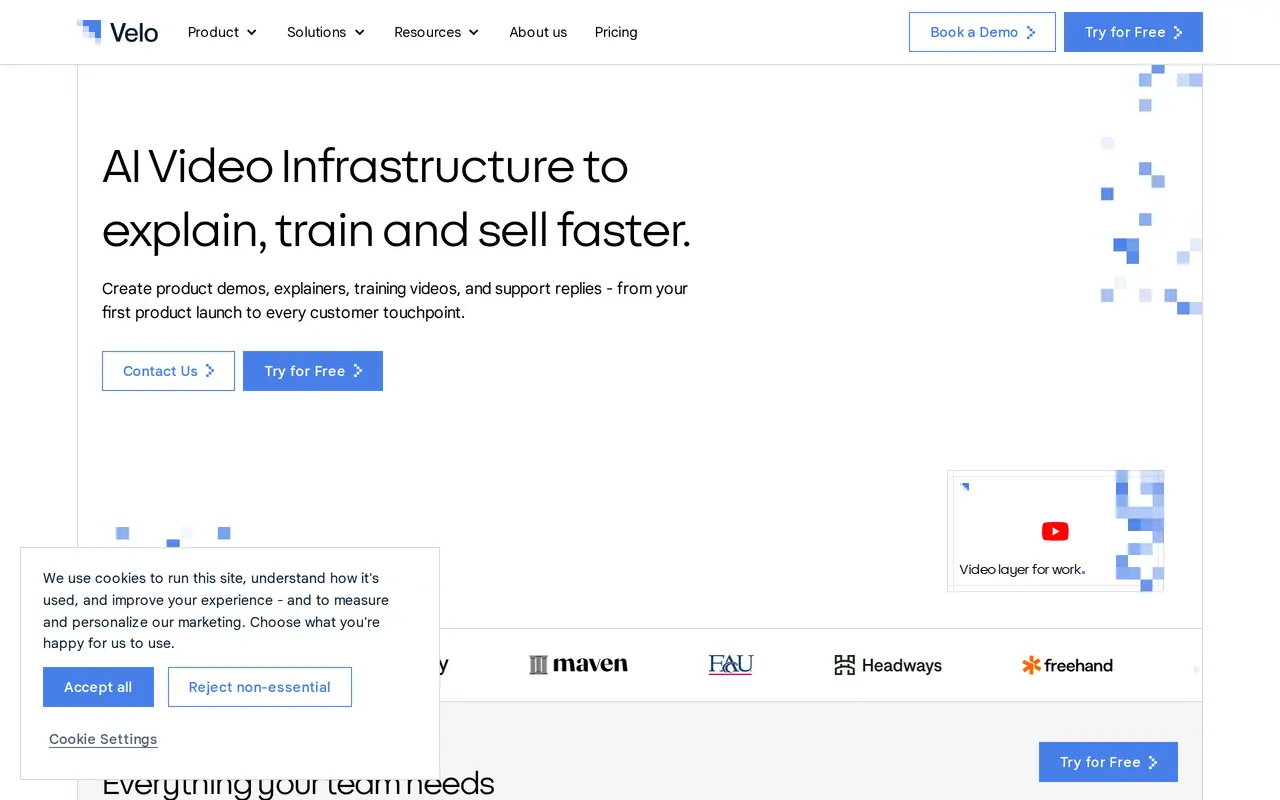
Velo is an AI video platform for creating product demos, support explainers, onboarding videos, and employee training from company knowledge. It uses documents, product pages, screenshots, changelogs, and other source materials to build videos around the information a team already maintains.
Users can start by recording their screen, pasting a URL, uploading a presentation, or typing a prompt. Velo generates a script, adds narration, and assembles the video. Brand kits apply shared visual settings, while voice cloning lets users create narration without recording each voiceover. Existing videos can be refreshed when products or processes change, and multilingual output supports more than 25 languages.
Teams can organize content in shared workspaces and libraries, review drafts together, host videos, and track viewing activity. Enterprise options add access controls, approval workflows, SSO, data residency, and SCORM export for learning management systems. Enterprise API and SDK access also let internal tools and agents generate videos through automated workflows. Usage is credit-based, with consumption varying by video complexity and operations such as generation, narration, rendering, and translation.
What can Velo do?
Company-context video generation
Turn documents, URLs, presentations, screenshots, and prompts into scripted, narrated work videos.
Screen-guided creation
Show Velo what to explain through a screen recording rather than relying only on a written prompt.
Video updates
Refresh demos and training videos as products, policies, or workflows change without rebuilding them from scratch.
Branding and voice cloning
Apply brand colors, fonts, logos, and cloned-voice narration across videos.
Multilingual output
Translate video and voice into more than 25 languages without recording the original again.
Team publishing and governance
Manage shared libraries, reviews, permissions, hosting, and viewer tracking, with additional controls for Enterprise.
Who is Velo for?
- Customer support teams
- Create support replies, help-center explainers, and customer onboarding videos from product knowledge.
- Learning and development teams
- Turn internal documents and SOPs into employee onboarding, training, and compliance videos.
- Sales enablement teams
- Produce product demos, walkthroughs, and personalized video messages for prospects and customers.
- Product marketing teams
- Create implementation walkthroughs and product explanations from documentation and customer requirements.
How much is Velo?
Official pricingFree
Free
Pro
$49/mo
Ultra
$200/mo
Enterprise
See website
Free plan: 500 credits per month, estimated to cover roughly 2–5 minutes of video.
Frequently asked questions
Does Velo have a free plan?
Yes. The Free plan includes 500 credits per month, estimated to cover roughly 2–5 minutes of video.
How much do the paid plans cost?
Pro costs $49 per month and includes 1,000 monthly credits. Ultra costs $200 per month and includes 6,000 monthly credits. Enterprise has custom pricing.
How are credits used?
Credits are consumed when Velo generates, renders, narrates, translates, or creates video output. Usage varies with video complexity.
Can Velo update existing videos?
Yes. Velo can refresh demos, explainers, and training videos when products, policies, or workflows change.
Can software agents generate videos through Velo?
Enterprise can include API and SDK access so internal tools, AI agents, and workflow systems can generate videos.
Can training videos be exported to an LMS?
Enterprise includes SCORM export for packaging videos as courses for upload to a learning management system.
Velo alternatives
Compare alternatives- 1
 PictoryCreate and edit videos from prompts, scripts, URLs, slides, images and audio.
- 2
 ChatCutEdit and generate videos by describing the changes you want.
- 3
 Vmake LabsCreate and edit AI product videos for social media, ads, and ecommerce.
- 4
 CapCutEdit videos, generate visuals, and add AI captions, voiceovers, and audio cleanup.
- 5
 VEEDGenerate, edit, subtitle, and dub videos with AI in one platform.
More AI Video Generators
See more
OpenArt
AI Image Generators
Generate and edit AI images, videos, characters, music, and voiceovers in one workspace.

DeepAI
AI Image Generators
Generate images, videos and music, edit photos, and chat with AI in one platform.

Pixelcut
AI Product Photography
Generate and edit product photos, brand images, and videos with AI.

Adobe Firefly
AI Image Generators
Generate and edit images, videos, and audio with AI.
Artlist
AI Video Generators
Generate and edit videos, images, voiceovers, music, and 3D assets in one workspace.

DomoAI
AI Video Generators
Generate, animate, and restyle videos from text, images, and existing footage.