
Wistia
Visit websiteHost, edit, and repurpose business videos with AI and track viewer engagement.
Verified Nov 3, 2026
What is Wistia?
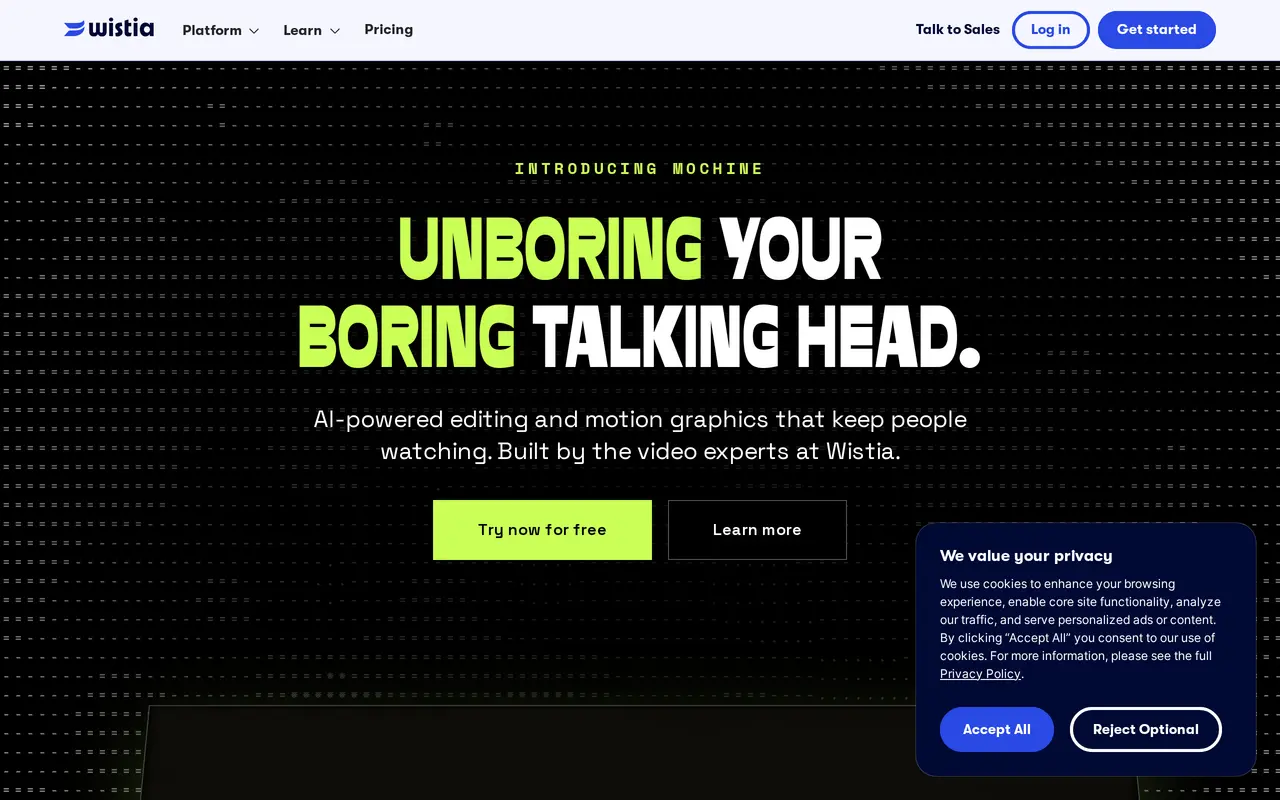
Wistia is a video hosting and webinar platform for businesses, with AI tools for editing, localization, and repurposing. Teams can record themselves or their screens, edit footage, and publish videos in an ad-free player. Its Mochine editor supports prompt-based highlight reels, recaps, and motion graphics, while other AI workflows handle transcription, translation, chapters, and clips.
For marketers, Wistia combines video publishing with lead capture and engagement tracking. Teams can embed branded webinars on their own websites and repurpose recordings within the same video library. The Signals add-on connects viewer activity and captured leads to marketing platforms including HubSpot, Marketo, and Pardot, supporting follow-up and lead scoring.
Wistia also offers localization in more than 50 languages and an MCP server for running video and webinar workflows through AI assistants. A free plan includes limited storage, one user, basic analytics, and Wistia branding; paid plans add branding controls, more capacity, and advanced analytics.
What can Wistia do?
AI editing and repurposing
Create highlight reels, recaps, clips, and motion graphics with prompt-based editing tools.
Transcription and localization
Automatically transcribe, translate, and chapter videos, with localization in more than 50 languages.
Ad-free video hosting
Embed videos in an ad-free player and organize content into collections, playlists, and channels.
Branded webinars
Host webinars on your website and keep recordings in your video library for repurposing.
Lead capture and engagement data
Use forms and Signals integrations to send leads and viewing behavior to marketing platforms.
MCP server
Run video and webinar workflows through connected AI assistants.
Who is Wistia for?
- Marketing teams
- Publish branded videos, capture leads, and connect viewing activity to marketing and sales follow-up.
- Webinar teams
- Run embedded webinars, track audience engagement, and repurpose recordings.
- Video professionals
- Record, edit, localize, and manage business video libraries.
How much is Wistia?
Official pricingFree
Free
Business
$99/mo
Business + Signals
$412/mo
Enterprise
See website
Free plan: The Free plan includes 25 GB of storage, one user, 3,000+ lifetime credits, basic video analytics, and Wistia branding.
Frequently asked questions
Does Wistia offer a free plan?
Yes. The Free plan includes up to 25 GB of storage, one user, 3,000+ lifetime credits, and basic video analytics. Videos include Wistia branding.
How much do the paid plans cost?
Business costs $79 per month, billed yearly at $948. Business + Signals costs $329 per month, billed yearly at $3,948. Enterprise pricing is custom.
Which marketing platforms does Wistia connect to?
Signals connects video and webinar engagement data to platforms including HubSpot, Marketo, and Pardot.
Can Wistia localize videos?
Yes. Wistia offers automatic translation and video localization in more than 50 languages.
Can AI assistants operate Wistia workflows?
Wistia offers an MCP server for running video and webinar workflows through AI assistants.
Wistia alternatives
Compare alternatives- 1
 Palmier ProEdit videos with AI agents, generate media on the timeline, and reuse editing workflows.
- 2
 PikaGenerate and edit videos, images, music, and voiceovers with AI creative tools.
- 3
 ByThenCreate narrated videos with AI scripts, consistent visuals, voiceovers, and editing.
- 4
 EveryGen AICreate and edit multi-scene videos with AI-generated visuals, voices and music.
- 5
 CapCutEdit videos, generate visuals, and add AI captions, voiceovers, and audio cleanup.
More AI Video Editors
See more
Clideo
AI Video Editors
Edit videos online with automatic subtitles, translation, and text-to-speech tools.

VEED
AI Video Editors
Generate, edit, subtitle, and dub videos with AI in one platform.

DomoAI
AI Video Generators
Generate, animate, and restyle videos from text, images, and existing footage.

Runway
AI Video Generators
Generate and edit video, images, and audio with AI creative tools and APIs.

Magic Hour
AI Video Generators
Generate and edit AI videos, images, and audio in a shared web studio.

Pictory
AI Video Generators
Create and edit videos from prompts, scripts, URLs, slides, images and audio.