
Palmier Pro
Visit websiteEdit videos with AI agents, generate media on the timeline, and reuse editing workflows.
Verified Nov 2, 2026
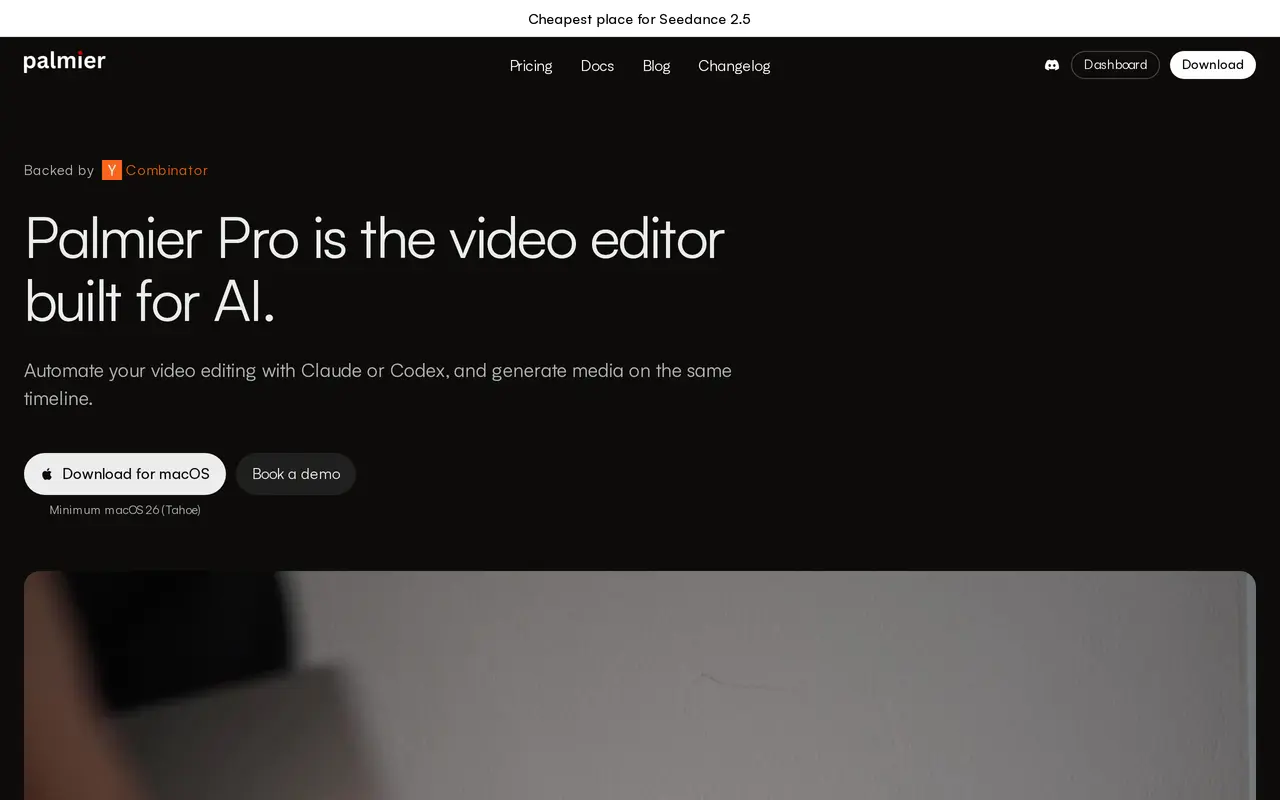
What is Palmier Pro?
Palmier Pro is a macOS video editor designed for both manual editing and operation by AI agents. Connect Claude, Codex, or Cursor through MCP to open projects, build timelines, edit footage, and export finished videos. For recurring formats such as clips and ads, you can save an editing process as a Skill and apply it to subsequent videos.
The multi-track editor includes trimming, text, keyframes, and color grading. It also brings image, video, voiceover, music, sound-effect, dubbing, and upscaling models into the workspace, placing generated media directly in the project. You can finish a video in Palmier Pro or export XML for further work in Premiere Pro, DaVinci Resolve, or Final Cut.
The free version requires no account and includes local transcription, footage search, and MCP access. Paid plans add generation credits, cloud transcription, and built-in Palmier chat. The desktop application requires macOS 26 Tahoe or later.
What can Palmier Pro do?
Agent-controlled editing
Connect Claude, Codex, or Cursor through MCP to build timelines, make edits, and export videos.
Reusable editing Skills
Save an editing process as a Skill and apply it to new footage for recurring clips, ads, and series.
Media generation on the timeline
Generate images, video, voiceovers, music, sound effects, dubs, and upscales within the editing workspace.
Multi-track video editor
Manually trim clips, add text, adjust keyframes, and color grade alongside agent-made edits.
Professional editor exports
Render finished videos or export NLE XML for Premiere Pro, DaVinci Resolve, and Final Cut.
Transcription and footage search
Use local transcription and footage search for free, with cloud transcription available on paid plans.
Who is Palmier Pro for?
- Video creators and editors
- Combine agent-assisted editing, generated media, and manual finishing in one desktop editor.
- Marketing teams and agencies
- Reuse editing Skills to produce recurring social ads, clips, and video series.
- Production teams
- Automate repeatable editing work and export projects to professional editing applications.
How much is Palmier Pro?
Official pricingFree
Free
Pro
$29/mo
Max
$69/mo
Enterprise
See website
Free plan: Free multi-track video editing with MCP access, local transcription, footage search, video rendering, and NLE XML exports; no account required.
Frequently asked questions
Can I use Palmier Pro for free?
Yes. The free plan includes the multi-track editor, MCP connections, local transcription, footage search, video rendering, and NLE XML exports. No account is required.
Which operating systems does it support?
Palmier Pro runs on macOS and requires macOS 26 Tahoe or later.
Can I use my existing AI coding assistant?
Yes. Claude, Codex, and Cursor can connect through MCP to operate the editor.
What do the paid plans add?
Pro adds 5,000 monthly generation credits, access to supported media models, cloud transcription, and Palmier chat. Max includes 12,000 monthly credits and priority support.
Can I continue editing in another application?
Yes. Palmier Pro exports XML for Premiere Pro, DaVinci Resolve, and Final Cut, as well as rendered video.
Palmier Pro alternatives
Compare alternatives- 1
 PikaGenerate and edit videos, images, music, and voiceovers with AI creative tools.
- 2
 CapCutEdit videos, generate visuals, and add AI captions, voiceovers, and audio cleanup.
- 3
 RunwayGenerate and edit video, images, and audio with AI creative tools and APIs.
- 4
 invideoCreate and edit videos with AI agents on a collaborative multitrack timeline.
- 5
 ByteDance SeedCreate 30-second videos with reference controls and AI editing.
More AI Video Editors
See more
Clideo
AI Video Editors
Edit videos online with automatic subtitles, translation, and text-to-speech tools.

VEED
AI Video Editors
Generate, edit, subtitle, and dub videos with AI in one platform.

DomoAI
AI Video Generators
Generate, animate, and restyle videos from text, images, and existing footage.

Magic Hour
AI Video Generators
Generate and edit AI videos, images, and audio in a shared web studio.

Pictory
AI Video Generators
Create and edit videos from prompts, scripts, URLs, slides, images and audio.

ChatCut
AI Video Editors
Edit and generate videos by describing the changes you want.