
ViMind
Visit websiteTurn documents, notes, and URLs into narrated explainer videos.
Verified Nov 2, 2026
What is ViMind?
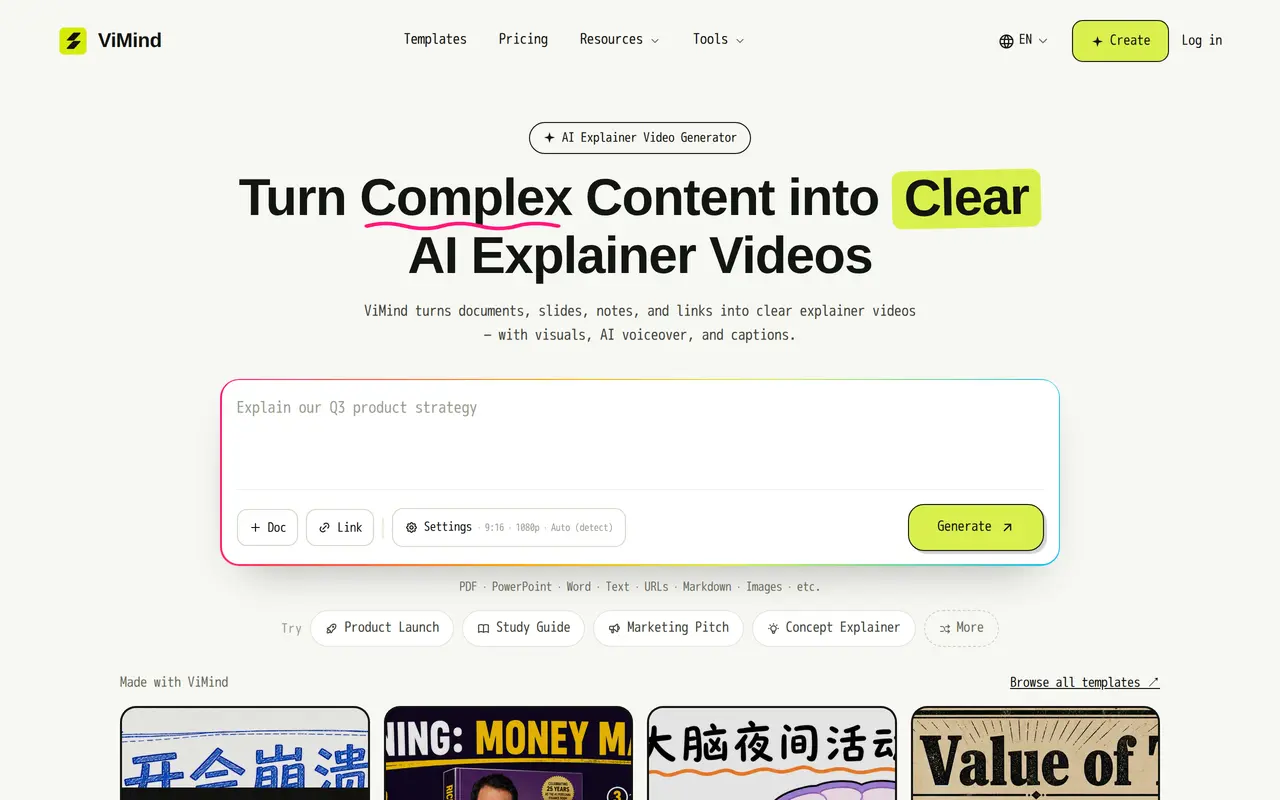
ViMind is a web-based AI explainer video maker that turns existing source material into videos with visuals, narration, and captions. It accepts PDFs, PowerPoint decks, Word documents, pasted notes, Markdown, images, and public web links. Users can combine multiple sources into one project rather than build a video from a single file or prompt.
After users add their material, ViMind identifies key points and drafts a scene-by-scene script with visuals and AI voiceover. Users can choose a slide-based presentation or an animated motion style, then edit individual scenes, change wording or voice, and regenerate only the sections that need revision. Voiceover supports 19 major languages, while captions support more than 100 languages. Finished projects can be exported as MP4 videos or PowerPoint files in 1080p.
The product is aimed at creators making explainers, educators turning reading material into visual lessons, and trainers converting manuals or procedures into training videos. Generation uses credits, available through subscriptions or pay-as-you-go purchases. New users receive 15 free credits without a credit card. Paid plans and credit packs include watermark-free output, batch generation, commercial use, and permanent storage in the video library.
What can ViMind do?
Multiple sources per video
Combine documents, slides, notes, images, and public links into a single explainer video.
AI scripts and visuals
Turn source material into key points, a scene-by-scene script, visuals, and narration.
Multilingual voiceover and captions
Generate narration in 19 major languages and synchronized captions in more than 100 languages.
Scene-level editing
Adjust text or voice for individual scenes and regenerate selected sections before exporting.
Slide and motion styles
Choose a slide-based look or an animated style and switch before export.
MP4 and PowerPoint export
Export finished explainers as MP4 videos or PowerPoint files in 1080p.
Who is ViMind for?
- Content creators
- Turn existing material into explainer videos and queue multiple videos for generation.
- Educators
- Convert papers, slides, and notes into narrated visual lessons.
- Training teams
- Create training and onboarding videos from procedures, manuals, and other internal material.
How much is ViMind?
Official pricingHobby
$99/yr
Pro
$299/yr
Max
$799/yr
Free plan: New users get 15 free credits with no credit card required.
Frequently asked questions
Can I try ViMind for free?
New users receive 15 free credits without needing a credit card. Further generation is available through subscriptions or credit purchases.
How much do subscriptions cost?
The annual plans are Hobby at $99 per year, Pro at $299 per year, and Max at $799 per year. They include 500, 1,700, and 5,000 credits per month, respectively.
Can I edit a video before exporting?
Yes. You can change individual scenes' wording or voice and regenerate only those sections before exporting.
Can I use the videos commercially?
All paid plans and credit packs include commercial use for courses, client work, and publications, along with watermark-free exports.
Which languages are supported?
ViMind supports AI voiceover in 19 major languages and captions in more than 100 languages.
Can I change or cancel my subscription?
You can upgrade, downgrade, or cancel from your account. Changes take effect at the next billing cycle, and purchased credit packs remain in your balance.
ViMind alternatives
Compare alternatives- 1
 Image ExplainerTurn topics, documents, and screenshots into illustrated videos with AI narration.
- 2
 TapVidCreate and edit AI explainer videos from scripts, PDFs, prompts, and brand assets.
- 3
 PictoryCreate and edit videos from prompts, scripts, URLs, slides, images and audio.
- 4
 AI Brainrot Video GeneratorTurn ideas, scripts and PDFs into short videos with AI voices and timed captions.
- 5
 VeoGenerate videos from text prompts with native dialogue, sound effects, and ambient audio.
More AI Video Generators
See more
CapCut
AI Video Editors
Edit videos, generate visuals, and add AI captions, voiceovers, and audio cleanup.

OpenArt
AI Image Generators
Generate and edit AI images, videos, characters, music, and voiceovers in one workspace.

DeepAI
AI Image Generators
Generate images, videos and music, edit photos, and chat with AI in one platform.

Pixelcut
AI Product Photography
Generate and edit product photos, brand images, and videos with AI.

VEED
AI Video Editors
Generate, edit, subtitle, and dub videos with AI in one platform.

Adobe Firefly
AI Image Generators
Generate and edit images, videos, and audio with AI.