Picsart
Visit websiteGenerate and edit images, videos, and audio with AI tools and creative workflows.
Verified Nov 2, 2026
What is Picsart?
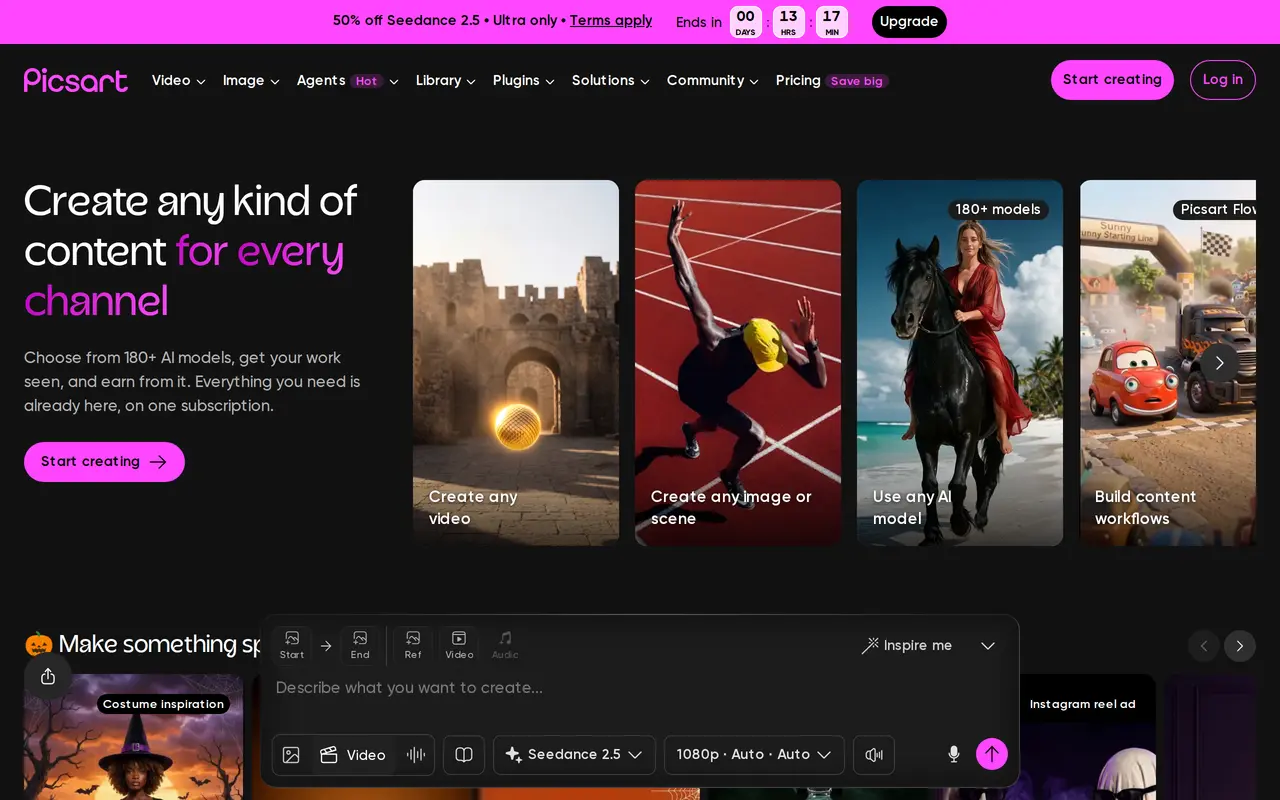
Picsart is a creative platform for generating and editing images, videos, and audio. It combines AI models with photo and video editors, design templates, and stock assets. Users can describe an image or scene, generate video, animate an existing image, or modify photos with tools for background removal, object removal, and image enhancement.
For repeat creative work, Picsart offers content workflows and AI agents that plan and carry out tasks across video, branding, and localization. Brand kits, bulk image editing, and cloud storage help creators and teams manage multiple assets. Its library includes stock photos, video clips, fonts, stickers, and customizable templates for social posts, ads, and other designs.
Picsart works on the web and through its app, with MCP integrations and a command-line tool for use from coding assistants and automated workflows. Paid subscriptions include generation credits, with usage varying by model and output settings. Pro and Ultra differ in model access, bulk-editing limits, storage, and team capabilities.
What can Picsart do?
AI media generation
Generate images, videos, and audio using a selection of AI models within one platform.
Photo editing and enhancement
Remove backgrounds and objects, enhance images, and apply photo effects.
Creative agents and workflows
Build content workflows and use AI agents for video, branding, localization, and other creative tasks.
Templates and stock assets
Build designs with customizable templates, stock photos, video clips, fonts, and stickers.
Brand kits and bulk editing
Maintain brand assets and edit up to 50 images at once on Pro or 100 on Ultra.
MCP and command-line access
Use Picsart through MCP in supported assistants or generate content from the terminal with its CLI.
Who is Picsart for?
- Content creators
- Create social videos, animated images, photo edits, and other visual content.
- Marketing teams
- Produce ads, branded assets, localized content, and campaign variations.
- Product marketers
- Create product photos, showcase videos, and promotional designs.
How much is Picsart?
Official pricingPro
$15/mo
Ultra
$75/mo
Free plan: A free app and a selection of free AI design tools are available.
Frequently asked questions
Can I use Picsart for free?
Picsart offers a free app and a selection of free AI design tools. Paid subscriptions provide broader editing features and generation allowances.
How much do the paid plans cost?
Pro costs $15 with monthly billing, or $10.50 per month billed yearly. Ultra costs $75 with monthly billing, or $60 per month billed yearly.
How are AI generations charged?
Paid plans include monthly credits, and the credits required depend on the model and output settings. Ultra also allows purchases of add-on credits that do not expire.
Can I use Picsart from an AI assistant or terminal?
Picsart supports MCP access through Claude Code, Cursor, and ChatGPT. Its CLI can generate content from a terminal or agent.
What are the bulk-editing and storage limits?
Pro supports bulk editing of up to 50 images and includes 100 GB of cloud storage. Ultra supports up to 100 images at once and includes 300 GB per seat.
Picsart alternatives
Compare alternatives- 1
 MagnificGenerate and edit AI images and videos on iPhone, iPad, and Mac.
- 2
 PixlrEdit photos and generate images, videos, and audio with AI in your browser.
- 3
 Supawork AICreate AI videos, images, headshots, and effects, and translate academic PDFs.
- 4
 BerriooGenerate and edit images, create short videos, and turn scripts into speech.
- 5
 Nano Banana FreeEdit photos with text prompts and generate videos from text or images.
More AI Photo Editors
See more
Canva
AI Graphic Design
Create presentations, graphics, photos, and videos with AI-assisted design tools.

OpenArt
AI Image Generators
Generate and edit AI images, videos, characters, music, and voiceovers in one workspace.

Photoroom
AI Product Photography
Create and edit product photos, listing images, and video ads with AI.

Pixelcut
AI Product Photography
Generate and edit product photos, brand images, and videos with AI.

Adobe Firefly
AI Image Generators
Generate and edit images, videos, and audio with AI.

Fotor
AI Photo Editors
Edit and enhance photos, generate images, and create designs with AI tools.