
JetBrains Air
Visit websiteRun coding agents, review their changes, and coordinate software development tasks.
Verified Nov 2, 2026
What is JetBrains Air?
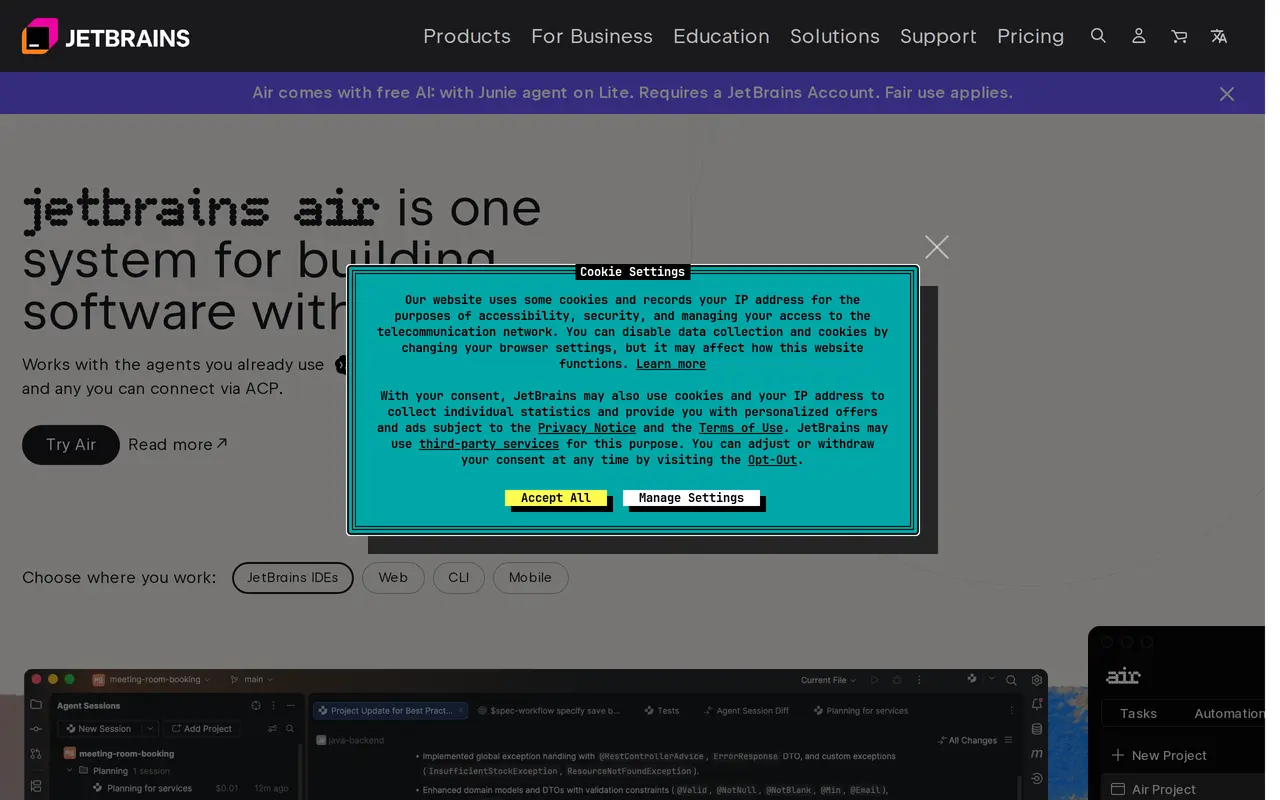
JetBrains Air brings coding agents into a shared development system spanning JetBrains IDEs, the browser, and command-line workflows. Developers can connect compatible agents, including Claude Agent and agents using ACP, then manage sessions across multiple projects. Air supports existing provider subscriptions, API keys, custom base URLs, and JetBrains-managed AI credits.
Inside JetBrains IDEs, developers can track parallel agent sessions, inspect changed files and outgoing commits, and open diffs directly from a session. They can validate changes with IDE tools and leave line-specific comments for an agent to address. Air Context uses semantic indexing to give agents project context without requiring them to explore the entire repository first.
Air Teams adds shared projects, dedicated cloud environments, and automations for tasks such as code reviews, release notes, and fixes. Teams can configure virtual machine sizes, internet access, variables, and secrets, and share connections to external tools through MCP servers. Organization-level governance provides access permissions, spending limits, provider-key management, and usage analytics. Air Teams is offered through early access, while cloud runs are being rolled out gradually across customers.
What can JetBrains Air do?
Compatible coding agents
Connect locally detected agents or add agents from a registry, including ACP-compatible options.
IDE-based change review
Inspect agent diffs, validate changes with IDE tools, and leave comments on individual lines.
Parallel project sessions
Track agent updates, changed files, and outgoing commits across multiple projects and sessions.
Flexible provider access
Use provider subscriptions, API keys, custom base URLs, or JetBrains AI credits, and switch access mid-session.
Team automations
Delegate recurring development tasks to agents running in configurable, dedicated cloud environments.
Organization governance
Manage model and agent permissions, team spending limits, provider keys, and usage analytics.
Who is JetBrains Air for?
- Software developers
- Run coding agents alongside IDE tools and review their work across projects.
- Development teams
- Coordinate shared agent tasks, cloud environments, and recurring development automations.
- Engineering organizations
- Manage AI access, provider credentials, budgets, and adoption across teams.
How much is JetBrains Air?
Official pricingAll Products Pack
$979/yr
Free plan: Air includes free AI with the Junie agent on Lite; a JetBrains Account is required and fair-use limits apply.
Frequently asked questions
Can I use my existing AI subscription or API keys?
Yes. Air supports existing provider subscriptions, API keys, and custom base URLs, as well as JetBrains-managed AI credits. You can switch between subscriptions during a session.
Which coding agents can I connect?
Air supports Claude Agent and ACP-compatible agents. It can detect compatible agents on your machine and lets you add others from an agent registry.
Where can I use Air?
Air supports JetBrains IDEs, browser-based work, and command-line workflows through Air Gateway. Cloud runs are available to some customers, with wider access rolling out gradually.
Can teams control agent environments and external tools?
Air Teams provides dedicated project environments with configurable VM sizes, internet access, variables, and secrets. Teams can also centrally configure MCP server connections for shared external tools.
Is Air included in the All Products Pack?
Yes. The organizational All Products Pack includes Air and 20 JetBrains AI credits per 30 days, alongside other JetBrains tools, for $979 per user per year before applicable taxes.
JetBrains Air alternatives
Compare alternatives- 1
 CodeRabbitAI code reviews, pull request triage, change explanations, and security monitoring.
- 2
 Devin DesktopManage local and cloud coding agents, review changes, and write code in one IDE.
- 3
 WarpAn AI-assisted terminal and coding agent for local and cloud software development.
- 4
 Devin DesktopManage local and cloud coding agents, review changes, and write code in one workspace.
- 5
 CursorAn AI coding editor and agent for building, testing, and reviewing software.
More AI Code Assistants
See more
JetBrains
AI Code Assistants
AI-powered development tools and coding agents for developers and software teams.

Stitch
AI Graphic Design
Generate UI designs and frontend code from text prompts, sketches, and screenshots.

Cline
AI Code Assistants
An open-source coding agent for your editor, desktop, terminal, and applications.

Claude Code
AI Code Assistants
Anthropic's agentic coding tool that plans, edits, tests and opens pull requests.
Gemini CLI
AI Code Assistants
An open-source terminal agent for coding, codebase analysis, and workflow automation.

GitHub Copilot
AI Code Assistants
An AI coding assistant and agent for writing, reviewing, and updating code.