
Warp
Visit websiteAn AI-assisted terminal and coding agent for local and cloud software development.
Verified Nov 2, 2026
What is Warp?
Warp combines an open-source terminal with AI coding agents that work locally or in the cloud. Developers can use its terminal or run Warp Agent CLI in another terminal to investigate bugs, change code, and prepare pull requests. It supports multiple model providers, with options to choose models for individual tasks or bring your own inference.
For shared work, Warp Drive stores workflows and notebooks, while session sharing lets teammates follow and review agent activity. Integrations with Slack, Linear, and GitHub let teams request work from their existing tools. Agent autonomy can range from requiring approval at each step to operating independently, and paid team plans add usage reporting, administrative controls, and SSO.
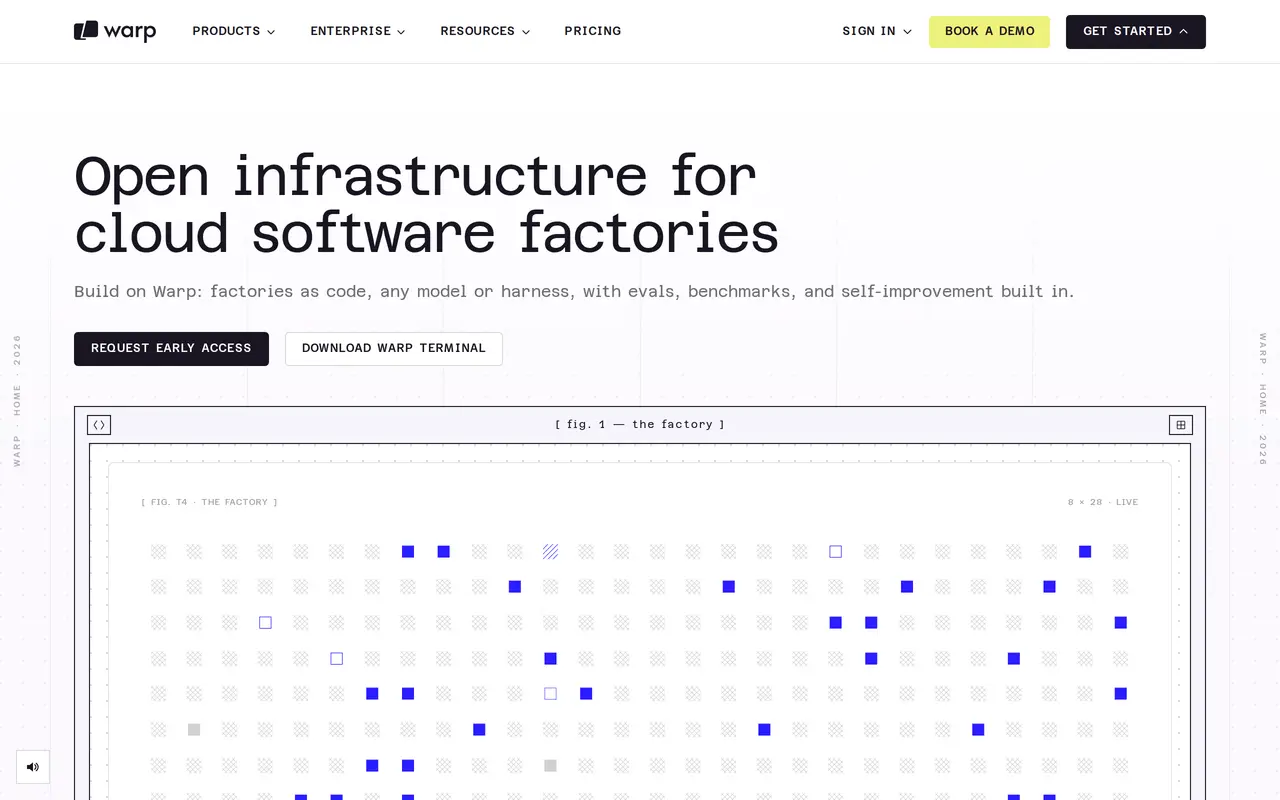
Warp also offers early access to Factories, a separate system for coordinating software-development agents through version-controlled configuration files. Factories connects repositories, work sources, models, permissions, and evaluation routines, with cloud or self-hosted execution. The terminal and Agent CLI are available now; Factories requires an access request. Agent usage is metered, with included allowances on paid plans and additional usage available to purchase.
What can Warp do?
Terminal and standalone coding agent
Use AI-assisted development in Warp Terminal or run Warp Agent CLI inside another terminal.
Multiple models and custom inference
Choose models for different tasks, switch models during work, or connect your own API keys and inference endpoints.
Cloud agents and tool integrations
Request agent work through Slack, Linear, and GitHub, then follow progress through shared session links.
Shared workflows and notebooks
Store reusable workflows and notebooks in Warp Drive and share terminal sessions with teammates.
Agent permissions and spending controls
Set approval requirements and use paid-plan spending controls to manage agent autonomy and usage.
Factories early access
Define coordinated agents, triggers, models, and evaluation routines in version-controlled configuration files.
Who is Warp for?
- Software developers
- Investigate issues, edit code, and prepare pull requests using terminal-based or cloud coding agents.
- Engineering teams
- Share development workflows, coordinate agent work, and review sessions across existing collaboration tools.
- Enterprise engineering organizations
- Manage agent access, inference routing, data controls, and deployment infrastructure centrally.
How much is Warp?
Official pricingFree
Free
Build
$20/mo
Max
$200/mo
Business
$50/mo
Enterprise
See website
Free plan: Warp’s free plan includes core terminal features, Agent CLI access, bring-your-own AI inference, and limited cloud agents, storage, and collaboration features.
Frequently asked questions
Can I use Warp for free?
The Free plan includes core terminal features, Agent CLI access, limited cloud agents, and limited collaboration features. Agent usage can be purchased separately, and bringing your own inference is also supported.
Which operating systems does Warp support?
Warp Terminal is available for macOS, Linux, and Windows. Warp Agent CLI also supports all three operating systems.
Do I need Warp Terminal to use its coding agent or Factories?
Warp Agent CLI works in other terminals. Factories is a separate product and does not require your team to use Warp Terminal.
How much do the paid plans cost?
Monthly plans start at $20 for Build, $200 for Max, and $50 per user for Business. Annual billing is also available, Enterprise uses custom pricing, and additional agent usage is charged separately.
Can I control what agents are allowed to do?
Agent permissions can require approval for every step or allow full autonomy. Team and enterprise options add centrally managed controls.
Is Warp Factories generally available?
Factories requires an early-access request. It supports workflows defined in code and execution in Warp's cloud or your own infrastructure.
Warp alternatives
Compare alternatives- 1
 CursorAn AI coding editor and agent for building, testing, and reviewing software.
- 2
 DevinAn AI coding agent that builds, tests, reviews, and maintains software.
- 3
 ClineAn open-source coding agent for your editor, desktop, terminal, and applications.
- 4
 Claude CodeAnthropic's agentic coding tool that plans, edits, tests and opens pull requests.
- 5
 GitHub CopilotAn AI coding assistant and agent for writing, reviewing, and updating code.
More AI Code Assistants
See more
JetBrains
AI Code Assistants
AI-powered development tools and coding agents for developers and software teams.

Stitch
AI Graphic Design
Generate UI designs and frontend code from text prompts, sketches, and screenshots.

CodeRabbit
AI Code Assistants
AI code reviews, pull request triage, change explanations, and security monitoring.

Devin Desktop
AI Code Assistants
Manage local and cloud coding agents, review changes, and write code in one IDE.
Gemini CLI
AI Code Assistants
An open-source terminal agent for coding, codebase analysis, and workflow automation.

Bolt
AI App Builders
Build and publish apps, websites, and prototypes by chatting with AI.