Gemini CLI
Visit websiteAn open-source terminal agent for coding, codebase analysis, and workflow automation.
Verified Nov 2, 2026
What is Gemini CLI?
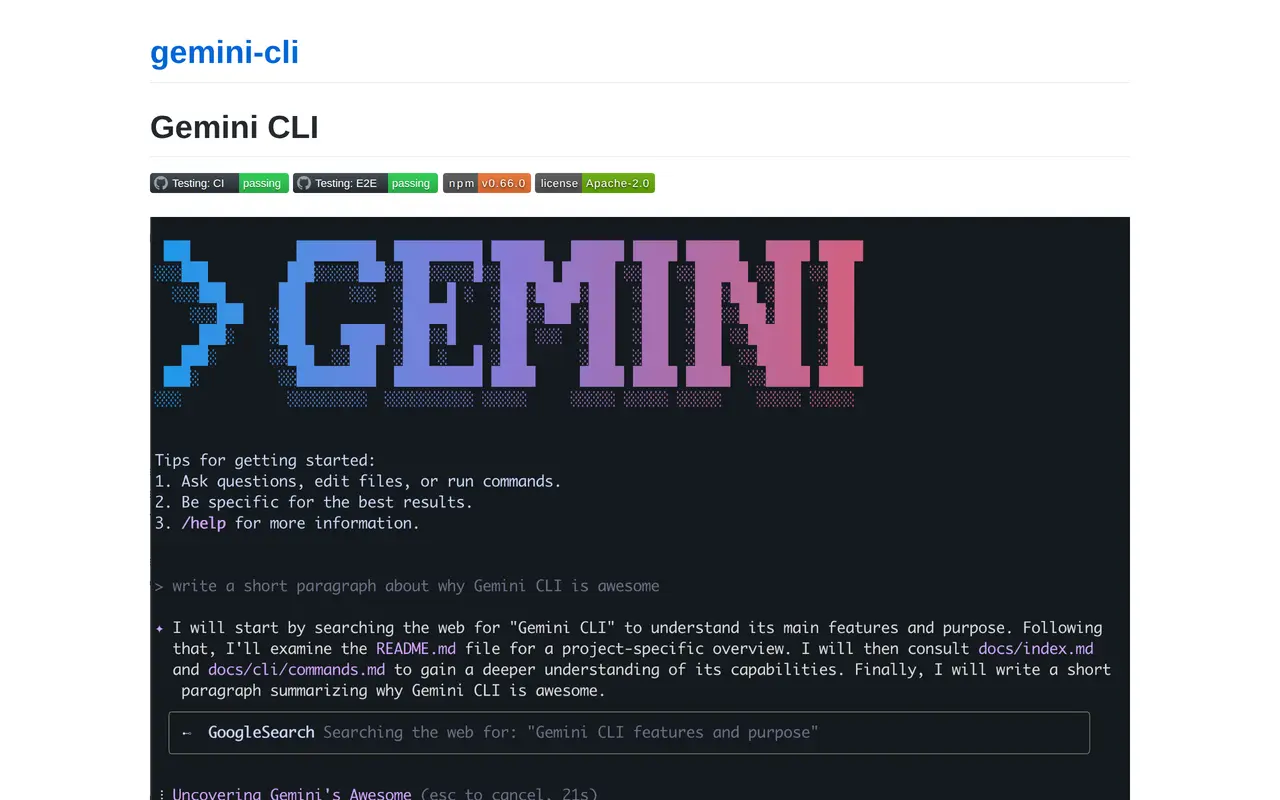
Gemini CLI is an open-source AI agent that brings Gemini models into the terminal. Developers can use natural-language prompts to explore codebases, generate and edit code, debug problems, and automate operational tasks. Its built-in tools can work with files, execute shell commands, fetch web content, and ground answers with Google Search.
Users can start an interactive session in a project directory or run prompts non-interactively in scripts, including requests for structured JSON output. Project-specific GEMINI.md files provide persistent instructions, while conversation checkpointing lets users save and resume sessions. MCP server connections extend the agent with additional tools. A GitHub Action supports automated pull request reviews, issue triage, and assistance requested in issues or pull requests.
Gemini CLI runs on macOS, Linux, and Windows and requires Node.js 20 or later. It can be launched with npx or installed through npm or Homebrew. Authentication options include a Google account, a Gemini API key, or Vertex AI. The software uses the Apache 2.0 license; model access has quotas and may involve usage-based charges depending on the authentication method.
What can Gemini CLI do?
Codebase analysis and editing
Ask questions about large codebases, generate code, edit files, and troubleshoot issues using natural-language prompts.
Built-in terminal and web tools
Work with files, run shell commands, fetch web content, and use Google Search to ground responses.
Scriptable headless mode
Run prompts non-interactively and request JSON output for use in scripts and automated workflows.
MCP integrations
Connect MCP servers to give the agent access to additional tools and services.
Persistent project context
Use GEMINI.md files to tailor project behavior and checkpoints to save and resume conversations.
GitHub workflow automation
Use the GitHub Action for pull request reviews, issue triage, and on-demand assistance in issues and pull requests.
Who is Gemini CLI for?
- Developers
- Explore, write, edit, and debug code without leaving the terminal.
- Engineering teams
- Automate code reviews, issue triage, and recurring development tasks through scripts and GitHub workflows.
- Enterprise development teams
- Use Vertex AI authentication to connect terminal-based AI workflows with existing Google Cloud infrastructure.
Frequently asked questions
Is Gemini CLI free to use?
The software is open source under Apache 2.0. Personal Google account authentication includes 60 requests per minute and 1,000 requests per day; Gemini API key access includes 100 requests per day with Gemini 2.5 Pro, with paid access available for higher limits.
What systems does Gemini CLI support?
It runs on macOS, Linux, and Windows and requires Node.js 20 or higher. You can launch it with npx or install it with npm; Homebrew installation is available on macOS and Linux.
Can Gemini CLI run in automated scripts?
Yes. Its non-interactive mode accepts prompts from the command line and can return structured JSON output.
How can I extend its capabilities?
You can configure MCP servers to connect additional tools and build custom extensions and reusable commands.
Gemini CLI alternatives
Compare alternatives- 1
 WarpAn AI-assisted terminal and coding agent for local and cloud software development.
- 2
 ClineAn open-source coding agent for your editor, desktop, terminal, and applications.
- 3
 GitHub CopilotAn AI coding assistant and agent for writing, reviewing, and updating code.
- 4
 DevinAn AI coding agent that builds, tests, reviews, and maintains software.
- 5
 CursorAn AI coding editor and agent for building, testing, and reviewing software.
More AI Code Assistants
See more
JetBrains
AI Code Assistants
AI-powered development tools and coding agents for developers and software teams.

Stitch
AI Graphic Design
Generate UI designs and frontend code from text prompts, sketches, and screenshots.

CodeRabbit
AI Code Assistants
AI code reviews, pull request triage, change explanations, and security monitoring.

Devin Desktop
AI Code Assistants
Manage local and cloud coding agents, review changes, and write code in one IDE.

Claude Code
AI Code Assistants
Anthropic's agentic coding tool that plans, edits, tests and opens pull requests.

Bolt
AI App Builders
Build and publish apps, websites, and prototypes by chatting with AI.