
CodeRabbit
Visit websiteAI code reviews, pull request triage, change explanations, and security monitoring.
Verified Nov 3, 2026
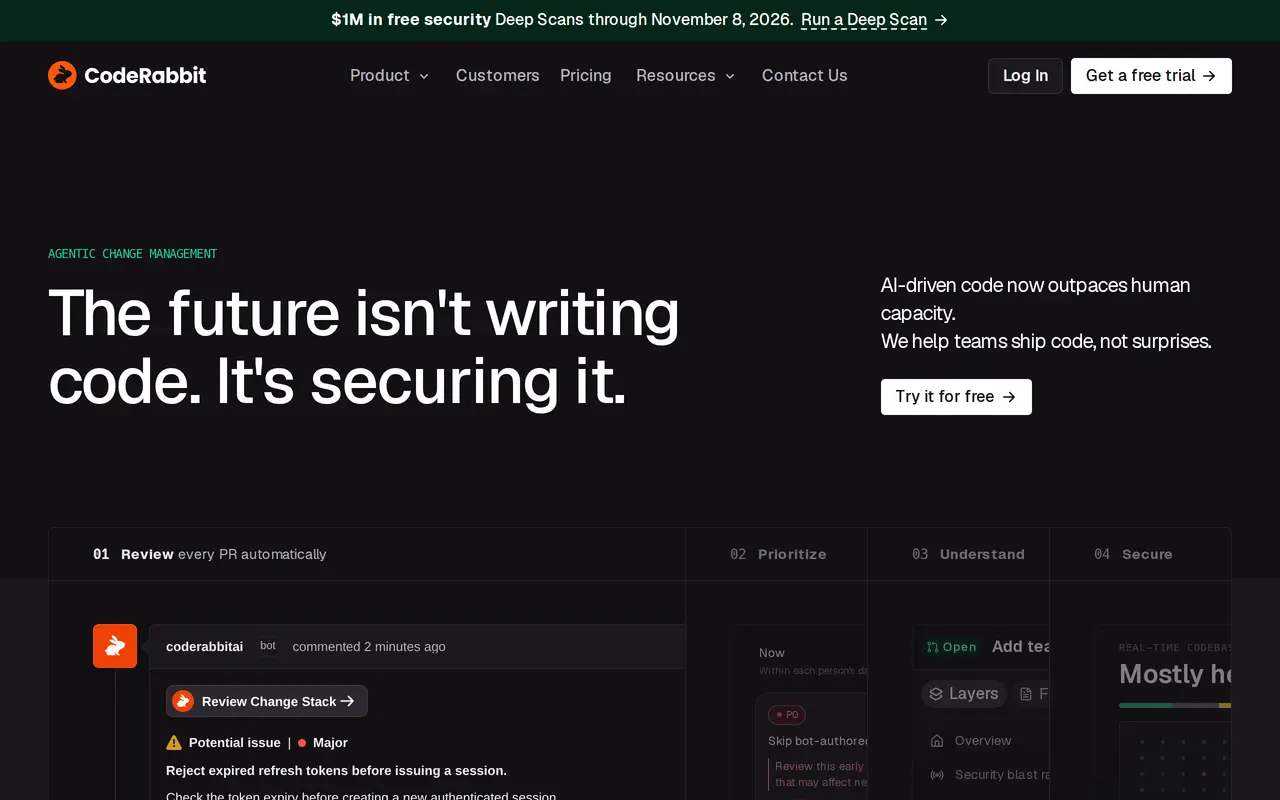
What is CodeRabbit?
CodeRabbit helps software teams review and manage code changes with AI. It reviews pull requests automatically, explains proposed changes, flags potential issues, and offers code fixes. Developers can also run reviews through a CLI, in an IDE, or within coding-agent workflows before opening a pull request.
Reviews use codebase relationships, previous pull requests, issues, documentation, and team guidelines as context. Developers can ask questions about findings and provide feedback that shapes future reviews. A structured review workspace organizes large changes into navigable sections, with semantic diffs and explanations of how the code behaves.
Team-oriented features include a prioritized pull request queue, review guidance, automated test generation, and post-merge actions. Higher-tier plans add downstream impact analysis and continuous security monitoring. On-demand Deep Scans inspect repositories for vulnerabilities, while CodeRabbit Engineer handles coding tasks and investigations through Slack. Features and usage limits vary by plan, and Enterprise adds administrative controls, API access, and custom deployment options.
What can CodeRabbit do?
Context-aware code review
Reviews pull requests using codebase context, team guidelines, and prior feedback, with suggested fixes and pre-merge checks.
Pull request triage
Ranks open pull requests by value, urgency, and risk, with review guidance and actions from a shared queue.
Change explanations
Organizes changes into a structured workspace with semantic diffs, summaries, and code questions.
Security monitoring
Checks code, secrets, dependencies, and infrastructure, with continuous monitoring available on higher-tier plans.
Tests and follow-up automation
Generates unit tests and runs post-merge tasks such as changelog updates, tickets, and notifications on eligible plans.
Slack engineering agent
Investigates incidents, answers codebase questions, and executes coding tasks and automations through Slack.
Who is CodeRabbit for?
- Software developers
- Review code, understand changes, and address findings before and during the pull request process.
- Engineering teams
- Prioritize review queues, enforce coding standards, and manage changes produced by developers and coding agents.
- Security teams
- Inspect repositories for vulnerabilities and assess the security impact of code changes.
How much is CodeRabbit?
Official pricingEssentials
$24/mo
Team
$48/mo
Advanced
$72/mo
Enterprise
See website
CodeRabbit Deep Scan
See website
CodeRabbit Engineer
See website
Free plan: CodeRabbit offers a 14-day trial of Essentials, Team, and Advanced.
Frequently asked questions
Can I try CodeRabbit for free?
Essentials, Team, and Advanced offer a 14-day trial.
Can CodeRabbit review code before a pull request?
Yes. All listed subscription plans include reviews through the CLI, IDE, and coding-agent loops before a pull request is opened.
Are reviews subject to usage limits?
Included reviews per developer per hour range from five on Essentials to twelve on Enterprise. Additional reviews are available through consumption-based usage, with budget caps.
Which plans include continuous security monitoring?
Advanced and Enterprise include continuous security monitoring and security-informed pull request prioritization. Basic security checks are included across all listed subscription plans.
Does CodeRabbit offer enterprise controls?
Enterprise includes multi-organization administration, custom roles, SSO, audit logs, API access, and custom deployment options.
CodeRabbit alternatives
Compare alternatives- 1
 Devin DesktopManage local and cloud coding agents, review changes, and write code in one IDE.
- 2
 GitHub CopilotAn AI coding assistant and agent for writing, reviewing, and updating code.
- 3
 Devin DesktopManage local and cloud coding agents, review changes, and write code in one workspace.
- 4
 QodoAI code review that checks pull requests and IDE changes against team standards.
- 5
 JetBrains AirRun coding agents, review their changes, and coordinate software development tasks.
More AI Code Assistants
See more
Cursor
AI Code Assistants
An AI coding editor and agent for building, testing, and reviewing software.

JetBrains
AI Code Assistants
AI-powered development tools and coding agents for developers and software teams.

Stitch
AI Graphic Design
Generate UI designs and frontend code from text prompts, sketches, and screenshots.

Cline
AI Code Assistants
An open-source coding agent for your editor, desktop, terminal, and applications.

Claude Code
AI Code Assistants
Anthropic's agentic coding tool that plans, edits, tests and opens pull requests.
Gemini CLI
AI Code Assistants
An open-source terminal agent for coding, codebase analysis, and workflow automation.