
Aider
Visit websitePair program with AI models in your terminal to build and edit code.
Verified Nov 2, 2026
What is Aider?
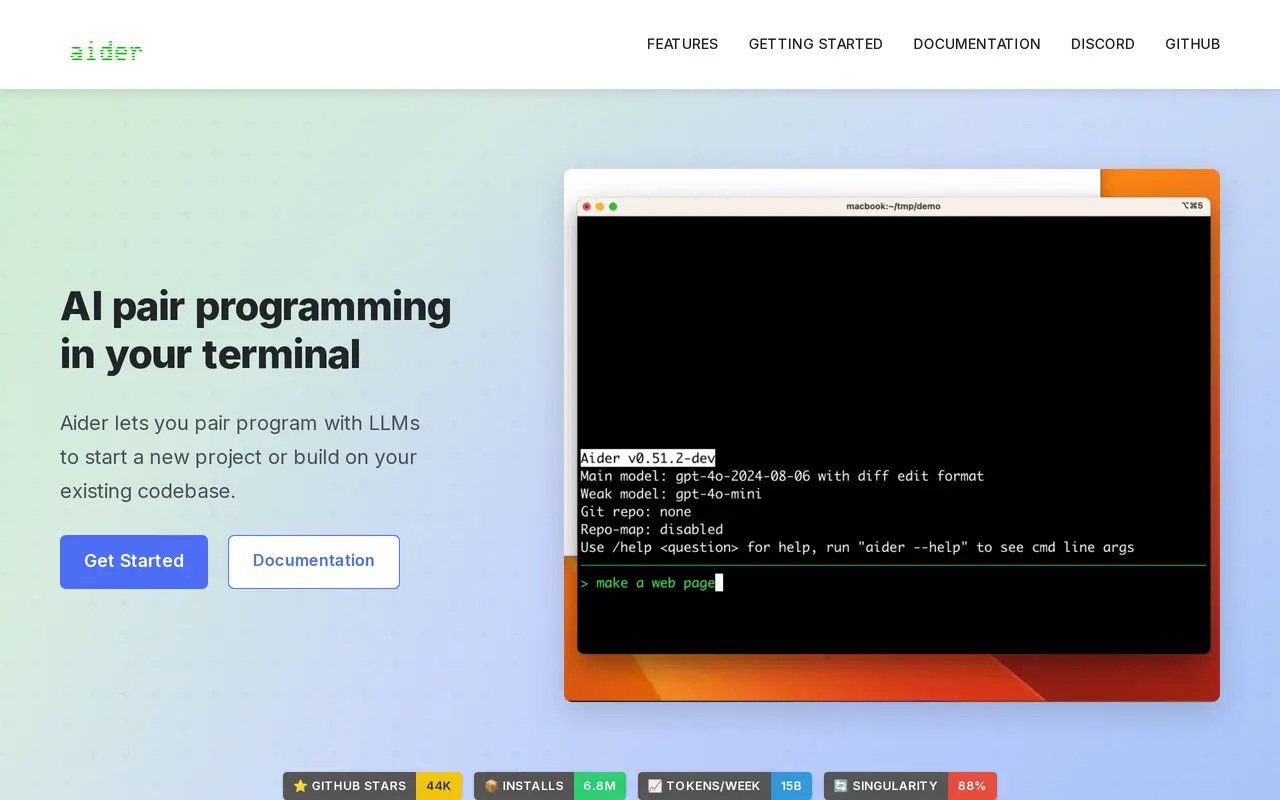
Aider is a terminal-based AI coding assistant for starting projects and modifying existing codebases. You install it locally, open it in your project directory, and connect a language model. It supports cloud providers and local models, with API-key configuration for services such as Anthropic, DeepSeek, and OpenAI.
Aider builds a map of your codebase to provide context when making changes. It supports more than 100 programming languages and integrates with Git, automatically committing edits with descriptive messages so you can inspect differences or undo changes using familiar tools. It can also run linters and tests after edits and address problems they detect.
You can request features, bug fixes, or tests through chat or voice, and add images or web pages as reference material. Aider also works alongside your preferred editor, including a workflow where code comments request changes. Although model APIs are its preferred connection method, it supports copying code between the terminal workflow and a model’s browser-based chat interface.
What can Aider do?
Cloud and local models
Connect to supported cloud providers or local language models for coding assistance.
Codebase mapping
Builds a map of your repository to help the model work with larger projects.
Automatic Git commits
Commits code changes with descriptive messages so you can review, manage, and undo edits through Git.
Linting and testing
Runs linters and tests after changes and can fix issues they identify.
Voice-driven coding
Accepts spoken requests for new features, test cases, and bug fixes.
Images and web context
Adds screenshots, images, and web pages to the conversation as reference material.
Who is Aider for?
- Software developers
- Build projects, modify existing repositories, and debug code through a terminal-based AI workflow.
- Developers with large codebases
- Use repository mapping and Git integration to make contextual changes that can be reviewed and reversed.
Frequently asked questions
Can Aider use local models?
Yes. Aider supports local models as well as cloud-based language models.
Does Aider work with an existing project?
Yes. You can run it inside an existing codebase, where it maps the repository to help guide changes.
Can I review or undo its changes?
Aider automatically commits changes to Git with descriptive commit messages. You can use Git tools to inspect differences and undo edits.
Do I need to use a model API?
Aider works best with model APIs, but it also supports a copy-and-paste workflow with browser-based model chats.
Aider alternatives
Compare alternatives- 1
 ClineAn open-source coding agent for your editor, desktop, terminal, and applications.
- 2
 CursorAn AI coding editor and agent for building, testing, and reviewing software.
- 3
 Claude CodeAnthropic's agentic coding tool that plans, edits, tests and opens pull requests.
- 4
 ReasonixAn open-source coding agent that reads projects, edits files, and runs commands and tests.
- 5
 WarpAn AI-assisted terminal and coding agent for local and cloud software development.
More AI Code Assistants
See more
JetBrains
AI Code Assistants
AI-powered development tools and coding agents for developers and software teams.

Stitch
AI Graphic Design
Generate UI designs and frontend code from text prompts, sketches, and screenshots.

CodeRabbit
AI Code Assistants
AI code reviews, pull request triage, change explanations, and security monitoring.

Devin Desktop
AI Code Assistants
Manage local and cloud coding agents, review changes, and write code in one IDE.
Gemini CLI
AI Code Assistants
An open-source terminal agent for coding, codebase analysis, and workflow automation.

GitHub Copilot
AI Code Assistants
An AI coding assistant and agent for writing, reviewing, and updating code.