
Uizard
Visit websiteTurns text prompts, screenshots and sketches into editable UI designs and prototypes.
Verified Nov 2, 2026
What is Uizard?
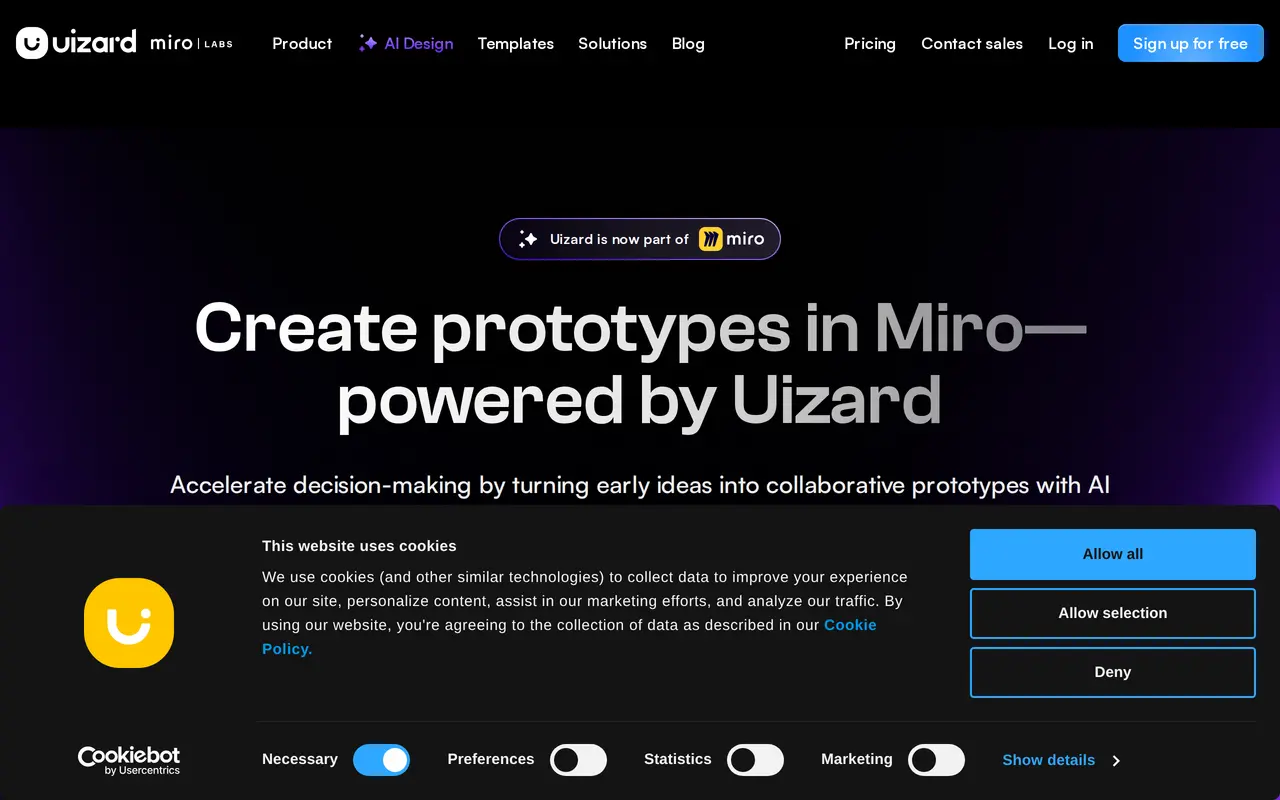
Uizard is a browser-based UI design tool that uses AI to turn early product ideas into editable screens and prototypes. Users describe an app, website or web app in plain language, choose a device and style, and Autodesigner generates multi-screen projects that can be edited like any other design file.
Beyond text-to-design generation, Uizard includes tools for working from existing material: Screenshot Scanner converts screenshots into editable mockups, and Wireframe Scanner digitizes hand-drawn wireframes. Inside a project, users can select a component and describe the change they want, generate additional screens, and create new themes or brand kits. Real-time collaboration, commenting and shareable links let product teams review work together.
The product is aimed at product managers, designers, founders, marketers and agencies who need to visualize ideas quickly rather than produce final production code. AI usage is limited by plan: the free tier includes three AI generations per month with Autodesigner 1.5, while paid plans raise the allowance and unlock Autodesigner 2.0, more projects, private projects and developer handoff for React and CSS.
What can Uizard do?
Autodesigner
Generates editable multi-screen projects, screens and themes from a text description, with device and style choices.
Screenshot Scanner
Converts screenshots of existing interfaces into editable Uizard mockups.
Wireframe Scanner
Turns photos of hand-drawn wireframes and scribbles into digital designs.
AI component editing
Select any component, describe the change you want, and let Autodesigner revise it.
Theme and brand kit generation
Creates new visual themes and brand kits to restyle a project quickly.
Real-time collaboration
Lets teams design, comment and share prototypes together in the same project.
Who is Uizard for?
- Product managers and product teams
- Create mockups and multi-screen concepts quickly to communicate product ideas.
- Designers and UX professionals
- Explore wireframes, iterations and UI directions before committing to high-fidelity work.
- Startup founders
- Visualize an MVP concept and turn a product idea into an interactive prototype.
- Marketers and agencies
- Produce client-ready mockups and design concepts at speed.
How much is Uizard?
Official pricingFree
Free
Pro
$144/yr
Business
$468/yr
Enterprise
See website
Free plan: The Free plan includes 3 AI generations per month, 2 projects, 10 templates and access to Autodesigner 1.5.
Frequently asked questions
Is Uizard free to use?
Yes. The Free plan costs $0 and includes 3 AI generations per month, 2 projects, 10 templates and Autodesigner 1.5.
What do the paid plans include?
Pro includes 500 AI generations per month, up to 100 projects, Autodesigner 2.0 and React/CSS developer handoff. Business raises this to 5,000 AI generations per month and unlimited projects. Pro is $12 per month billed annually and Business is $39 per month billed annually.
Do I need design experience to use Uizard?
Uizard is positioned for people who can use presentation software. Text prompts and editable components let users start without drawing screens from scratch.
Can I collaborate with my team?
Yes. Projects support real-time multiplayer collaboration, commenting and public shareable links; the number of creators and projects depends on the plan.
What are the AI generation limits?
Free includes 3 AI generations per month, Pro 500, Business 5,000 and Enterprise unlimited. The limits apply across AI actions such as generating projects, screens, themes, images and heatmaps.
Is there an enterprise plan?
Enterprise is a custom plan with unlimited AI generations, unlimited teams, design system setup, an AI data SLA, custom billing and white-glove onboarding; pricing requires contacting sales.
Uizard alternatives
Compare alternatives- 1
 FigmaDesign interfaces, build apps and websites, and collaborate with AI in a shared workspace.
- 2
 StitchGenerate UI designs and frontend code from text prompts, sketches, and screenshots.
- 3
 Claude DesignCreate and refine branded visuals, presentations, and interface mockups with Claude.
- 4
 RecraftGenerate and edit images, vectors, and mockups with reusable visual styles.
- 5
 CanvaCreate presentations, graphics, photos, and videos with AI-assisted design tools.
More AI Graphic Design
See more
Converge.AI
AI App Builders
AI agents for building apps and creating marketing images, designs, and videos.

LOGO.com
AI Logo Generators
Create and customize AI-generated logos, brand assets, and a matching website.

LogoAI
AI Logo Generators
Generate logos, build brand kits, and create branded images and videos with AI.

Playground
AI Graphic Design
Create and edit logos, merchandise graphics, posters, and social images with AI.

SciDraw AI
AI Image Generators
Generate scientific illustrations and data charts with editable exports.

SciFig
AI Graphic Design
Create scientific illustrations, data charts and flowcharts with AI.