
Claude Design
Visit websiteCreate and refine branded visuals, presentations, and interface mockups with Claude.
Verified Nov 3, 2026
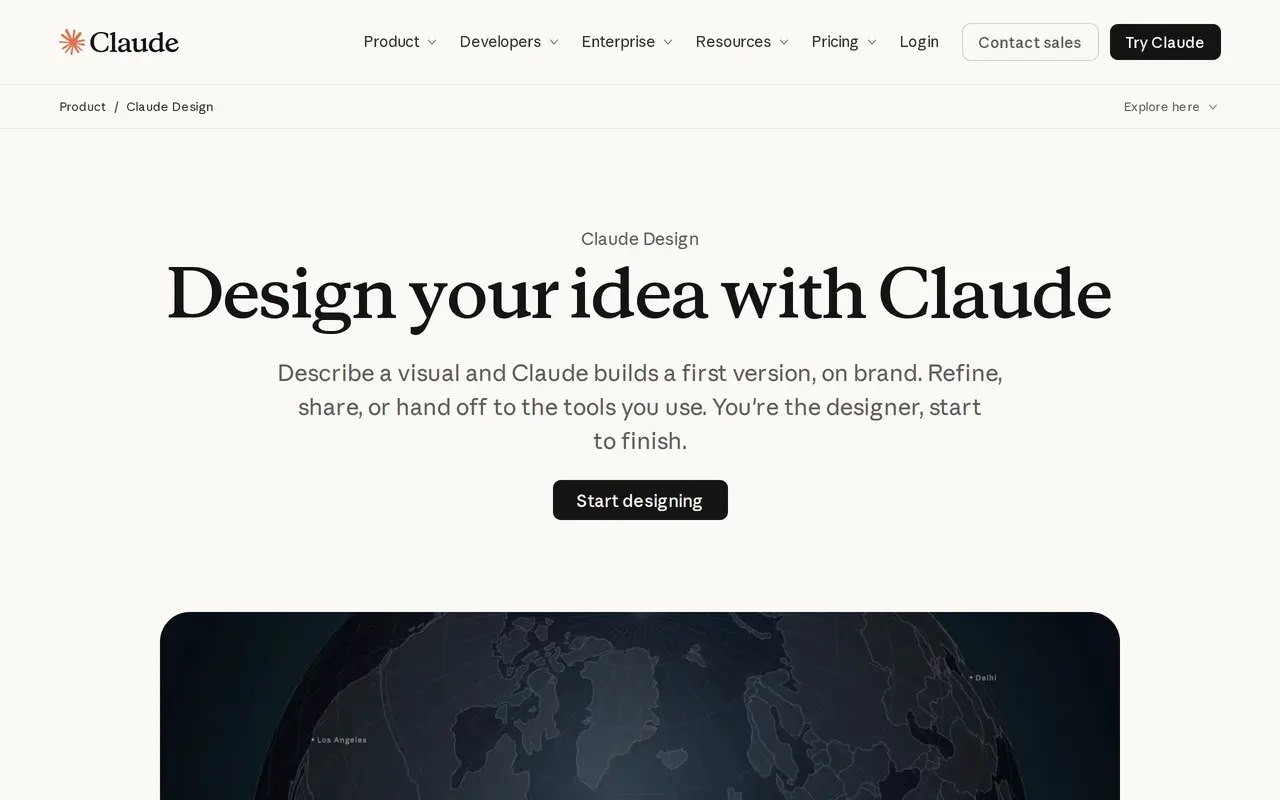
What is Claude Design?
Claude Design turns written descriptions into editable visuals, including campaign assets, one-pagers, presentations, and interface mockups. It works within Claude conversations, the Artifacts tab, and Claude Code. Users describe what they want, review an initial version, and refine it through conversation or direct canvas editing.
For brand-specific work, Claude Design can import design systems from GitHub, design files, or a local codebase and use existing components, fonts, colors, and guidelines. Users can comment on individual elements, edit text, adjust spacing and color with generated sliders, and drag, resize, or align objects. Team administrators can restrict work to an approved design system.
Finished work can be shared through links that are private by default, exported as PowerPoint, PDF, or HTML, or passed to connected tools such as Adobe, Canva, Gamma, Miro, and Replit. Claude Design is included in every Claude plan, including Free, and its requests count toward the same usage limits as other Claude activity.
What can Claude Design do?
Prompt-based design
Generate initial visuals, one-pagers, slides, and mockups from a written description, then refine them through conversation.
Design system imports
Bring in brand guidelines and components from GitHub, design files, or a local codebase to guide generated designs.
Direct canvas editing
Comment on elements, edit text, adjust color and spacing, and drag, resize, or align objects.
Export and app handoffs
Export PowerPoint, PDF, or HTML files, or send work to connected design and development tools.
Claude Code workflow
Create and edit design projects with /design in Claude Code and bring in design systems using /design-sync.
Team brand controls
Administrators can lock a team to one approved design system to keep work consistent with company guidelines.
Who is Claude Design for?
- Designers
- Develop visual concepts and interface mockups using existing brand systems, then refine them directly on the canvas.
- Marketing teams
- Create branded campaign assets, presentations, and one-pagers for further editing in connected creative tools.
- Developers
- Use codebase components and Claude Code to move between design exploration and application development.
How much is Claude Design?
Official pricingFree
Free
Pro
$20/mo
Max
$100/mo
Ultra
$200/mo
Team
See website
Enterprise
$240/yr
Free plan: Claude Design is included in the Free plan, subject to shared Claude usage limits.
Frequently asked questions
Is Claude Design free to use?
Claude Design is included in every Claude plan, including Free. Design work counts toward your plan's shared usage limits, and larger requests consume more usage than typical messages.
Which files can I import and export?
You can import from a codebase or DOCX, PPTX, and XLSX files. Export formats include PPTX, PDF, and HTML.
Can it use my company's design system?
Yes. You can import design systems from GitHub, design files, or raw uploads, and administrators can restrict a team to one approved system.
Which tools does Claude Design connect with?
Connections include Adobe, Canva, Gamma, Lovable, Miro, Replit, Vercel, and Wix.
Can I use it from Claude Code?
Yes. From a desktop or terminal Claude Code session, ask Claude to create a design or use /design to create, edit, and sync design projects.
Are shared designs public by default?
No. Each artifact has a sharing link that is private by default.
Claude Design alternatives
Compare alternatives- 1
 CanvaCreate presentations, graphics, photos, and videos with AI-assisted design tools.
- 2
 FigmaDesign interfaces, build apps and websites, and collaborate with AI in a shared workspace.
- 3
 Converge.AIAI agents for building apps and creating marketing images, designs, and videos.
- 4
 LogoAIGenerate logos, build brand kits, and create branded images and videos with AI.
- 5
 UizardTurns text prompts, screenshots and sketches into editable UI designs and prototypes.
More AI Graphic Design
See more
Stitch
AI Graphic Design
Generate UI designs and frontend code from text prompts, sketches, and screenshots.

LOGO.com
AI Logo Generators
Create and customize AI-generated logos, brand assets, and a matching website.

Playground
AI Graphic Design
Create and edit logos, merchandise graphics, posters, and social images with AI.

SciDraw AI
AI Image Generators
Generate scientific illustrations and data charts with editable exports.

SciFig
AI Graphic Design
Create scientific illustrations, data charts and flowcharts with AI.

Recraft
AI Image Generators
Generate and edit images, vectors, and mockups with reusable visual styles.