
Figma
Visit websiteDesign interfaces, build apps and websites, and collaborate with AI in a shared workspace.
Verified Nov 2, 2026
What is Figma?
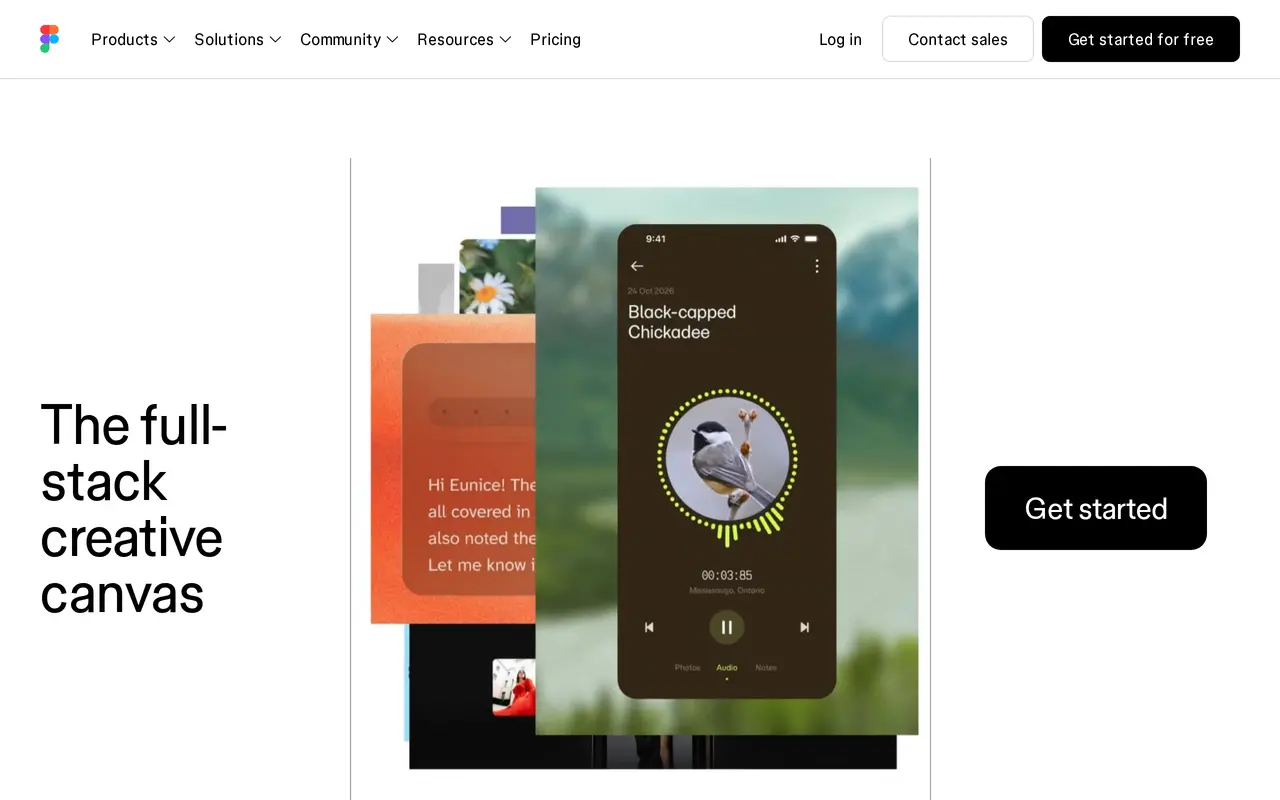
Figma is a collaborative workspace for designing interfaces, prototyping products, and building apps and websites. It brings design files, shared libraries, developer handoff tools, and AI features into one environment, so designers, developers, and other teammates can work with the same project context.
Its built-in AI agent can add motion to designs, document design systems, and apply feedback. Figma Make connects design context with codebases and agents for building products, while Figma Design includes AI-assisted design and image-editing tools. Teams can also create interactive prototypes, maintain reusable components, and share libraries across projects. Dev Mode provides inspection tools, with MCP server access included in Professional features.
Access depends on both the subscription plan and seat type. Full seats cover all Figma products, while Dev and Collab seats offer narrower access. AI features consume credits, with a limited allowance on the free Starter plan and larger allowances on paid Full seats. Additional AI credits are available as an add-on.
What can Figma do?
Built-in creative agent
Ask an AI agent to add motion, document design systems, and implement design feedback.
Design-to-build workspace
Figma Make connects design context, codebases, and agents to help teams build apps and websites.
AI design and image editing
Use AI-assisted design productivity and image-editing tools within Figma Design.
Interactive prototyping
Create interactive prototypes using components, auto layout, variables, and shared styles.
Developer handoff and MCP
Inspect designs in Dev Mode, with advanced inspection and MCP server access included in Professional features.
Shared design systems
Maintain reusable libraries, components, and fonts, with cross-team publishing on Organization plans.
Who is Figma for?
- Product and UX designers
- Design interfaces, build prototypes, and use AI to refine work and apply feedback.
- Developers
- Inspect designs and connect design context with codebases and agents during implementation.
- Cross-functional product teams
- Collaborate on designs, share feedback, and maintain common resources throughout product development.
- Enterprise design teams
- Manage design systems across teams and brands with centralized administration and security controls.
How much is Figma?
Official pricingStarter
Free
Professional Full seat
$16/mo
Professional Dev seat
$12/mo
Professional Collab seat
$3/mo
Organization Full seat
$660/yr
Organization Dev seat
$300/yr
Organization Collab seat
$60/yr
Enterprise Full seat
$1,080/yr
Enterprise Dev seat
$420/yr
Enterprise Collab seat
$60/yr
AI credits
See website
Governance+
See website
Free plan: Starter includes limited product access, unlimited drafts, UI kits and templates, and 150 AI credits per day, up to 500 per month.
Frequently asked questions
Can I use Figma for free?
The Starter plan includes limited access to Figma products, unlimited drafts, UI kits, and templates. It includes 150 AI credits per day, capped at 500 credits per month.
How do Figma AI credits work?
Credits are shared across Figma AI features and products. Paid Full seats include 3,000 monthly credits on Professional, 3,500 on Organization, and 4,250 on Enterprise; other seats receive 500 monthly credits. Additional credits can be purchased.
What is the difference between seat types?
Full seats provide access to all Figma products. Dev seats include Dev Mode and collaboration products, while Collab seats include collaboration products with basic Dev Mode inspection; both offer view and comment access to Figma Design files.
Do reviewers need paid seats?
Paid plans allow others to view and comment on files without purchasing extra seats. This access includes basic inspection in Dev Mode.
Can I buy individual Figma products?
Products are not sold individually. Access is determined by the plan and seat type you choose.
Does Figma support MCP?
Professional features include an MCP server alongside advanced Dev Mode inspection.
Figma alternatives
Compare alternatives- 1
 Converge.AIAI agents for building apps and creating marketing images, designs, and videos.
- 2
 LOGO.comCreate and customize AI-generated logos, brand assets, and a matching website.
- 3
 Claude DesignCreate and refine branded visuals, presentations, and interface mockups with Claude.
- 4
 UizardTurns text prompts, screenshots and sketches into editable UI designs and prototypes.
- 5
 StitchGenerate UI designs and frontend code from text prompts, sketches, and screenshots.
More AI Graphic Design
See more
Canva
AI Graphic Design
Create presentations, graphics, photos, and videos with AI-assisted design tools.

LogoAI
AI Logo Generators
Generate logos, build brand kits, and create branded images and videos with AI.

Playground
AI Graphic Design
Create and edit logos, merchandise graphics, posters, and social images with AI.

SciDraw AI
AI Image Generators
Generate scientific illustrations and data charts with editable exports.

SciFig
AI Graphic Design
Create scientific illustrations, data charts and flowcharts with AI.

Recraft
AI Image Generators
Generate and edit images, vectors, and mockups with reusable visual styles.