
SciFig
Visit websiteCreate scientific illustrations, data charts and flowcharts with AI.
Verified Nov 2, 2026
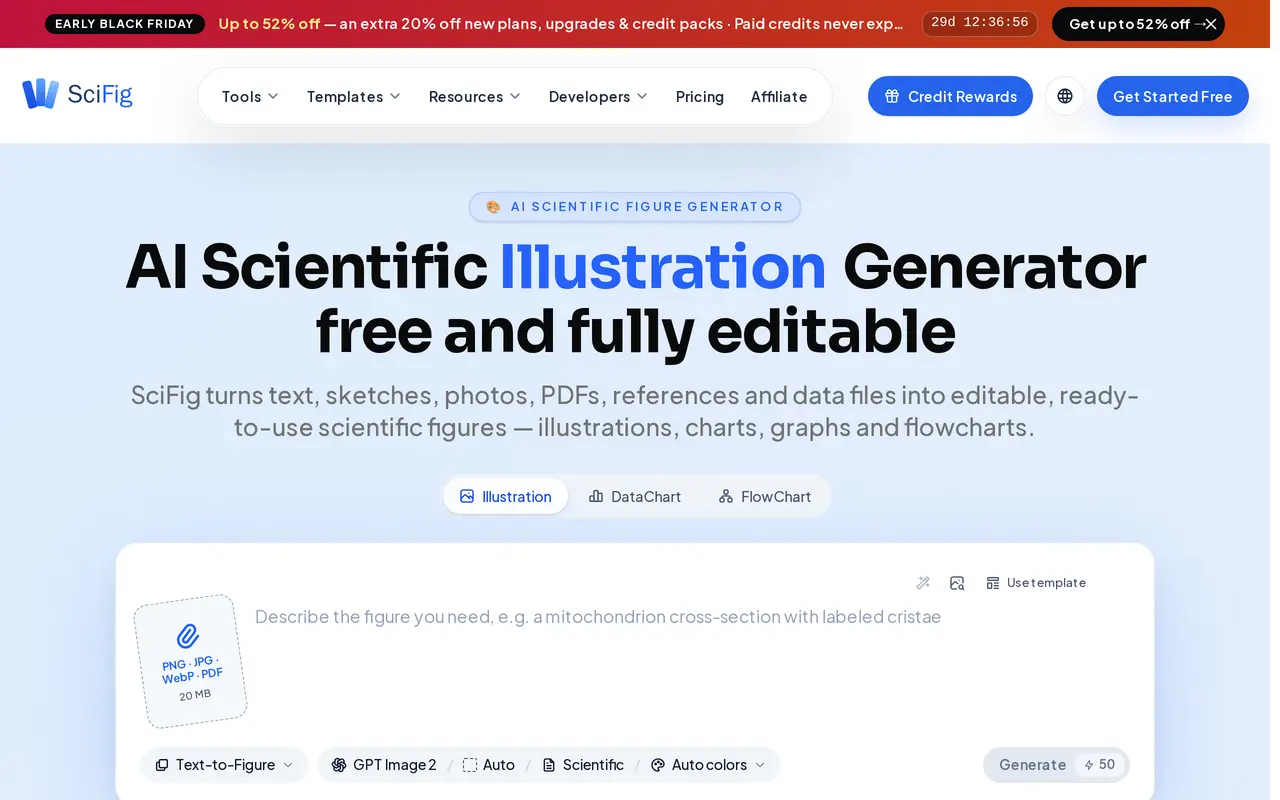
What is SciFig?
SciFig is a browser-based AI figure maker for research papers, presentations and teaching materials. Its three tools cover scientific illustrations, data charts and flowcharts. Users can describe a figure in text, upload research data, or use existing visual materials as a starting point, depending on their plan.
The illustration tool accepts prompts, sketches, reference images, photos and PDFs. DataChart turns CSV or Excel files into plots such as volcano plots, survival curves and heatmaps. FlowChart creates diagrams including PRISMA screening flows, model architectures, cycles and timelines. Templates and color schemes provide starting points for layouts and styling.
Paid plans support vector conversion, a built-in canvas editor, layered SVG files and editable PowerPoint exports. Generation, AI revisions, upscaling and vector conversion consume credits; canvas editing and exports are free once available. The free plan includes limited daily credits, basic illustration inputs and raster output. All plans include publication and commercial rights, while higher tiers add input modes, resolution and storage.
What can SciFig do?
Scientific illustrations
Generate figures from text, with sketch, reference, PDF and photo inputs available on eligible paid plans.
Charts from research data
Upload CSV or Excel files and describe plots, including volcano plots, survival curves and heatmaps.
Scientific flowcharts
Create editable diagrams for PRISMA screening, model architectures, cycles and timelines.
Editable vector exports
Paid plans offer vector conversion, canvas editing, layered SVG output and editable PowerPoint files.
High-resolution output
Generate raster images and upscale them to 2K, 4K or 8K, depending on the plan.
Publication licensing
Download a figure-specific license PDF with publication rights and private QR verification.
Who is SciFig for?
- Researchers
- Create illustrations, plots and study flow diagrams for manuscripts and presentations.
- Graduate students
- Prepare scientific figures for thesis chapters, papers and presentation slides.
- Research labs
- Produce and revise figures regularly using editable formats and higher credit allowances.
- Science educators
- Generate diagrams and illustrations for lectures and teaching materials.
How much is SciFig?
Official pricingFree Plan
Free
Starter
$80/yr
Plus
$230.40/yr
Pro
$288/yr
Free plan: Free accounts get 150 credits on day one and up to 150 daily through check-in streaks, with limited input modes and raster output.
Frequently asked questions
Can I use SciFig for free?
The free plan requires no credit card and offers 150 credits on day one, with up to 150 daily credits through check-in streaks. It includes Illustration, DataChart and FlowChart, but excludes vector exports and the canvas editor.
Can I edit figures in PowerPoint?
Paid plans support editable PPTX and SVG exports. Converting an illustration to vectors costs 150 credits per figure and unlocks its canvas editing and vector exports.
Can I publish or commercially use the figures?
All plans include publication and commercial rights. Figure-specific license PDFs are available, subject to the licensing scope and conditions.
Do paid credits expire?
Paid credits do not expire, roll over automatically and remain available after cancellation. Failed tasks that deliver nothing return their credits.
Is my data used to train AI models?
SciFig states that user data is never used to train models and is encrypted in transit and at rest.
How much do annual plans cost?
The advertised first-year promotional prices are $80 for Starter, $230.40 for Plus and $288 for Pro. They renew at $100, $288 and $360 per year, respectively.
SciFig alternatives
Compare alternatives- 1
 SciDraw AIGenerate scientific illustrations and data charts with editable exports.
- 2
 PatentFig AIGenerate and edit patent drawings from text, photos, sketches, and CAD screenshots.
- 3
 LogoAIGenerate logos, build brand kits, and create branded images and videos with AI.
- 4
 PlaygroundCreate and edit logos, merchandise graphics, posters, and social images with AI.
- 5
 RecraftGenerate and edit images, vectors, and mockups with reusable visual styles.
More AI Graphic Design
See more
Canva
AI Graphic Design
Create presentations, graphics, photos, and videos with AI-assisted design tools.

Figma
AI Graphic Design
Design interfaces, build apps and websites, and collaborate with AI in a shared workspace.

Stitch
AI Graphic Design
Generate UI designs and frontend code from text prompts, sketches, and screenshots.

Claude Design
AI Graphic Design
Create and refine branded visuals, presentations, and interface mockups with Claude.

Converge.AI
AI App Builders
AI agents for building apps and creating marketing images, designs, and videos.

LOGO.com
AI Logo Generators
Create and customize AI-generated logos, brand assets, and a matching website.