
Cody
Visit websiteAn AI coding assistant that uses local and remote codebase context to answer and edit.
Verified Nov 2, 2026
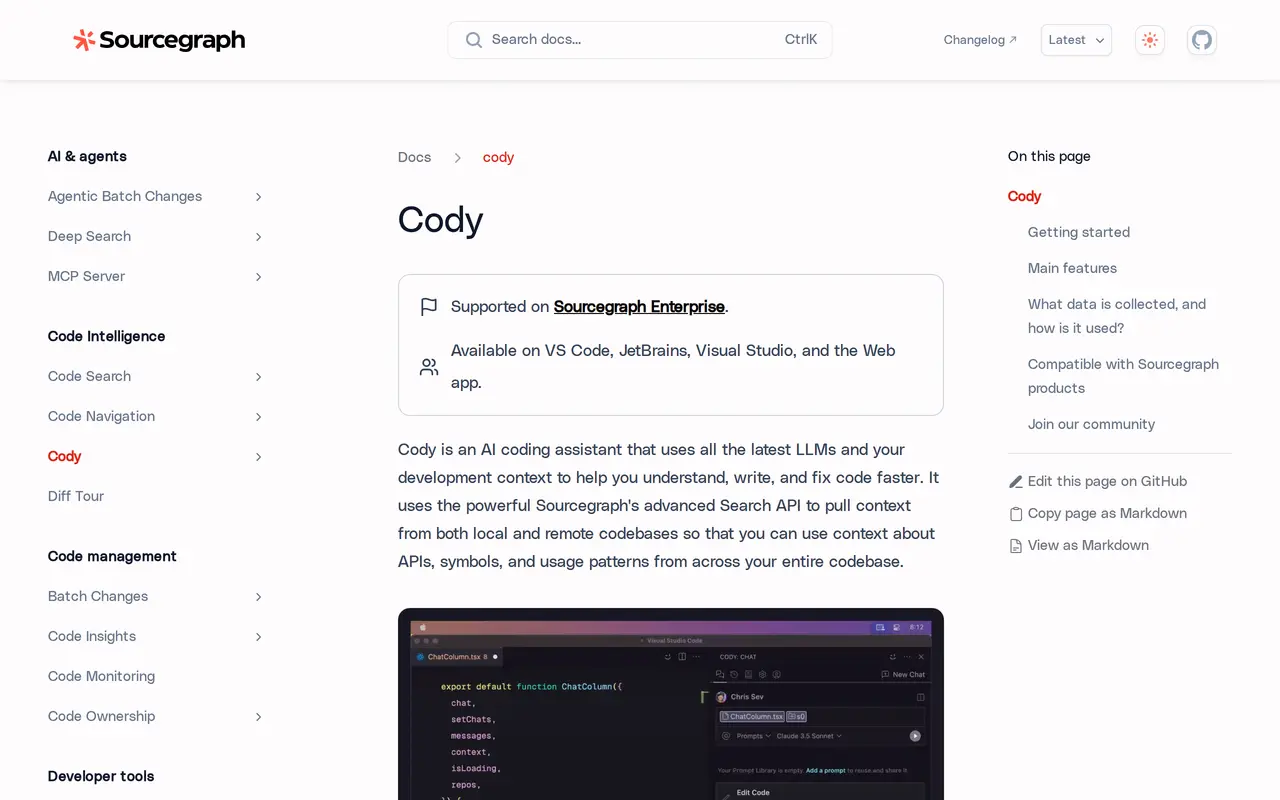
What is Cody?
Cody is Sourcegraph’s AI coding assistant for understanding, writing, and fixing code. It combines large language models with context retrieved from local and remote repositories through Sourcegraph’s search capabilities. Developers can ask questions about their codebase, generate code, request edits, and investigate errors without leaving their development workflow.
Chat includes the open file and repository as context by default. Developers can add specific files, symbols, remote repositories, and other supporting material with @ mentions. Cody also provides code completions and an auto-edit feature that suggests changes based on recent edits and cursor position. Reusable prompts let teams save and share common tasks, while context filters exclude selected repositories from chat and autocomplete results.
Cody is supported on Sourcegraph Enterprise and is available through VS Code, JetBrains, the Sourcegraph web app, and a command-line interface. Its Visual Studio extension is experimental. Sourcegraph collects prompts and responses to provide the service but states that it does not use customer data to train models.
What can Cody do?
Codebase-aware chat
Ask questions, generate code, and request edits using context from your open file, repository, and explicitly added sources.
Local and remote context
Retrieve relevant APIs, symbols, and usage patterns across local and remote codebases through Sourcegraph search.
Completions and auto-edit
Get code completions and suggested modifications informed by your recent edits and cursor position.
Reusable team prompts
Save common queries and coding tasks as customizable prompts that you can share with teammates.
Debugging assistance
Use AI chat and code suggestions to identify errors and work on fixes.
Repository context filters
Exclude selected repositories from the context used for chat and autocomplete.
Who is Cody for?
- Software developers
- Understand unfamiliar code, generate changes, and debug within an IDE, browser, or terminal.
- Enterprise engineering teams
- Work with context across repositories and share reusable prompts for common development tasks.
How much is Cody?
Official pricingEnterprise plan
$16,000/yr
Frequently asked questions
Where can I use Cody?
Cody is available in VS Code, JetBrains IDEs, the Sourcegraph web app, and a command-line interface. The Visual Studio extension is experimental.
What does Cody cost?
Cody is supported on Sourcegraph Enterprise. The Enterprise plan starts at a $16,000 minimum annual contract, includes credits for AI features, and scales with team size.
Does Sourcegraph use my code conversations to train models?
Sourcegraph collects prompts and responses to provide Cody, along with usage data and feedback. It states that it does not use your data to train models.
Can I control which repositories Cody uses?
Yes. Context filters let you exclude selected repositories from chat and autocomplete results.
Cody alternatives
Compare alternatives- 1
 SupermavenAI code completion and developer chat for VS Code, JetBrains IDEs, and Neovim.
- 2
 GitHub CopilotAn AI coding assistant and agent for writing, reviewing, and updating code.
- 3
 CursorAn AI coding editor and agent for building, testing, and reviewing software.
- 4
 Devin DesktopManage local and cloud coding agents, review changes, and write code in one IDE.
- 5Gemini CLIAn open-source terminal agent for coding, codebase analysis, and workflow automation.
More AI Code Assistants
See more
JetBrains
AI Code Assistants
AI-powered development tools and coding agents for developers and software teams.

Stitch
AI Graphic Design
Generate UI designs and frontend code from text prompts, sketches, and screenshots.

Cline
AI Code Assistants
An open-source coding agent for your editor, desktop, terminal, and applications.

CodeRabbit
AI Code Assistants
AI code reviews, pull request triage, change explanations, and security monitoring.

Claude Code
AI Code Assistants
Anthropic's agentic coding tool that plans, edits, tests and opens pull requests.

Bolt
AI App Builders
Build and publish apps, websites, and prototypes by chatting with AI.