Best Continue alternatives
Short on time? Start with what matters most to you.
Top Continue alternatives, reviewed
What each one does well, who it suits and what it costs.

1. Cline
Open source
Cline is an open-source AI coding agent that can explore codebases, make coordinated changes across files, and run terminal commands. It works through editor extensions, a standalone desktop app, and a command-line interface. Developers can also embed its agent runtime in their own applications using the SDK. Its…
- Plan and Act modes
- Multi-file code changes
- Live terminal execution
Best for Software developers, Engineering teams, Application builders
Full review: Cline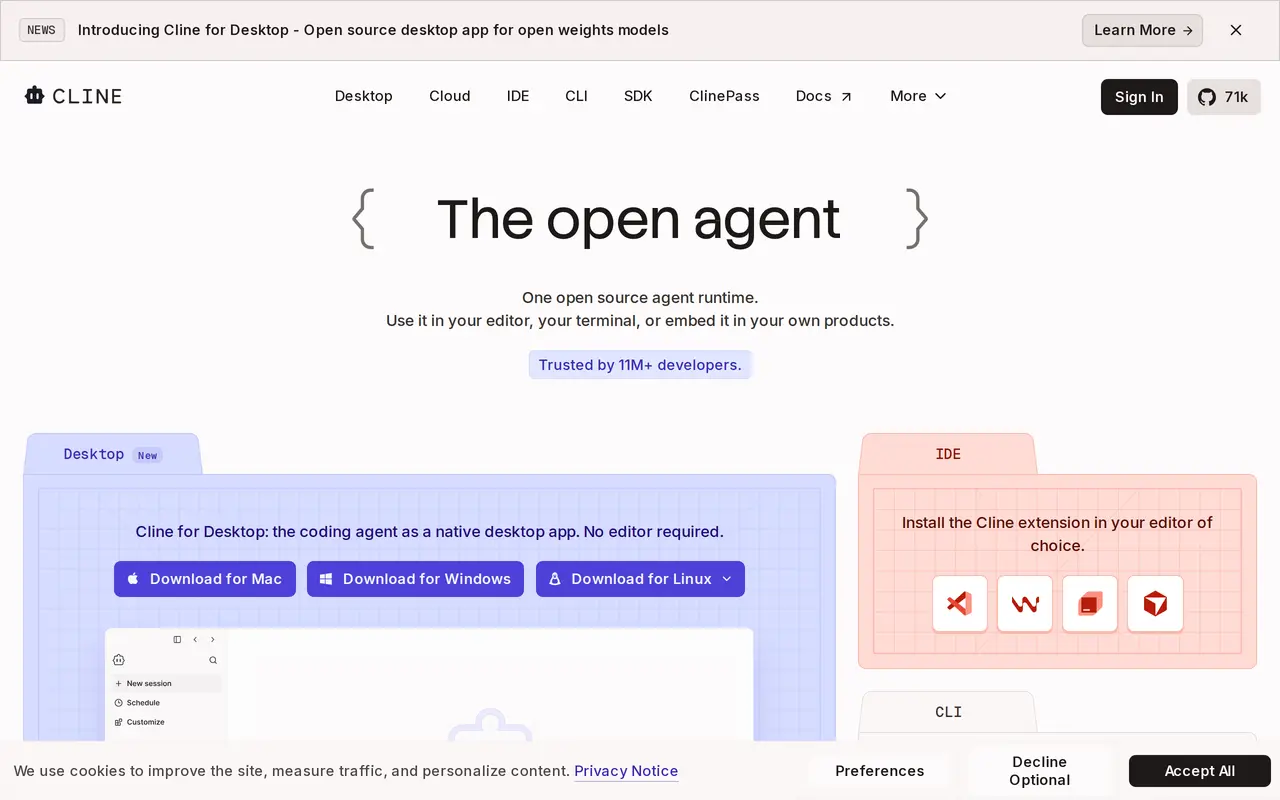

2. Warp
Open sourceFrom $20/mo
Warp combines an open-source terminal with AI coding agents that work locally or in the cloud. Developers can use its terminal or run Warp Agent CLI in another terminal to investigate bugs, change code, and prepare pull requests. It supports multiple model providers, with options to choose models for individual tasks…
- Terminal and standalone coding agent
- Multiple models and custom inference
- Cloud agents and tool integrations
Best for Software developers, Engineering teams, Enterprise engineering organizations
Full review: Warp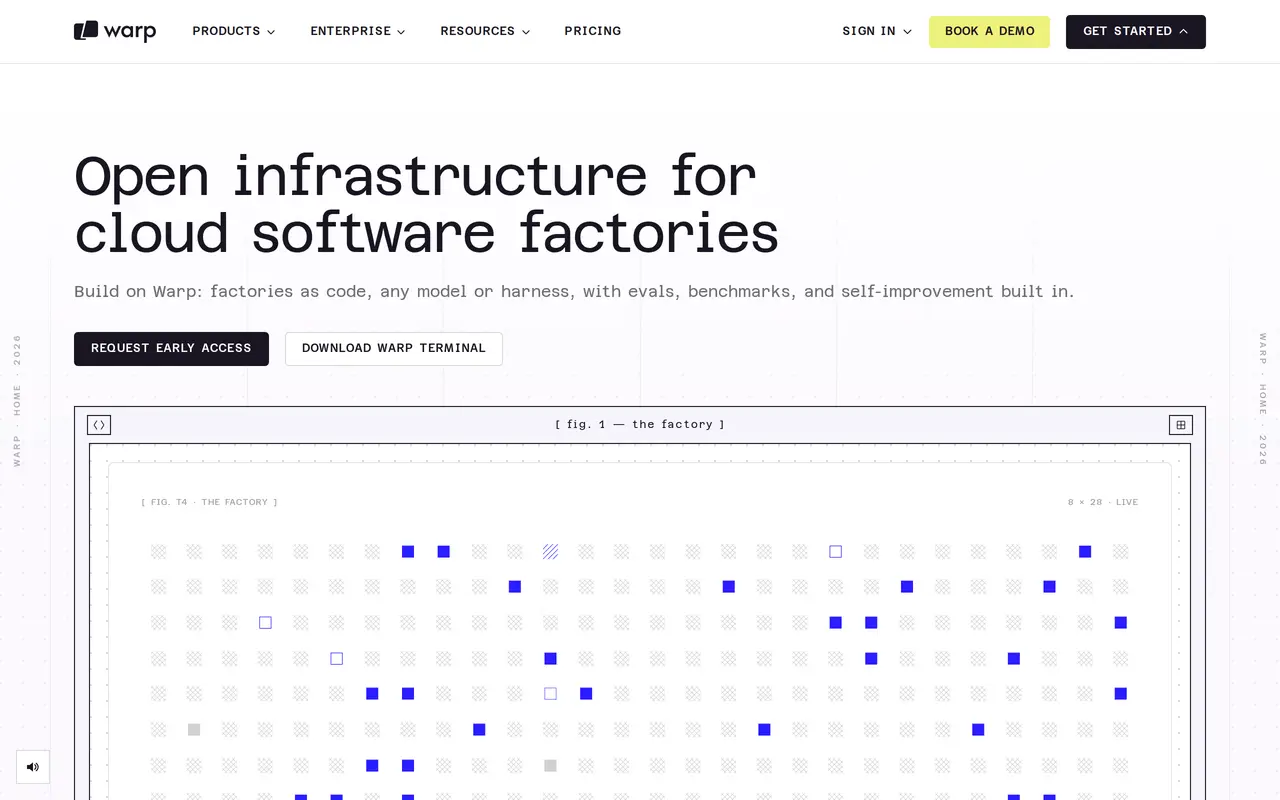

3. Cursor
FreemiumFrom $8/mo
Cursor is an AI coding editor and agent that helps developers turn instructions into working software. Users can request targeted code edits, ask an agent to plan a feature, or delegate implementation tasks across a codebase. It combines context-aware completions, code navigation, and model selection with agent…
- Code editing and planning
- Parallel cloud agents
- Terminal workflow
Best for Software developers, Engineering teams, Enterprise engineering organizations
Full review: Cursor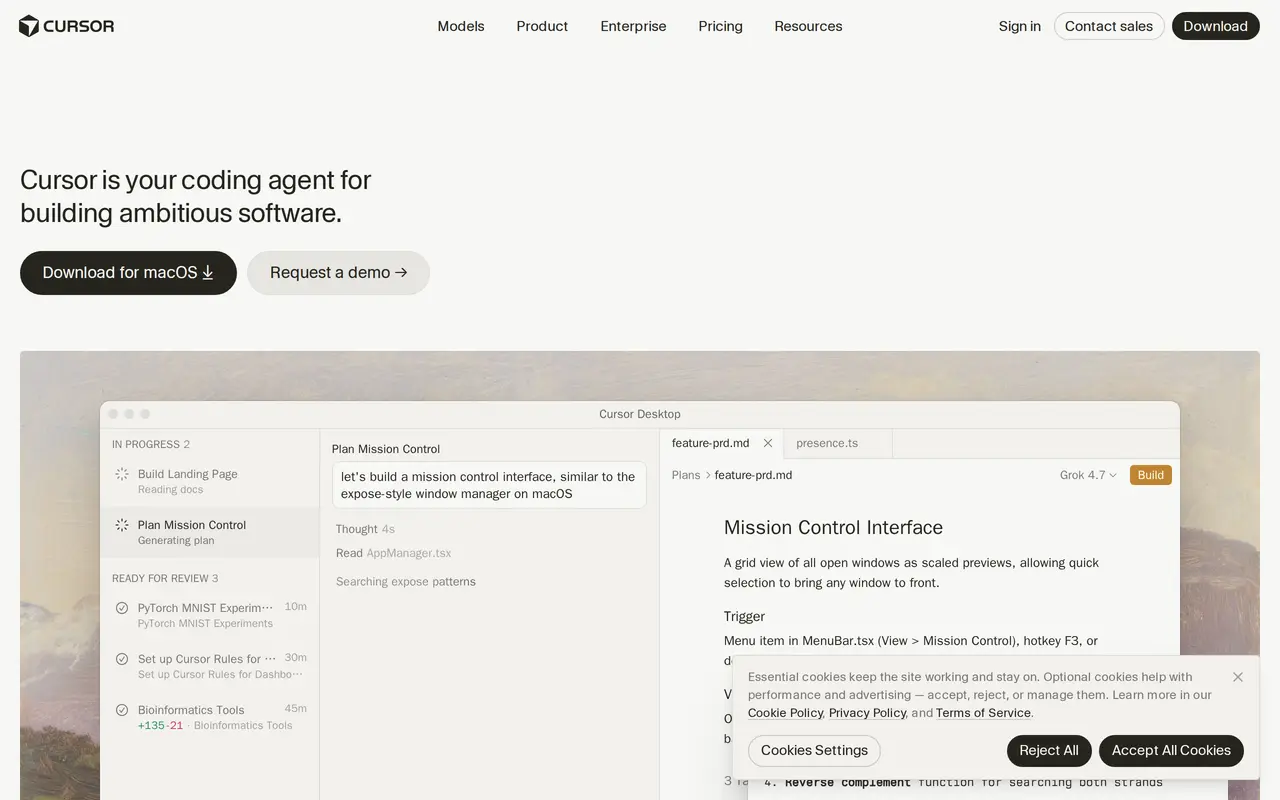

4. Claude Code
PaidFrom $20/mo
Claude Code is Anthropic's agentic coding tool. You hand it a task — a bug fix, a test suite, a multi-day migration — and it builds a plan, asks clarifying questions, edits files, runs commands and tests, and reports back. It runs in the terminal, in VS Code and JetBrains editors, in the browser, in the desktop and…
- Terminal and IDE agent
- Codebase onboarding
- Issue to pull request
Best for Software engineers, Engineering teams, Enterprise engineering orgs
Full review: Claude Code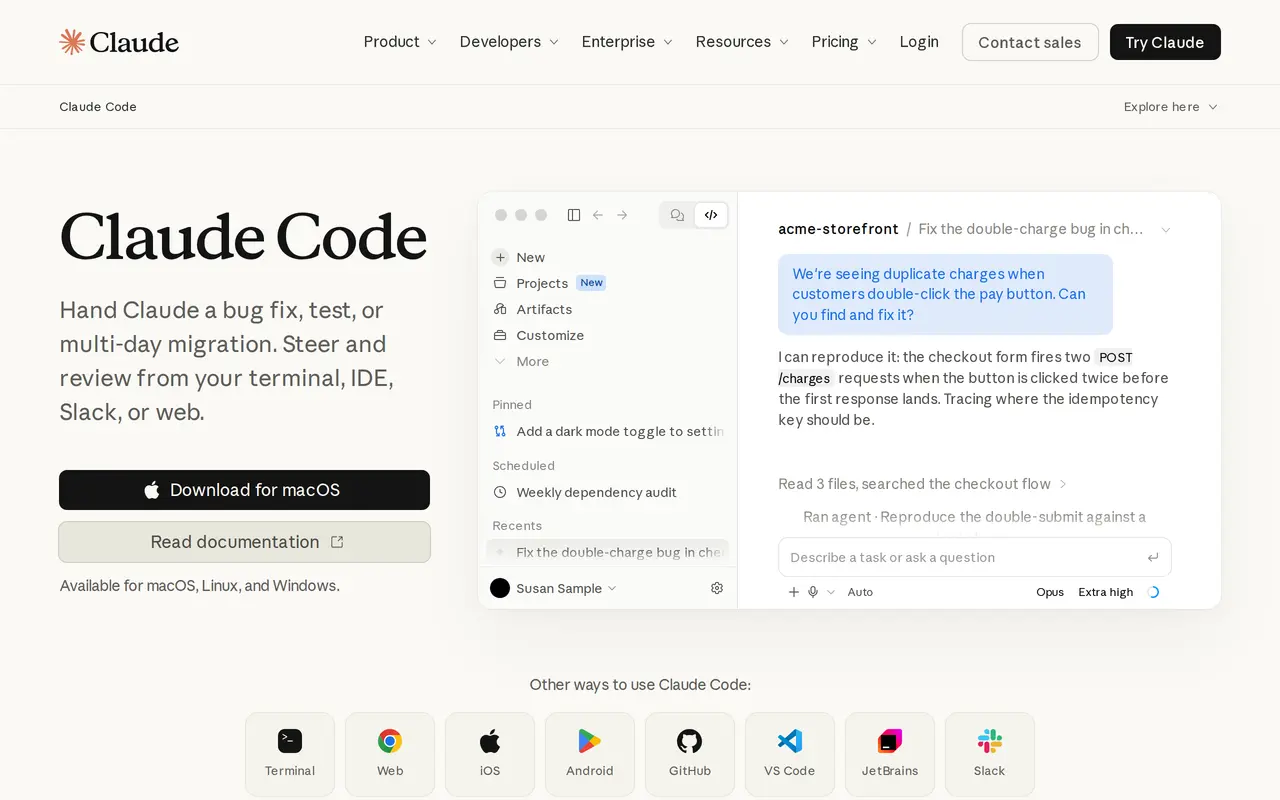

5. GitHub Copilot
FreemiumFrom $10/mo
GitHub Copilot helps developers write code, review changes, and delegate development tasks to AI agents. It works with repository context, including code, issues, pull requests, and discussions, so users can start work from an existing task rather than describe everything from scratch. It is available through GitHub…
- Repository-aware coding
- Parallel agent sessions
- Code and pull request review
Best for Individual developers, Software development teams
Full review: GitHub Copilot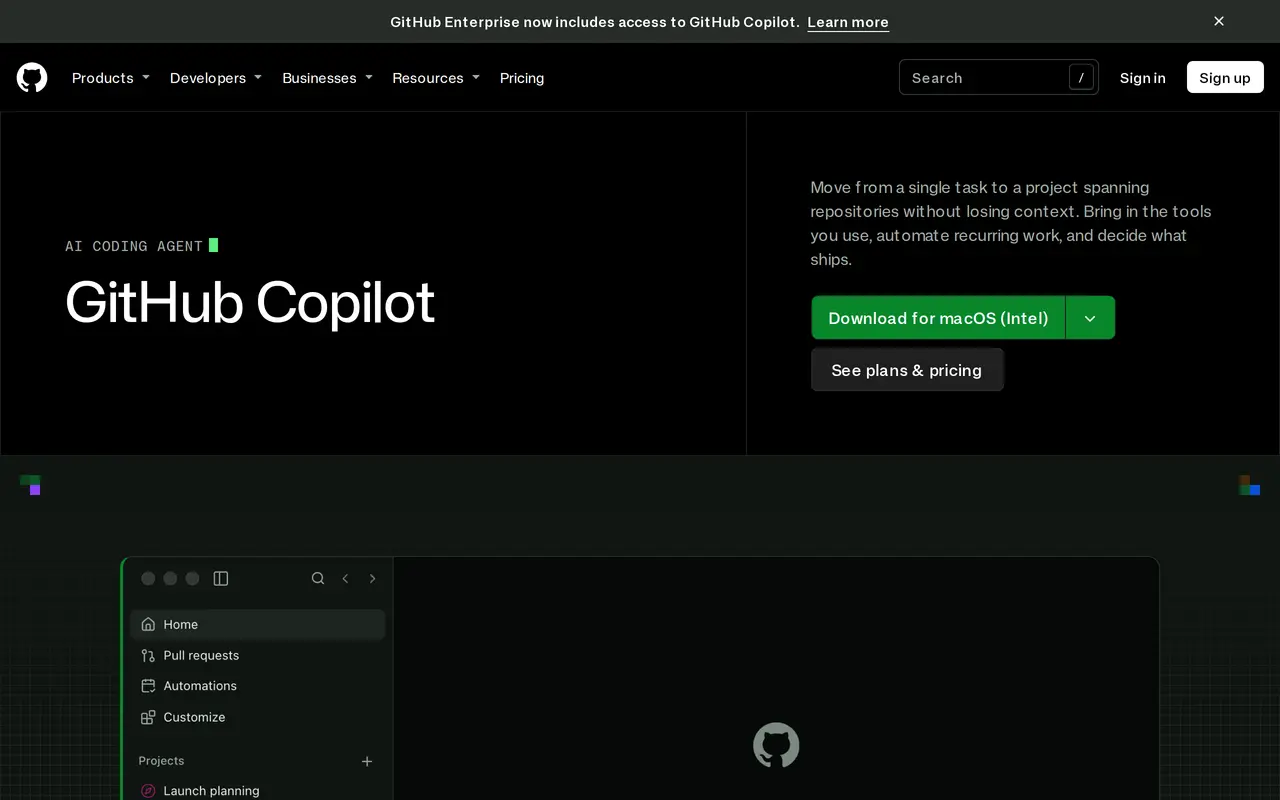

6. Zed
Open sourceFrom $10/mo
Zed is an open-source code editor for macOS, Linux, and Windows that combines traditional development tools with AI-assisted coding. Written in Rust, it supports language servers, debugging, Git operations, and extensions alongside shared editing, team chat, and screen sharing. Developers can delegate tasks to coding…
- Parallel coding agents
- Edit predictions
- Model and agent choice
Best for Software developers, Development teams
Full review: Zed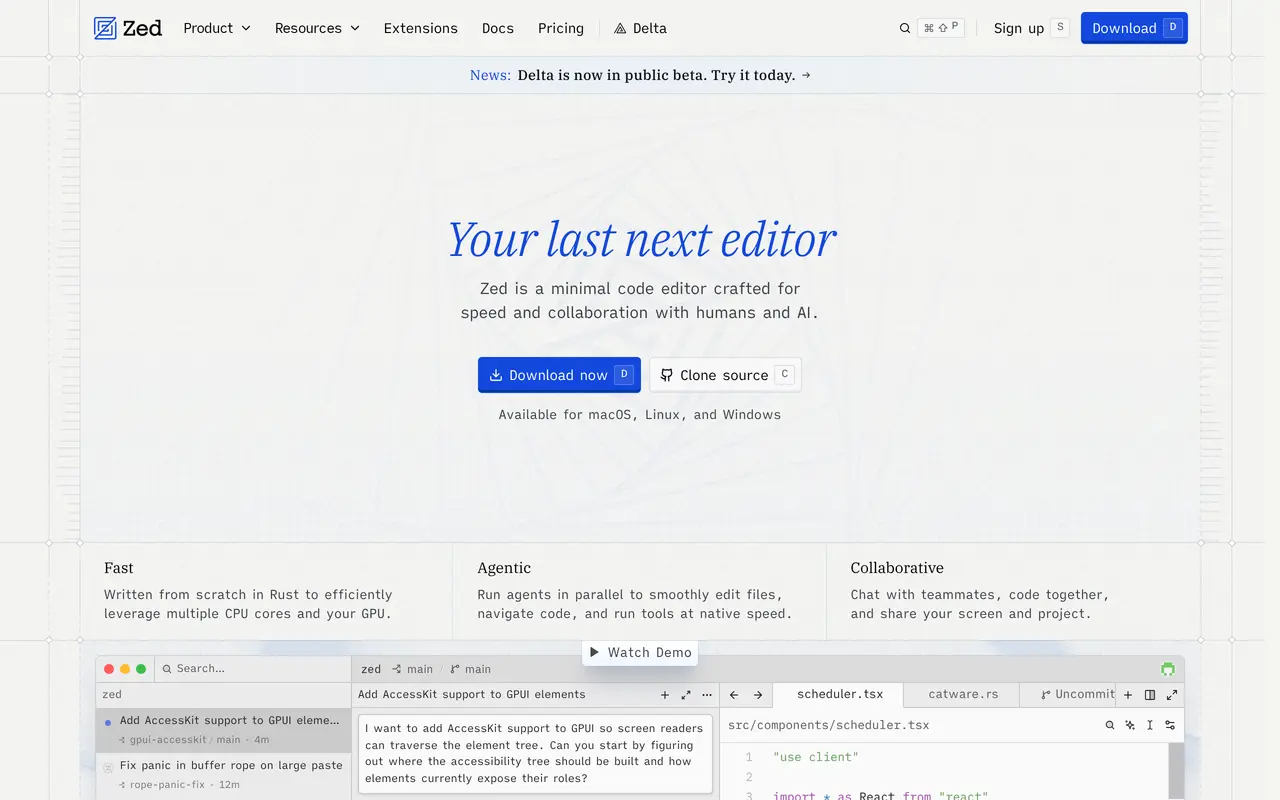

7. Devin
FreemiumFrom $20/mo
Devin is an AI software engineering agent for implementing features, fixing bugs, reviewing code, and maintaining repositories. Developers can delegate tasks to cloud agents, work interactively through its desktop or command-line tools, or assign work from conversations in Slack and Teams. Cloud agents can continue…
- Parallel cloud agents
- End-to-end testing
- Code review and fixes
Best for Software developers, Engineering teams, Enterprise engineering organizations
Full review: Devin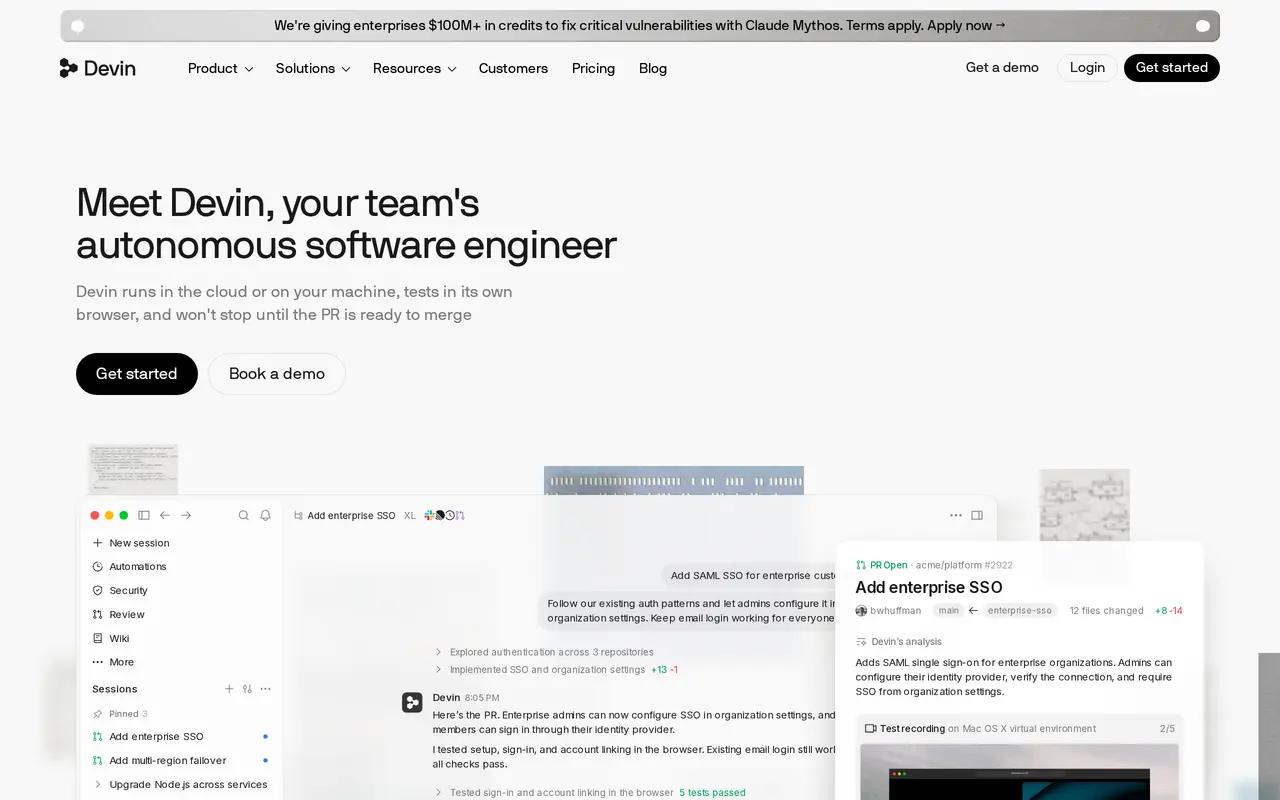

8. JetBrains
Freemium
JetBrains offers development tools that combine language-specific IDEs, AI coding capabilities, and tools for software teams. Its IDE lineup includes IntelliJ IDEA, PyCharm, WebStorm, Rider, and CLion, covering Java, Kotlin, Python, JavaScript, .NET, C++, and other languages. Developers can navigate code, receive…
- AI coding and agent workflows
- Language-specific IDEs
- Built-in development tools
Best for Software developers, Development teams, Engineering organizations
Full review: JetBrains

9. CodeRabbit
Free trialFrom $24/mo
CodeRabbit helps software teams review and manage code changes with AI. It reviews pull requests automatically, explains proposed changes, flags potential issues, and offers code fixes. Developers can also run reviews through a CLI, in an IDE, or within coding-agent workflows before opening a pull request. Reviews…
- Context-aware code review
- Pull request triage
- Change explanations
Best for Software developers, Engineering teams, Security teams
Full review: CodeRabbit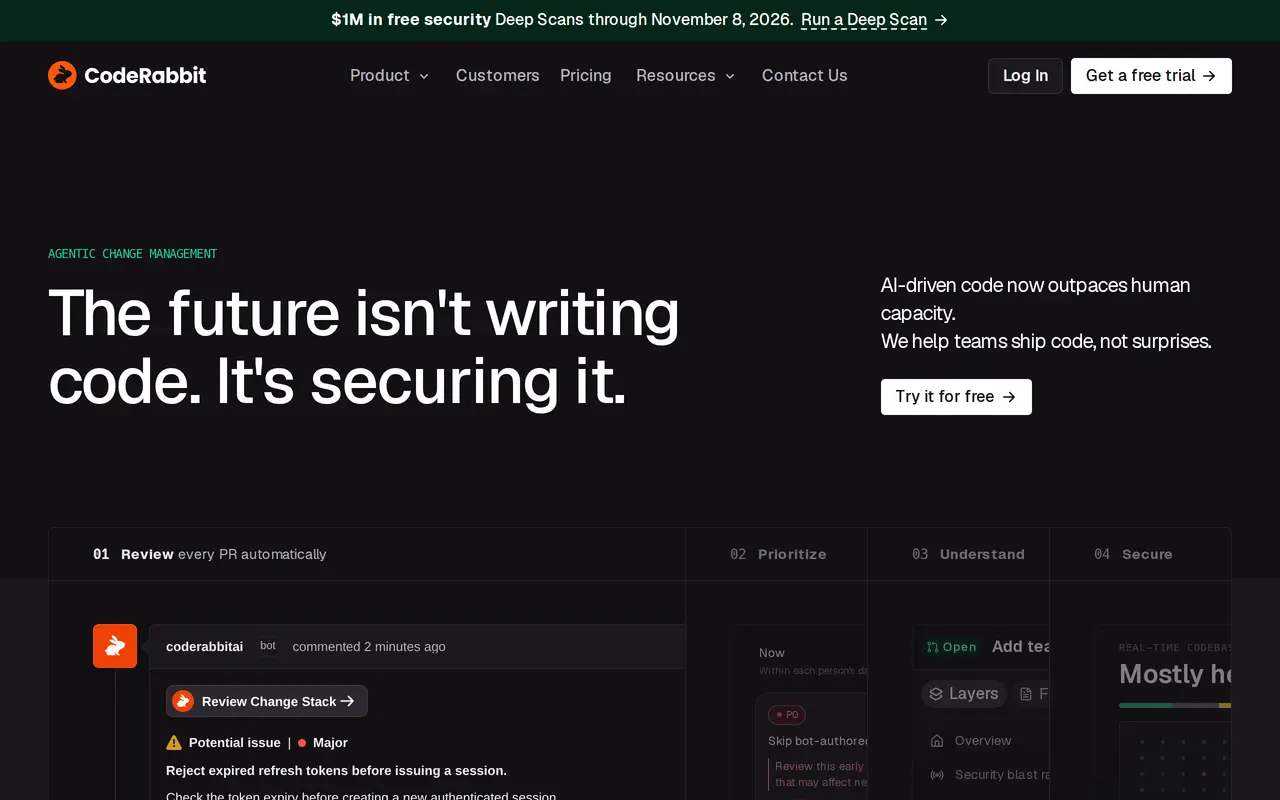

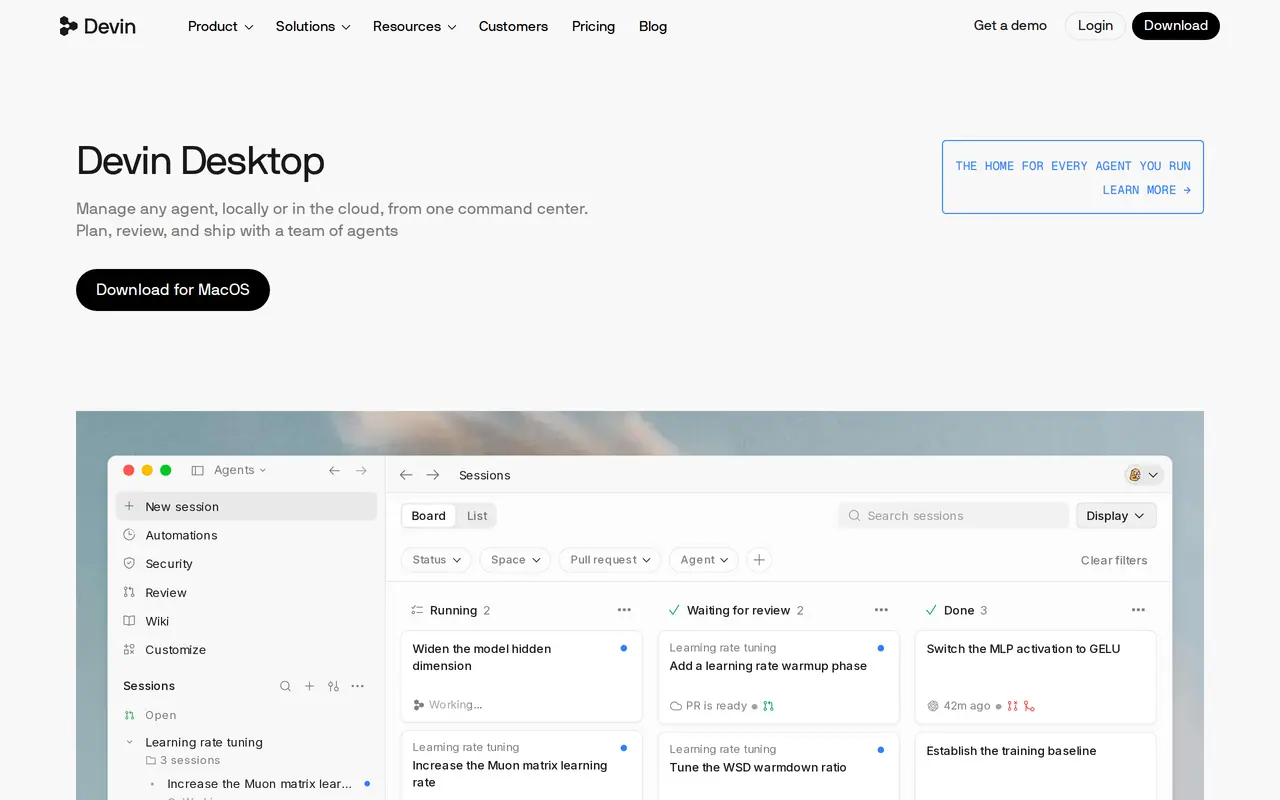
10. Devin Desktop
FreemiumFrom $20/mo
Devin Desktop is an AI development environment for writing code and managing coding agents across local machines and Devin Cloud. Formerly Windsurf, it combines an IDE with an Agent Command Center, where developers can organize sessions into spaces, monitor work in a Kanban view, and track pull requests. Developers…
- Agent Command Center
- Coordinated subagents
- Local and cloud handoff
Best for Software developers, Engineering teams, Enterprise engineering organizations
Full review: Devin Desktop