Zeva AI
Visit websiteGenerate and edit images or create short videos from text prompts and photos.
Verified Nov 2, 2026
What is Zeva AI?
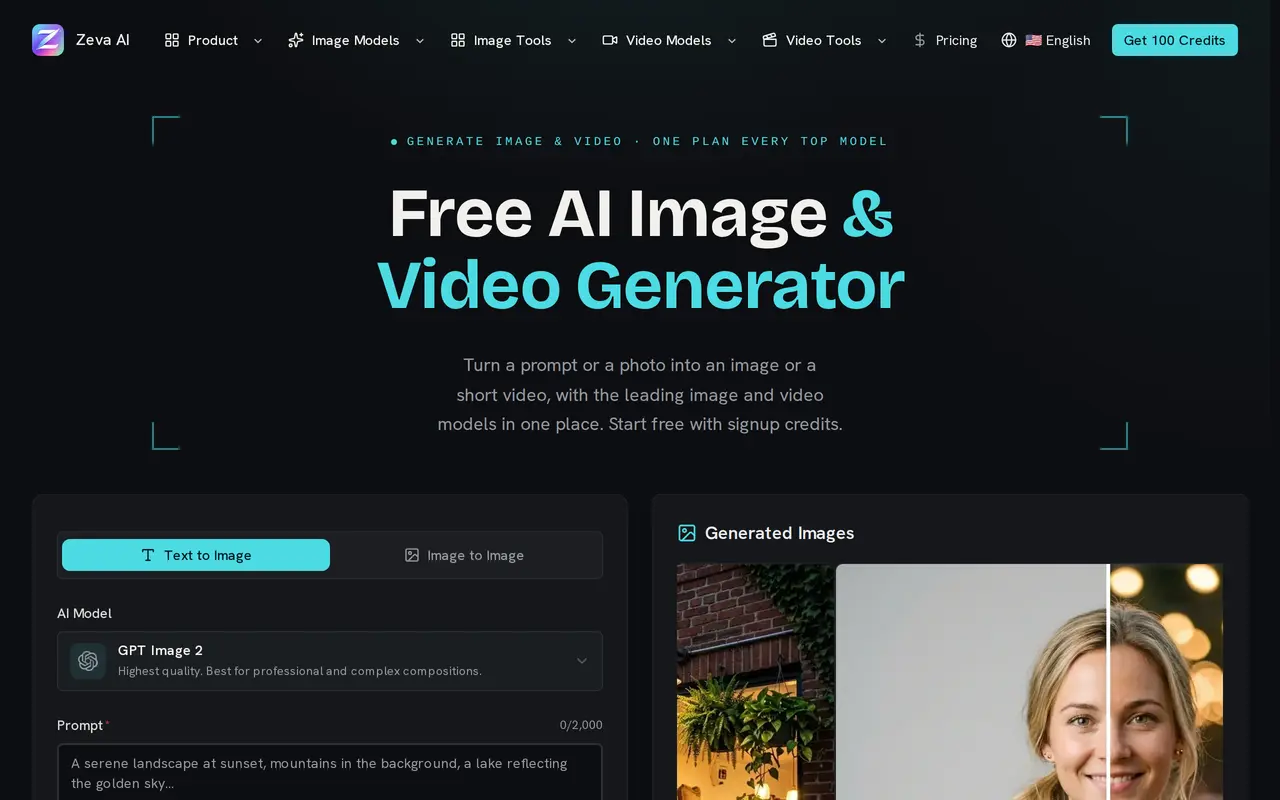
Zeva AI is a browser-based workspace for generating images, editing photos, and creating short videos. Users can start with a written prompt or upload a reference image, then select a model, aspect ratio, and quality setting. Its image model options include GPT Image 2, Nano Banana, Seedream, Grok Imagine, and Z-Image Turbo, with credit costs that vary by model and output settings.
Alongside the main generator, Zeva AI offers preset tools for headshots, background changes, old-photo restoration, cartoon transformations, and bulk background removal. Images can be downloaded as JPEG, PNG, or WebP. Video generation supports text or photo inputs through MiniMax H3, with generated soundtracks and resolutions up to 1080p.
The service targets social content, marketing visuals, illustration, and product photography. Generated images have no watermark and can be used commercially without attribution. Signup credits expire after seven days; continued use requires a credit purchase or subscription. Technical generation failures receive automatic credit refunds, but content-policy blocks do not.
What can Zeva AI do?
Multiple image models
Choose among image models and adjust aspect ratio, resolution, or quality to suit each generation.
Prompt-based photo editing
Upload a reference photo and describe changes to its style, objects, colors, or background.
Text and photo to video
Create short clips with generated soundtracks using MiniMax H3, with output up to 1080p.
Preset photo tools
Create headshots, restore old photos, apply cartoon styles, or remove backgrounds from batches of images.
Flexible image exports
Download images in JPEG, PNG, or WebP, with square, portrait, and landscape formats depending on the model.
Generation failure refunds
Credits return automatically after technical generation failures; content-policy blocks are excluded.
Who is Zeva AI for?
- Social content creators
- Generate posts, stories, thumbnails, profile artwork, and short videos.
- Marketing teams
- Create advertising visuals, promotional graphics, and banners from prompts or reference photos.
- Artists and illustrators
- Explore concepts, character designs, and illustration styles through image generation and editing.
- E-commerce sellers
- Produce product images and lifestyle scenes for online listings.
How much is Zeva AI?
Official pricingCredit pack
$14.90 one-time
Basic
$9.90/mo
Standard
$19.90/mo
Premium
$39.90/mo
Free plan: Signup credits are available without a credit card and expire after seven days.
Frequently asked questions
Can I try Zeva AI for free?
New accounts receive signup credits without a credit card. These credits expire seven days after account creation.
How much do subscriptions cost?
Monthly plans are Basic at $9.90 for 4,000 credits, Standard at $19.90 for 9,000 credits, and Premium at $39.90 for 18,000 credits. One-time credit packs start at $14.90.
Do purchased credits expire?
One-time credit packs last 365 days. Monthly subscription credits expire at the end of the billing cycle without rolling over, while yearly subscription credits remain valid for the subscription year.
Can I use generated images commercially?
Generated images can be used for personal and commercial projects without watermarks or attribution. Purely AI-generated images may not qualify for full copyright protection in some jurisdictions.
Are uploads used to train AI models?
Zeva AI does not use prompts, uploads, or generated images for AI training or sell user data. Prompts and uploads are stored to provide the service, maintain generation history, and meet legal obligations.
Can I cancel my subscription?
Subscriptions can be canceled through Settings → Billing or by emailing support. Cancellation takes effect at the end of the billing period, with remaining credits accessible until then.
Zeva AI alternatives
Compare alternatives- 1
 Inkfox AIGenerate and edit images and videos for ads, product listings, and social content.
- 2
 MagicShotGenerate and edit images, videos, voiceovers, and music in one AI studio.
- 3
 BerriooGenerate and edit images, create short videos, and turn scripts into speech.
- 4
 Nano Banana FreeEdit photos with text prompts and generate videos from text or images.
- 5
 SupaImagineGenerate and edit images and create videos with multiple AI models in one workspace.
More AI Image Generators
See more
CapCut
AI Video Editors
Edit videos, generate visuals, and add AI captions, voiceovers, and audio cleanup.

OpenArt
AI Image Generators
Generate and edit AI images, videos, characters, music, and voiceovers in one workspace.

DeepAI
AI Image Generators
Generate images, videos and music, edit photos, and chat with AI in one platform.

Adobe Firefly
AI Image Generators
Generate and edit images, videos, and audio with AI.
Artlist
AI Video Generators
Generate and edit videos, images, voiceovers, music, and 3D assets in one workspace.

Fotor
AI Photo Editors
Edit and enhance photos, generate images, and create designs with AI tools.