TryOn.ink
Visit websiteGenerate tattoo concepts with AI and preview their placement on your own photos.
Verified Nov 2, 2026
What is TryOn.ink?
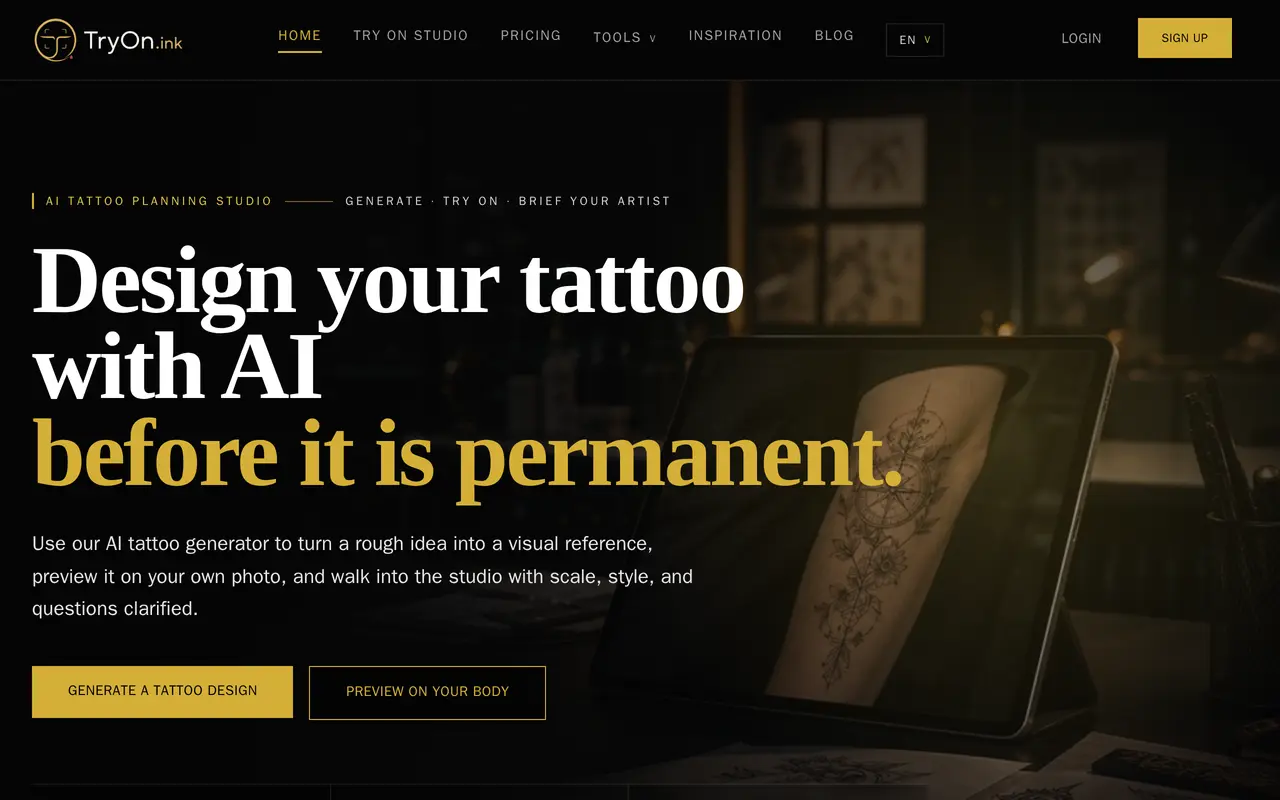
TryOn.ink is a web-based tattoo planning tool that generates design references and previews them on body photos. Users describe a subject, placement, style, and level of detail, or supply a reference image to turn into a tattoo concept. It supports more than 30 style directions, including blackwork, traditional, Japanese, realism, minimalist, and watercolor.
After generating a concept, users can compare its size, contrast, and placement on a clear photo of the intended body area. The cover-up simulator lets them upload existing ink and explore replacement designs. Refinements can change line clarity, contrast, color palettes, or silhouettes, while additional planning tools cover lettering, names, Roman numeral dates, size, and estimated tattoo costs.
The resulting images are planning references to discuss with a tattoo artist, rather than final stencils ready for application. New accounts receive one free credit for generation or refinement with the standard model. Paid subscriptions provide a premium image model, credit allowances, high-resolution references, a private saved gallery, and unlimited downloads. Each generation or refinement consumes one credit.
What can TryOn.ink do?
Text and image tattoo generation
Create tattoo concepts from written ideas or reference images, with control over style, placement, mood, and detail.
Body photo try-on
Preview designs on your own photos to compare size, placement, contrast, and how the artwork follows body contours.
Cover-up planning
Upload a photo of an existing tattoo and explore new designs before discussing options with an artist.
Credit-based refinements
Generate alternate versions with clearer lines, stronger contrast, different palettes, or simpler shapes.
Tattoo planning tools
Explore fonts, name designs, Roman numeral dates, size comparisons, and estimated tattoo costs.
Saved references and downloads
Paid plans include high-resolution references, a private design gallery, and unlimited downloads.
Who is TryOn.ink for?
- People planning tattoos
- Compare concepts, styles, and body placements before booking an appointment.
- People considering cover-ups
- Explore replacement concepts using a photo of existing ink.
- Tattoo artists and studios
- Create client briefs and explore multiple design directions using higher-volume subscriptions.
How much is TryOn.ink?
Official pricingStarter
$95.04/yr
Creator
$191.04/yr
Studio
$959.04/yr
Free plan: New accounts receive one free standard-model credit for a tattoo generation or refinement.
Frequently asked questions
Can I try TryOn.ink for free?
New accounts receive one free standard-model credit, enough for one tattoo generation or refinement.
How do credits work?
Each generation or refinement uses one credit. Monthly subscriptions renew credits monthly, while yearly subscriptions provide 12 months of credits upfront.
What is included in paid plans?
Paid plans use the premium image model and include high-resolution references, virtual try-on previews, customization tools, a private gallery, and unlimited downloads.
Can a tattoo artist use the generated design?
You can download a high-resolution reference to discuss with your artist. Virtual previews are planning aids, not final stencils; an artist should adapt the artwork for real skin.
What kind of photo should I upload?
Use a clear, well-lit photo with the intended skin area visible and unobstructed. Angled photos can help with curved placements such as shoulders, forearms, ribs, and calves.
Can I cancel my subscription?
You can cancel through your profile or customer portal to stop future renewals. Access continues through the paid billing period, and payments are generally non-refundable except where required by law.
TryOn.ink alternatives
Compare alternatives- 1
 AI Image EditorEdit photos with text prompts and generate images from text or reference images.
- 2
 AnyAIHubGenerate and edit images and create videos using multiple AI models.
- 3
 Boogu-Image-0.1Open-source models for text-to-image generation and instruction-based image editing.
- 4
 FLUXGenerate images, video, and audio through a browser playground or API.
- 5
 Get Img AIGenerate images and edit photos with text prompts across multiple AI models.
More AI Image Generators
See more
CapCut
AI Video Editors
Edit videos, generate visuals, and add AI captions, voiceovers, and audio cleanup.

OpenArt
AI Image Generators
Generate and edit AI images, videos, characters, music, and voiceovers in one workspace.

DeepAI
AI Image Generators
Generate images, videos and music, edit photos, and chat with AI in one platform.

Adobe Firefly
AI Image Generators
Generate and edit images, videos, and audio with AI.
Artlist
AI Video Generators
Generate and edit videos, images, voiceovers, music, and 3D assets in one workspace.

Fotor
AI Photo Editors
Edit and enhance photos, generate images, and create designs with AI tools.